Originaldokument
GPT Image 2 · en
Scene:
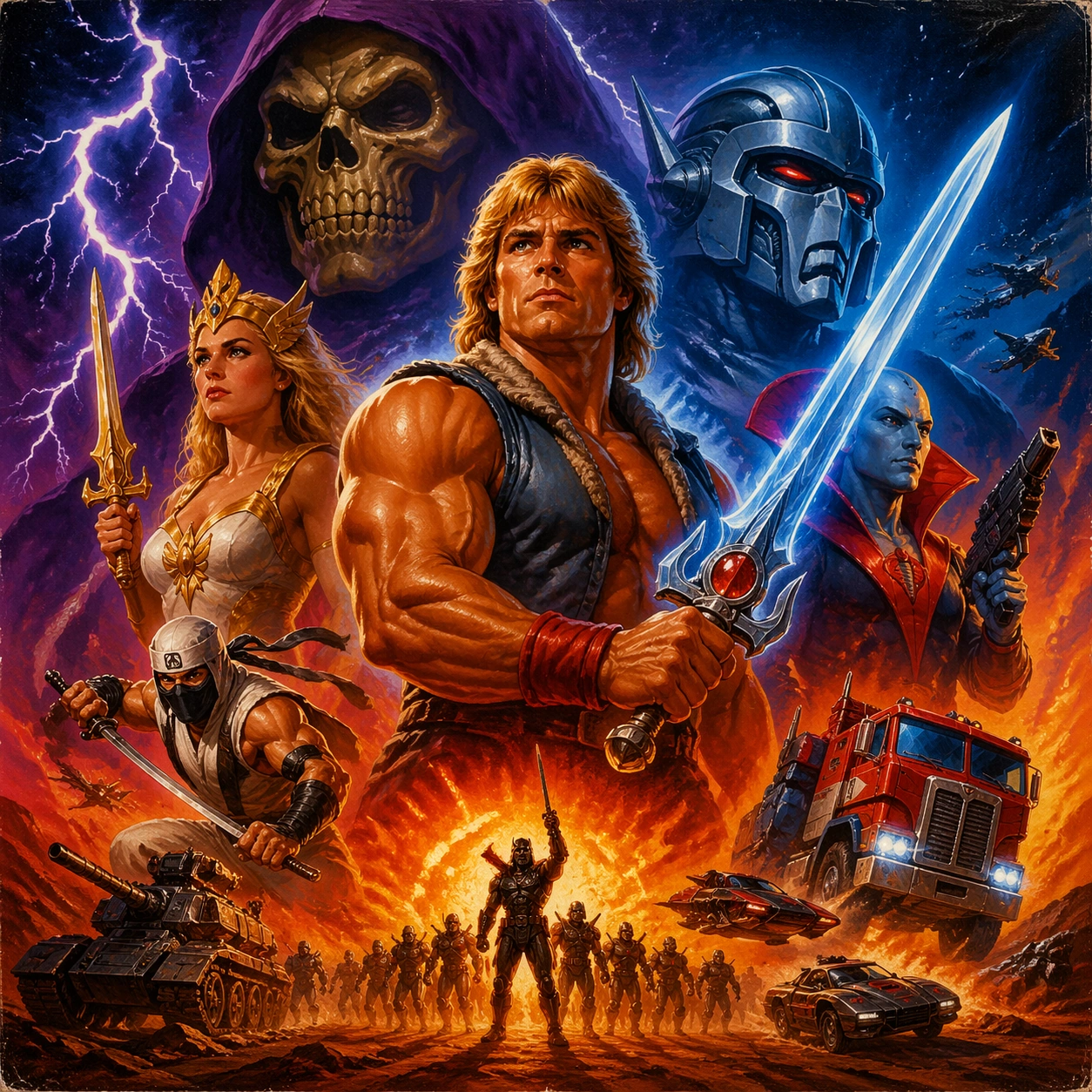
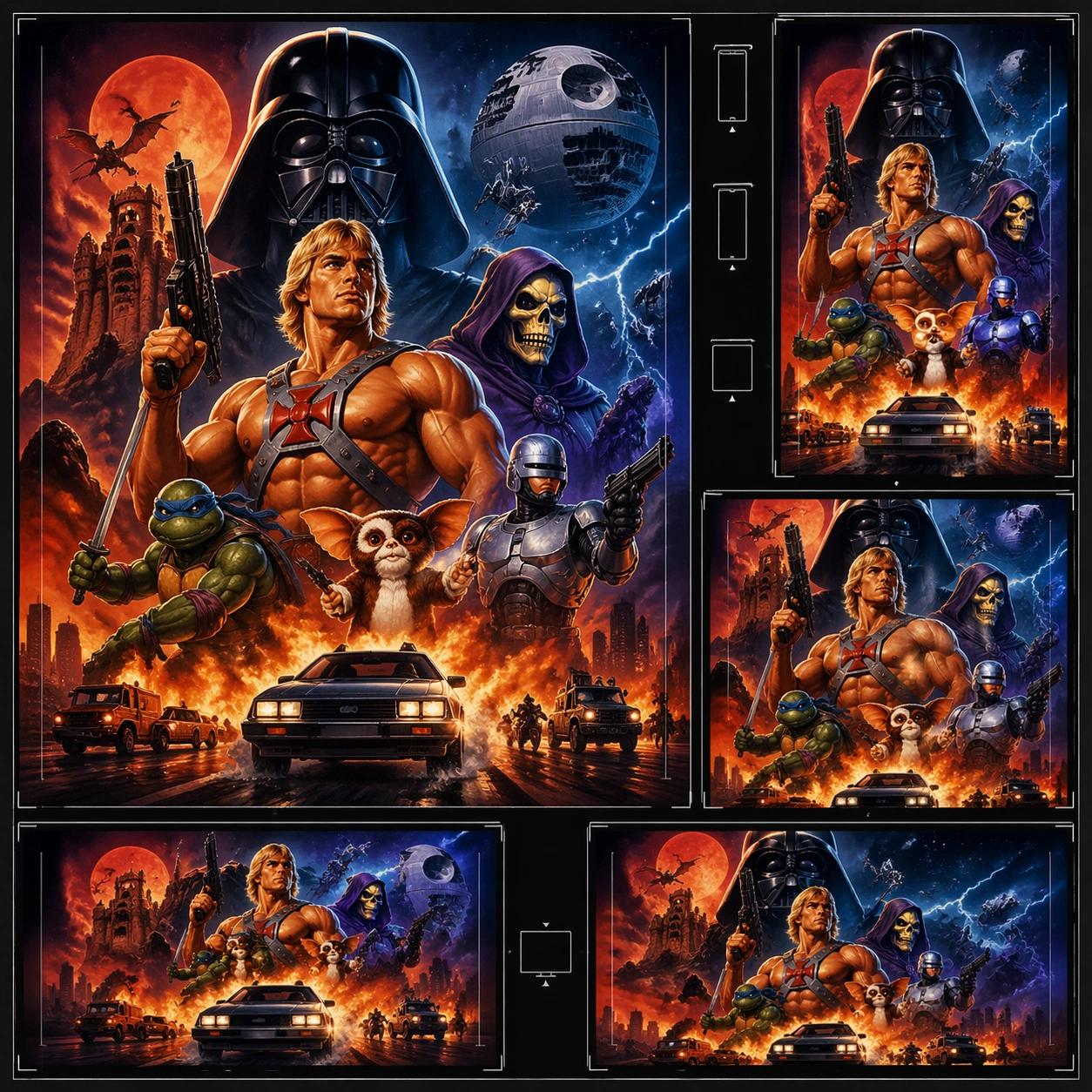
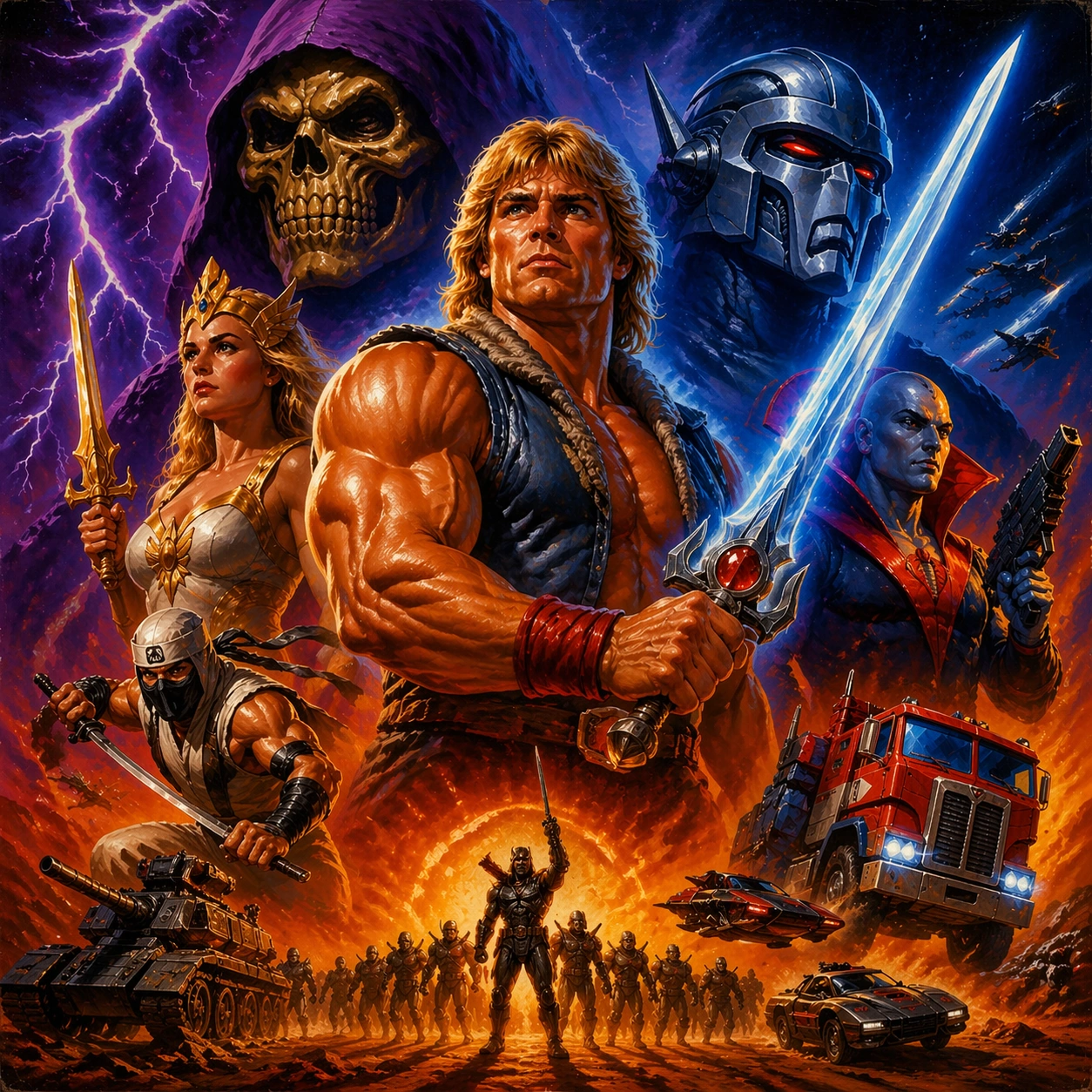
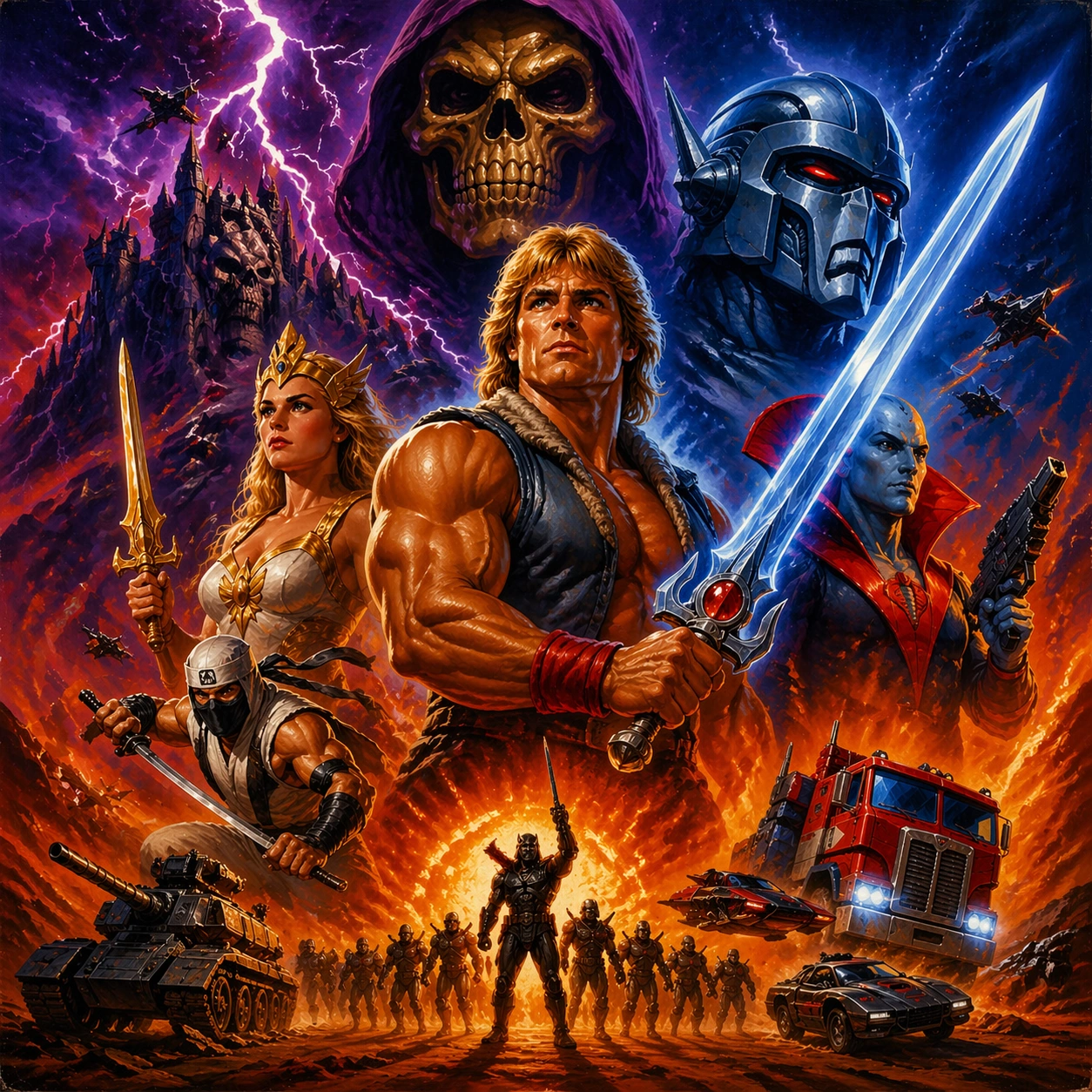
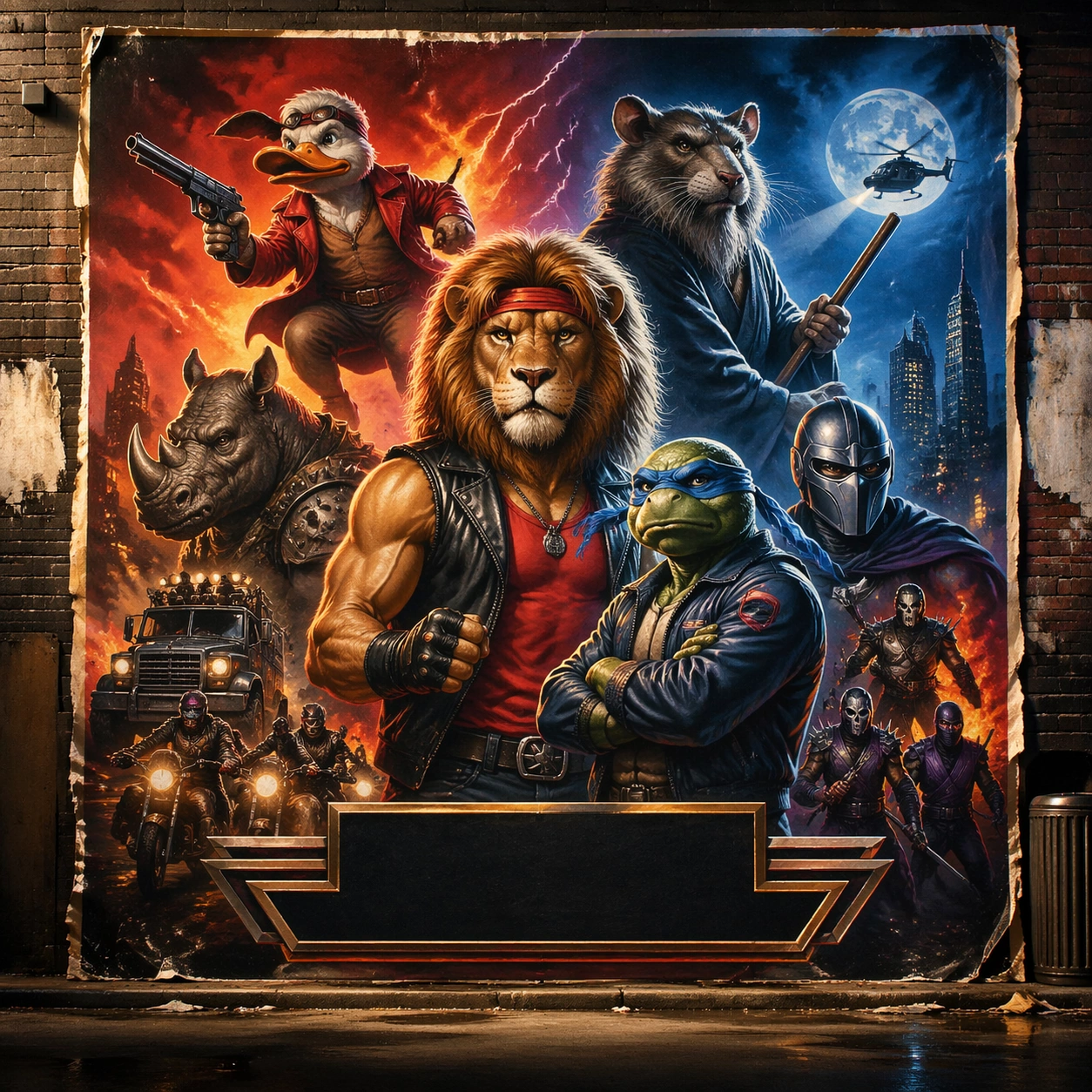
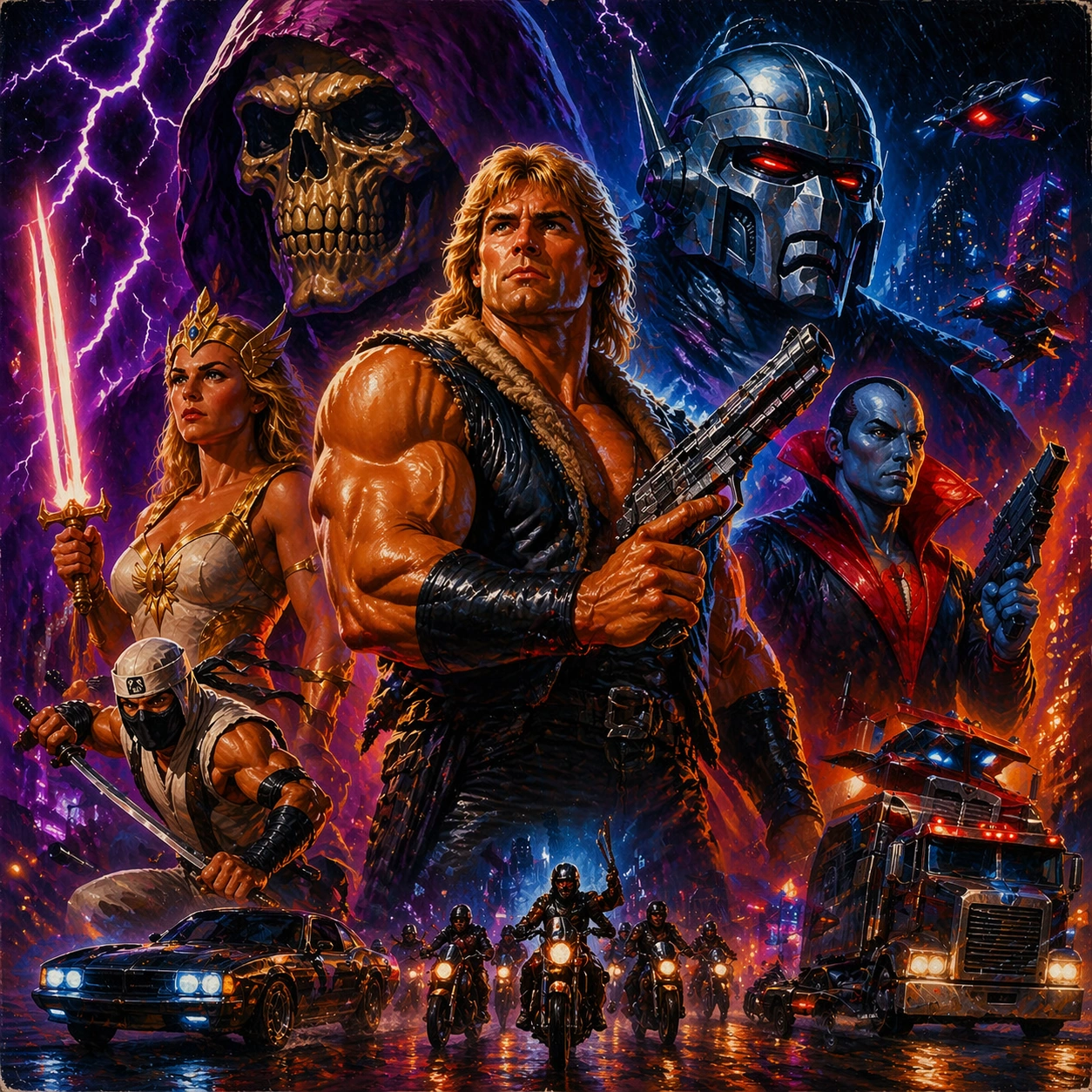
A square entertainment marketing key visual for Retro Blockbuster Character Swap, designed like a polished campaign asset ready for posters, covers, feeds, or street placement. The composition should have immediate impact from a distance while still carrying layered detail up close. Keep the lighting dramatic, the hierarchy bold, and the framing tight enough to feel like real promotional art instead of a casual illustration.

Subject:
Center the piece on Genre Pivot, a frame that keeps the hierarchy but bends color, props, and supporting scenes toward a different subgenre. Translate Recreate painted blockbuster poster language from the 1980s and 1990s with alternate IP casts, preserving airbrushed energy, montage structure, and theatrical hype. into a concrete campaign image with clear protagonist hierarchy, supporting world-building cues, and unmistakable promotional intent. The viewer should understand the genre, the ensemble relationships, and the commercial purpose at a glance without relying on readable text or existing brand marks.

Important details:
The challenge is disciplined hype. Preserve focal hierarchy, readable silhouette separation, strong foreground-background layering, and a convincing balance between character energy and structured layout. This theme studies style-transfer, structured-layout, commercial-mockup, reasoning-composition through a production-ready visual system. Even if typography is unreadable, space for title blocks, badges, or platform framing should feel intentionally designed. Aim for clear hierarchy, polished craft, and immediately usable campaign logic.

Use case:
Retro Blockbuster Character Swap series study 3/4.

Constraints:
No readable text, no watermark, no logos, preserve exact 1:1 aspect ratio, no broken anatomy, no unreadable hierarchy collapse, no muddy montage, no accidental real movie logos, no random filler characters, no off-topic props.
Verwendung
- Den vollständigen Original-Prompt einschließlich Parametern kopieren.
- Motiv, Text und Komposition an die eigenen Anforderungen anpassen.
- Ein kompatibles externes Werkzeug nutzen; Zugangsbedingungen und Ergebnis prüfen.
Vor dem Start
- Prüfen, ob ein Referenzbild nötig ist. Kompatibilität belegt nicht das tatsächlich verwendete Modell.
- Namen, Zahlen und Bildtexte prüfen; Modellversionen können andere Ergebnisse liefern.