Originaldokument
GPT Image 2 · en
Scene:
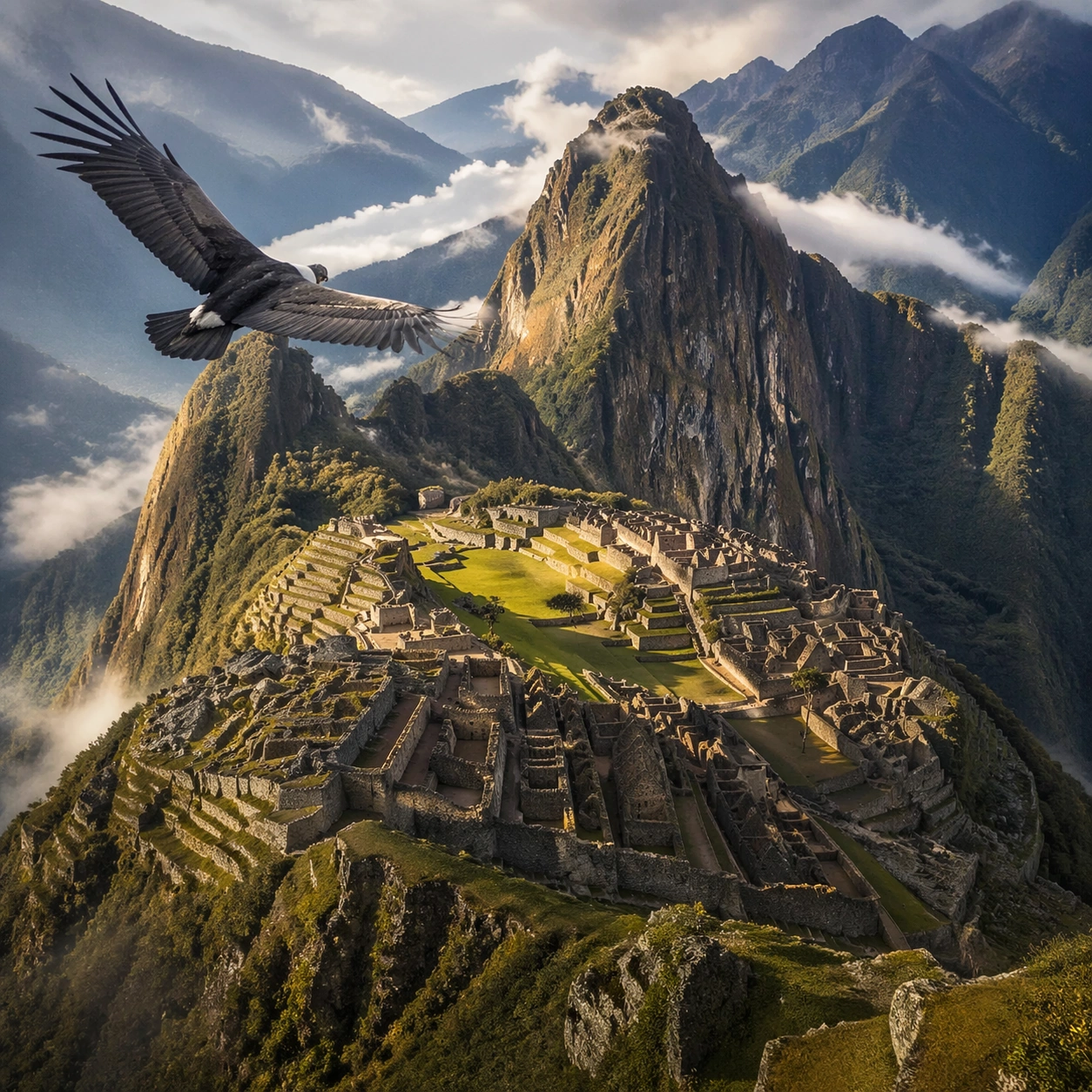
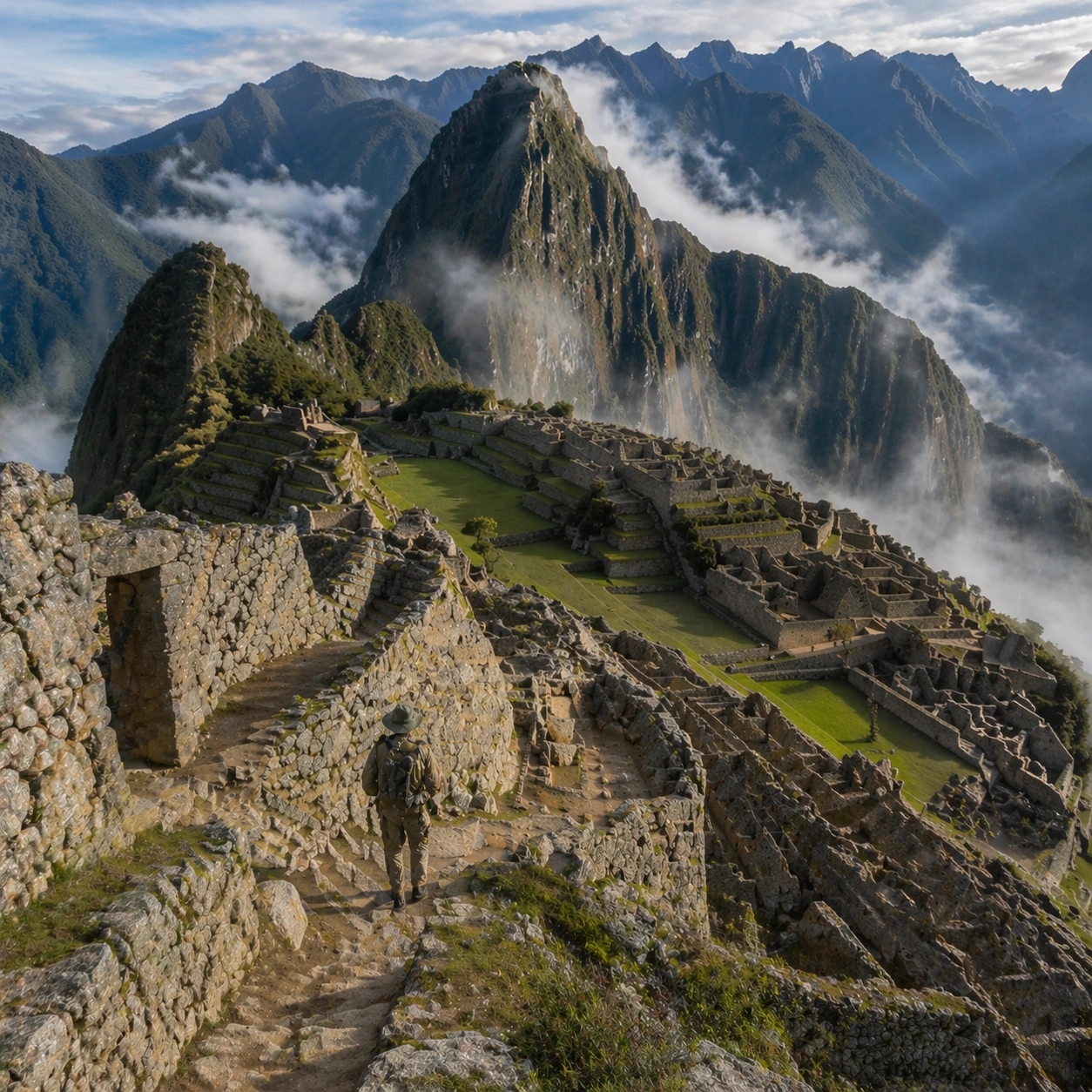
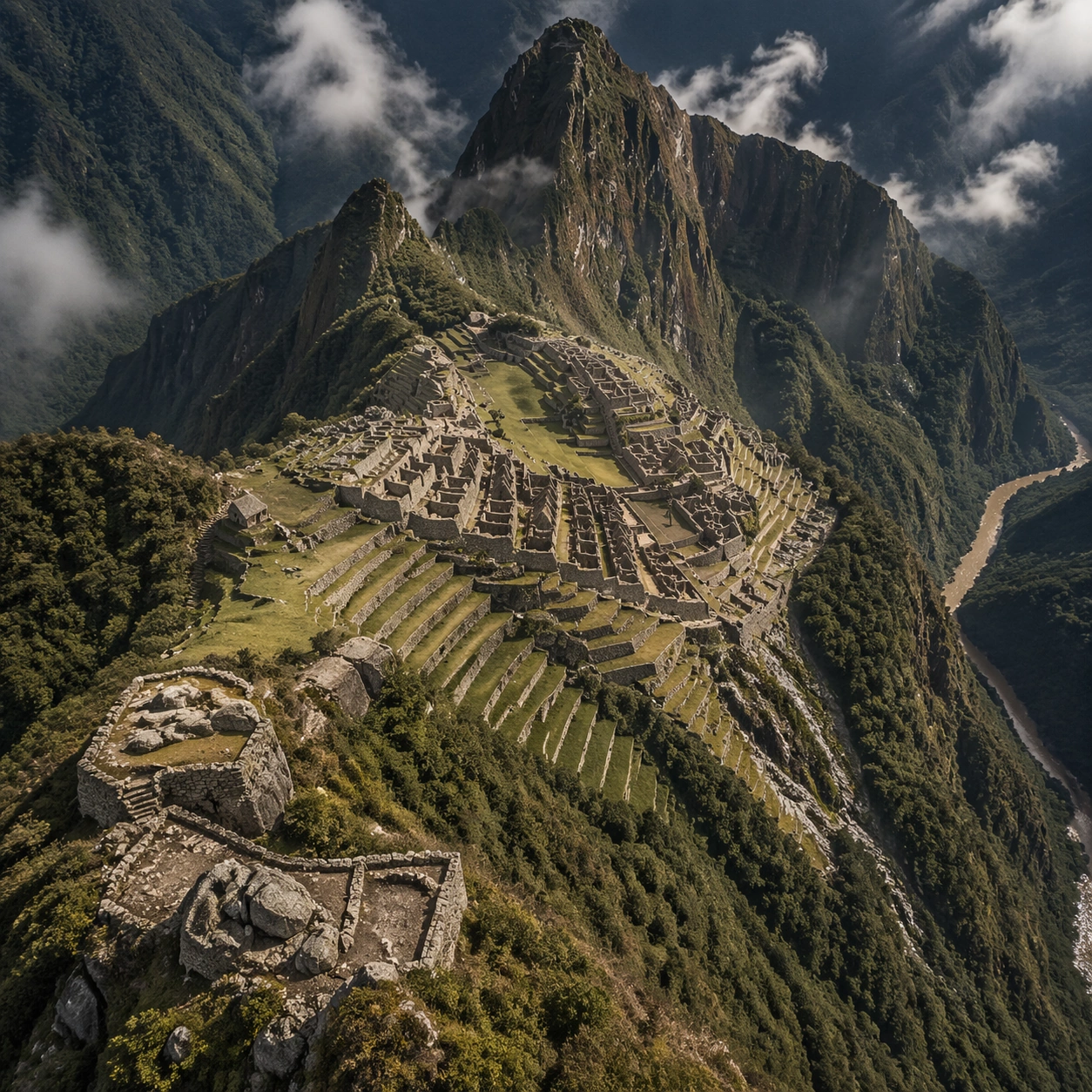
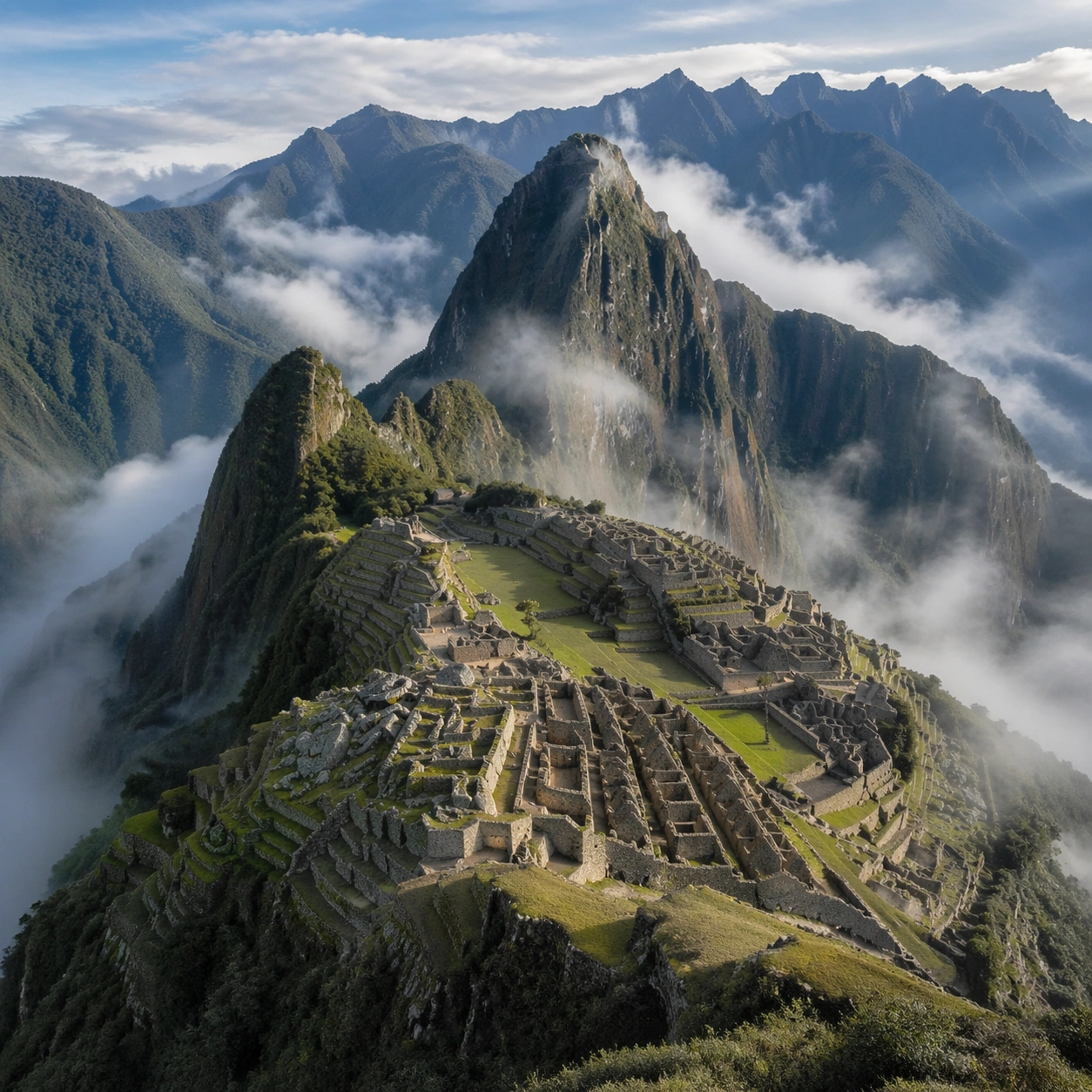
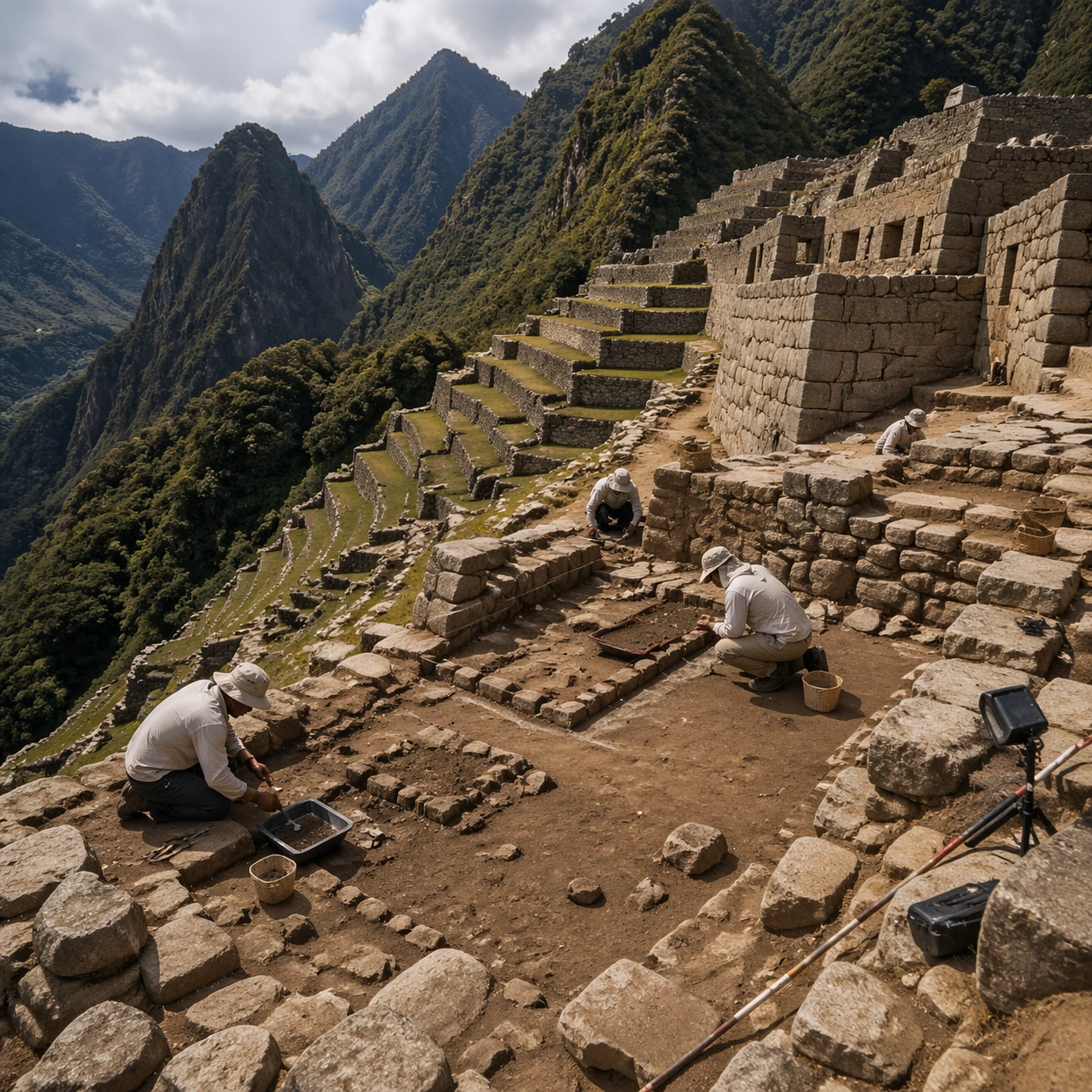
A square independent archaeology study composed from a slightly elevated fieldwork viewpoint. Use balanced natural light, crisp evidence hierarchy, and practical site organization so the image feels publishable in a museum report and still visually strong enough for a gallery wall. The frame should explain where excavation is happening without relying on readable markers or diagrams.

Subject:
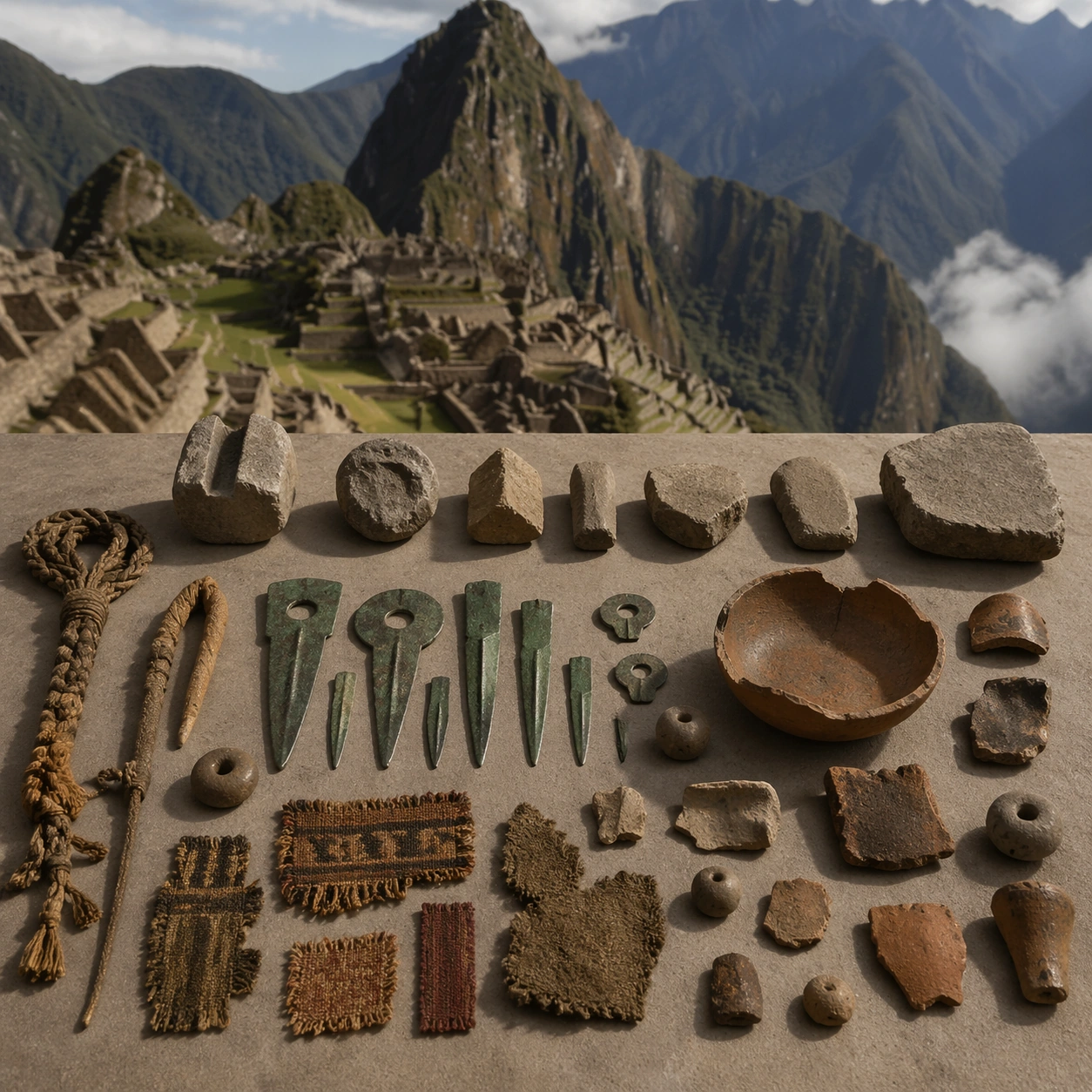
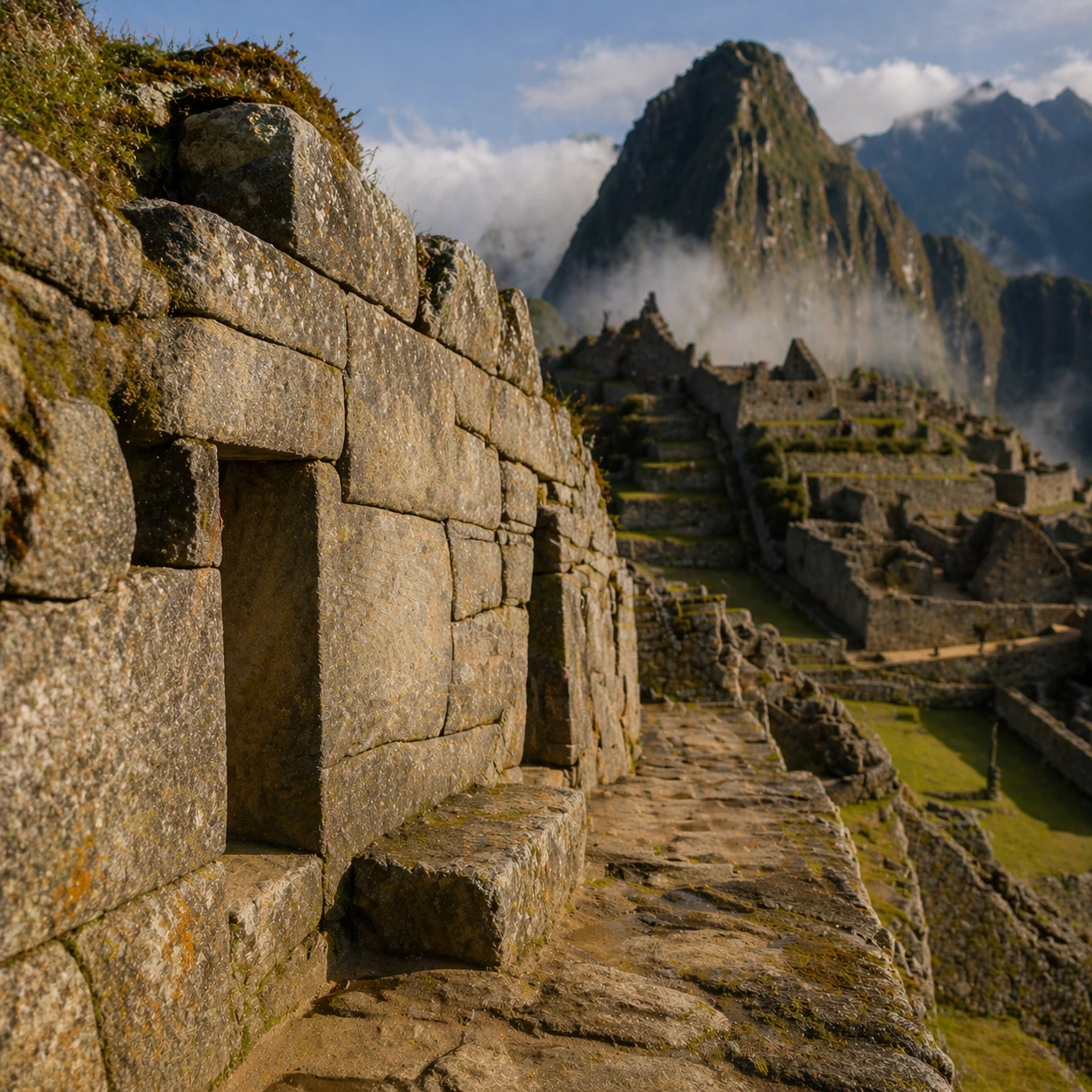
Show a high terrace fieldwork view with measured stone sectors, path edges, and researchers recording agricultural and ceremonial relationships across the site. Include grounded human traces such as ladders, trays, brushes, baskets, light rigs, or measuring tools only when they support archaeological realism and remain visually secondary. The site should stay culturally specific, with architecture, surface treatment, sediment, and environmental context all belonging to the correct civilization rather than a generic dig.

Important details:
Keep the site unmistakably Inca, with exact terrace cadence, dry-stone precision, mountain topography, and sacred urban ordering that follows the ridge instead of flattening into a generic hilltop ruin. Prioritize evidence relationships: exposed layers, cleaned edges, protected surfaces, loose fragments, and transitions between buried and revealed material. Let color, wear, and composition explain what has just been uncovered. The image must feel methodical rather than adventurous. Keep any site tags, notes, or markers abstract and unreadable. Avoid sensational treasure imagery and keep the atmosphere scholarly, patient, and materially convincing.

Use case:
Inca Machu Picchu Condor View single study 5/9.

Constraints:
No readable text, no watermark, no logos, preserve exact 1:1 aspect ratio, no fantasy floating islands, no helicopters, no modern handrails, no sci-fi structures, no treasure-chest clichés, no action-movie posing, no arbitrary props, no infographic overlay.
Verwendung
- Den vollständigen Original-Prompt einschließlich Parametern kopieren.
- Motiv, Text und Komposition an die eigenen Anforderungen anpassen.
- Ein kompatibles externes Werkzeug nutzen; Zugangsbedingungen und Ergebnis prüfen.
Vor dem Start
- Prüfen, ob ein Referenzbild nötig ist. Kompatibilität belegt nicht das tatsächlich verwendete Modell.
- Namen, Zahlen und Bildtexte prüfen; Modellversionen können andere Ergebnisse liefern.