Originaldokument
GPT Image 2 · zh
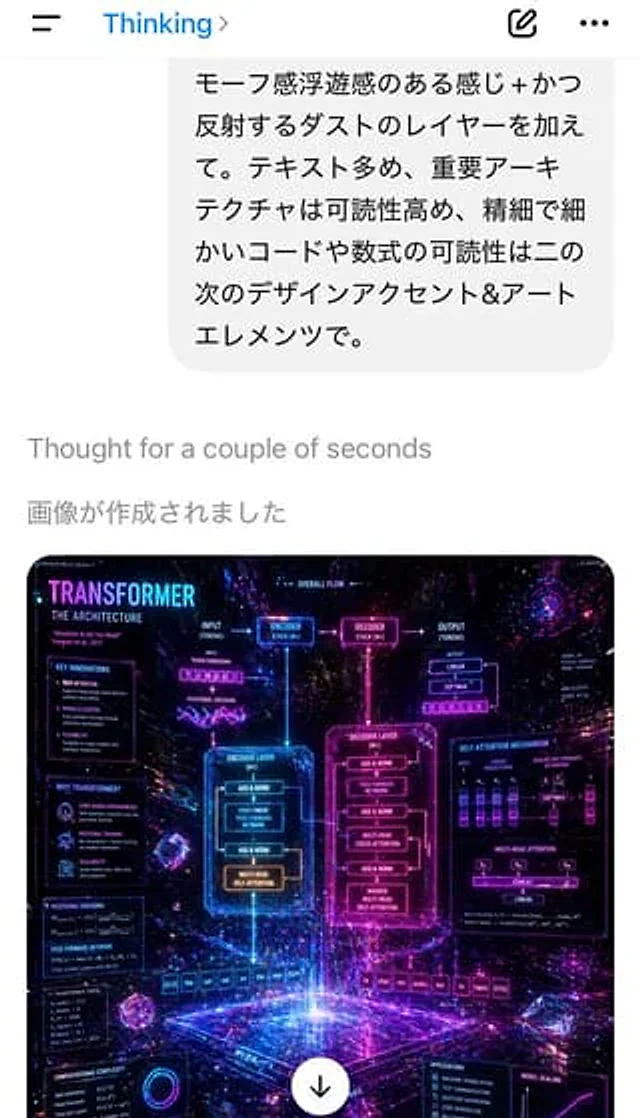
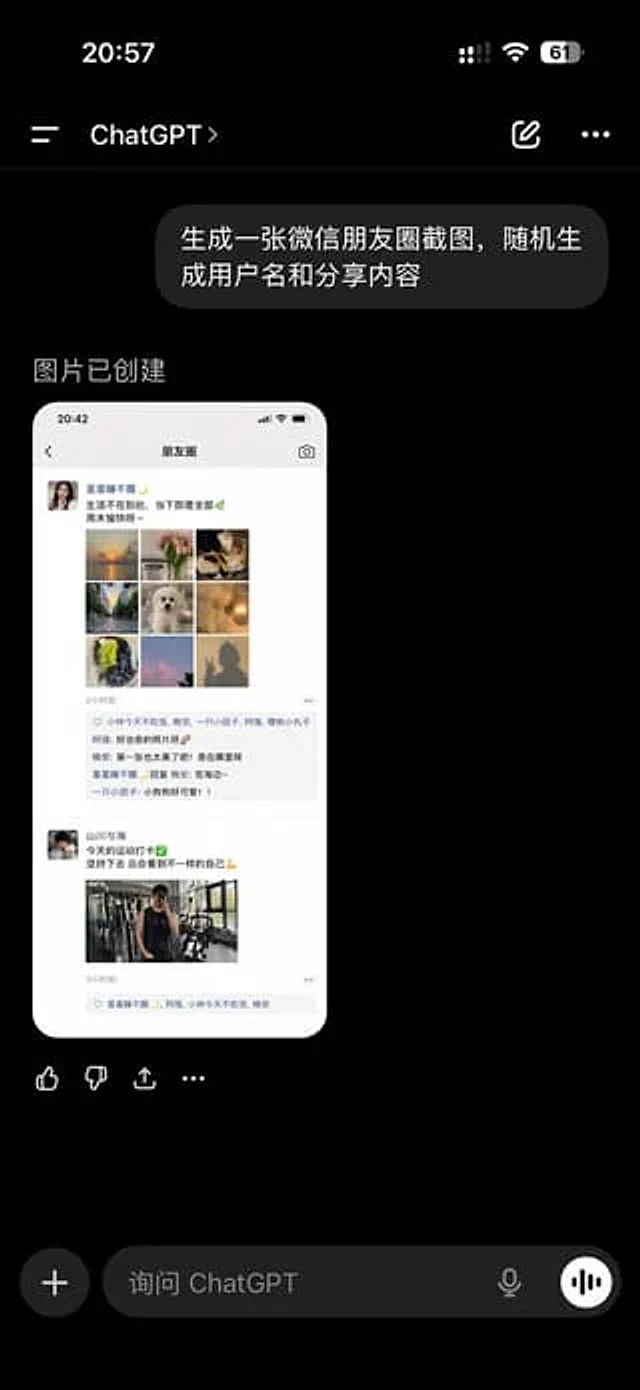
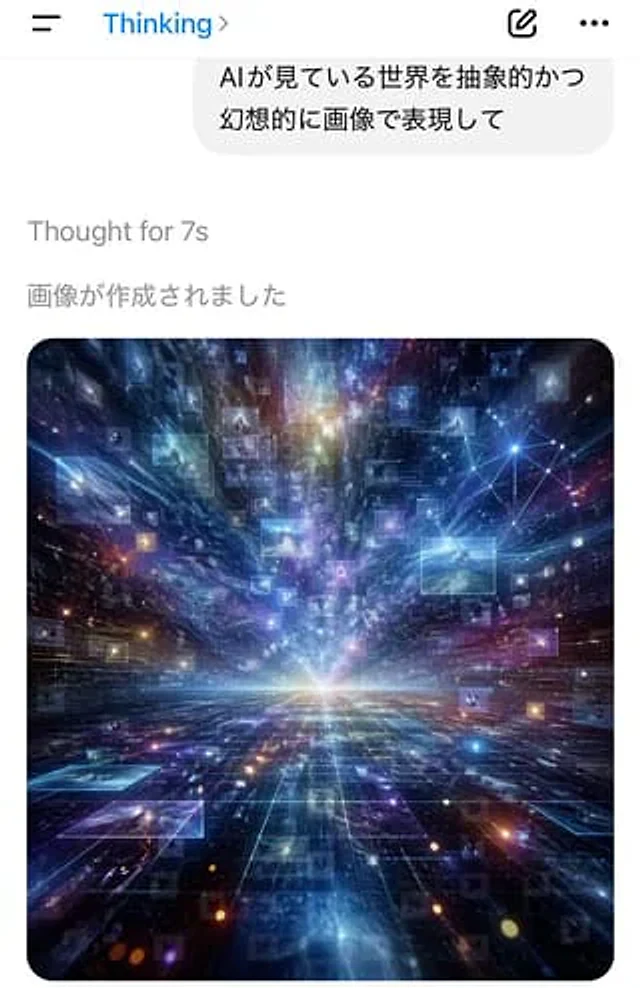
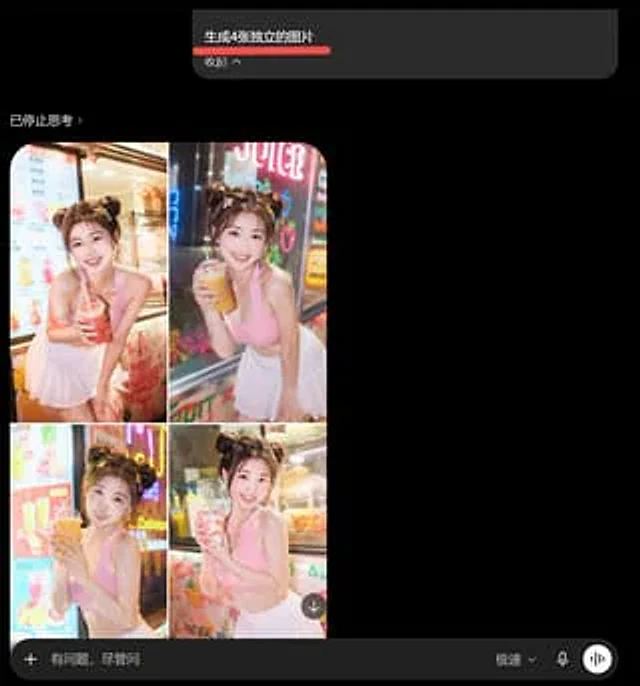
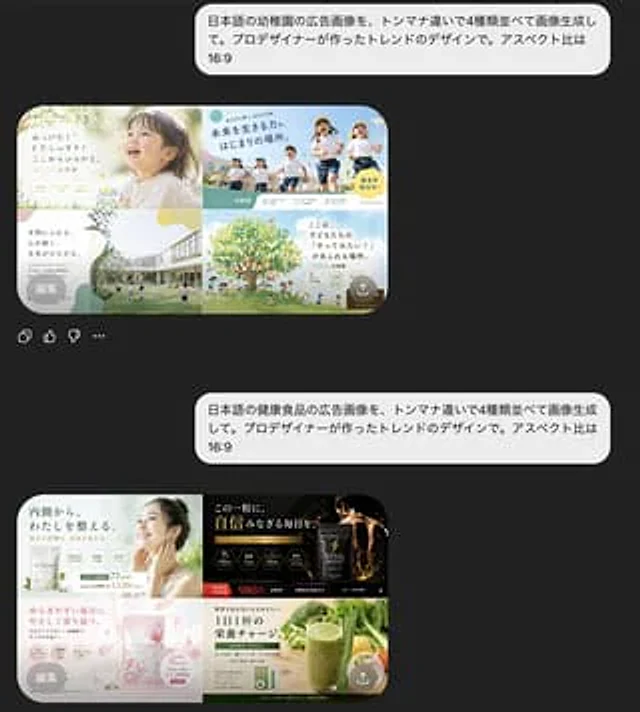
A screenshot of a mobile chat interface in dark mode shows the interaction results of two separate Japanese prompts and AI-generated ad designs. The background is almost black. Two large, rounded light gray chat bubbles are aligned on the right, each containing Japanese text. The first bubble reads: “日本語の幼稚園の広告影像を、トンマナ违いで4種并べて影像生して。プロデザイナーが作ったトレンドのデザインで。アスペクト比は16:9”. Below is a preview of the generated image, a rounded rectangle, showcasing a 2x2 kindergarten ad variation in soft pastel tones. The top-left panel displays a bright and airy advertisement, with a close-up of a toddler's profile on the right, soft sunlight, cream and light green tones, a handwritten Japanese headline on the left, and small circular badges and floral decorations at the bottom. The top-right panel displays a vibrant outdoor advertisement with four children running under a blue sky, a striking Japanese headline, cyan and yellow graphic decorations, and a yellow circular marker. The bottom-left panel shows a modern kindergarten campus with lawns and children playing, a large white bubble-shaped text area on the left, and soft green-beige abstract shapes. The bottom-right panel shows an illustrated large green tree with children and parents beneath it, a sky-blue background, warm family-oriented Japanese text, and soft circular decorative shapes. A small gray circular overlay button labeled "Edit" is added to the bottom left of this preview, and a semi-transparent small circular upload/share icon is added to the bottom right. Below this first preview are four small interface icons side-by-side: copy, like, dislike, and more options. The bottom of the screen displays a second right-aligned light gray chat bubble with the text: "Generate images of Japanese health food advertisements, 4 types combined. The advertisement was created by a designer. The ratio is 16:9." Below this is a preview of the generated image for the second rounded rectangle, showcasing a 2x2 health food advertisement variant. The top left panel displays a simple health advertisement in white and light green, featuring a woman's hand touching her neck, a Japanese headline about inner balance, multiple circular benefit icons, and price text. The top right panel displays a high-end supplement advertisement in black and gold, with dark packaging, glowing gold particles, luxurious serif Japanese text, and a striking red-orange price tag of 980 yen. The bottom left panel displays a soft pink advertisement for a beauty supplement with translucent floral or crystalline textures, pastel packaging, delicate Japanese text, a circular information badge, and a feminine cosmetic style. The bottom right panel displays an advertisement for natural green juice, accompanied by a tall green smoothie against a background of fresh vegetables, a green and white product box, concise Japanese health text, and a yellow circular label. In this second preview, add a small gray circular overlay button labeled "Edit" to the bottom left and a small translucent circular upload/share icon to the bottom right. The overall image should resemble a realistic screenshot of an AI-generated image-based chat app, with ample spacing between conversations, rounded corners, clear Japanese typography, and a high-end, modern UI.Verwendung
- Den vollständigen Original-Prompt einschließlich Parametern kopieren.
- Motiv, Text und Komposition an die eigenen Anforderungen anpassen.
- Ein kompatibles externes Werkzeug nutzen; Zugangsbedingungen und Ergebnis prüfen.
Vor dem Start
- Prüfen, ob ein Referenzbild nötig ist. Kompatibilität belegt nicht das tatsächlich verwendete Modell.
- Namen, Zahlen und Bildtexte prüfen; Modellversionen können andere Ergebnisse liefern.