Originaldokument
GPT Image 2 · en
Scene:
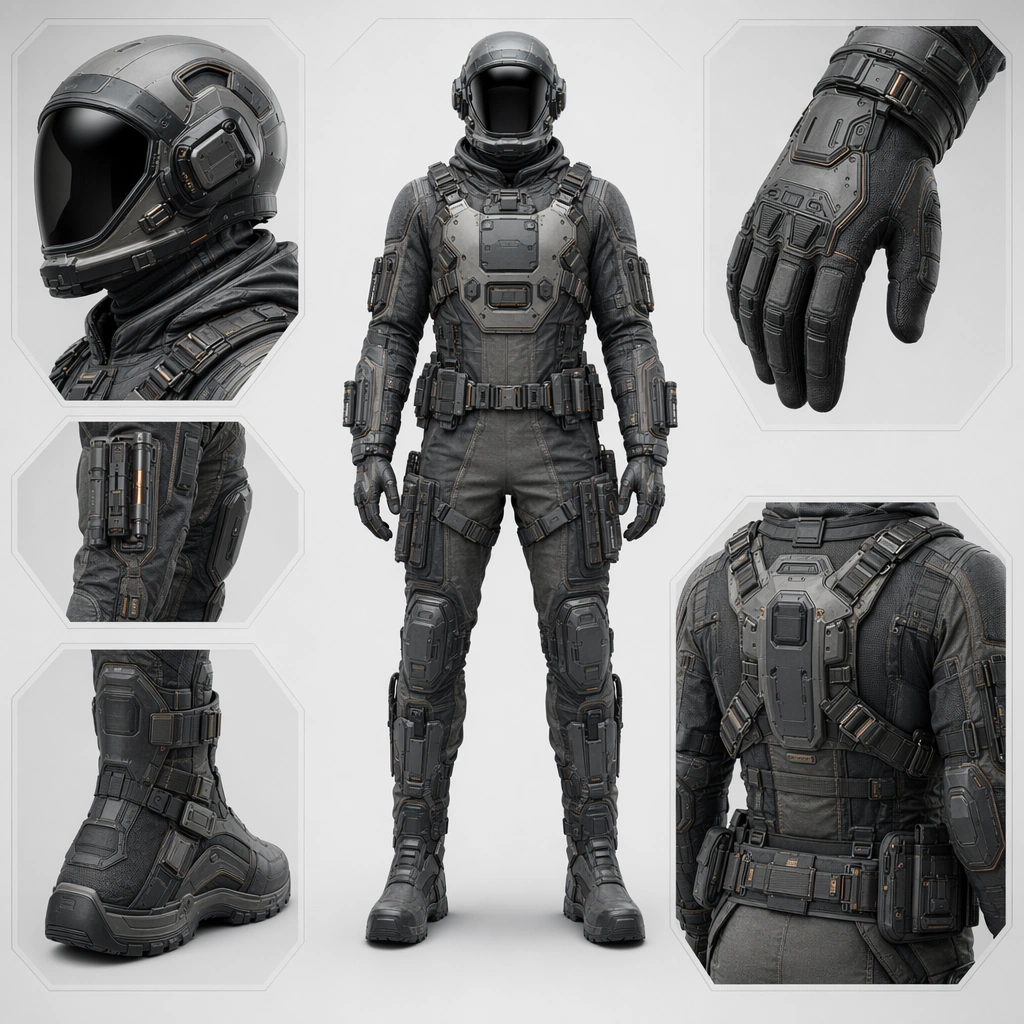
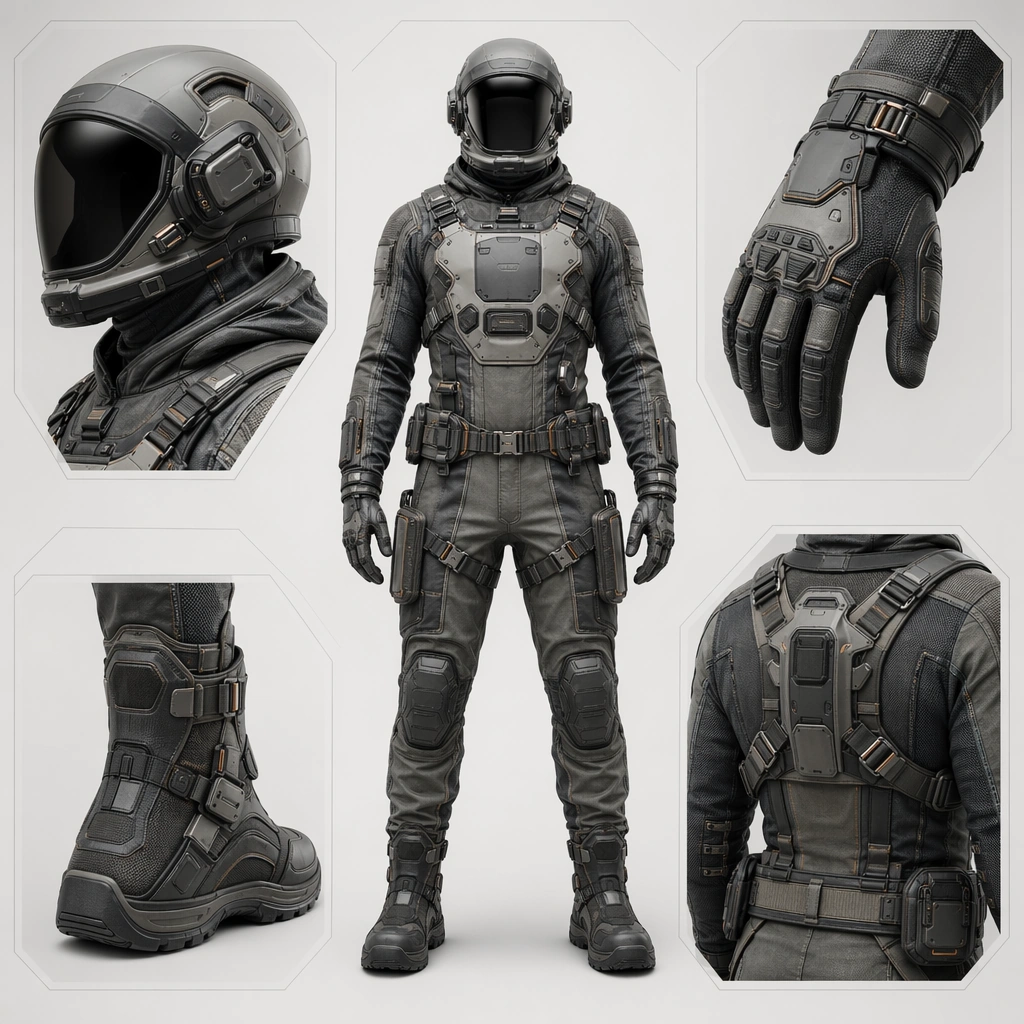
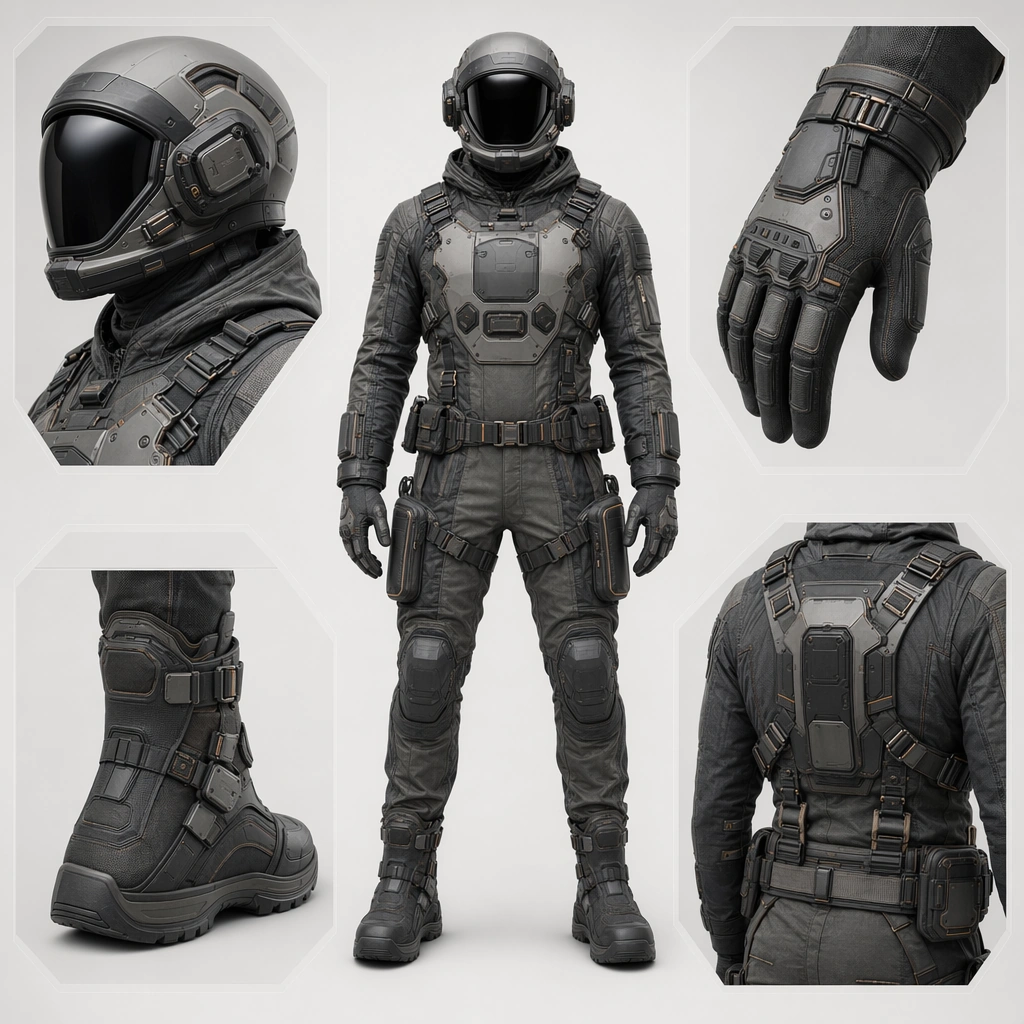
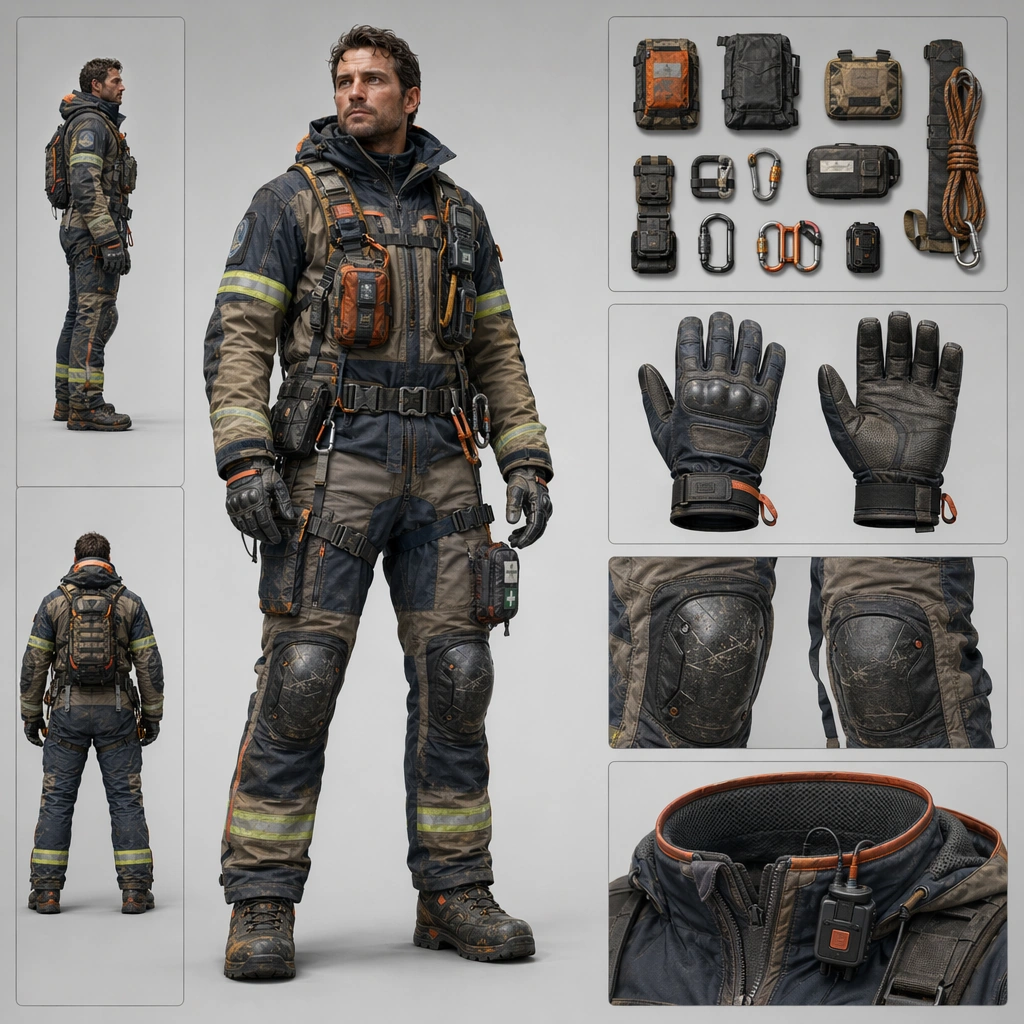
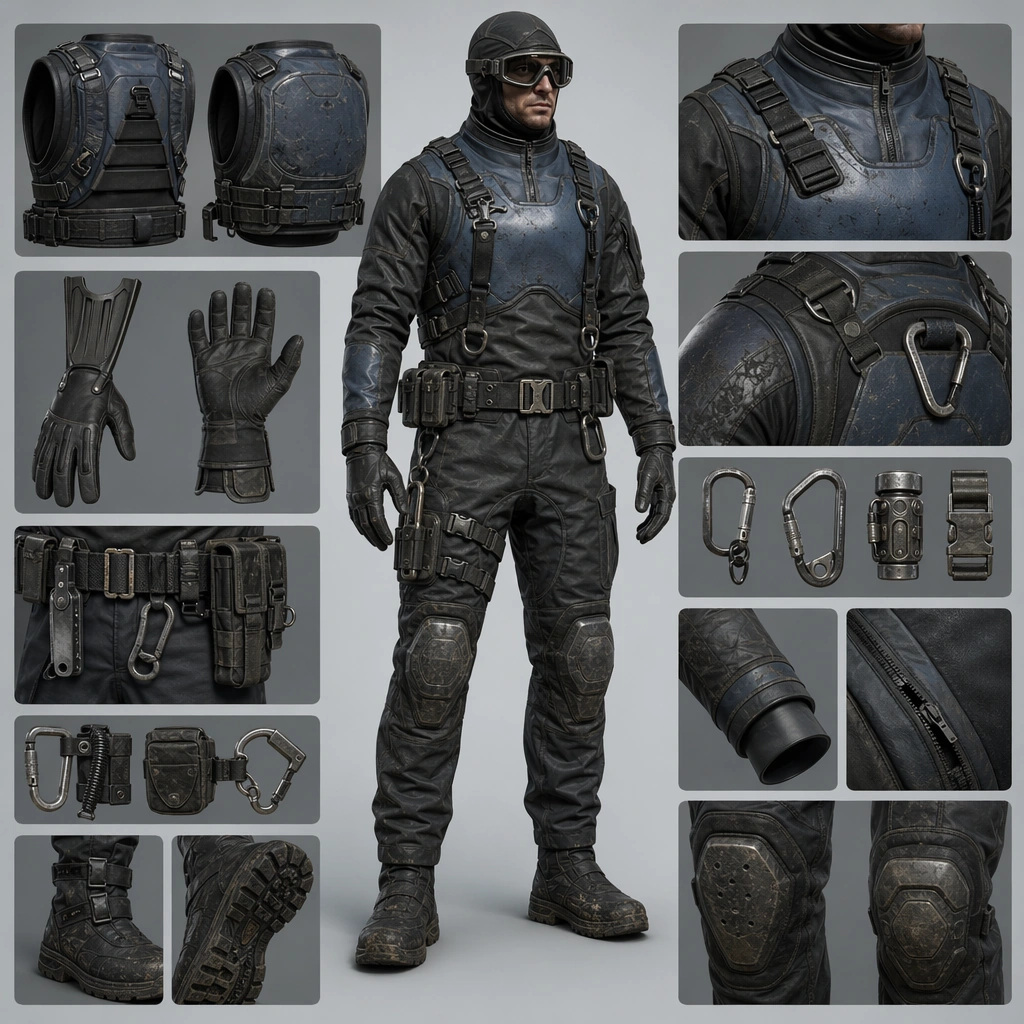
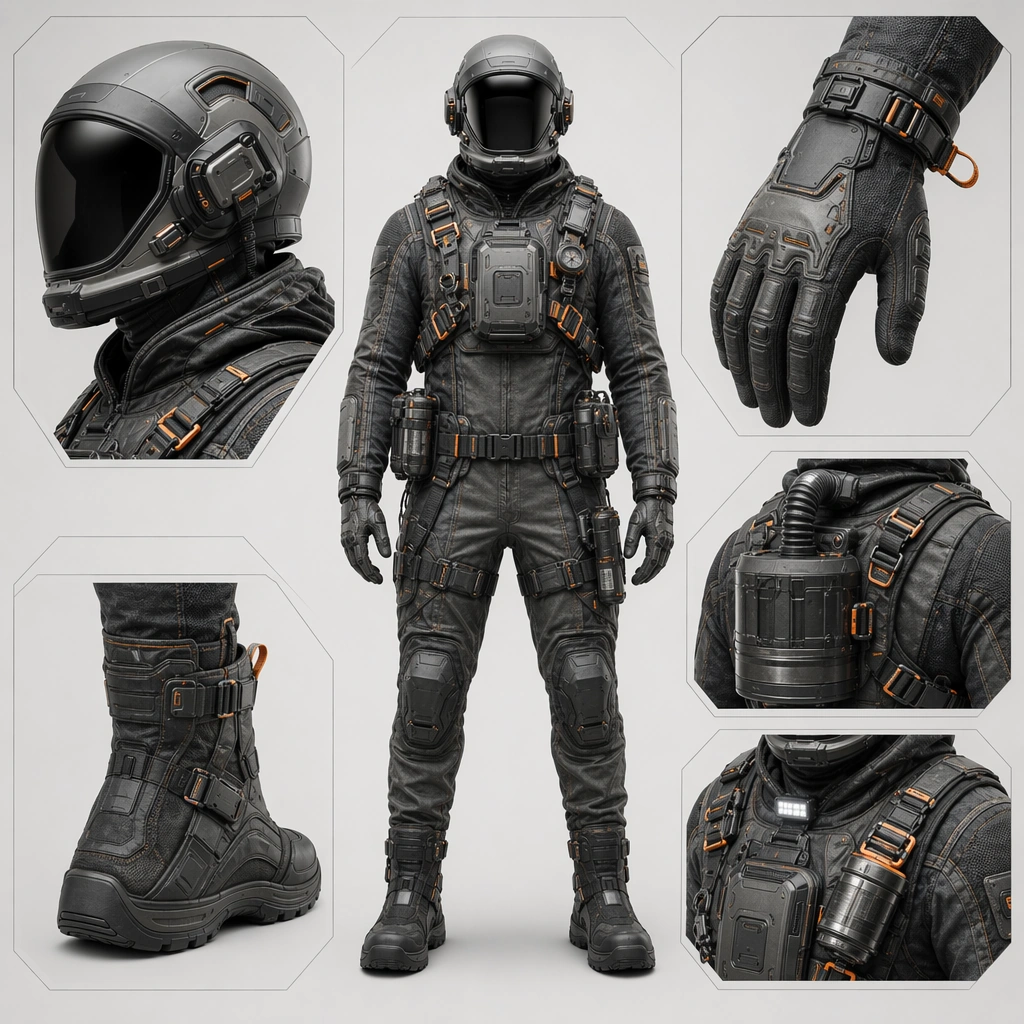
Create a square product-board image for a future wearable system, balancing full-body presentation, material close-ups, and family-level design coherence. The lighting should feel commercial and physical, revealing fabric, shell, seals, and hardware clearly without flattening the subject. Use a controlled studio or minimal contextual environment that supports readability. Retain the same presentation style while introducing filter modules, quick-release harnessing, and contamination-management details under crisp commercial light.

Subject:
Center the image on one coherent suitline: helmet, torso shell, seam system, gloves, boots, harness points, and modular attachments should all read as parts of one product family. The wearer can appear neutral and upright, but the real protagonist is the design system and its task identity. Keep the base helmet and seam family intact while emphasizing emergency function, visibility accents, and rapid-deploy accessories.

Important details:
Treat the board as a commercial concept surface. Materials, fastening logic, body protection, comfort cues, and accessory placement must all feel intentional. The suite should look ready for campaign imagery, product family boards, or advanced apparel concept work rather than as a costume illustration. Hazard readiness must feel credible and product-like, not militarized or theatrical. Preserve the exact structural language established by the reference image, especially the helmet profile, seam architecture, fastening language, and modular accessory family.

Use case:
Suitline System series study 3/4, designed as a reusable core-system image for this topic.

Constraints:
No readable text, no watermark, no logos, preserve exact 1:1 aspect ratio, no superhero spandex cues, no military insignia, no readable labels, no impossible body proportions, no tactical commando styling.
Verwendung
- Den vollständigen Original-Prompt einschließlich Parametern kopieren.
- Motiv, Text und Komposition an die eigenen Anforderungen anpassen.
- Ein kompatibles externes Werkzeug nutzen; Zugangsbedingungen und Ergebnis prüfen.
Vor dem Start
- Prüfen, ob ein Referenzbild nötig ist. Kompatibilität belegt nicht das tatsächlich verwendete Modell.
- Namen, Zahlen und Bildtexte prüfen; Modellversionen können andere Ergebnisse liefern.