Originaldokument
GPT Image 2 · en
Scene:
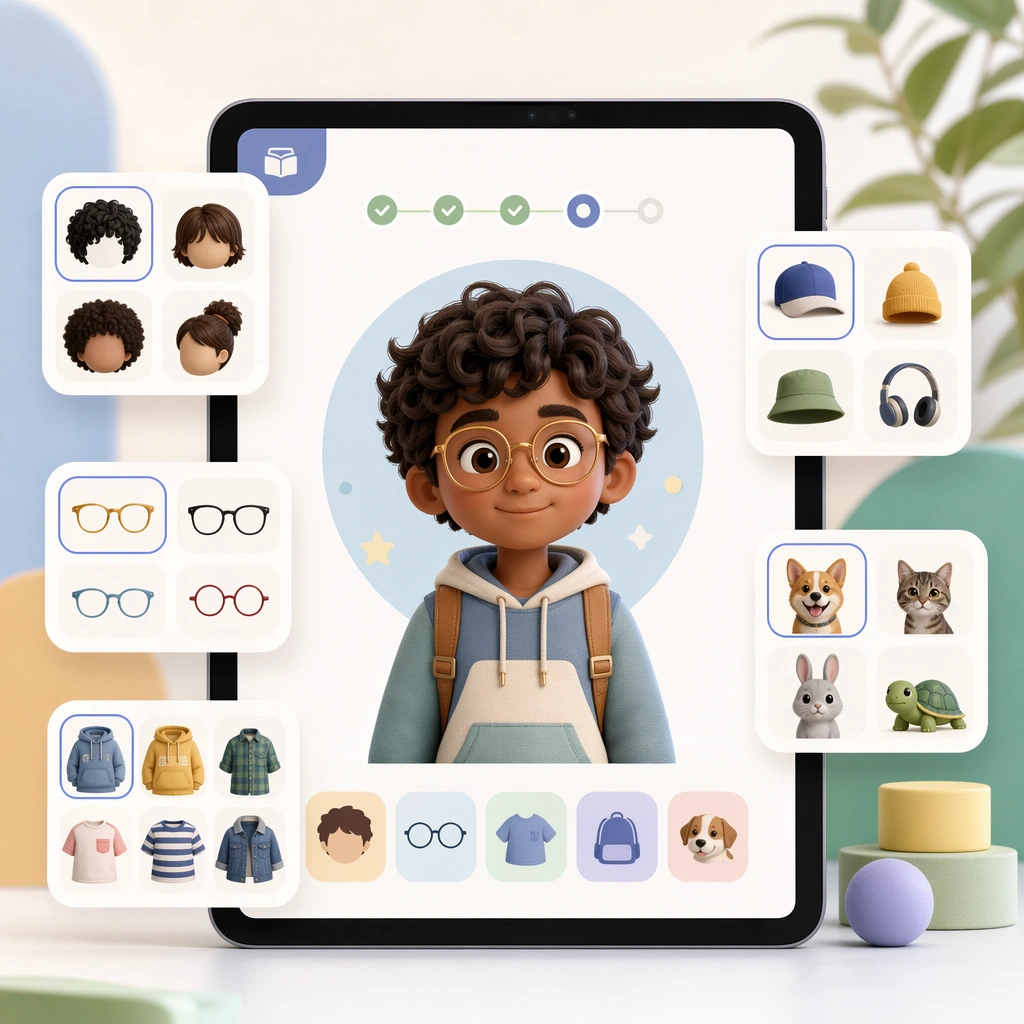
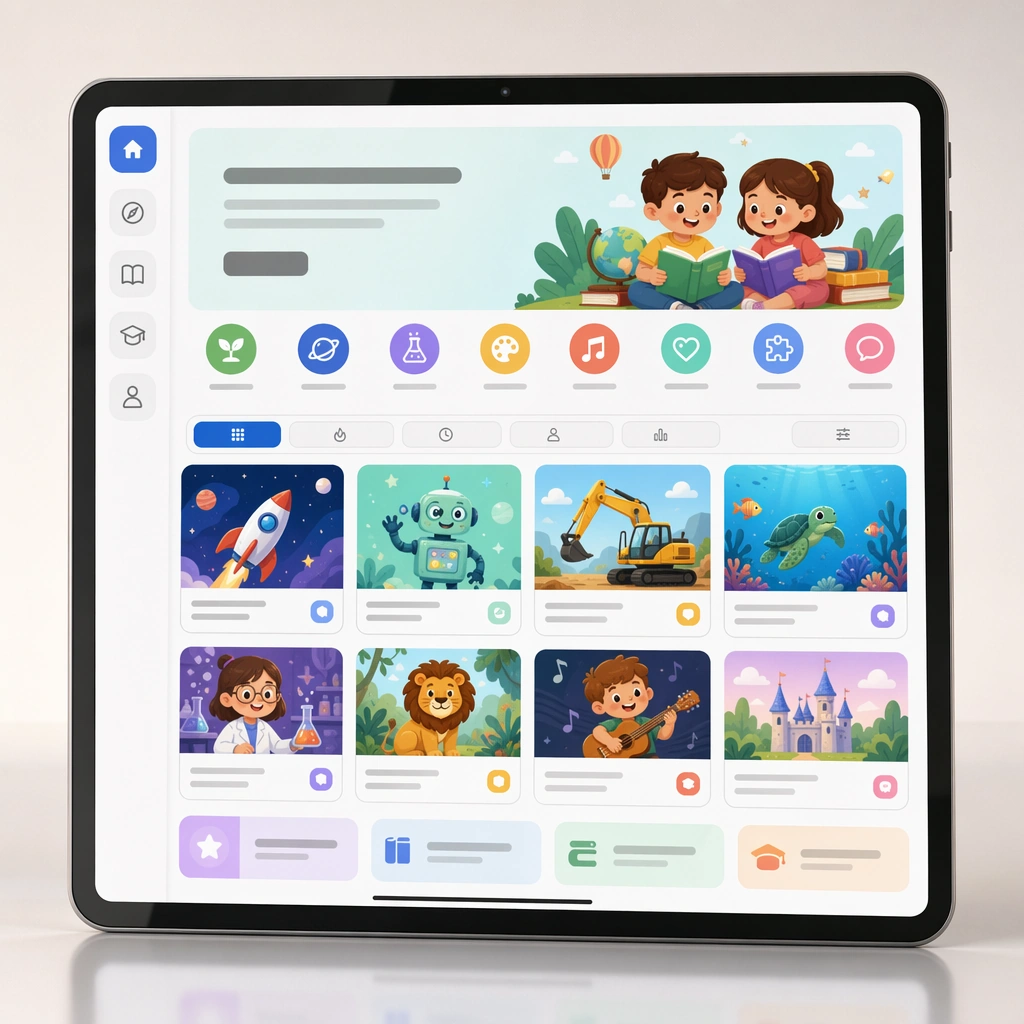
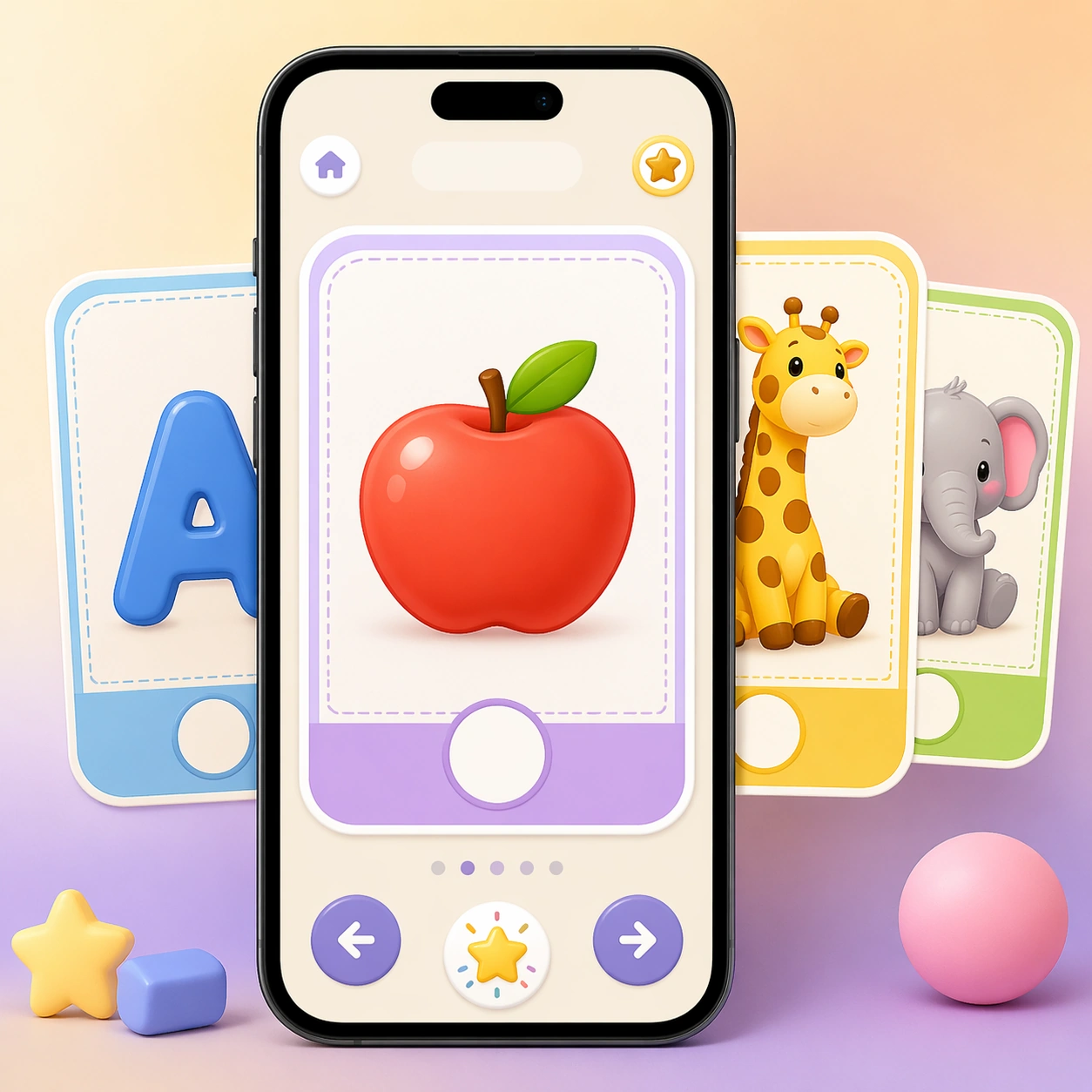
Design a square app-preview composition featuring a smartphone on a soft gradient background, viewed straight-on with subtle depth and polished device lighting. The overall image should look like a premium education-app marketing tile, pairing crisp interface cards with a cheerful but restrained preschool palette. Keep the square frame balanced, calm, and production-ready so the asset can serve gallery review, research comparison, and real educational delivery at the same time.

Subject:
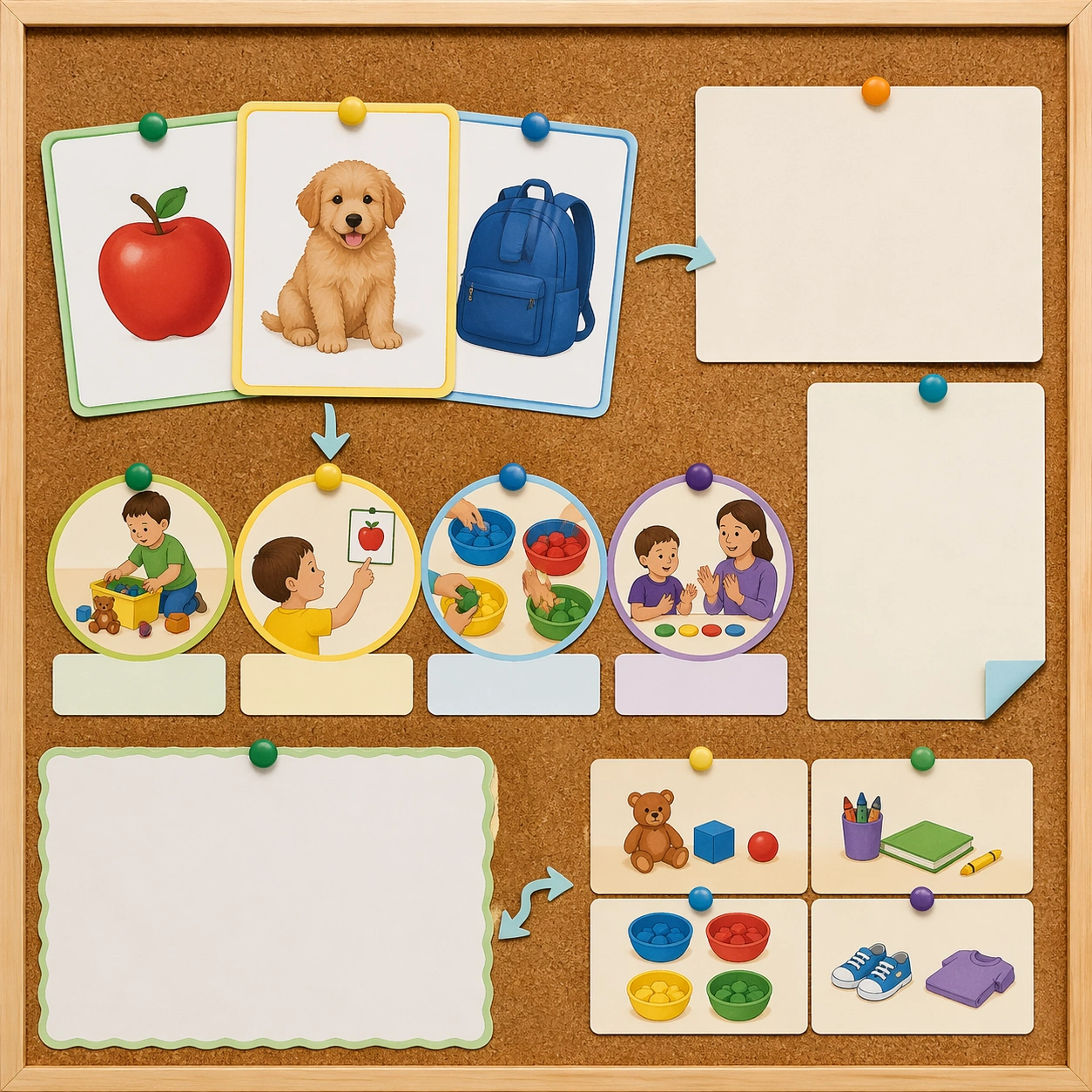
The screen shows large swipeable flashcards with the same rounded geometry, illustration density, and blank caption zones seen in the physical deck. Use one hero card and a few stacked previews to suggest letter, number, and animal lessons without showing any readable interface copy. The subject arrangement should feel complete and self-contained, able to stand alone as a real supporting deliverable inside the same education business line.

Important details:
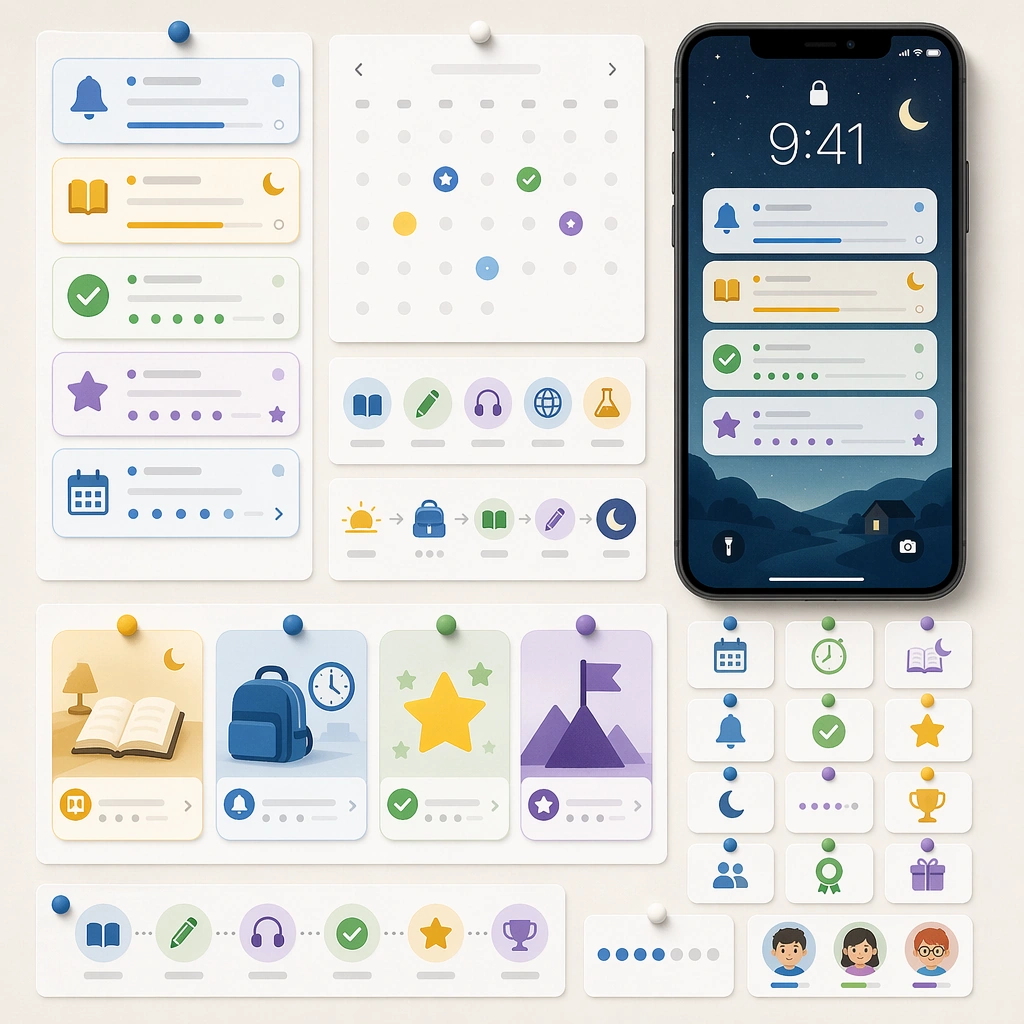
Keep the interface extremely clear: oversized tap targets, progress dots without labels, empty title bars, and playful reward icons that never become generic game clutter. The image should prove that the flashcard system can migrate from print to digital while preserving teaching clarity and brand continuity. Keep the visual hierarchy modular, commercially believable, and clearly tied to a real educational use case rather than a generic mood board.

Use case:
Early Learning Flashcard Family single study 3/5, learning app card screen.

Constraints:
No readable text, no watermark, no logos, preserve exact 1:1 aspect ratio, no readable text, no numerals, no brand mascots, no logos, no chaotic shelf clutter, no broken packaging.
Verwendung
- Den vollständigen Original-Prompt einschließlich Parametern kopieren.
- Motiv, Text und Komposition an die eigenen Anforderungen anpassen.
- Ein kompatibles externes Werkzeug nutzen; Zugangsbedingungen und Ergebnis prüfen.
Vor dem Start
- Prüfen, ob ein Referenzbild nötig ist. Kompatibilität belegt nicht das tatsächlich verwendete Modell.
- Namen, Zahlen und Bildtexte prüfen; Modellversionen können andere Ergebnisse liefern.