Originaldokument
GPT Image 2 · en
Scene:
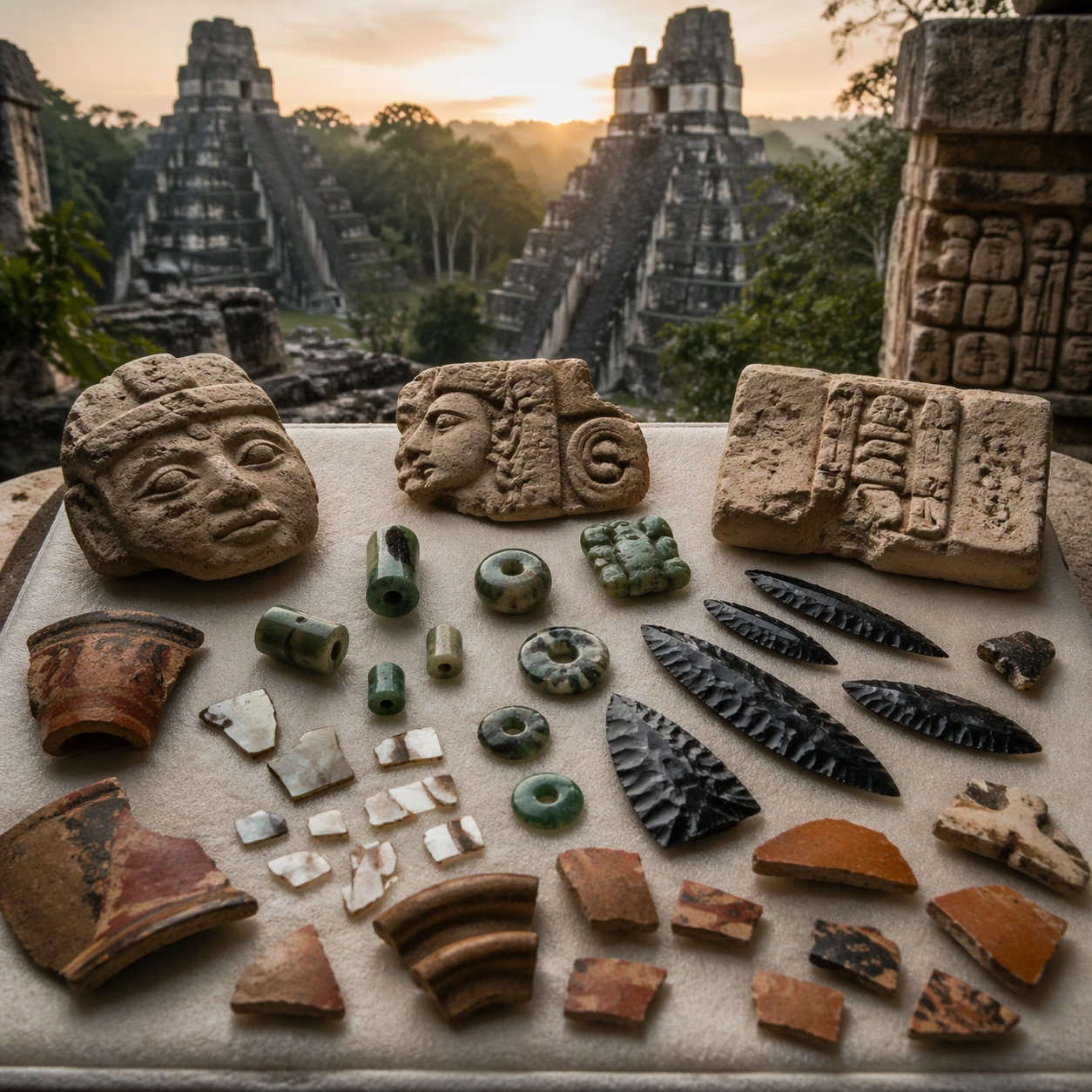
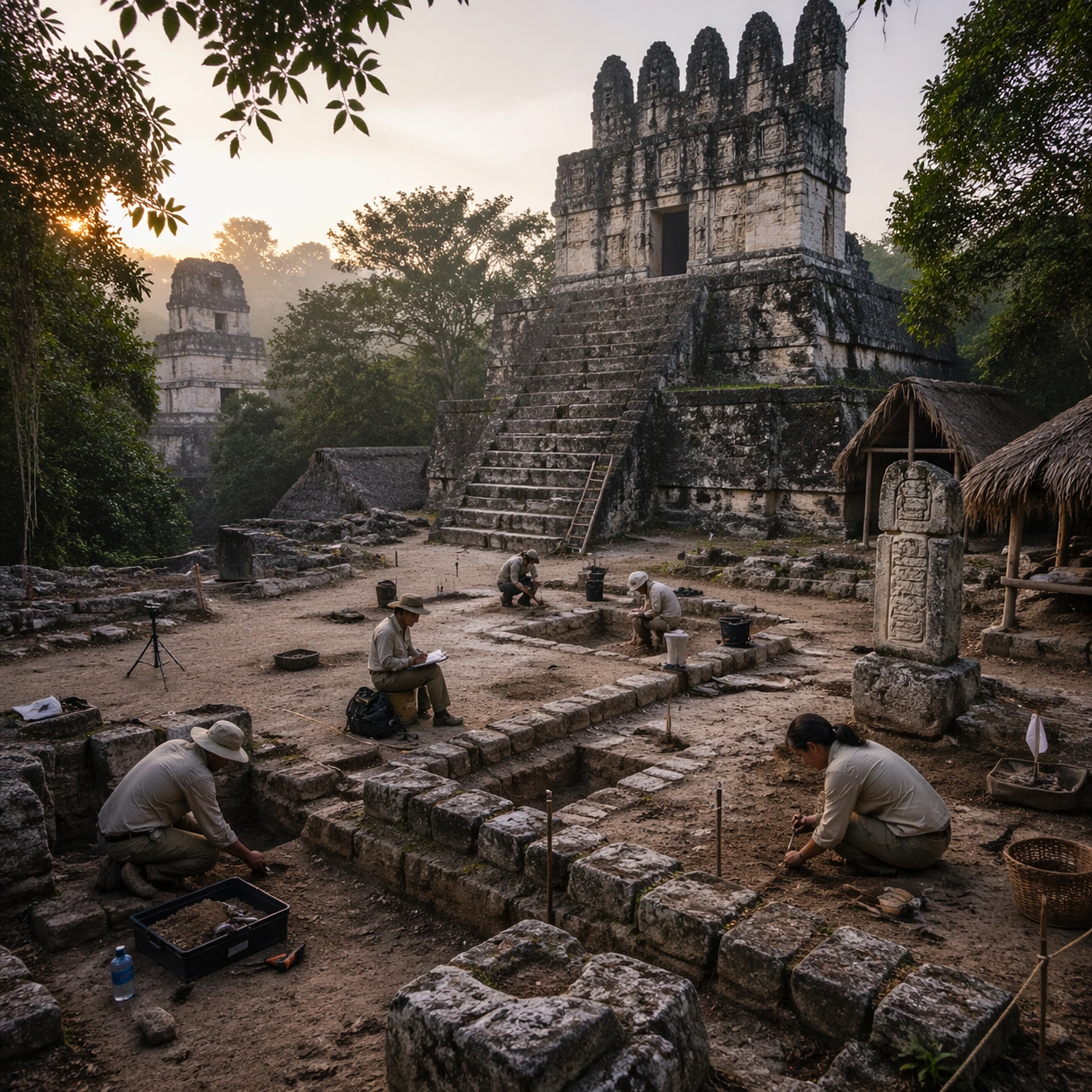
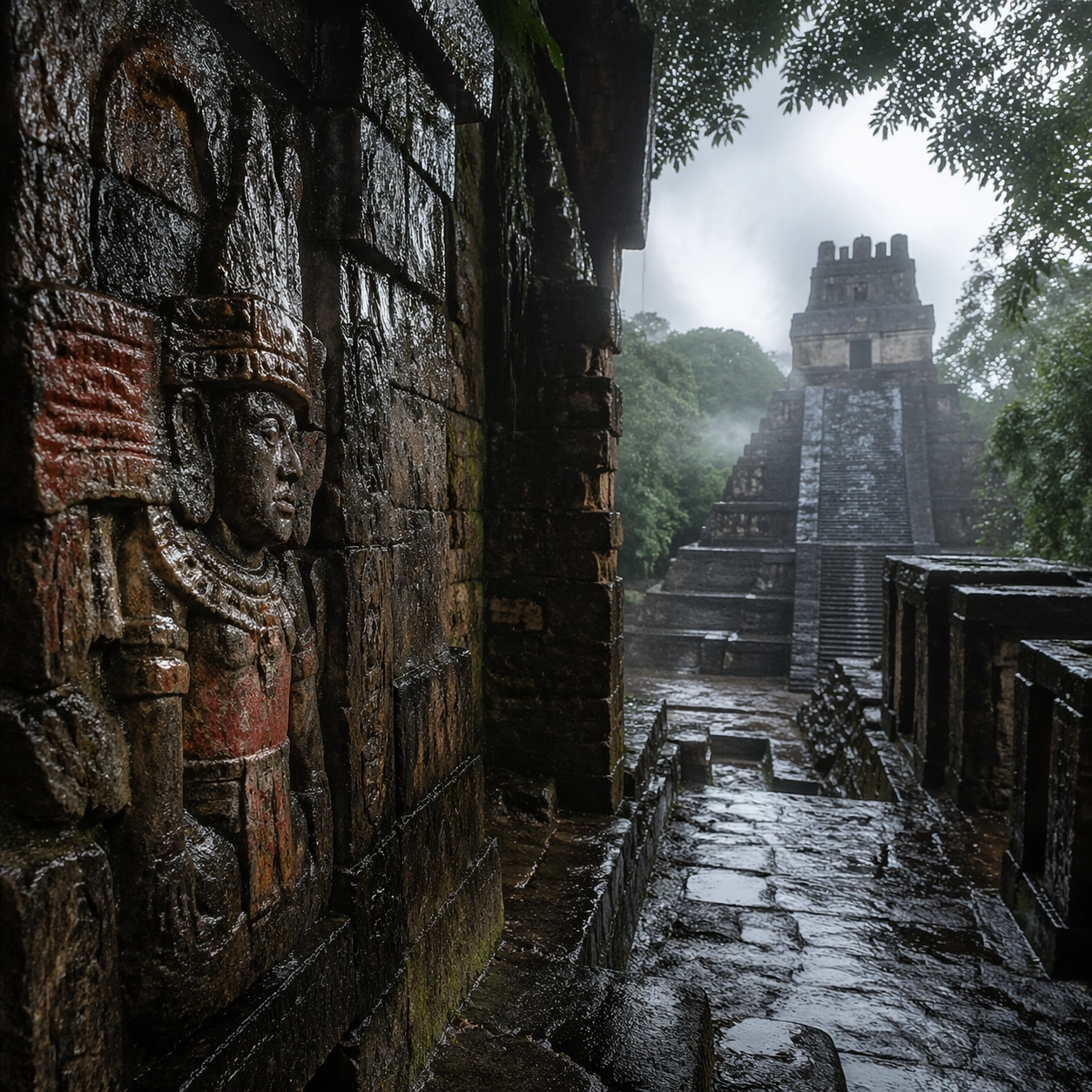
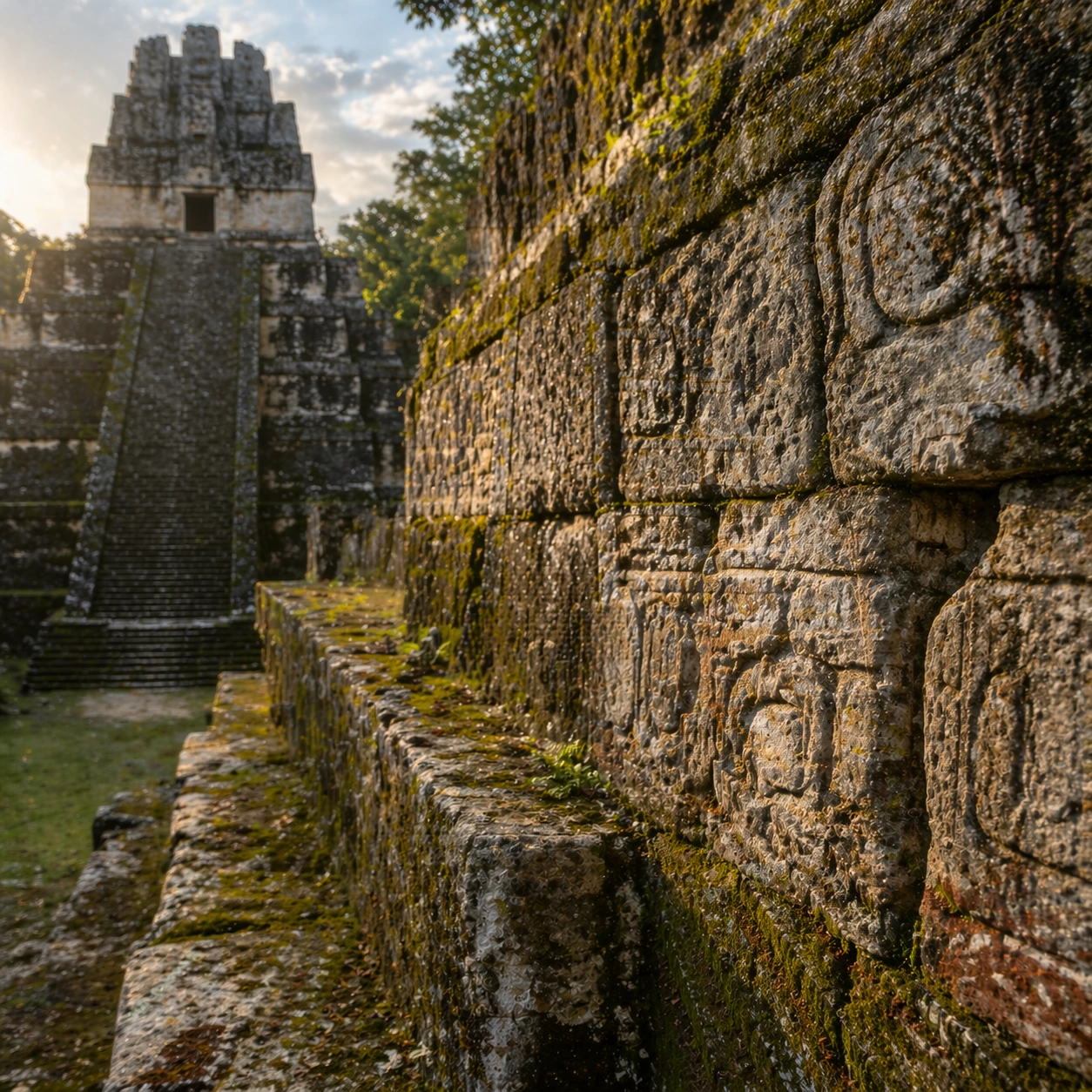
A square close study framed within the same site established by the reference anchor. Use a tight crop, shallow but believable depth of field, and raking light that reveals tactile evidence in surface relief, pigment, tool marks, moisture, or marine wear. The image should feel like a museum conservation photograph elevated to gallery quality.

Subject:
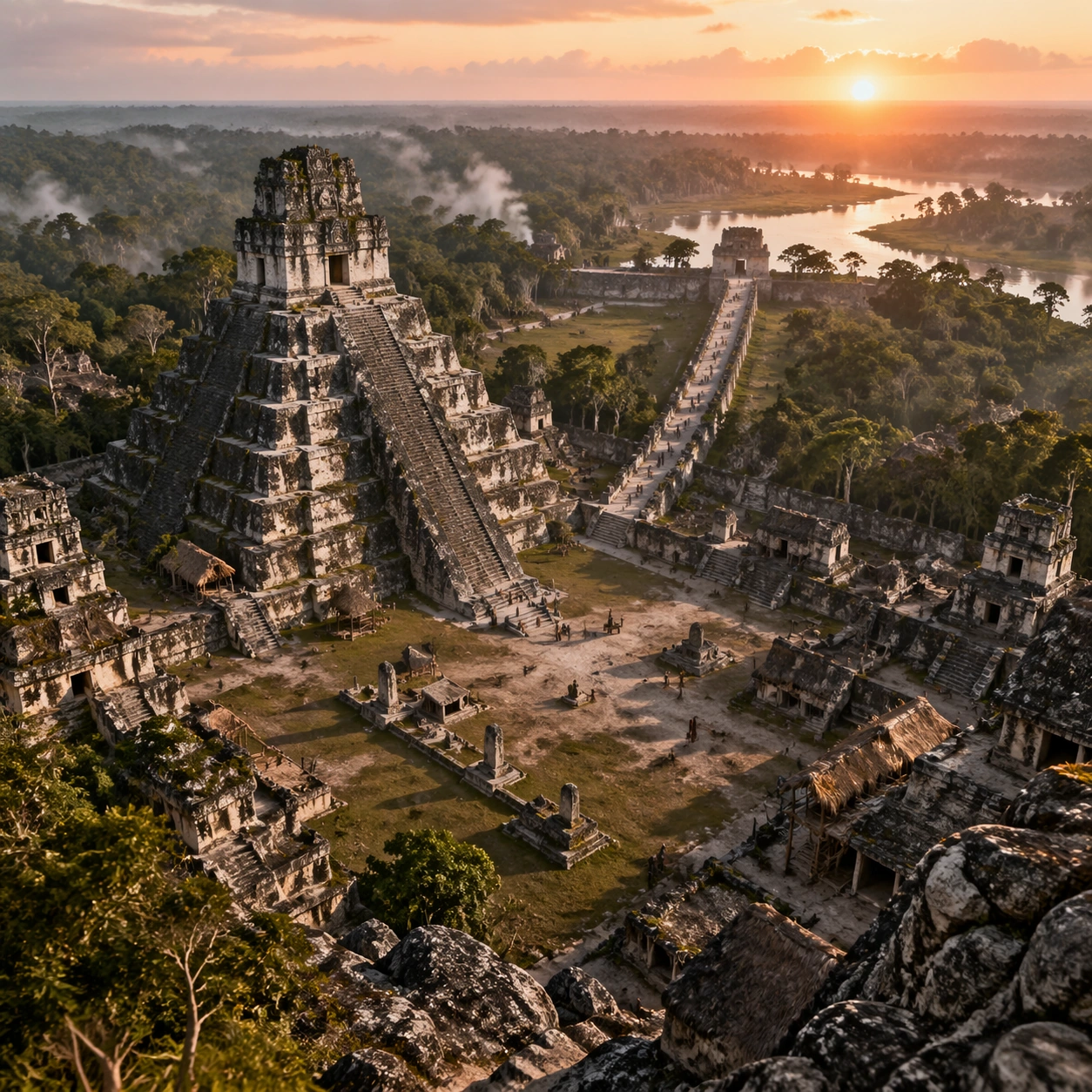
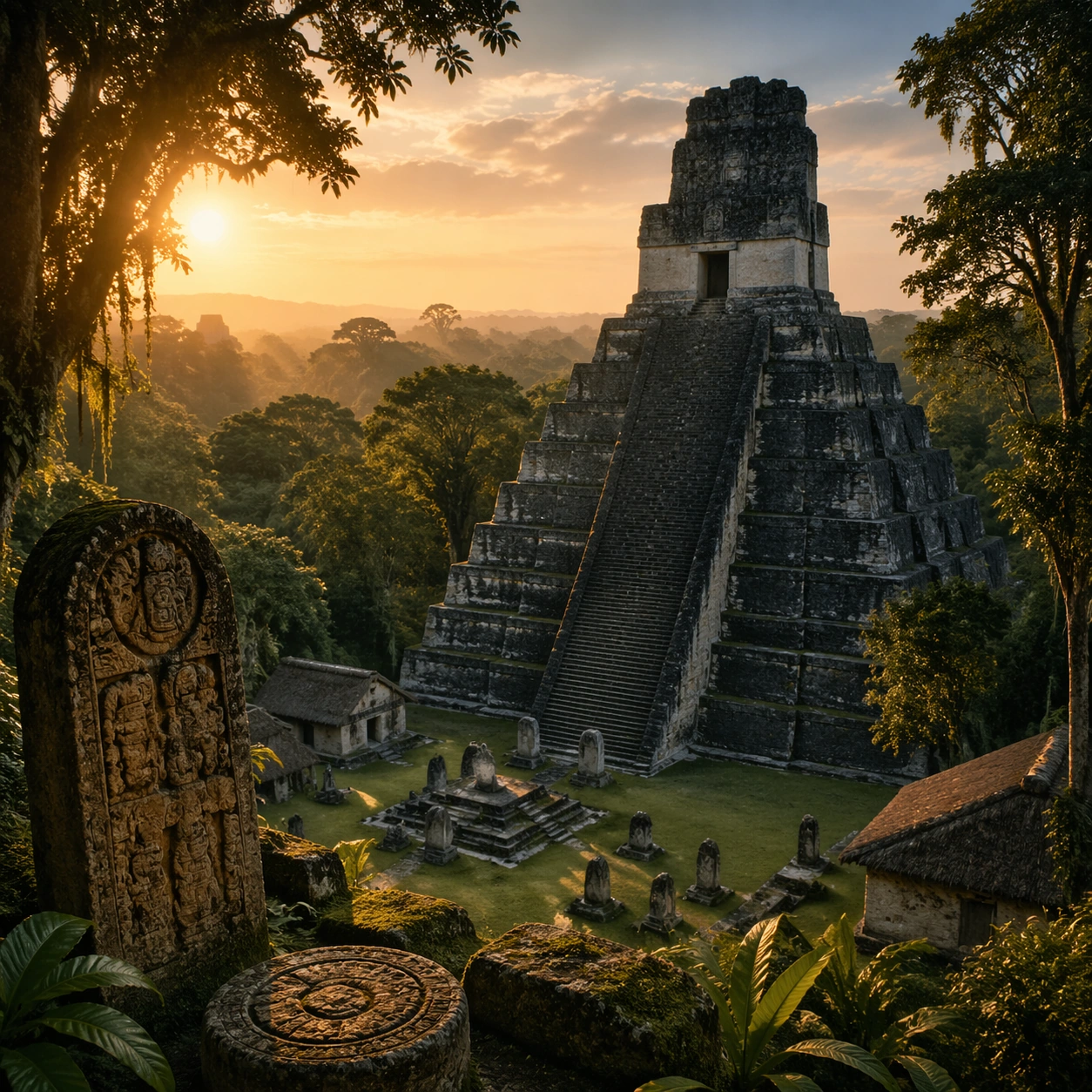
Focus on a materially rich portion of the same site: carved edges, painted plaster, fitted stone, root-wrapped masonry, submerged paving, or quarry-cut facial planes depending on the civilization. The composition should remain anchored to the original location and show enough surrounding context that viewers still recognize the parent site rather than mistaking it for an unrelated artifact.

Important details:
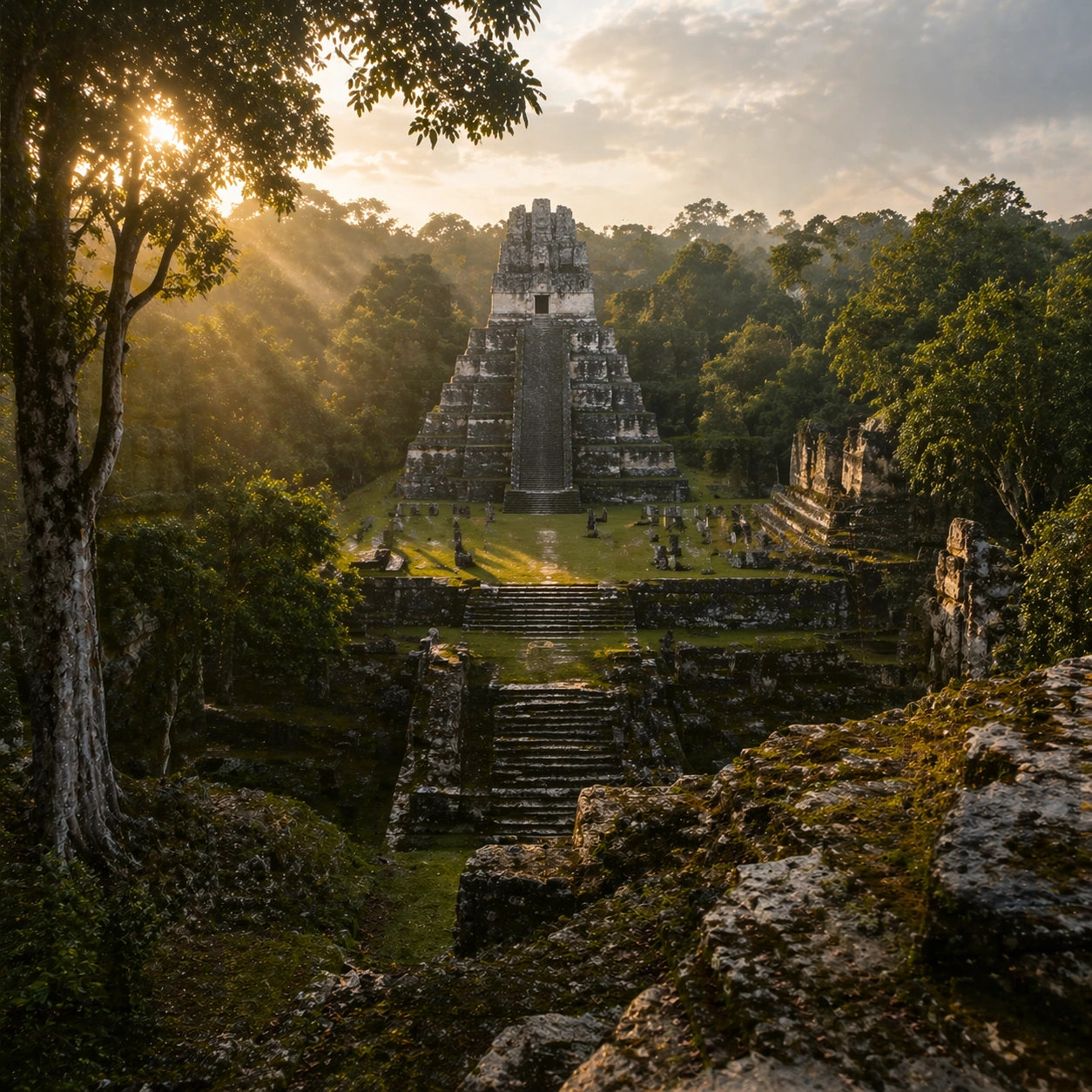
Preserve the exact site identity from the reference model while shifting emphasis to forensic surface evidence. Keep the architecture unmistakably Maya rather than generic fantasy ruins, with steep stepped geometry, roof-comb silhouettes, believable glyph blocks, and dense tropical vegetation that respects the stone volumes instead of swallowing them completely. Make micro-texture, fracture lines, pigment retention, water wear, plant interaction, dust, or chisel traces visually persuasive. Avoid decorative clutter. Every mark should feel like evidence of making, weathering, excavation, or conservation. Keep any symbolic marks non-legible and historically appropriate, and make the light reveal depth without flattening the material richness.

Use case:
Maya Temple Dawn Discovery series study 3/9.

Constraints:
No readable text, no watermark, no logos, preserve exact 1:1 aspect ratio, preserve exact site identity from the reference image, no modern vehicles, no sci-fi glow, no fantasy monsters, no glass skyscrapers, no isolated floating artifact, no studio backdrop, no fake macro abstraction.
Verwendung
- Den vollständigen Original-Prompt einschließlich Parametern kopieren.
- Motiv, Text und Komposition an die eigenen Anforderungen anpassen.
- Ein kompatibles externes Werkzeug nutzen; Zugangsbedingungen und Ergebnis prüfen.
Vor dem Start
- Prüfen, ob ein Referenzbild nötig ist. Kompatibilität belegt nicht das tatsächlich verwendete Modell.
- Namen, Zahlen und Bildtexte prüfen; Modellversionen können andere Ergebnisse liefern.