Originaldokument
GPT Image 2 · en
Scene:
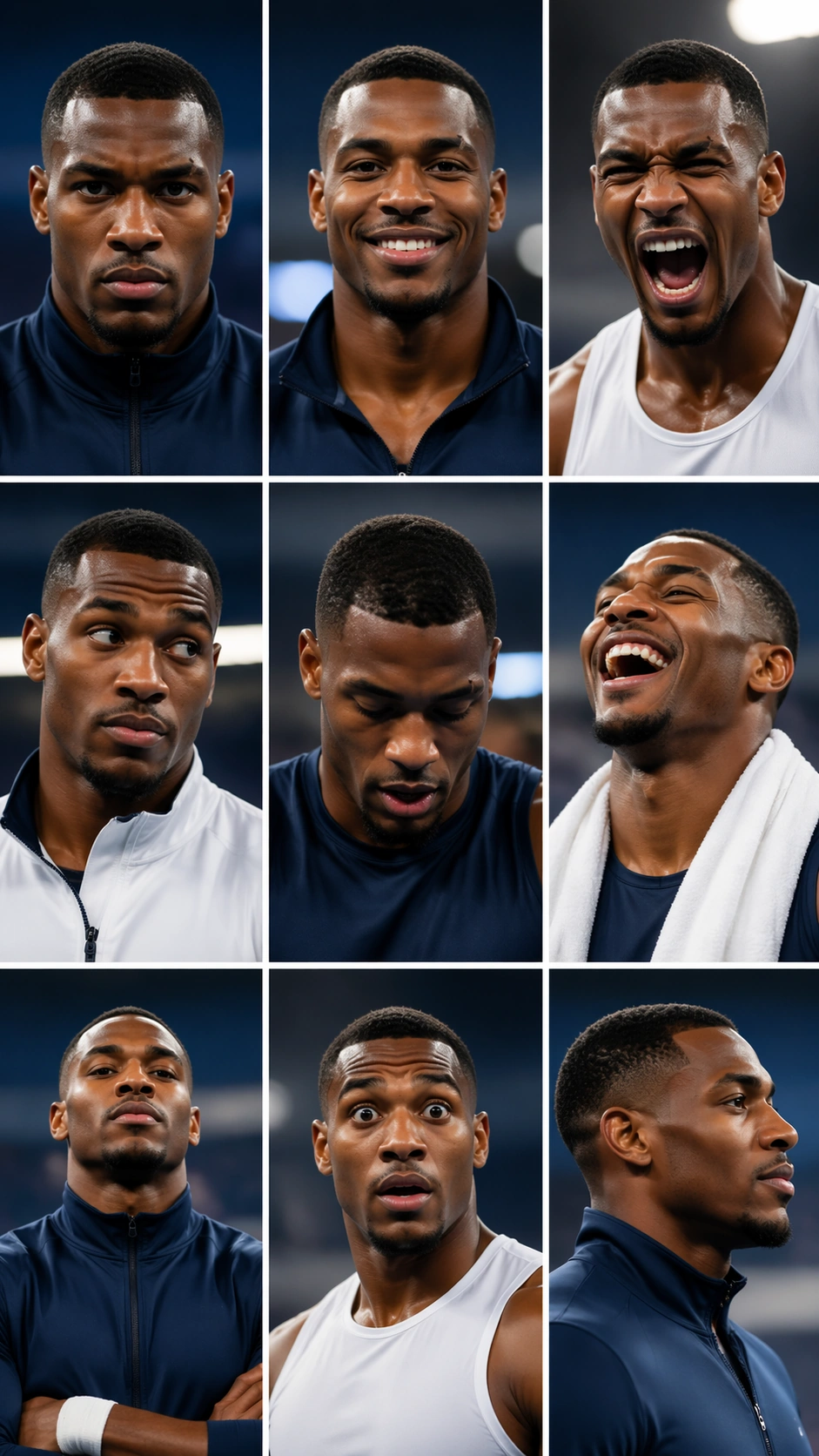
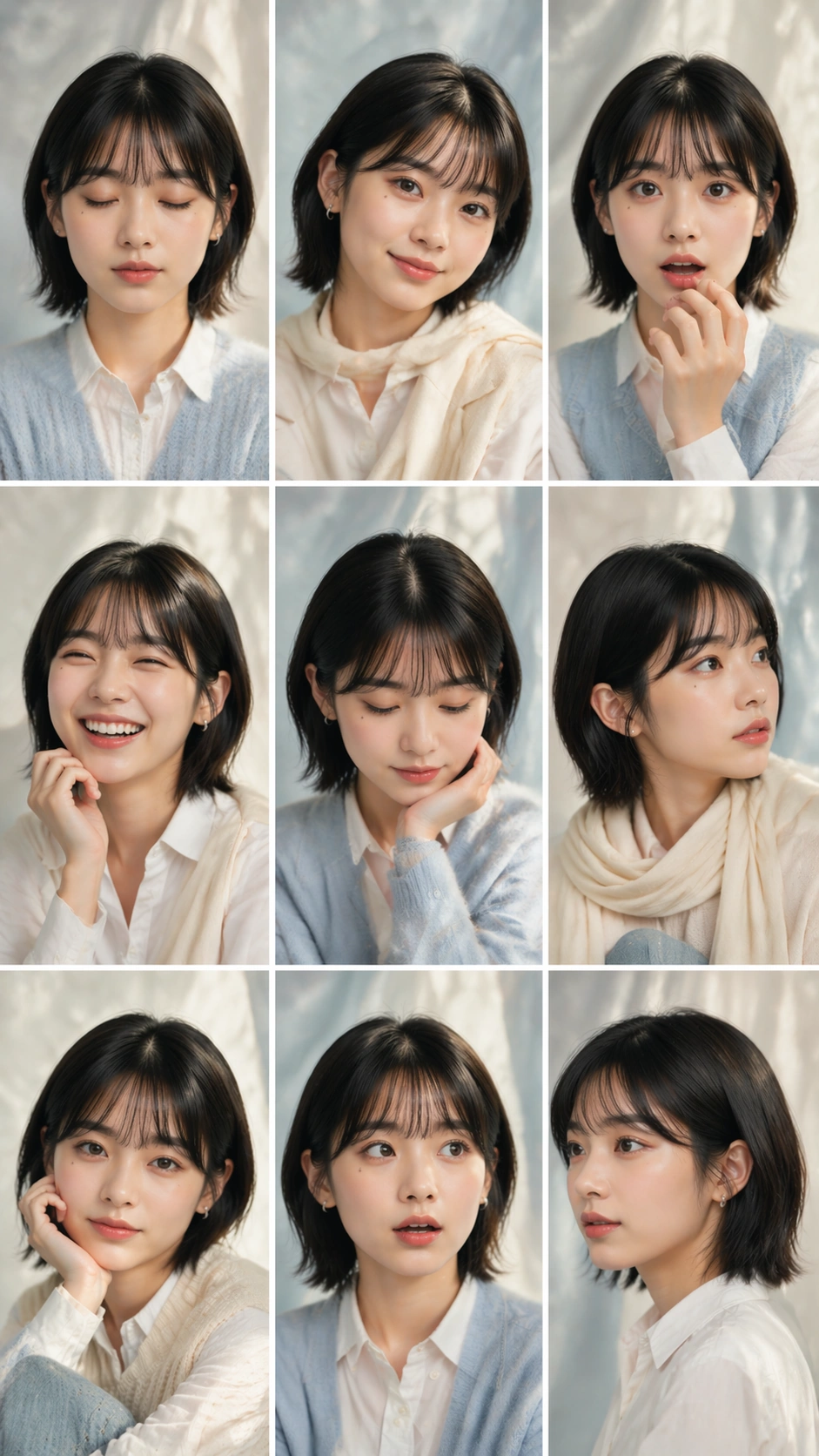
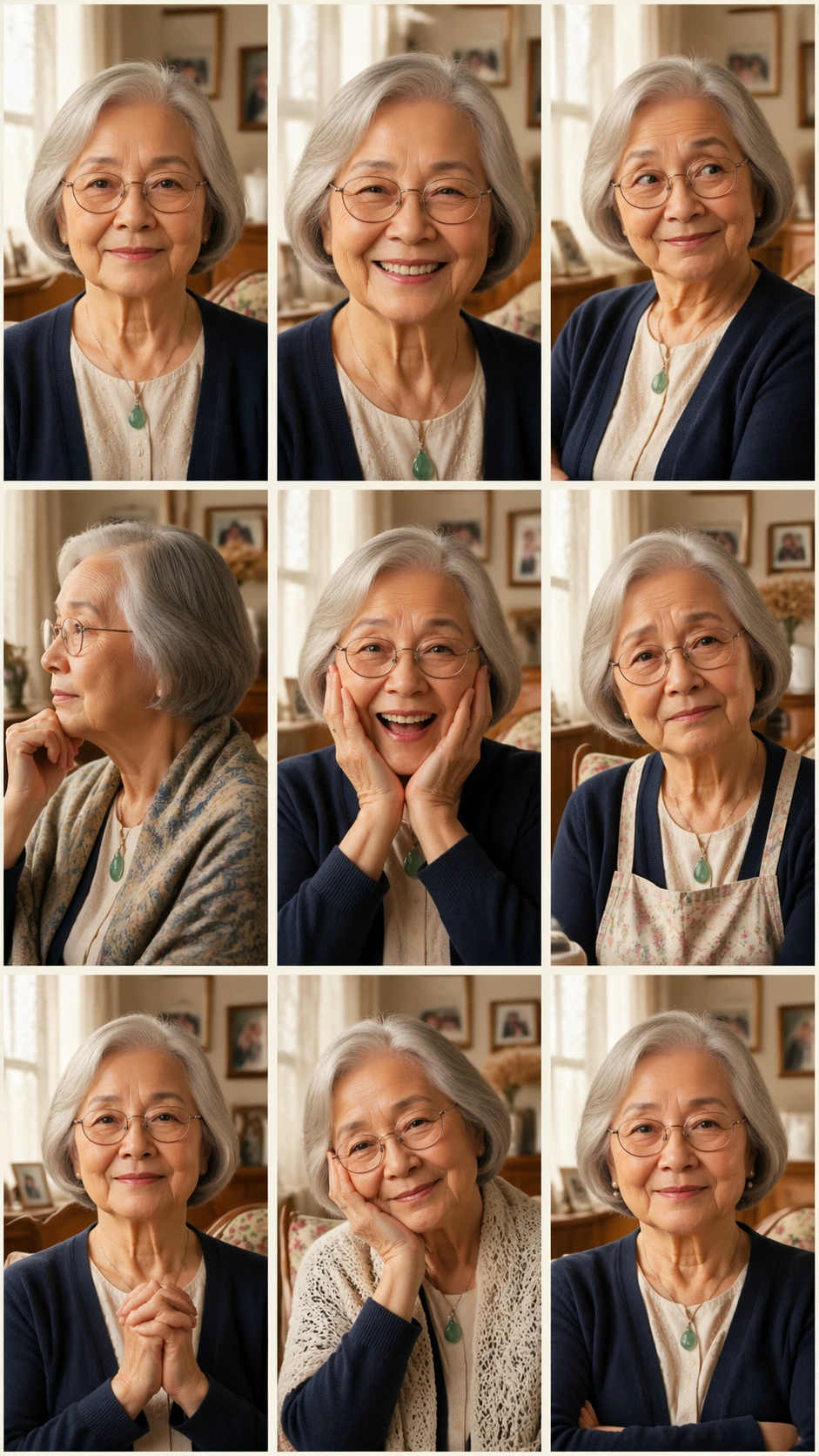
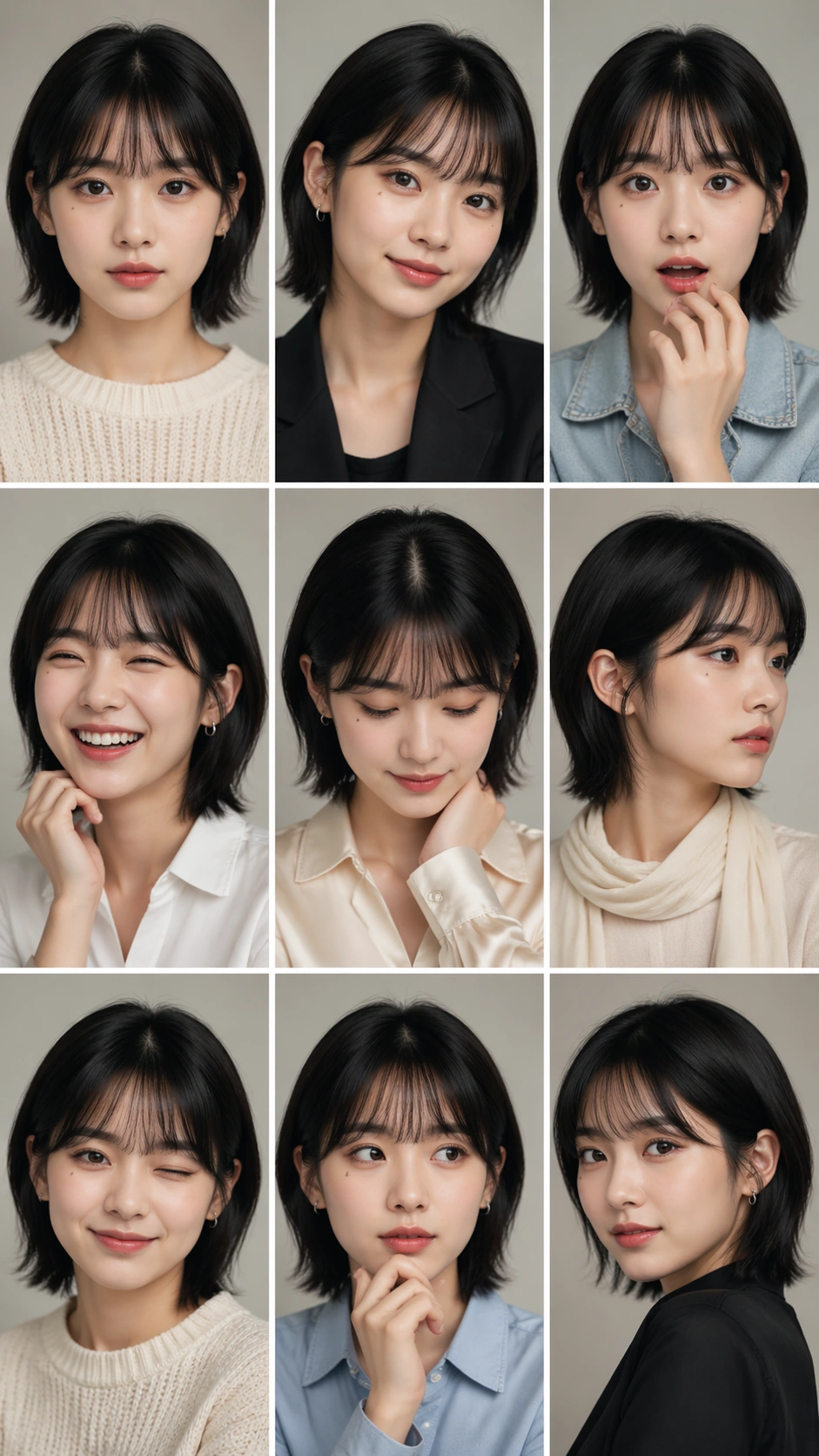
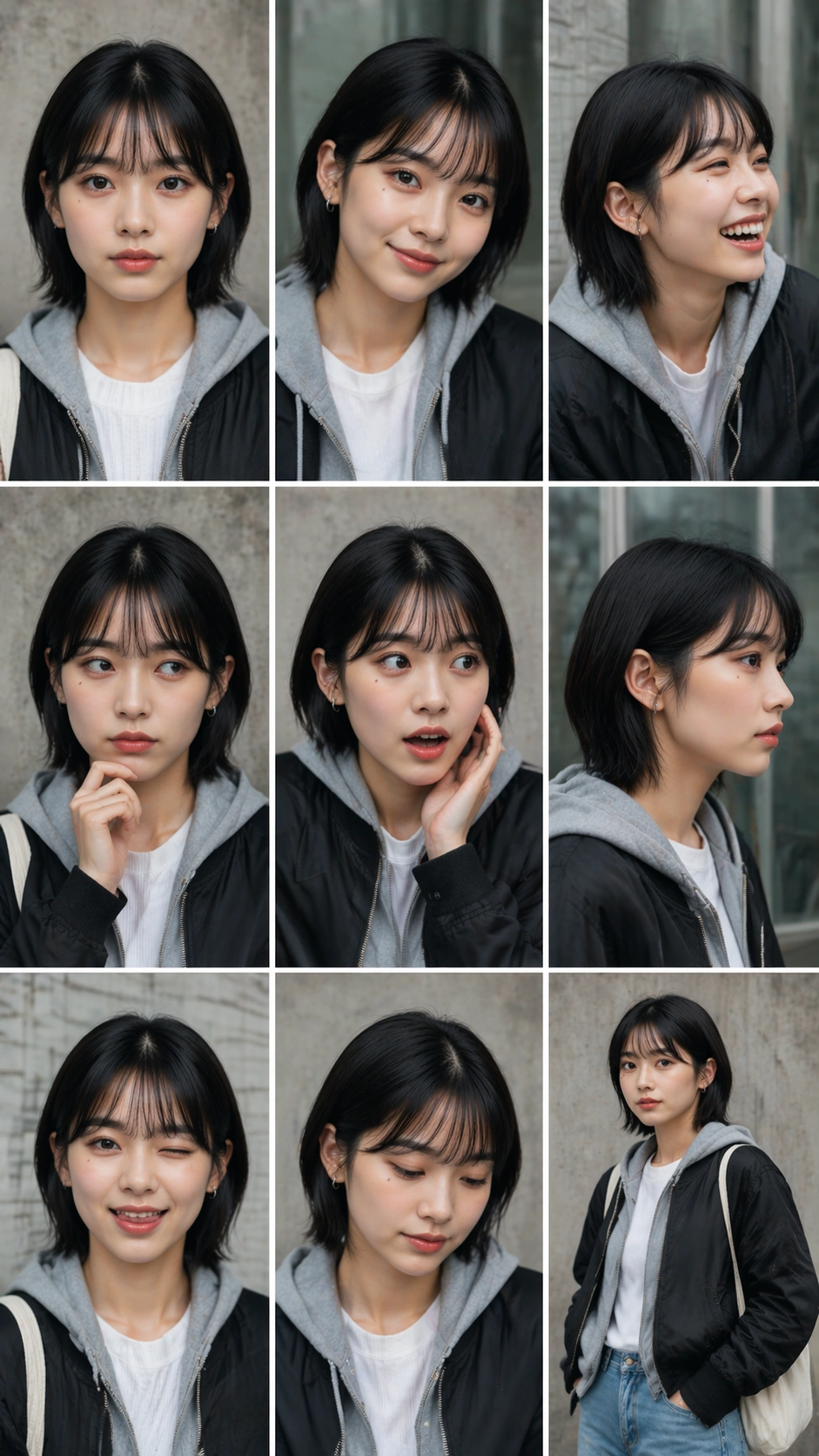
A vertical 9:16 street-casting portrait sheet using the same 3 by 3 grid structure as the reference image: nine equal cells, thin white gutters, clean border logic, and no readable captions. The setting changes to overcast urban daylight with neutral concrete walls, subway-tile texture, glass reflections, and a casual editorial street-casting mood. The layout must stay strict even though the portraits feel more spontaneous.

Subject:
Use the reference as the primary identity guide. The same young performer appears in all nine cells with the same oval face, dark almond eyes, chin-length black hair with soft fringe, beauty mark below the left eye, and stable lip shape. Styling becomes casual streetwear without logos: black bomber jacket, white ribbed tee, gray hoodie, washed denim, plain canvas tote strap, silver ear cuff, and minimal makeup. The nine expressions are neutral casting stare, quick grin, laughing side turn, skeptical eyebrow, surprised phone-call reaction without showing a phone, soft profile, playful tongue-in-cheek smile, thoughtful downward gaze, and confident hands-in-pockets pose.

Important details:
Preserve identity from image 01 while allowing street-style variation in pose and crop. Keep each cell a clean portrait or half-body portrait, not a full street scene. The face should not age, change ethnicity, change eye color, or change hair length. The grid must remain exact, with clear gutters and no overlapping panels. Backgrounds can vary slightly but should share one urban casting-session environment and consistent overcast light.

Use case:
Nine-Expression Portrait Grid series study 4/8, testing identity lock in a casual street-casting portrait sheet.

Constraints:
No readable text, no watermark, no logos, preserve exact 9:16 vertical aspect ratio, no brand marks, no changed face identity, no extra people, no broken grid alignment, no mismatched hair, no street signs.
Verwendung
- Den vollständigen Original-Prompt einschließlich Parametern kopieren.
- Motiv, Text und Komposition an die eigenen Anforderungen anpassen.
- Ein kompatibles externes Werkzeug nutzen; Zugangsbedingungen und Ergebnis prüfen.
Vor dem Start
- Prüfen, ob ein Referenzbild nötig ist. Kompatibilität belegt nicht das tatsächlich verwendete Modell.
- Namen, Zahlen und Bildtexte prüfen; Modellversionen können andere Ergebnisse liefern.