Originaldokument
GPT Image 2 · en
Scene:
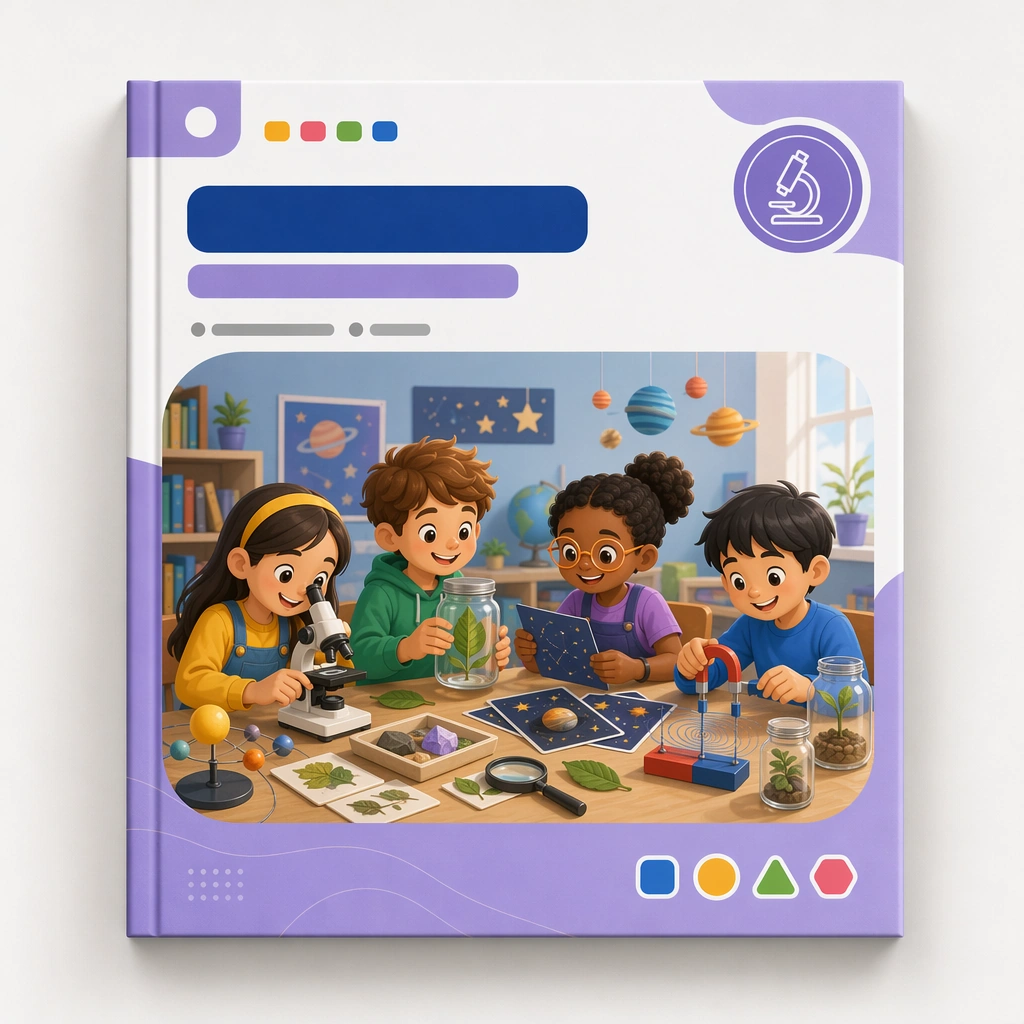
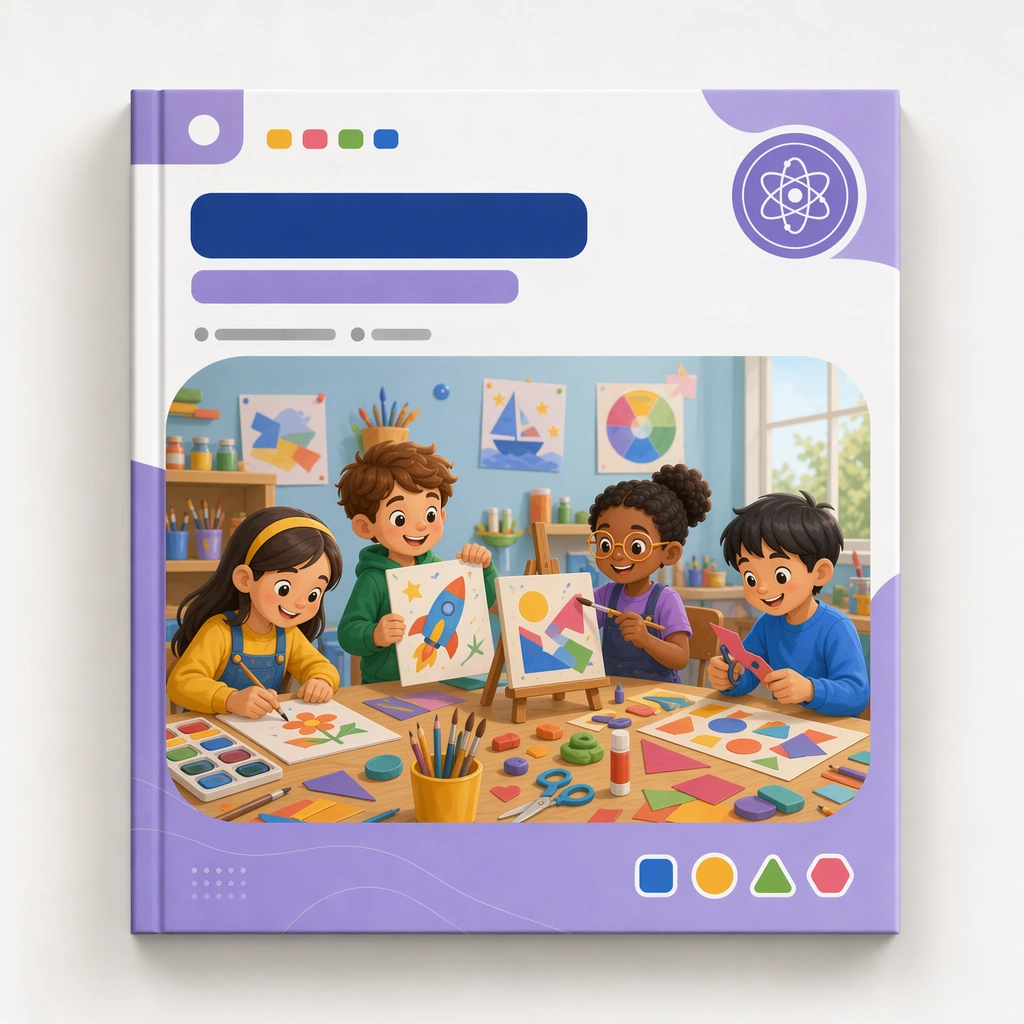
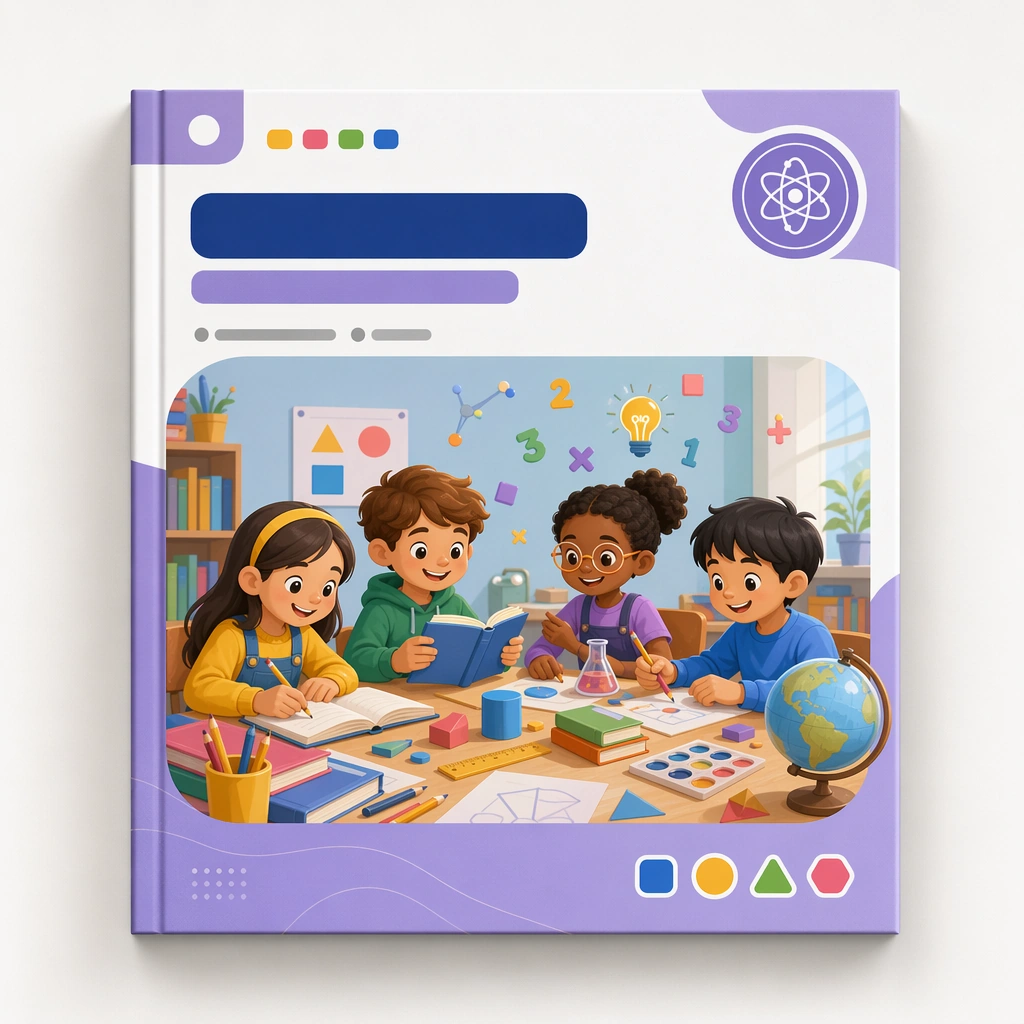
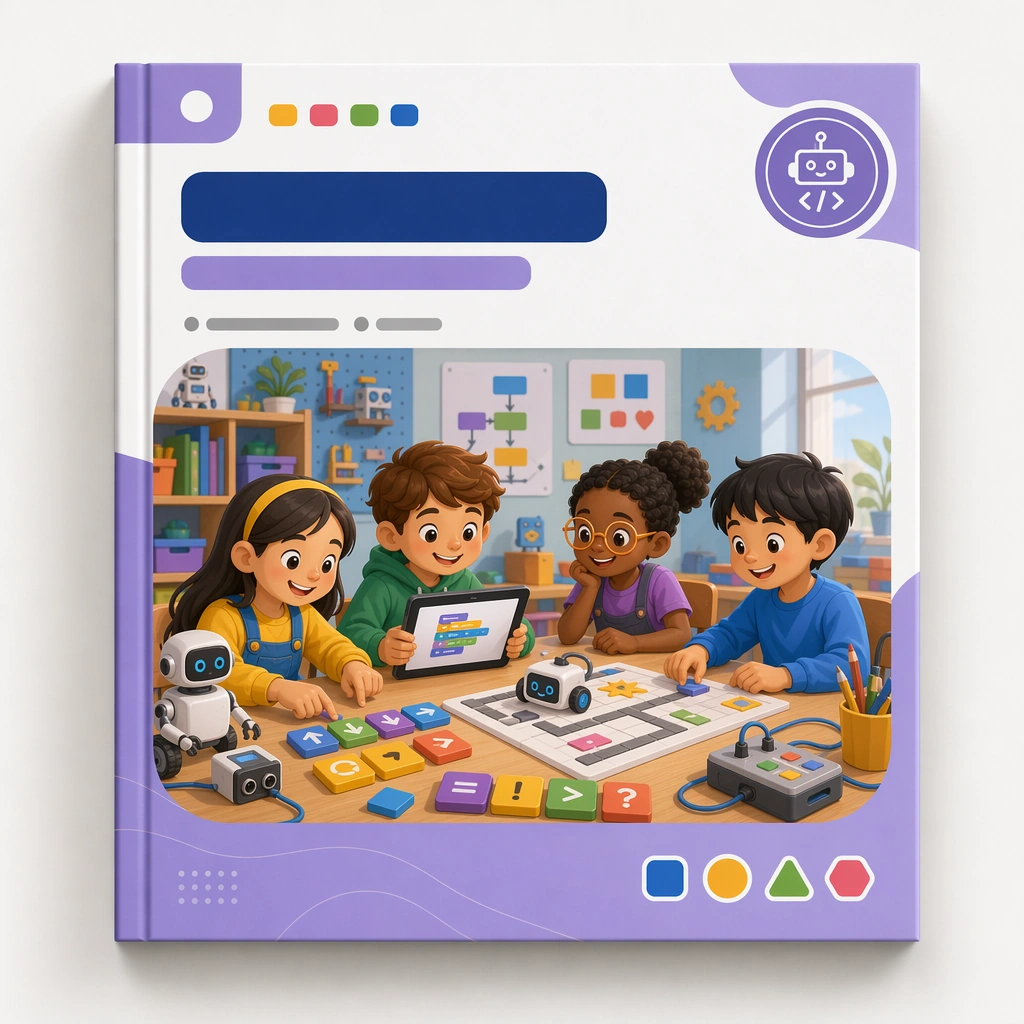
Render the same square cover mockup again with identical lighting, shadow depth, and presentation style from the reference image. It should clearly belong to the same curriculum line while speaking to a different learning domain. Keep the square frame balanced, calm, and production-ready so the asset can serve gallery review, research comparison, and real educational delivery at the same time.

Subject:
Use visual cues such as block commands, robots, pathways, logic tiles, and friendly screens inside the same modular cover frame. The scene should feel smart and child-accessible rather than tech-corporate or game-like. The subject matter should feel intentionally selected for a coherent curriculum family rather than like a random decorative assortment.

Important details:
Hold the reference system tightly: same cover structure, blank title area, badge behavior, and browsing clarity. The variation should come from the learning metaphors and supporting icons, not from redesigning the entire package. Preserve the same cover frame, subject badge placement, illustration ratio, color hierarchy, and blank title-zone architecture from the reference cover. Use variation only in the teaching content, supporting props, and scene-specific mood while preserving the core visual system exactly.

Use case:
Kids Course Cover and Module Family series study 3/4, junior coding cover.

Constraints:
No readable text, no watermark, no logos, preserve exact 1:1 aspect ratio, no readable course titles, no logos, no brand mascots from existing IP, no cluttered marketplace graphics, no fake awards, no generic stock-book covers.
Verwendung
- Den vollständigen Original-Prompt einschließlich Parametern kopieren.
- Motiv, Text und Komposition an die eigenen Anforderungen anpassen.
- Ein kompatibles externes Werkzeug nutzen; Zugangsbedingungen und Ergebnis prüfen.
Vor dem Start
- Prüfen, ob ein Referenzbild nötig ist. Kompatibilität belegt nicht das tatsächlich verwendete Modell.
- Namen, Zahlen und Bildtexte prüfen; Modellversionen können andere Ergebnisse liefern.