
Originaldokument
GPT Image 2 · en
Scene:
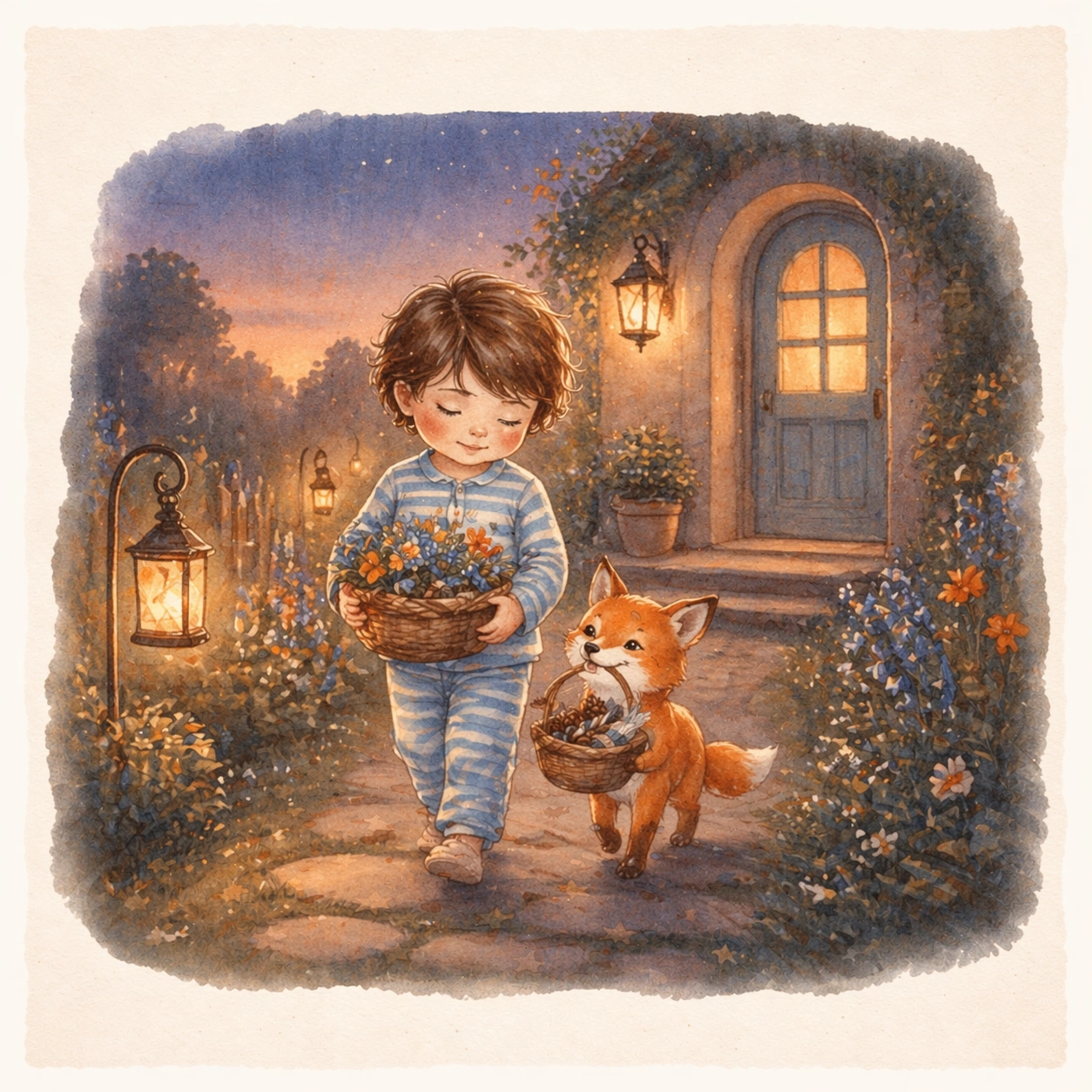
Return to the same square open-spread presentation and page-design proportions, but move the final scene into a dusky garden path leading home with lantern glow and gentle twilight colors. The image should feel like a soft closing spread from the same published story sequence. Keep the square frame balanced, calm, and production-ready so the asset can serve gallery review, research comparison, and real educational delivery at the same time.

Subject:
Show the same child and fox companion carrying gathered flowers and small discoveries back toward a warmly lit doorway. Their identities, proportions, clothing logic, and tenderness must remain fully consistent with the reference spread so the sequence reads as one continuous picture book. The subject matter should feel intentionally selected for a coherent curriculum family rather than like a random decorative assortment.

Important details:
Keep the painted style, page framing, and atmosphere anchored to the reference image while letting light, color temperature, and environmental closure create the sense of ending. The series should read as a coherent story-world ready for real book development. Preserve the same child protagonist, fox companion, brush texture, page framing, color family, and storybook page proportions from the reference spread. Use variation only in the teaching content, supporting props, and scene-specific mood while preserving the core visual system exactly.

Use case:
Children Storybook Scene Page System series study 4/4, garden evening return.

Constraints:
No readable text, no watermark, no logos, preserve exact 1:1 aspect ratio, no readable story text, no logos, no celebrity resemblance, no harsh horror mood, no hyper-detailed realism, no extra main characters replacing the leads.
Verwendung
- Den vollständigen Original-Prompt einschließlich Parametern kopieren.
- Motiv, Text und Komposition an die eigenen Anforderungen anpassen.
- Ein kompatibles externes Werkzeug nutzen; Zugangsbedingungen und Ergebnis prüfen.
Vor dem Start
- Prüfen, ob ein Referenzbild nötig ist. Kompatibilität belegt nicht das tatsächlich verwendete Modell.
- Namen, Zahlen und Bildtexte prüfen; Modellversionen können andere Ergebnisse liefern.