Originaldokument
GPT Image 2 · en
Scene:
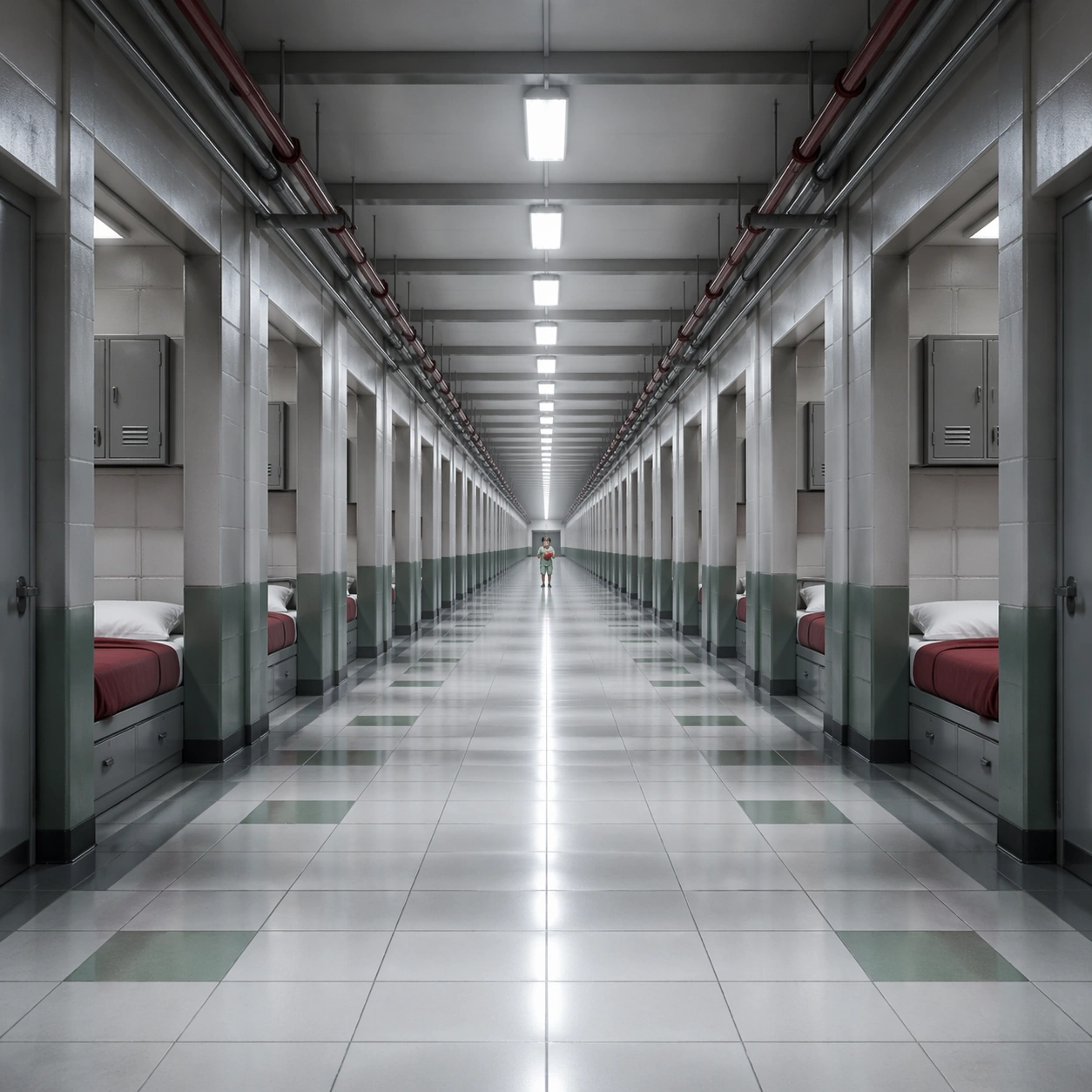
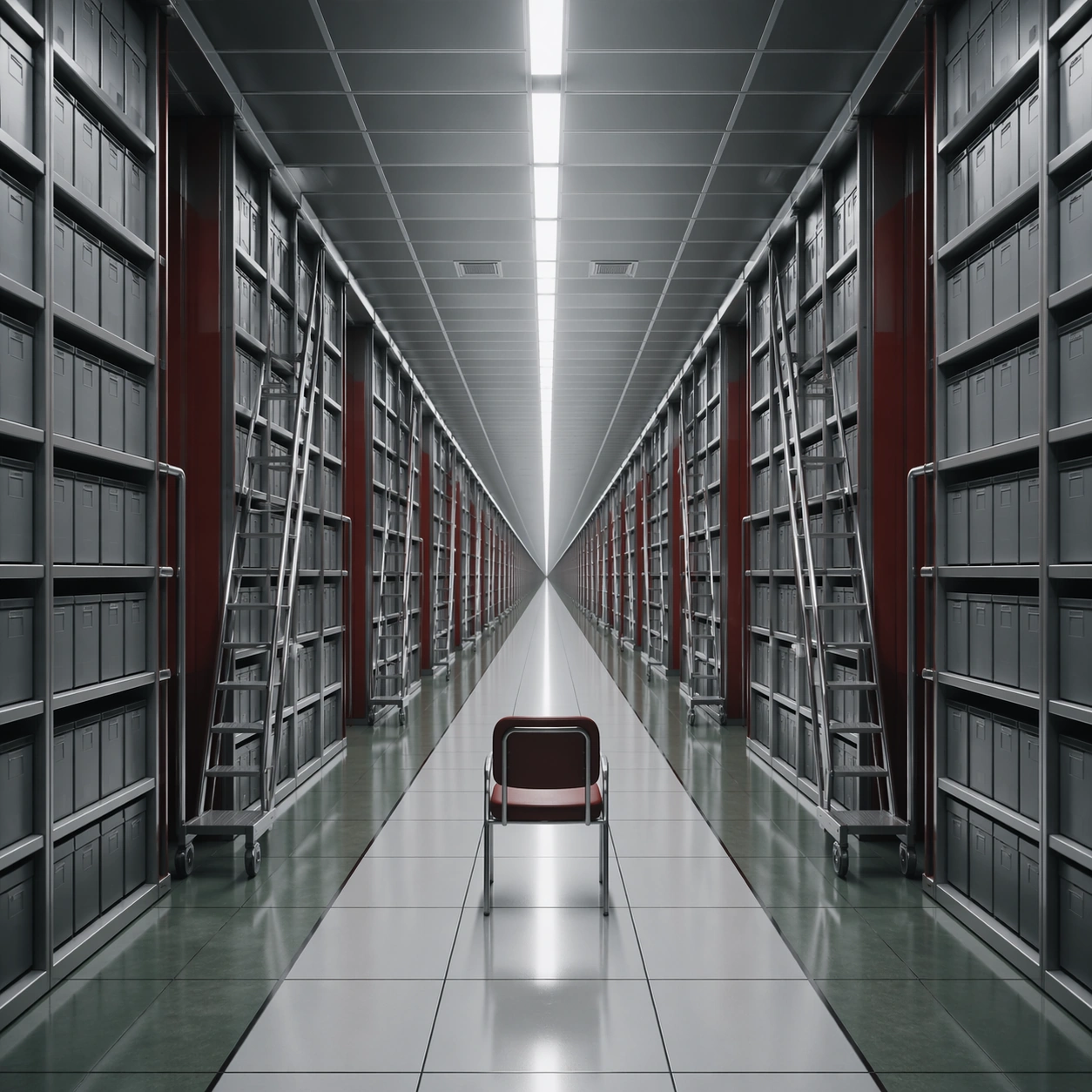
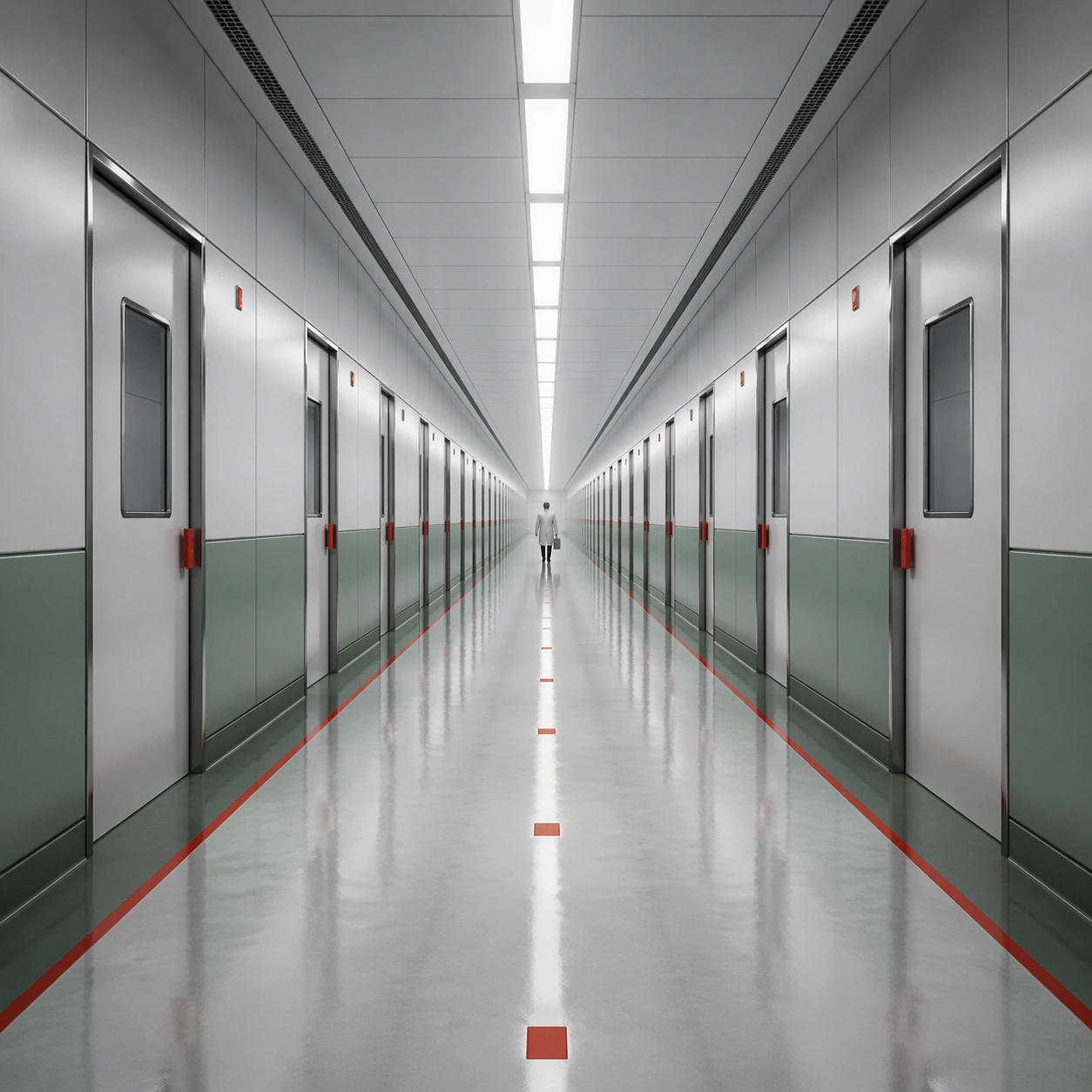
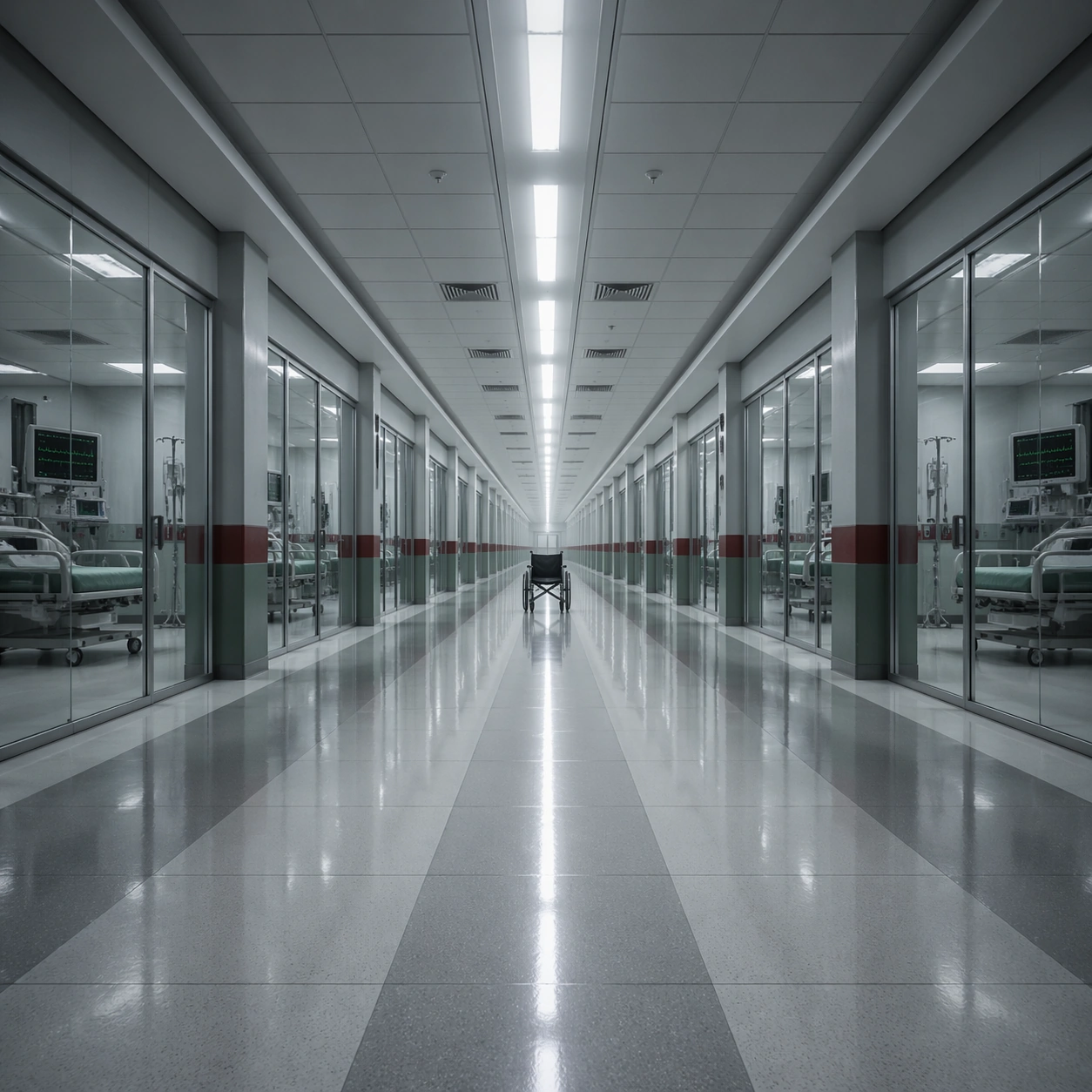
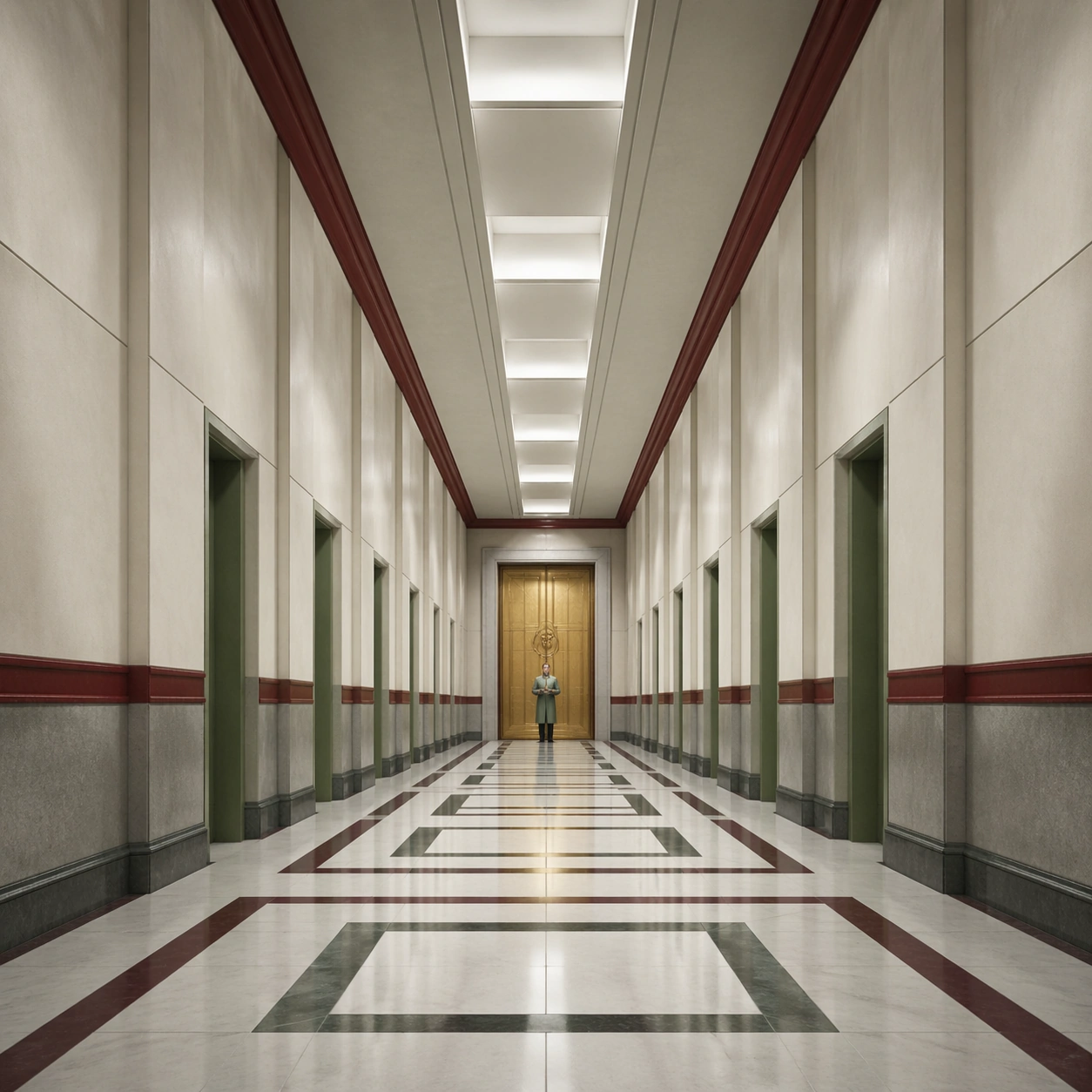
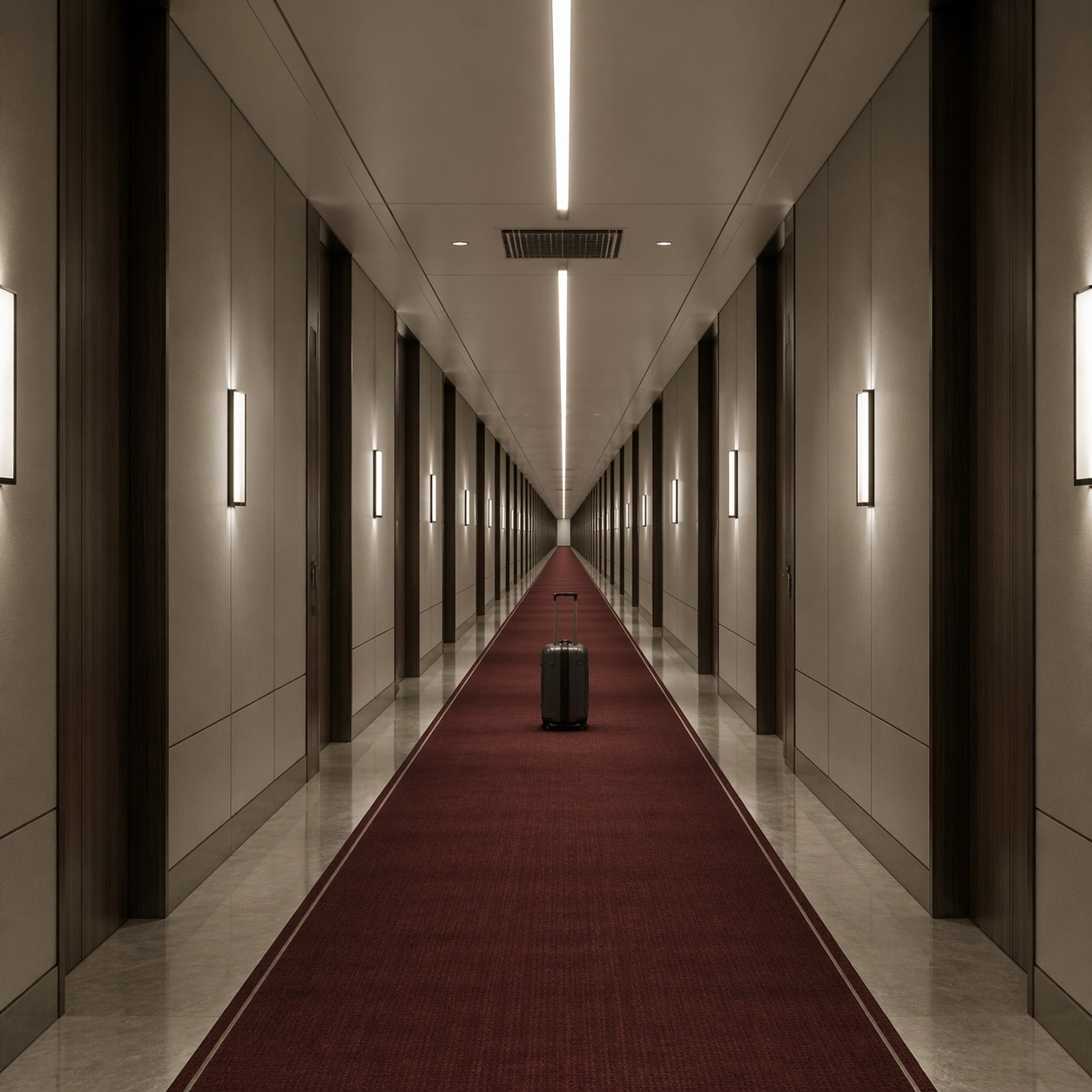
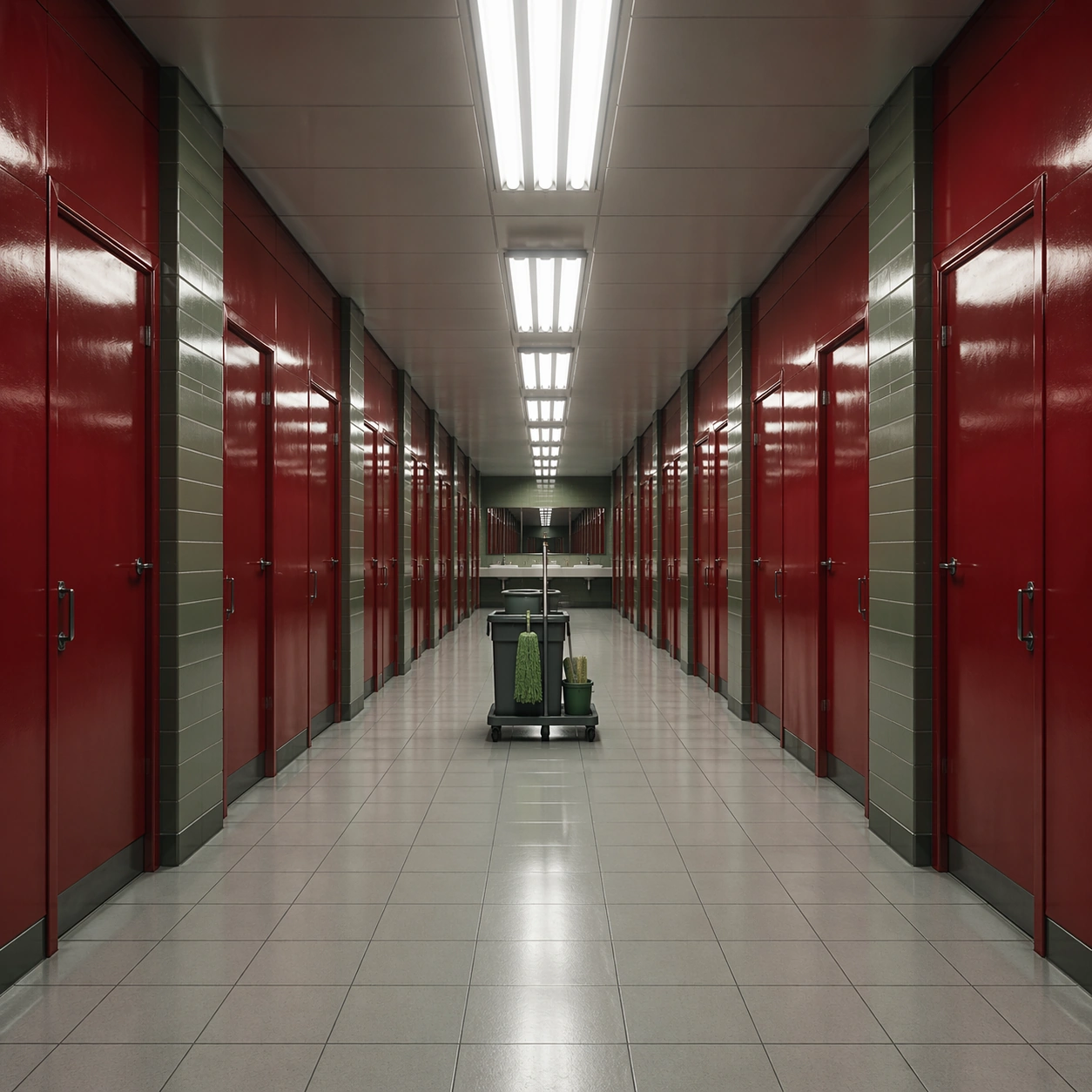
A square frame organized around a ruthless one-point perspective, with the vanishing point pinned dead center and every wall seam, ceiling light, floor tile, and doorway converging toward it. The palette should lean cold white, muted red, steel gray, and hospital green, with a monumental sense of emptiness and institutional order. Use a glossy red restroom antechamber with repeating stall doors, fluorescent strips, and pale floor tiles driving the eye into a central sink mirror.

Subject:
Place one small human figure or one important object along the central axis so the architecture dominates the scale relationship. The corridor or interior must feel long, controlled, and mildly oppressive, as if the camera is witnessing a space designed by precision rather than comfort. A janitor cart is parked exactly in the middle of the room, turning an ordinary service space into a formal perspective exercise.

Important details:
The essential grammar is exact perspective discipline, polished surfaces, measured repetition, and low emotional temperature. Preserve straight lines, clean threshold spacing, and a believable practical-lighting logic. The image should feel clinical, deliberate, and spatially hypnotic rather than decorative or chaotic. Let the red surfaces feel lacquered and severe, with no text labels and no casual mess breaking the geometry.

Use case:
Single-Point Perspective Clinical Corridor single study 2/9.

Constraints:
No readable text, no watermark, no logos, preserve exact 1:1 aspect ratio, no fisheye distortion, no crooked horizon, no cluttered props, no graffiti, no colorful signage, no broken anatomy, no low-detail background, no accidental text fragments.
Verwendung
- Den vollständigen Original-Prompt einschließlich Parametern kopieren.
- Motiv, Text und Komposition an die eigenen Anforderungen anpassen.
- Ein kompatibles externes Werkzeug nutzen; Zugangsbedingungen und Ergebnis prüfen.
Vor dem Start
- Prüfen, ob ein Referenzbild nötig ist. Kompatibilität belegt nicht das tatsächlich verwendete Modell.
- Namen, Zahlen und Bildtexte prüfen; Modellversionen können andere Ergebnisse liefern.