Originaldokument
GPT Image 2 · en
Scene:
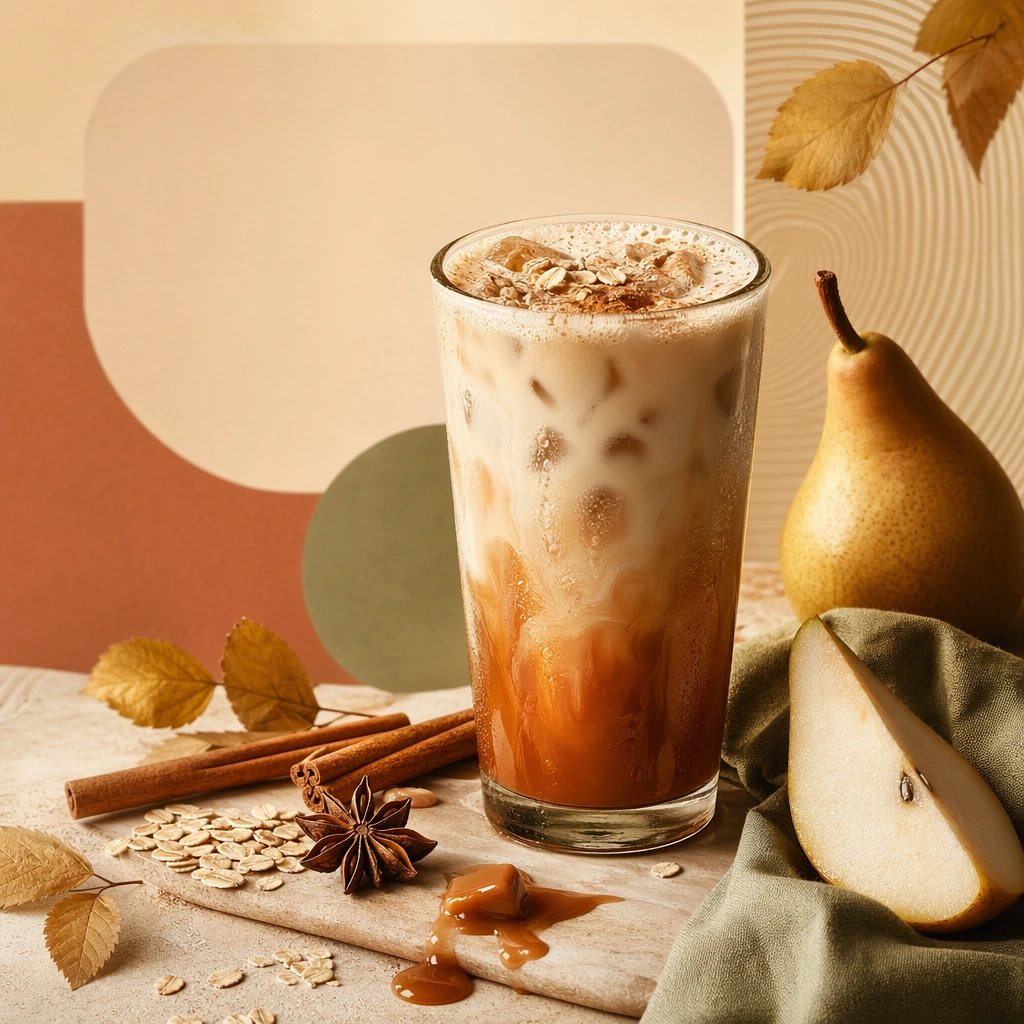
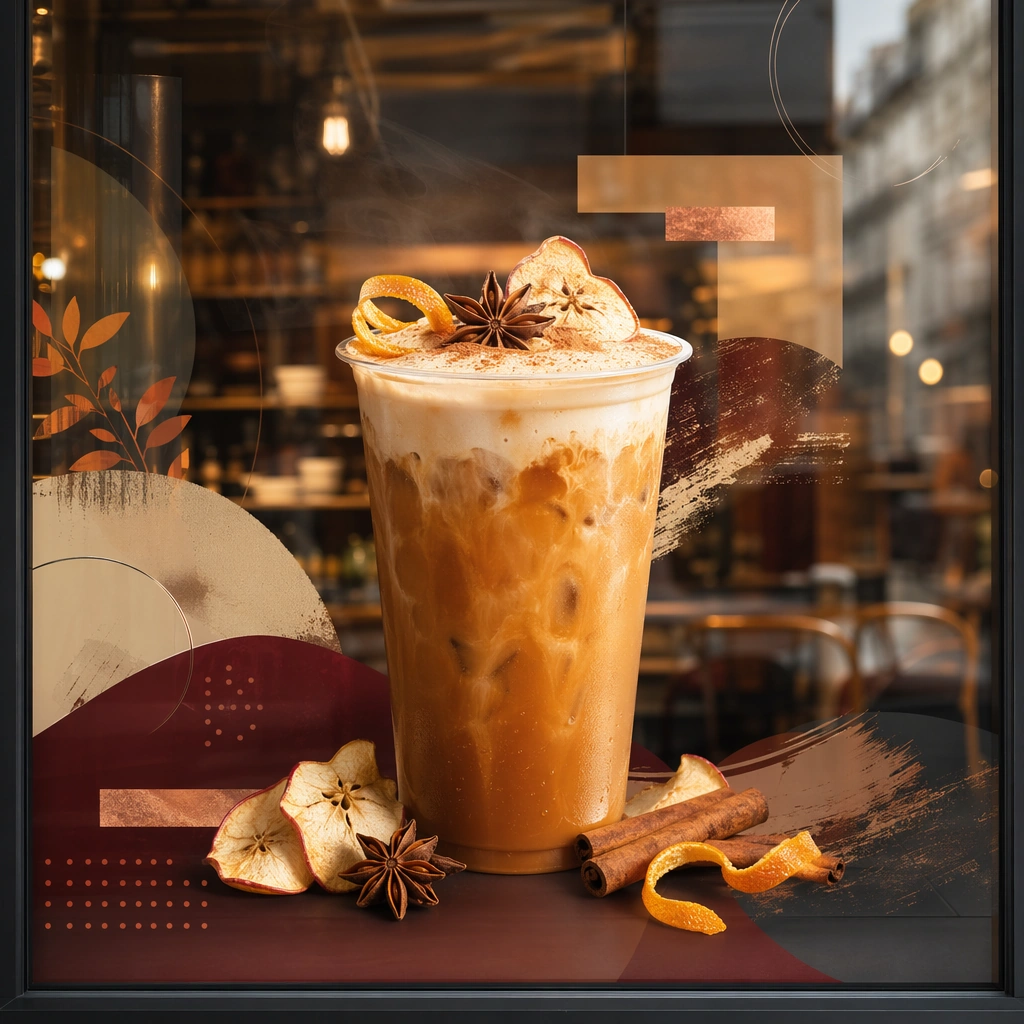
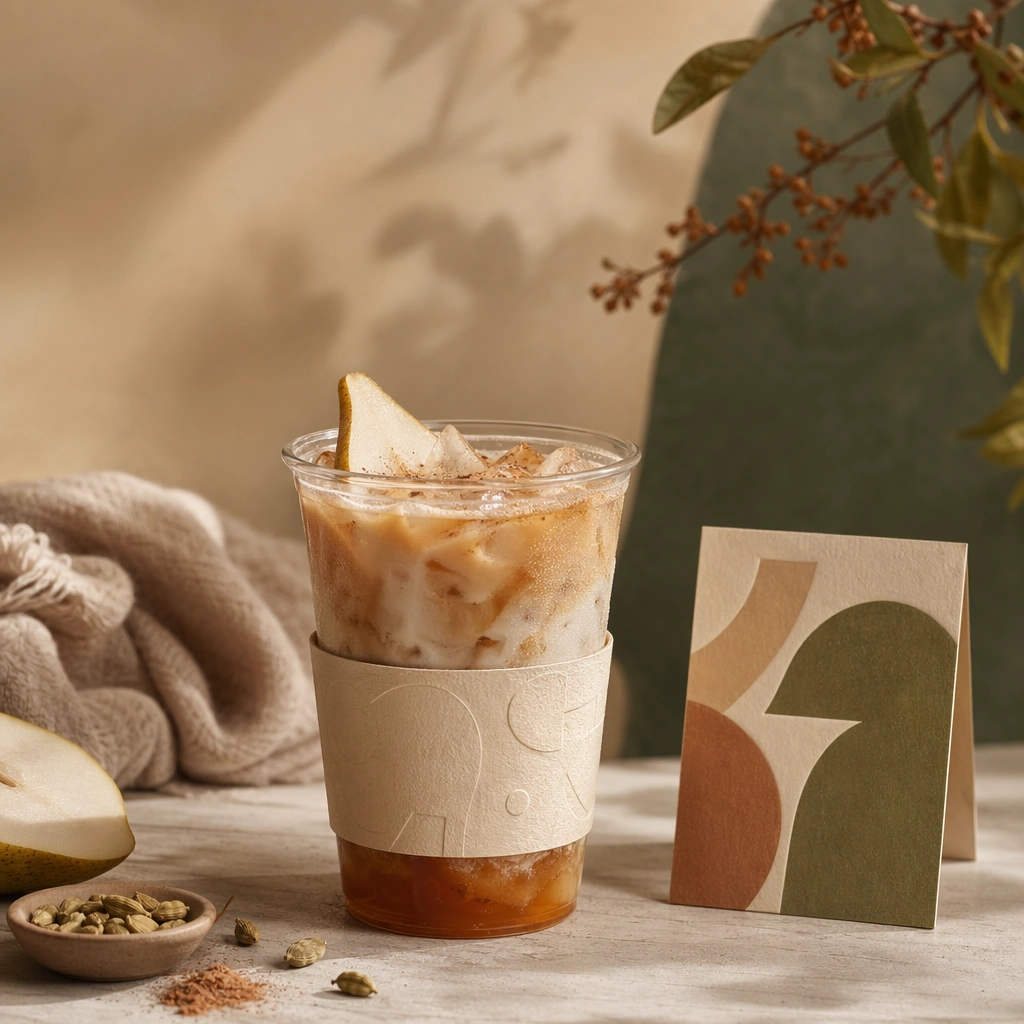
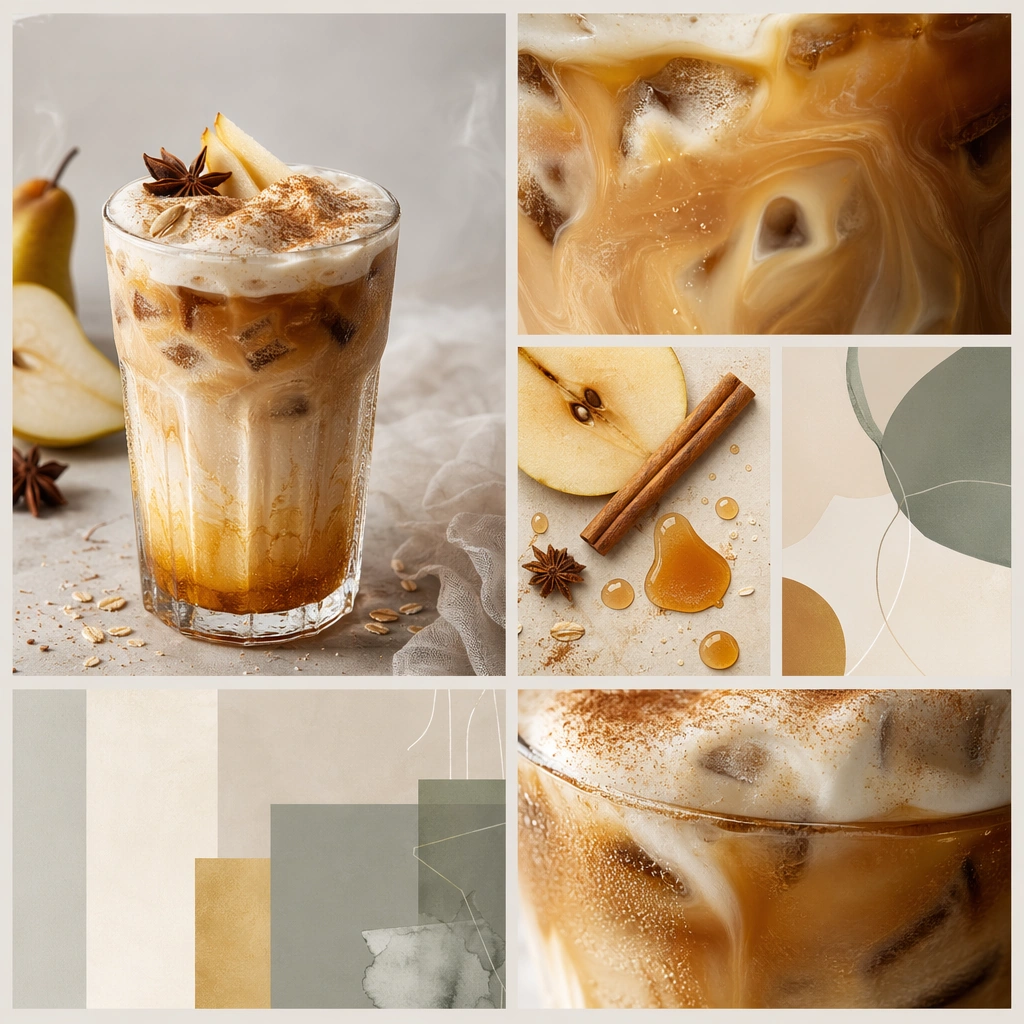
Compose a square seasonal drink campaign image that can function as a poster, counter card, or launch visual. The frame should combine a hero beverage with strong art direction, abstract text-safe zones, and seasonal cues expressed through ingredients, color shifts, atmosphere, and material accents rather than readable copy. Arrange several square or near-square crop modules on one board-like composition, each showing a different framing of the same seasonal drink world.

Subject:
The beverage must remain physically believable and delicious, with clear cup or bottle silhouette, realistic liquid behavior, and ingredients that support a limited-time seasonal story. Use one campaign beverage identity expressed through close crop, ingredient detail, and abstract layout blocks across multiple social-friendly panels.

Important details:
This theme lives at the intersection of product photography and campaign layout. Preserve strong focal hierarchy, poster-safe negative space, and refined color systems that suggest seasonality without relying on legible words. Abstract lettering forms or blocks are allowed only as unreadable design elements. The drink must still look like something a real brand could launch tomorrow. This image should feel fully self-contained while still belonging to the same broader topic and commercial world. System consistency is the goal: repeated palette, controlled spacing, and clear crop logic should make the board feel production-ready.

Use case:
Seasonal Drinks single study 9/9, built for Prompt Atlas coverage of a food and beverage commercial visual system.

Constraints:
No readable text, no watermark, no logos, preserve exact 1:1 aspect ratio, no readable text, no logos, no fake holiday slogans, no amusement-park color overload, no unreadable clutter, no cheap stock-poster look, no readable hashtags, no phone UI frame, no random sticker clutter.
Verwendung
- Den vollständigen Original-Prompt einschließlich Parametern kopieren.
- Motiv, Text und Komposition an die eigenen Anforderungen anpassen.
- Ein kompatibles externes Werkzeug nutzen; Zugangsbedingungen und Ergebnis prüfen.
Vor dem Start
- Prüfen, ob ein Referenzbild nötig ist. Kompatibilität belegt nicht das tatsächlich verwendete Modell.
- Namen, Zahlen und Bildtexte prüfen; Modellversionen können andere Ergebnisse liefern.