Originaldokument
GPT Image 2 · en
Scene:
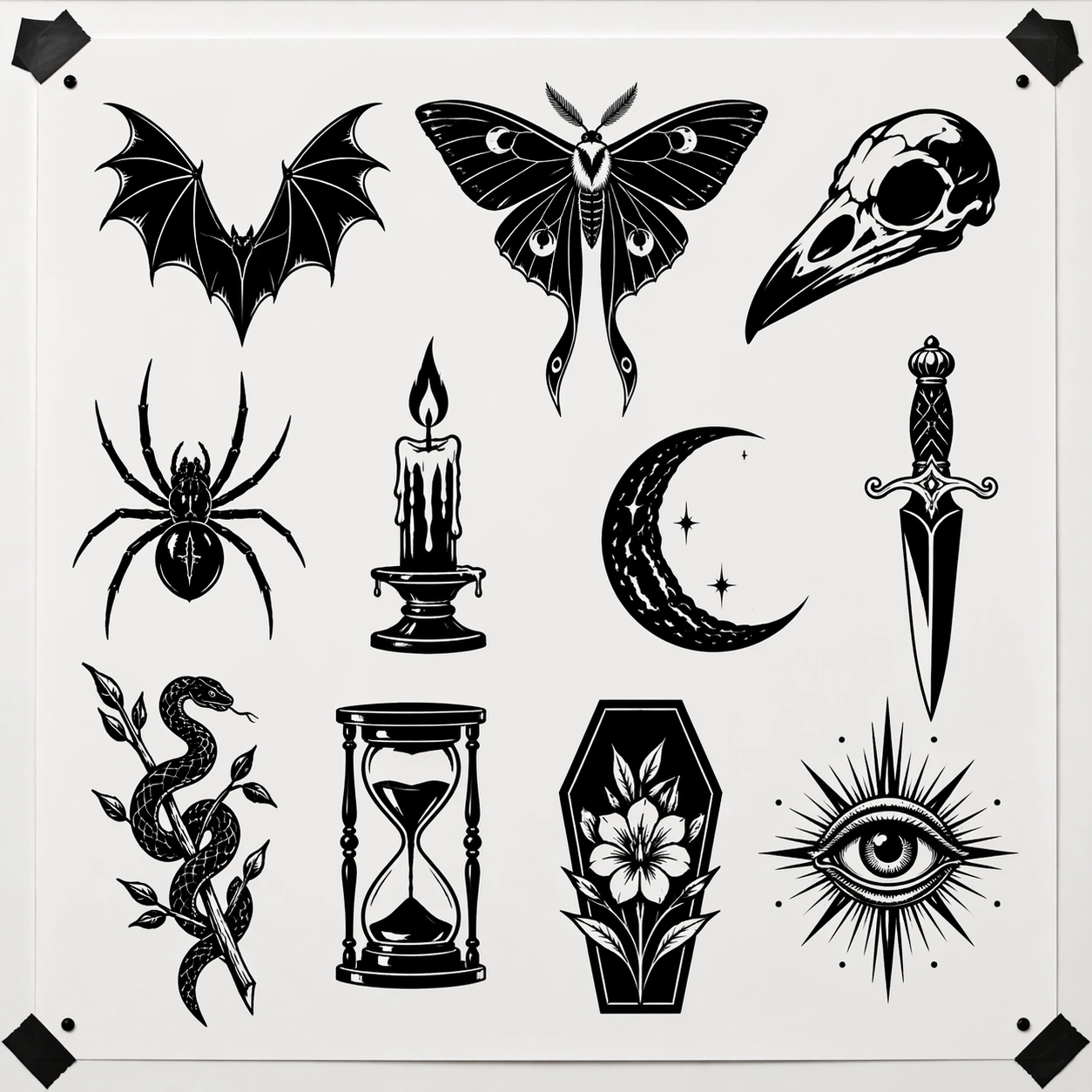
A square flat flash-sheet presentation photographed straight-on against a clean matte white backing board inside a contemporary tattoo studio. Lighting is bright and neutral, revealing crisp paper texture, black ink saturation, and generous negative space. The page should feel archival and precise, as if prepared for a client consultation wall or portfolio binder.

Subject:
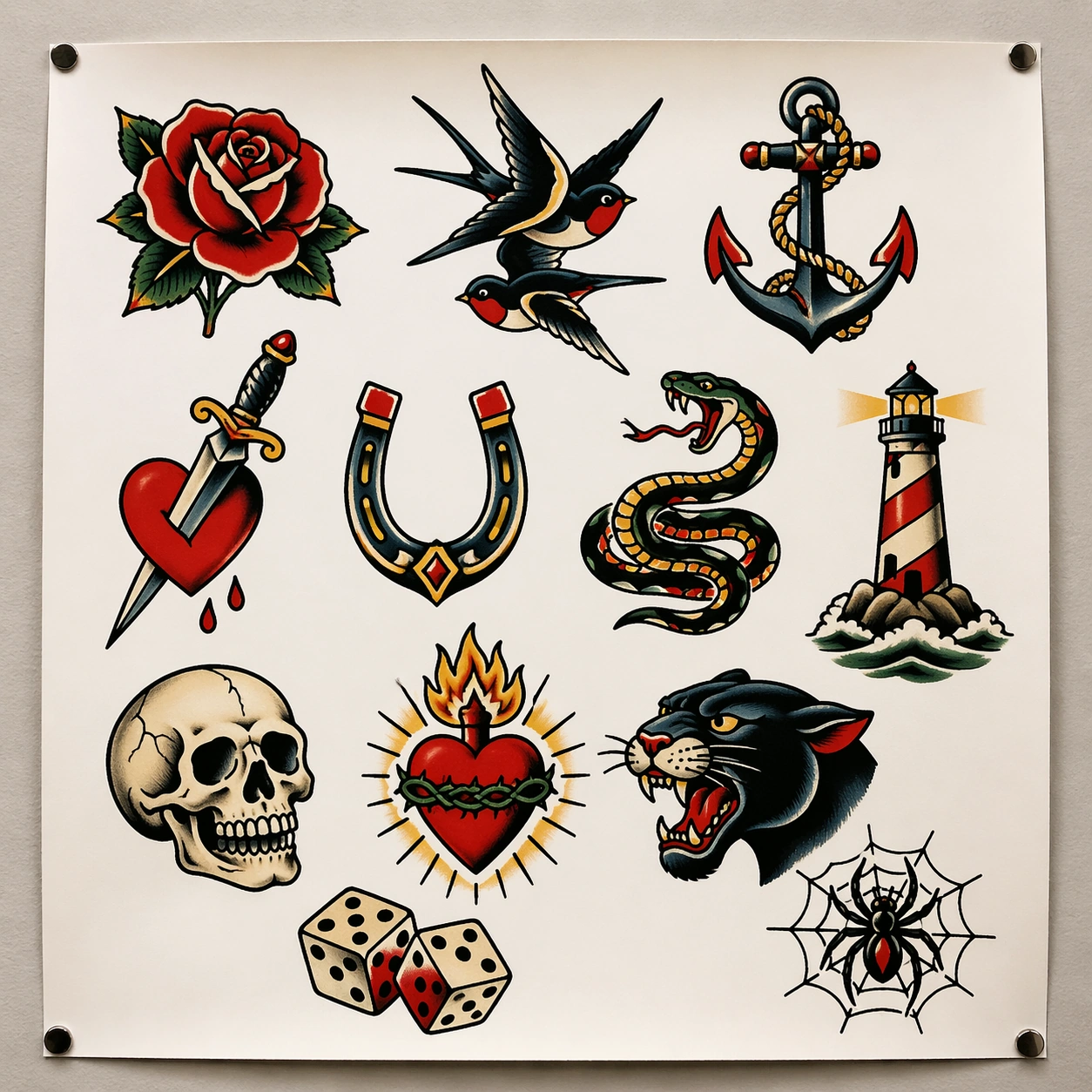
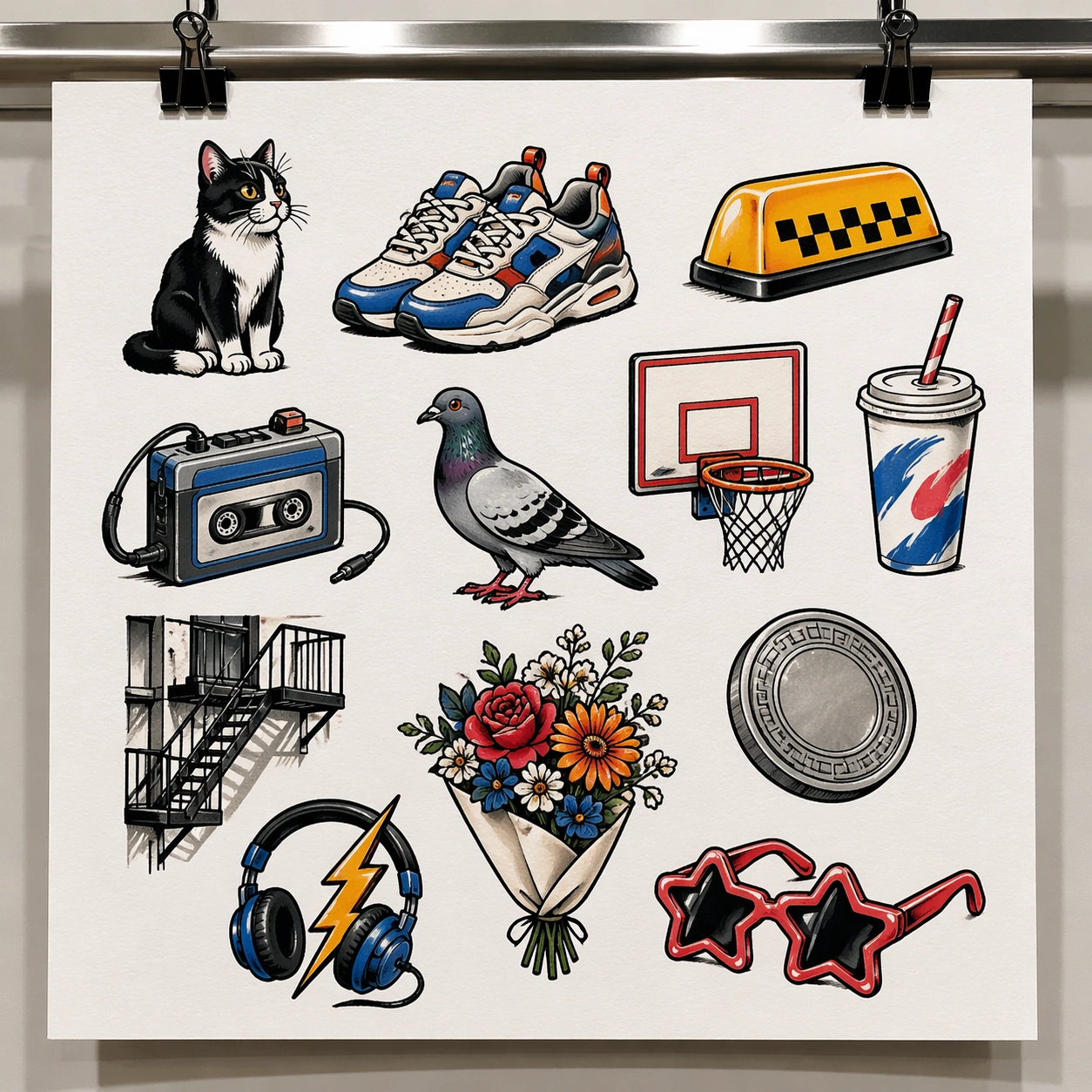
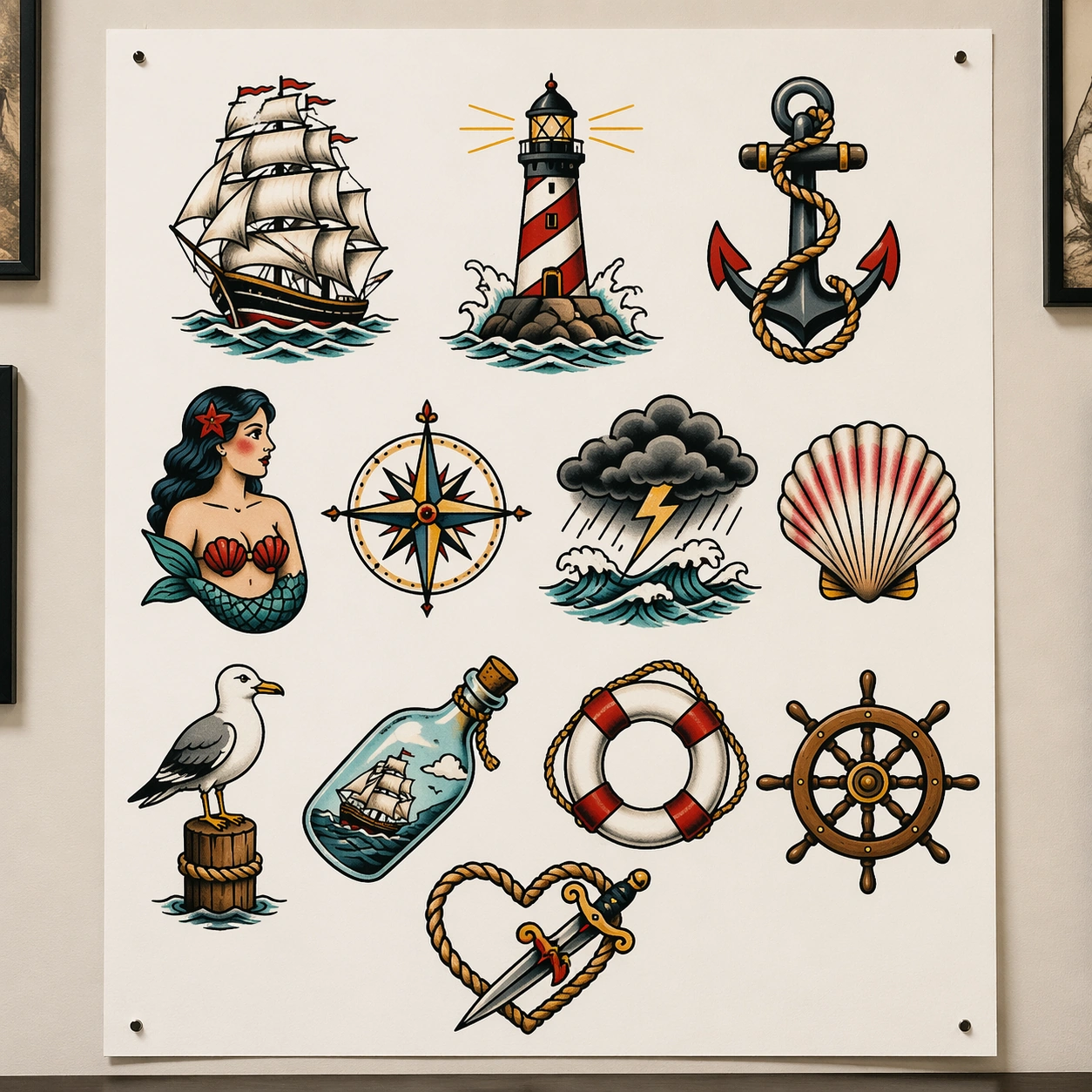
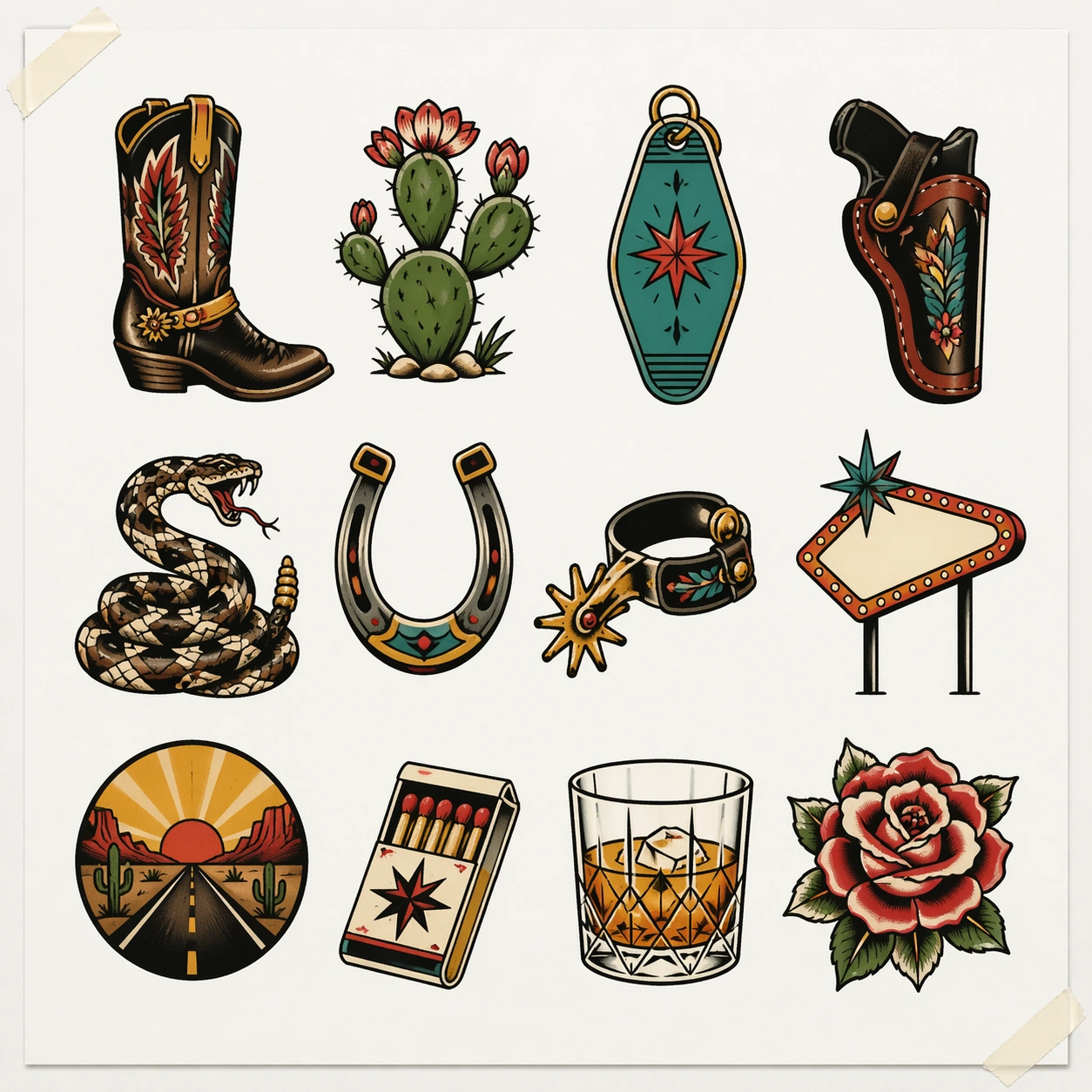
Design a pure blackwork tattoo flash sheet with around eleven nocturnal or ominous motifs: bat wings, luna moth, raven skull, spider, candle flame, crescent moon, dagger, snake wrapped around a branch, hourglass, coffin bloom, and all-seeing eye. Each icon should be isolated and composed as a tattoo-ready emblem, using heavy black masses, sharp negative cutouts, and controlled line detail rather than grayscale painting. The composition should feel cohesive as a substyle collection, but each individual motif must remain distinct and selectable. No motif should touch another, and every silhouette should read instantly from a distance.

Important details:
The key rule is discipline of black ink. Favor solid fills, skin-break thinking translated into white paper gaps, and precise ornamental symmetry where appropriate. The sheet must feel like a professional blackwork artist's flash offering, not a gothic poster. Keep the board clean, with optional tiny registration dots or tape corners as nonverbal shop cues, but no captions. The tension comes from balancing darkness of motif with cleanliness of layout.

Use case:
Tattoo Flash Sheet single study 2/8, testing commercial blackwork presentation with strong silhouette readability and no reliance on color.

Constraints:
No readable text, no watermark, no logos, preserve exact 1:1 aspect ratio, no gray airbrush portrait, no textured paper stains, no overlapping motifs, no human body, no neon color, no decorative background scene.
Verwendung
- Den vollständigen Original-Prompt einschließlich Parametern kopieren.
- Motiv, Text und Komposition an die eigenen Anforderungen anpassen.
- Ein kompatibles externes Werkzeug nutzen; Zugangsbedingungen und Ergebnis prüfen.
Vor dem Start
- Prüfen, ob ein Referenzbild nötig ist. Kompatibilität belegt nicht das tatsächlich verwendete Modell.
- Namen, Zahlen und Bildtexte prüfen; Modellversionen können andere Ergebnisse liefern.