Originaldokument
GPT Image 2 · en
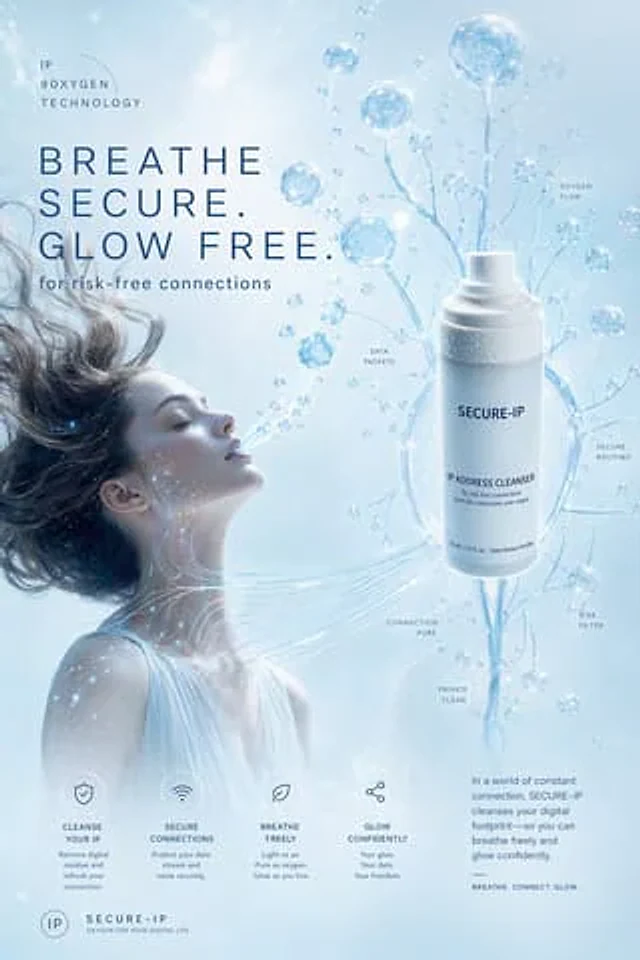
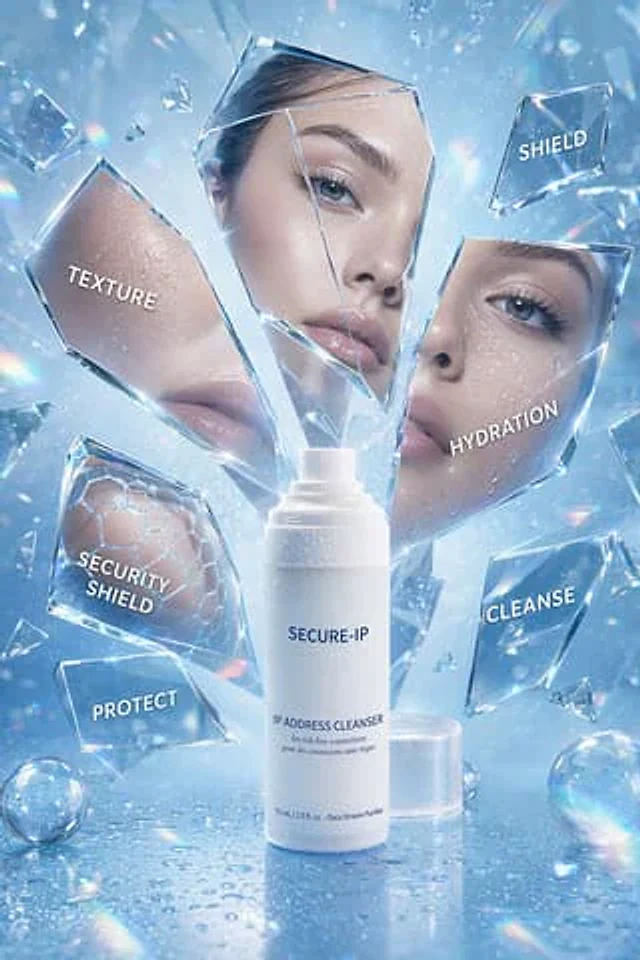
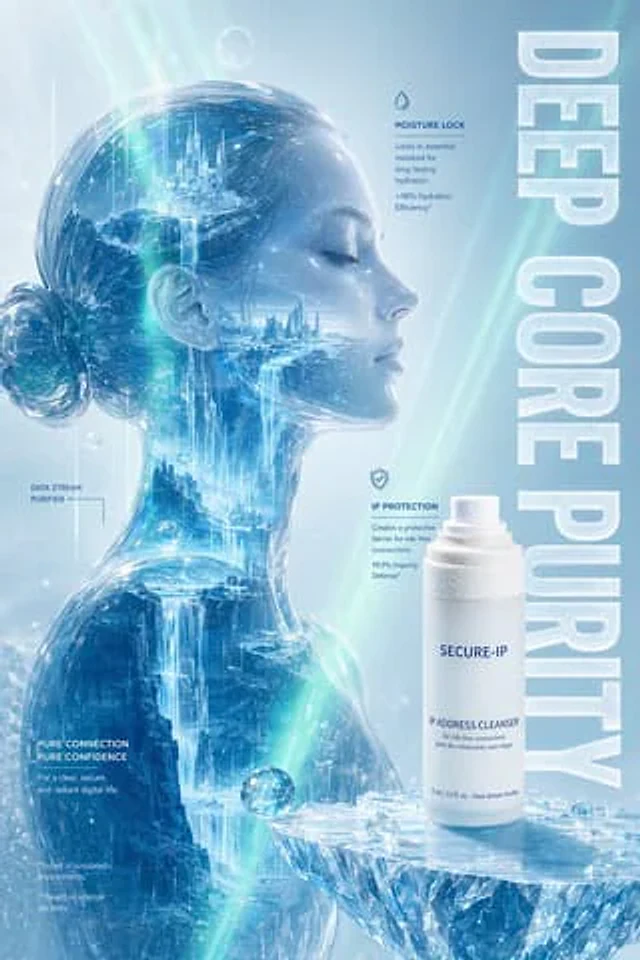
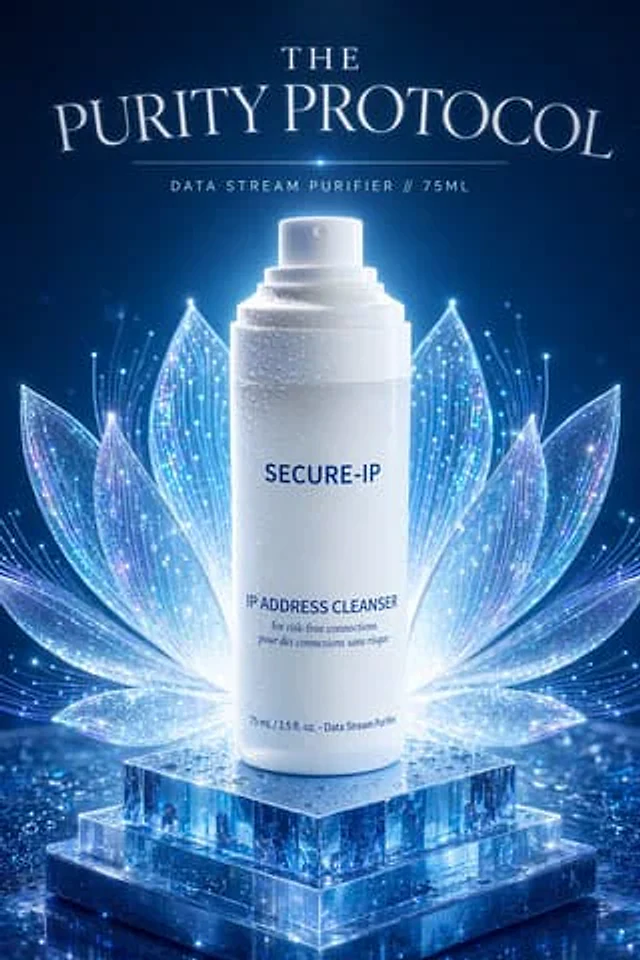
A luxurious, futuristic cosmetics advertisement poster against a deep midnight blue background features a centered composition showcasing a luminous white spray bottle standing upright on a three-tiered transparent crystal base, adorned with water droplets and shimmering reflections. The bottle is slender, cylindrical, and minimalist, with a soft backlighting halo, visible water droplets on its surface, and a clearly visible pump. Behind the bottle, a symmetrical, luminous lotus flower composed of 10 translucent petals unfolds like a digital halo, each petal shimmering with iridescent blue-violet highlights, delicate circuit-like filaments, and tiny shimmering points, seamlessly blending botanical elegance with digital network aesthetics. The base, resembling stacked glass or ice cubes, is moist and reflective, resting on a smooth, shimmering surface scattered with blue light particles. The top features an elegant serif font with striking white luminous lettering.{argument name="headline text" default="THE PURITY PROTOCOL"} Below is a thin horizontal dividing line, with a star-shaped light spot in the center. Smaller sans-serif-spaced text is displayed below.{argument name="subheadline text" default="DATA STREAM PURIFIER // 75ML"} The main brand name on the bottle is {argument name="brand name" default="SECURE-IP"} The product name is{argument name="product label" default="IP ADDRESS CLEANSER"} This is followed by smaller text: "for risk-free connections" and "pour des connexions sans risque," with "75 mL / 2.5 fl. oz. - Data Stream Purifier" at the bottom. The overall style pursues an extremely refined, high-end, surreal, and technologically luxurious beauty film quality, featuring cinematic lighting effects, clear and easy-to-read text, high detail, cool blue and white tones, and ethereal shimmer, achieving a perfect balance between skincare advertising and cybersecurity metaphors.Verwendung
- Den vollständigen Original-Prompt einschließlich Parametern kopieren.
- Motiv, Text und Komposition an die eigenen Anforderungen anpassen.
- Ein kompatibles externes Werkzeug nutzen; Zugangsbedingungen und Ergebnis prüfen.
Vor dem Start
- Prüfen, ob ein Referenzbild nötig ist. Kompatibilität belegt nicht das tatsächlich verwendete Modell.
- Namen, Zahlen und Bildtexte prüfen; Modellversionen können andere Ergebnisse liefern.