Originaldokument
GPT Image 2 · en
Scene:
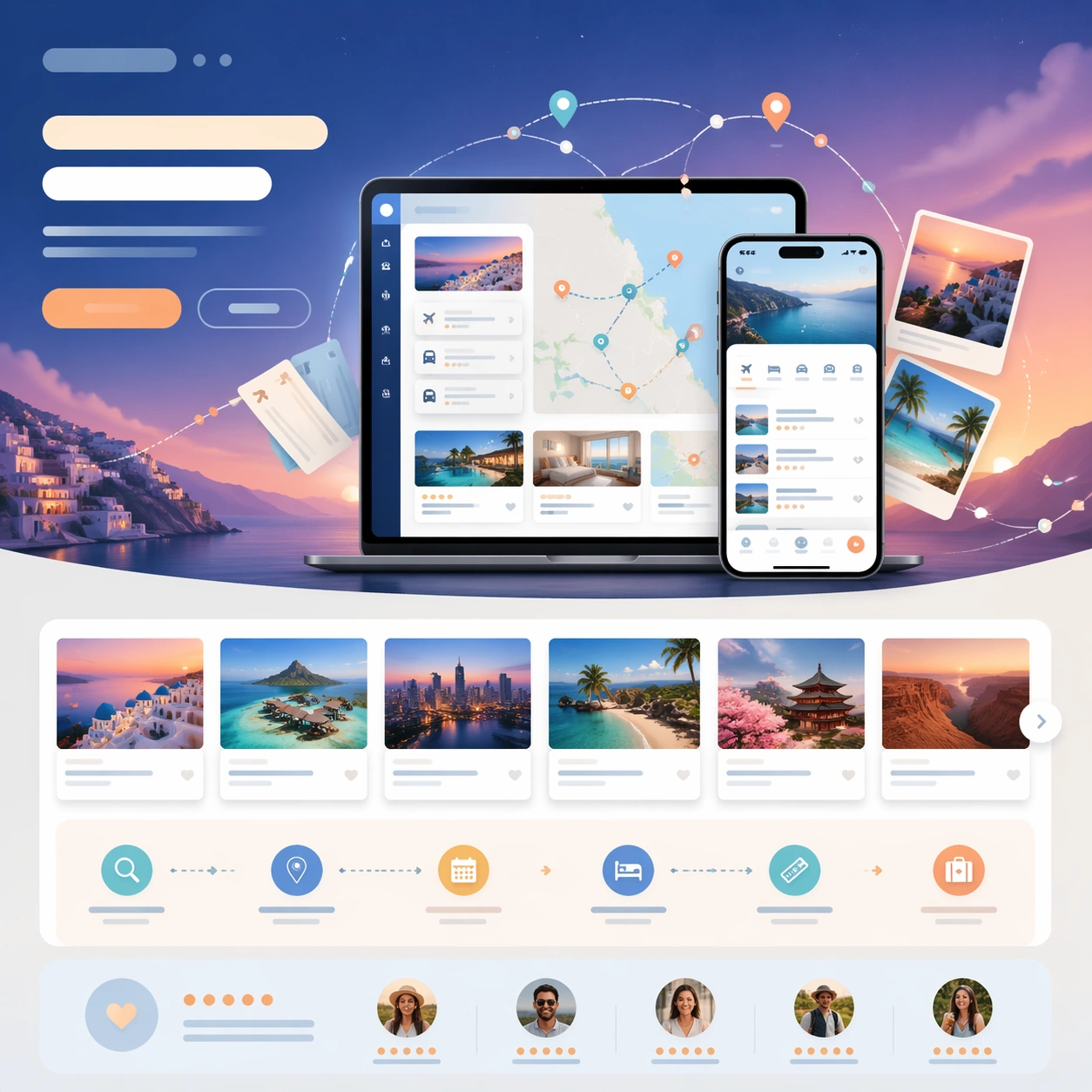
A square travel-app launch-page still with twilight blue, sand, aqua, and sunset orange accents, composed like a premium consumer travel website. The frame should feel aspirational and lightweight, with layered cards, route arcs, and one atmospheric gradient behind the central device cluster. Structure the composition so the hero feels dreamy while the lower modules still read as concrete product proof and booking conversion.

Subject:
Center a laptop and phone pairing for a trip-planning app, with screenshots implying itinerary cards, map pins, hotel blocks, and transit timing. Surround the devices with a clean launch-page hierarchy: abstract headline bars, two CTA buttons, a row of destination cards, a planning workflow strip, and a trust module made of ratings-like dots and traveler avatars. Add a subtle hero illustration of orbital route lines, paper tickets, and horizon gradients weaving behind the product screens.

Important details:
The page must convincingly integrate app proof with travel aspiration. Keep the screenshots believable and modular, never cluttered. The abstract hero art should amplify the sense of movement without turning the frame into a poster unrelated to product UI. Use disciplined spacing and obvious vertical sections so the still could plausibly be sliced into homepage hero, app-store visual, or social banner assets. All text-like content remains unreadable placeholder forms only, with no literal words or map labels.

Use case:
App Launch Hero System single study 8/9, testing whether a travel-planning launch page can balance dreamy hero mood, structured UI proof, and clear booking CTA hierarchy.

Constraints:
No readable text, no watermark, no logos, preserve exact 1:1 aspect ratio, no browser chrome, no airplane stock photo dominating the frame, no passport stamps with letters, no cluttered map labels, no luggage brand marks, no distorted screen reflections.
Verwendung
- Den vollständigen Original-Prompt einschließlich Parametern kopieren.
- Motiv, Text und Komposition an die eigenen Anforderungen anpassen.
- Ein kompatibles externes Werkzeug nutzen; Zugangsbedingungen und Ergebnis prüfen.
Vor dem Start
- Prüfen, ob ein Referenzbild nötig ist. Kompatibilität belegt nicht das tatsächlich verwendete Modell.
- Namen, Zahlen und Bildtexte prüfen; Modellversionen können andere Ergebnisse liefern.