Originaldokument
GPT Image 2 · en
Scene:
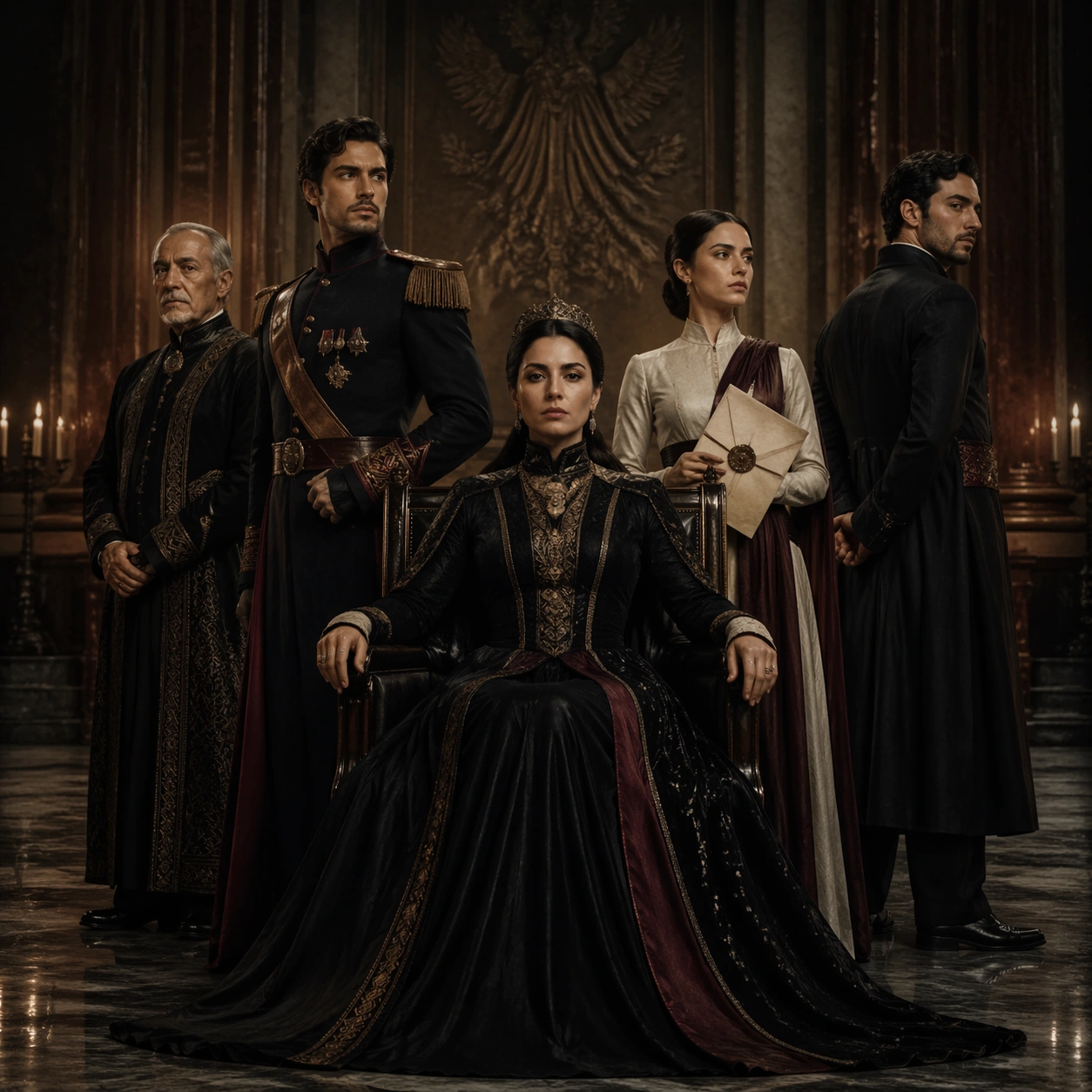
Use the reference ensemble key art as the source of identity, wardrobe, and hierarchy. Create a square awards-season portrait adaptation set in a muted cream photo studio with soft architectural shadows, brushed metal panels, and controlled spotlight falloff. The mood is formal, expensive, and magazine-grade, as if the platform commissioned a prestige press image derived from the same series campaign.

Subject:
Show the same six characters from the reference with preserved faces, hairstyles, clothing language, and relationship structure. The matriarch remains the visual center, now standing instead of sitting, while the heir is placed close enough to imply succession but still clearly subordinate. The daughter and outsider son-in-law form opposing diagonals that create tension across the frame. The fixer and bodyguard stay slightly recessed, still readable but not competing for dominance. Use small shifts in shoulder angle, eye direction, and hand placement to intensify status and distrust without changing who each person is.

Important details:
Preserve exact identity continuity from image 01. This variant tests whether a campaign can tighten the crop and simplify the background while keeping the same power map. Maintain luxury tailoring, restrained color palette, and premium retouching discipline. The image should still read instantly as the same fictional series, not a new cast or unrelated editorial portrait. Avoid clutter; the hierarchy must come from spacing, posture, gaze, and tonal contrast.

Use case:
Prestige TV Key Art Remix series study 2/9, adapting the same fictional ensemble into a formal awards-campaign portrait.

Constraints:
No readable text, no watermark, no logos, preserve exact 1:1 aspect ratio, no cast reshuffle, no extra jewelry spectacle, no broad smiles, no busy set dressing, no fashion-editorial exaggeration that breaks the prestige-drama tone.
Verwendung
- Den vollständigen Original-Prompt einschließlich Parametern kopieren.
- Motiv, Text und Komposition an die eigenen Anforderungen anpassen.
- Ein kompatibles externes Werkzeug nutzen; Zugangsbedingungen und Ergebnis prüfen.
Vor dem Start
- Prüfen, ob ein Referenzbild nötig ist. Kompatibilität belegt nicht das tatsächlich verwendete Modell.
- Namen, Zahlen und Bildtexte prüfen; Modellversionen können andere Ergebnisse liefern.