Originaldokument
GPT Image 2 · en
Scene:
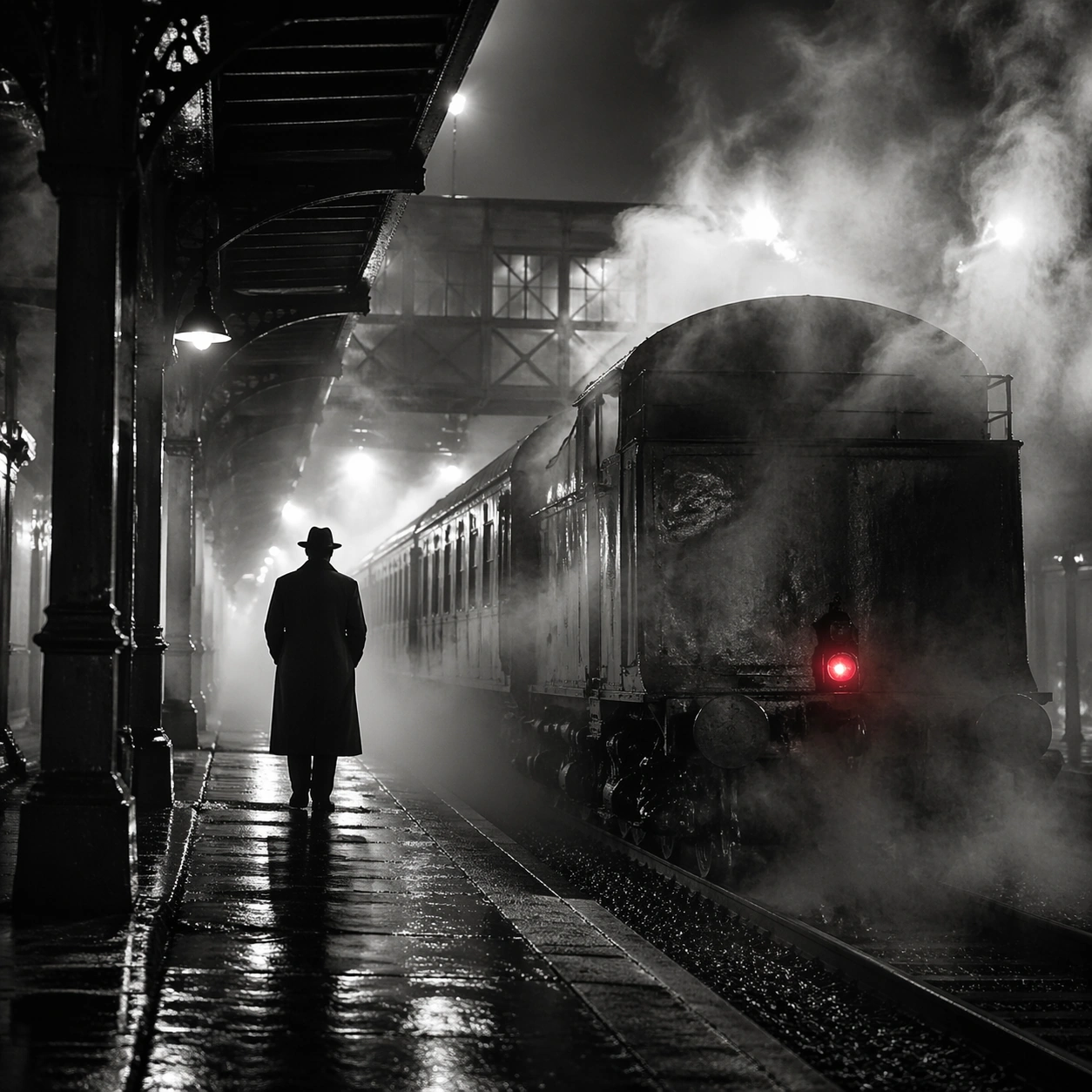
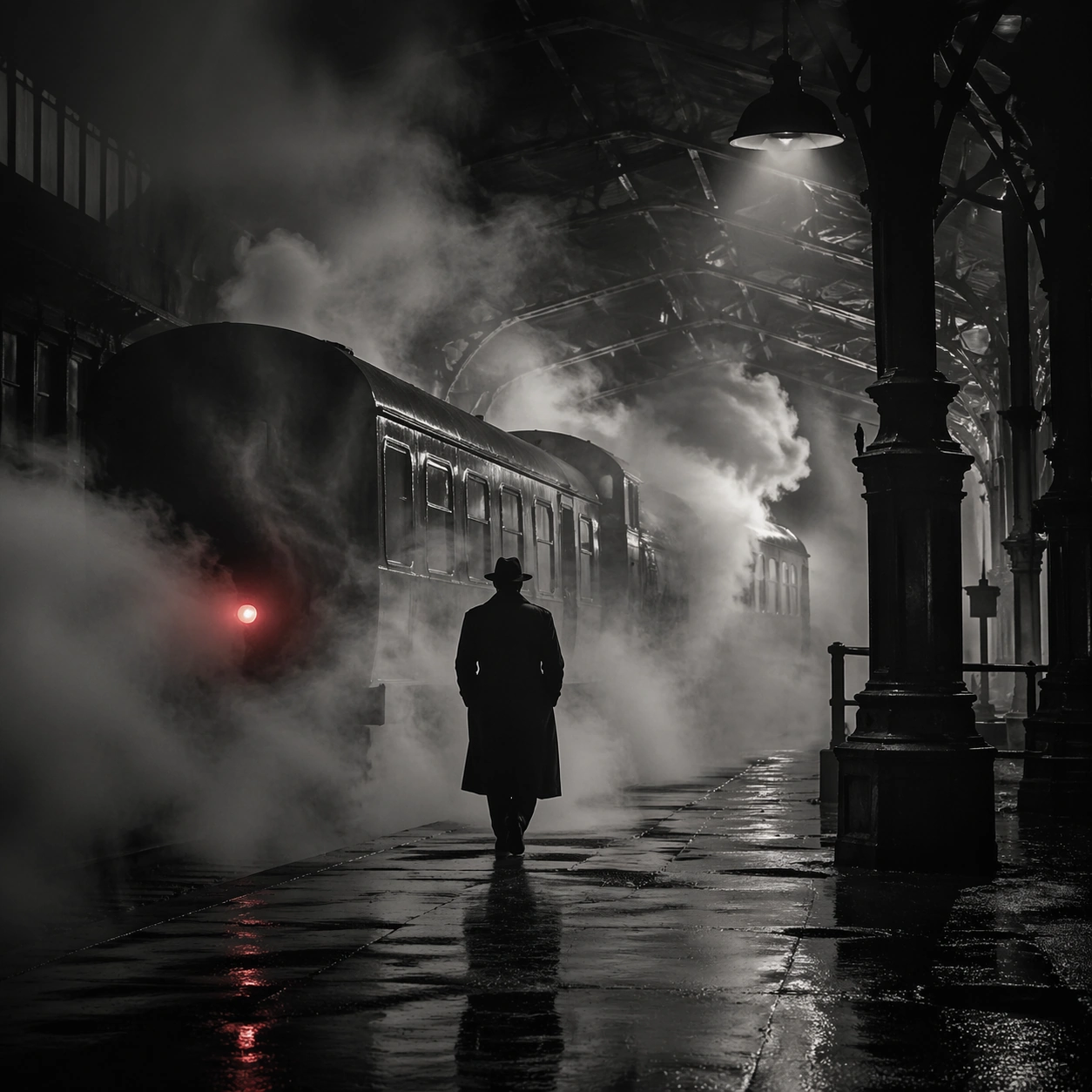
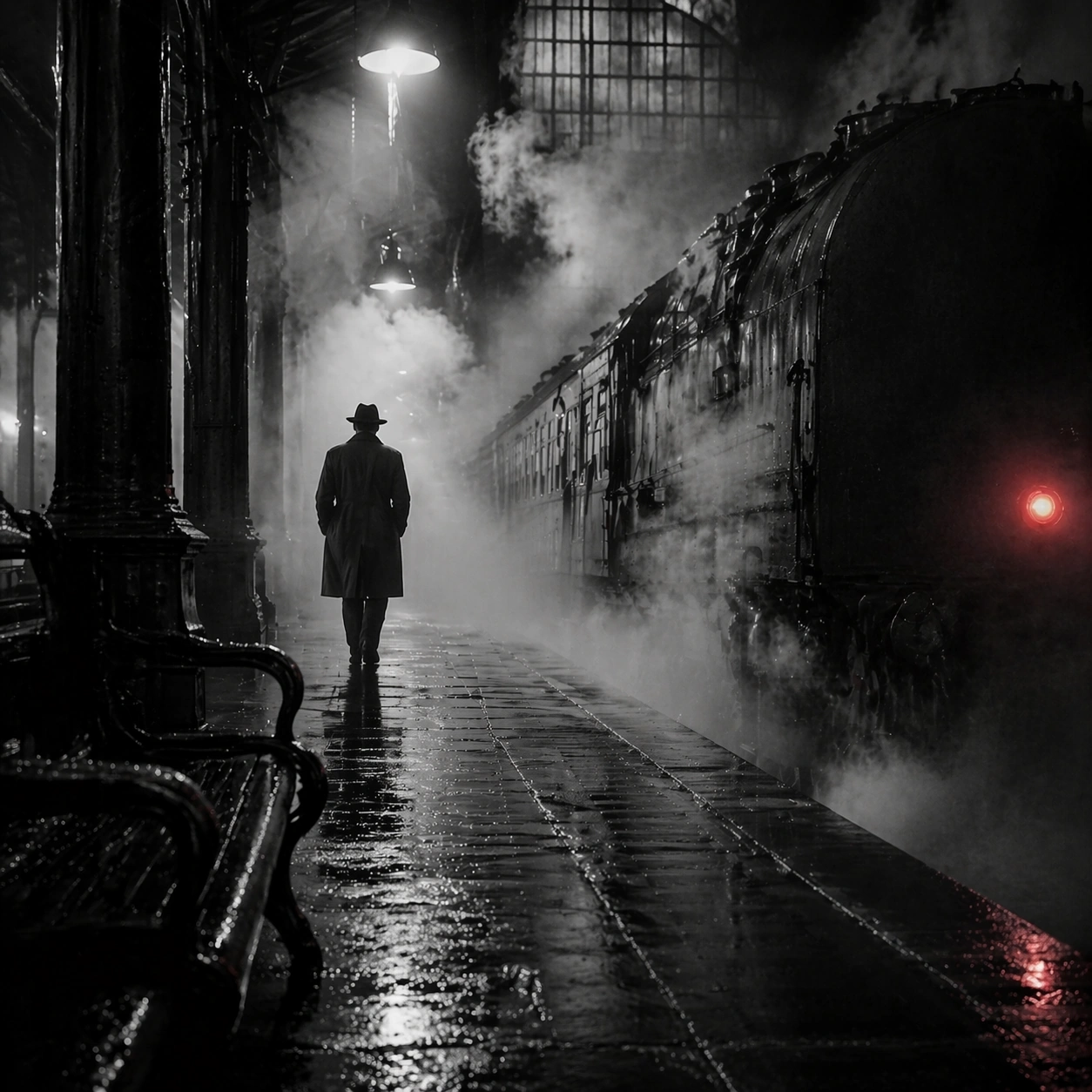
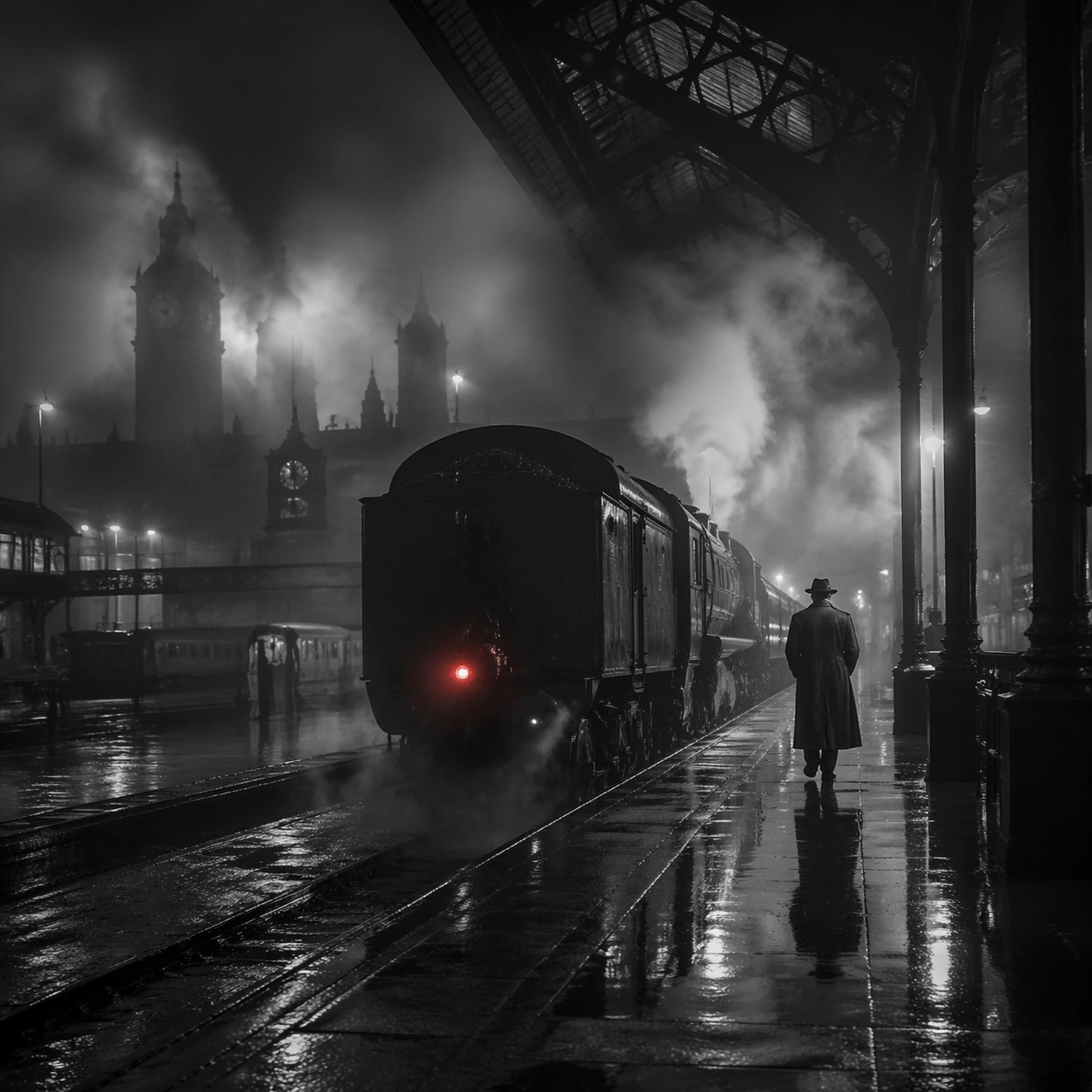
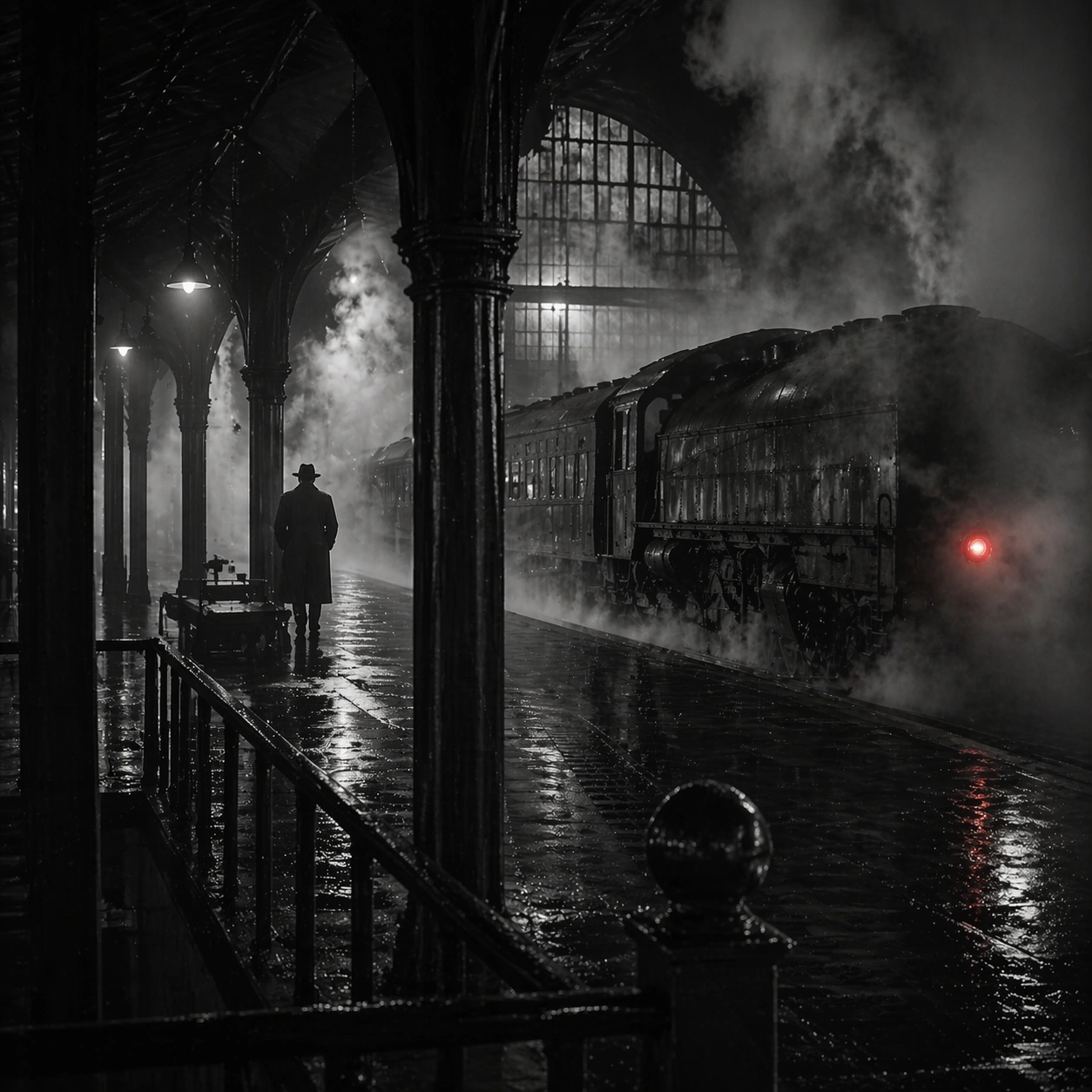
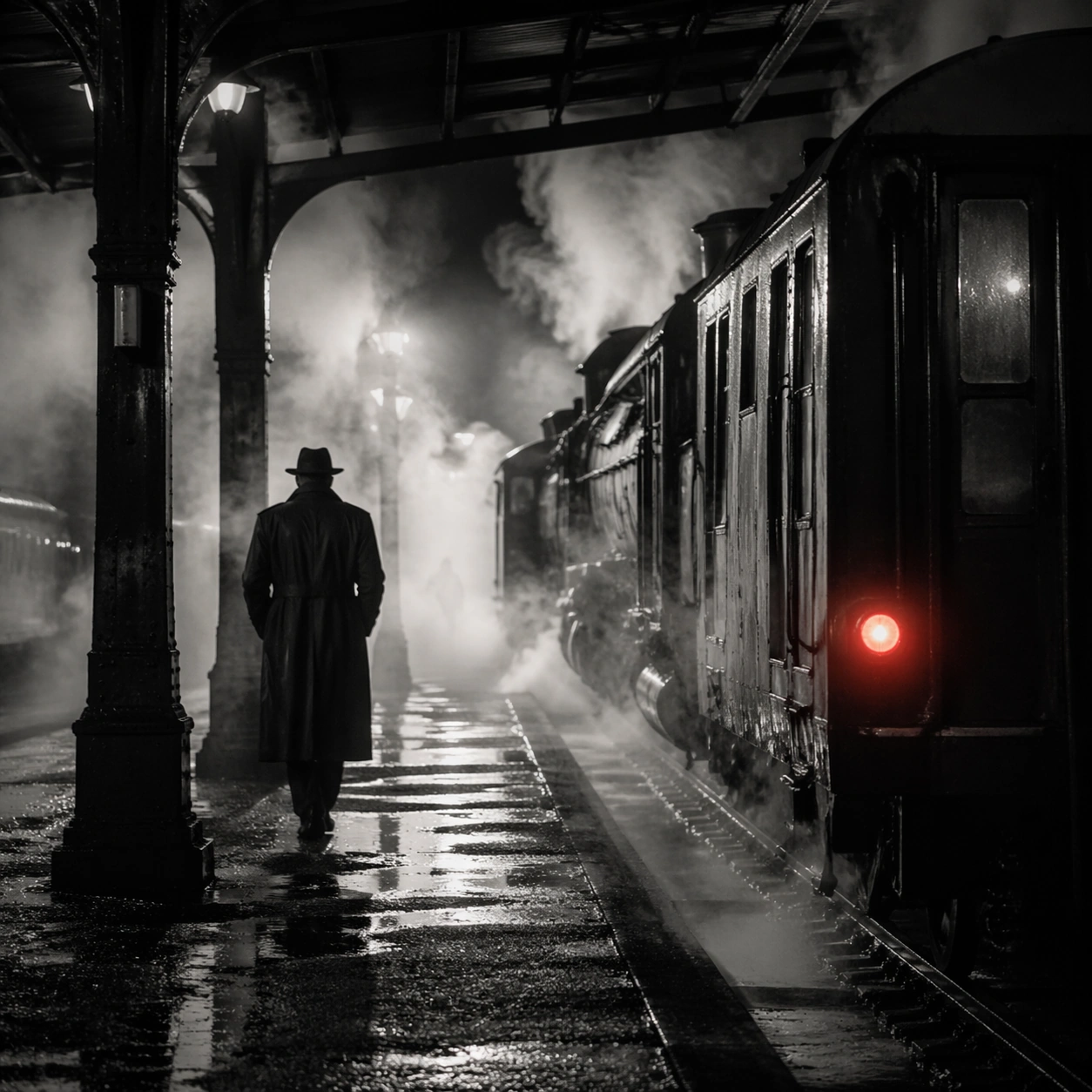
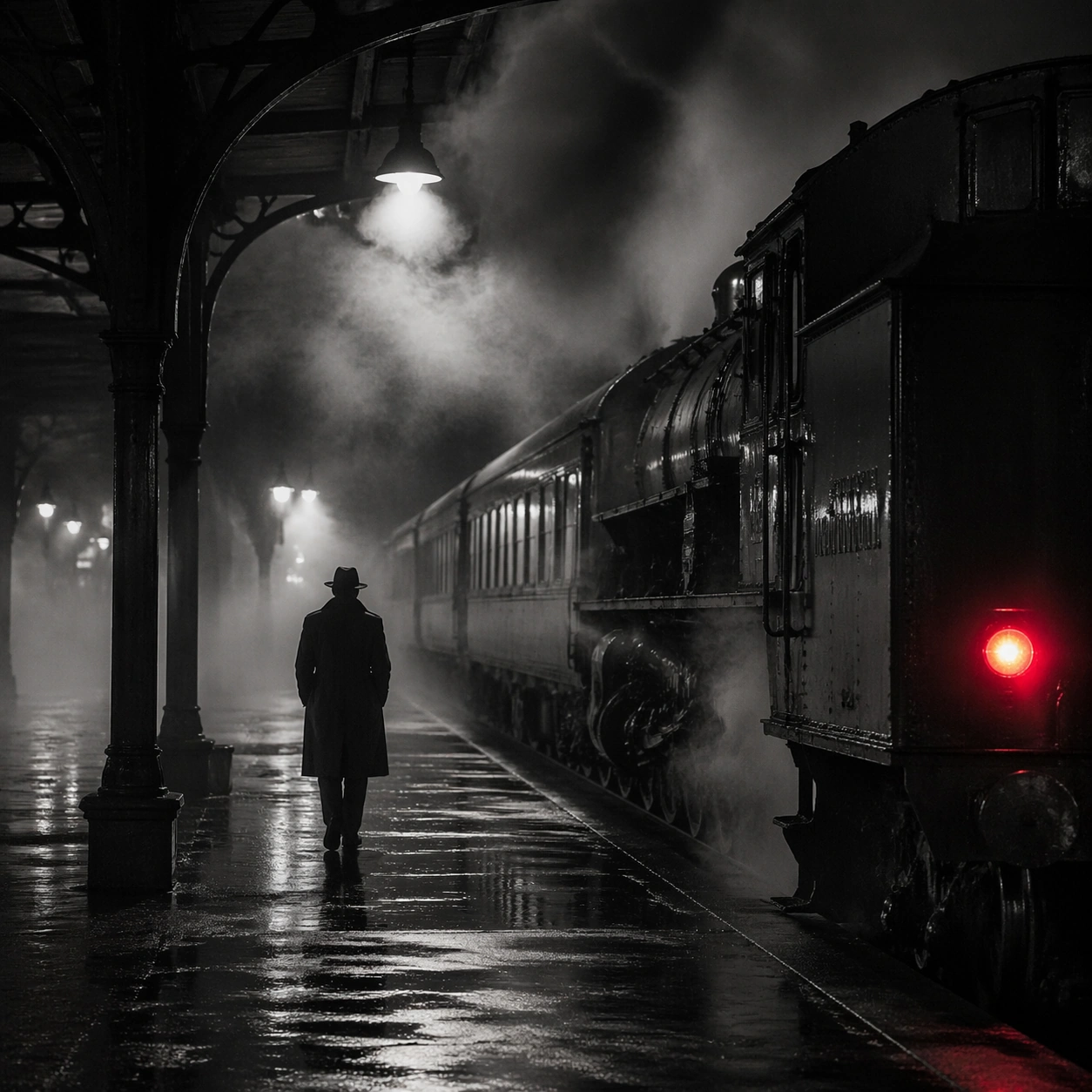
Create a square cinematic still for Steam Engine Station Noir. Use production-grade photoreal lighting, disciplined lens behavior, and a composition that feels like a finished key frame from an original film rather than a casual snapshot. A mid-century rail platform is buried in rolling steam and hard-edged station light, with mostly monochrome tonality, wet pavement, iron structure, and one restrained red tail lamp or signal glowing through the vapor. End on a quieter independent image that holds the residue of the topic atmosphere after its loudest moment has passed, while still feeling complete and exhibition-ready.

Subject:
Build a coherent original scene whose emotional center comes from atmosphere, light physics, and spatial clarity. Avoid relying on celebrity likeness, franchise iconography, or stylized illustration shortcuts. A lone figure in a trench coat, the locomotive mass, steel beams, and layered steam curtains should build the scene, but the person remains anonymous and secondary to the environment and the light-cutting fog. The frame should suggest memory, aftermath, or lingering presence through environment first and only secondarily through any figure or object.

Important details:
Preserve a believable physical world with strong depth layering, careful color separation, and premium image discipline. Prioritize steam density layering, wet-surface sheen, noir contrast, and restrained color use, so the image feels like a lost still from a serious black-and-white crime film rather than a cosplay set. Favor restraint, believable light decay, and subtle narrative closure over spectacle or decorative excess.

Use case:
Steam Station single study 9/9.

Constraints:
No readable text, no watermark, no logos, preserve exact 1:1 aspect ratio, no readable station boards, no crowded commuters, no exaggerated detective props, no pristine modern train design, no bright advertising.
Verwendung
- Den vollständigen Original-Prompt einschließlich Parametern kopieren.
- Motiv, Text und Komposition an die eigenen Anforderungen anpassen.
- Ein kompatibles externes Werkzeug nutzen; Zugangsbedingungen und Ergebnis prüfen.
Vor dem Start
- Prüfen, ob ein Referenzbild nötig ist. Kompatibilität belegt nicht das tatsächlich verwendete Modell.
- Namen, Zahlen und Bildtexte prüfen; Modellversionen können andere Ergebnisse liefern.