Originaldokument
GPT Image 2 · en
Scene:
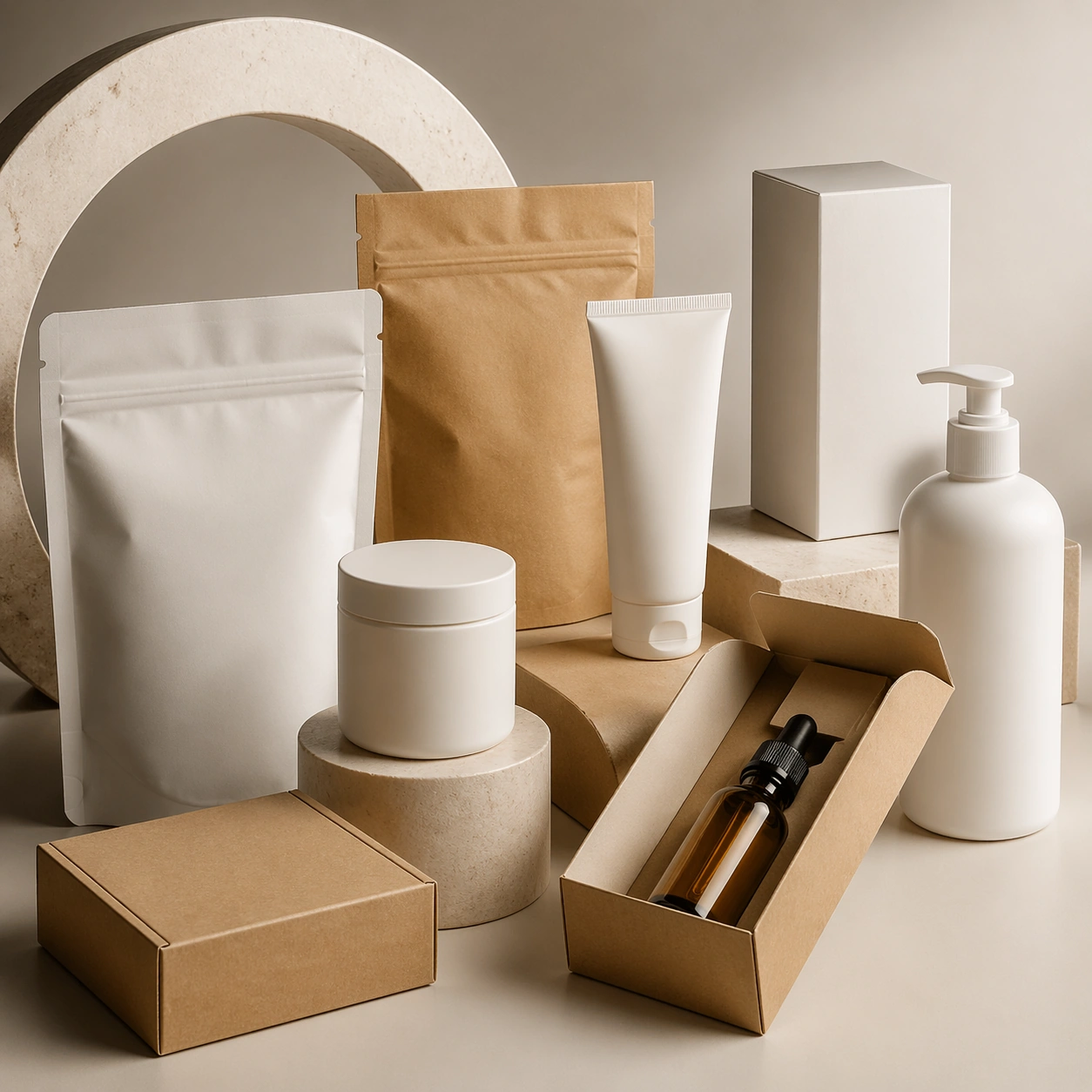
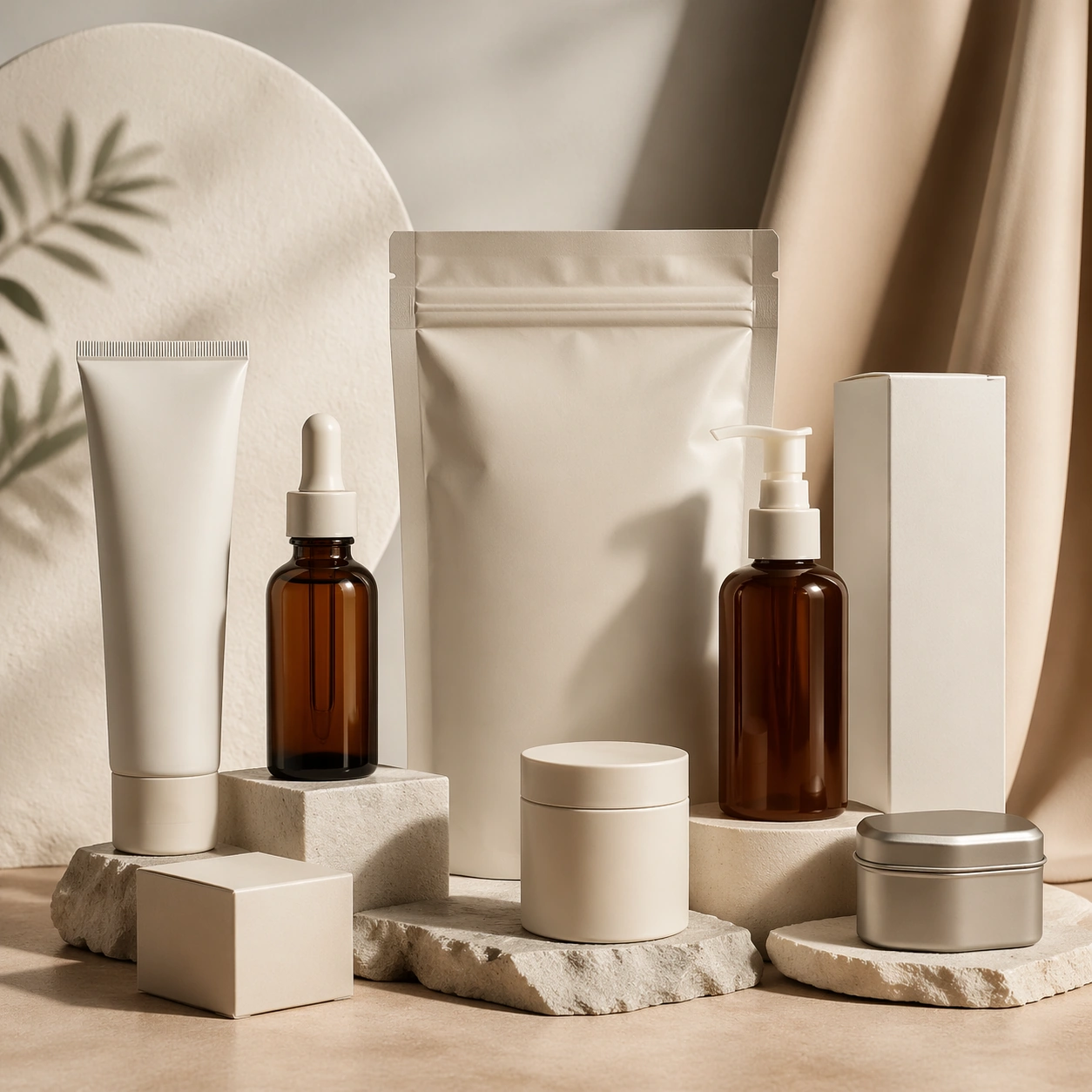
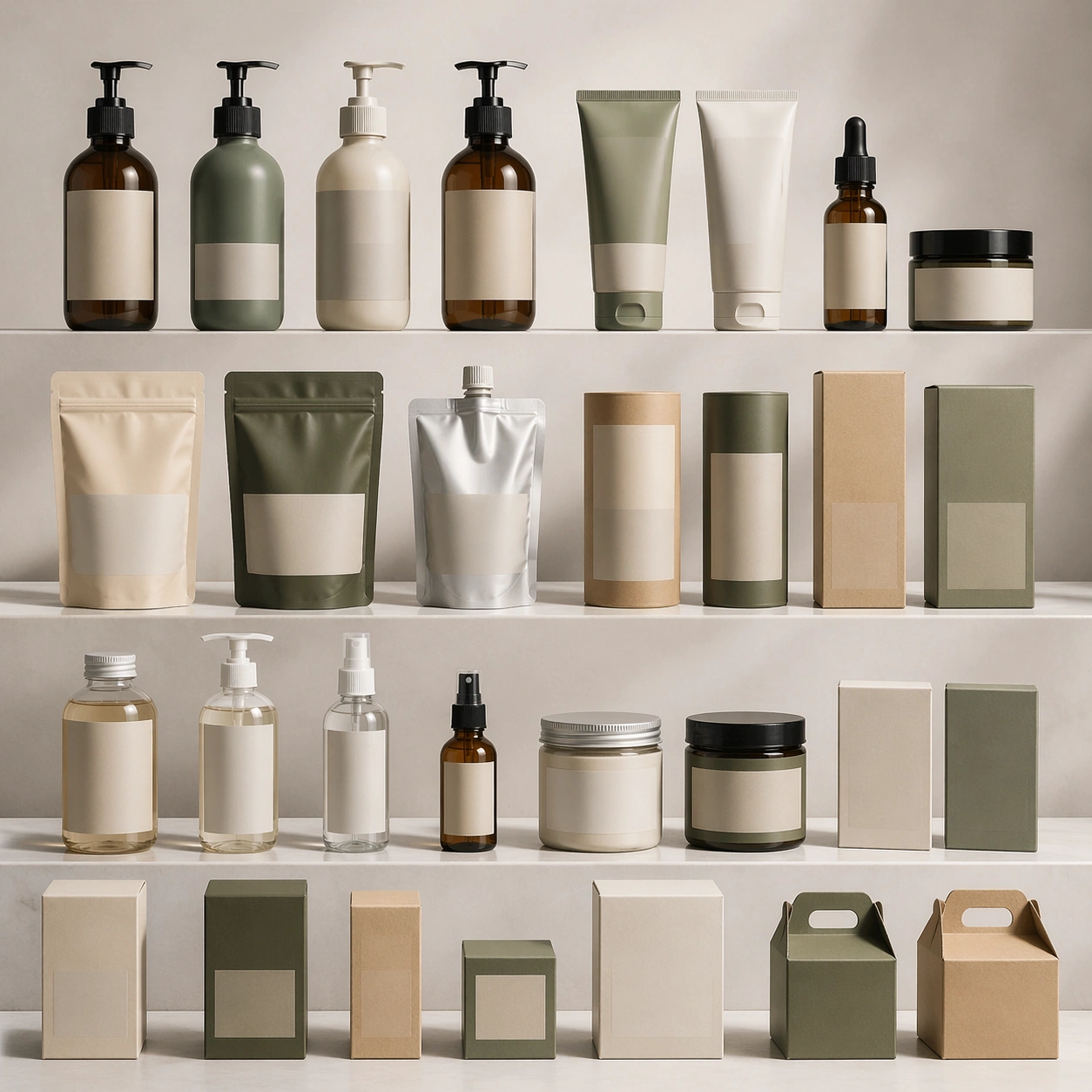
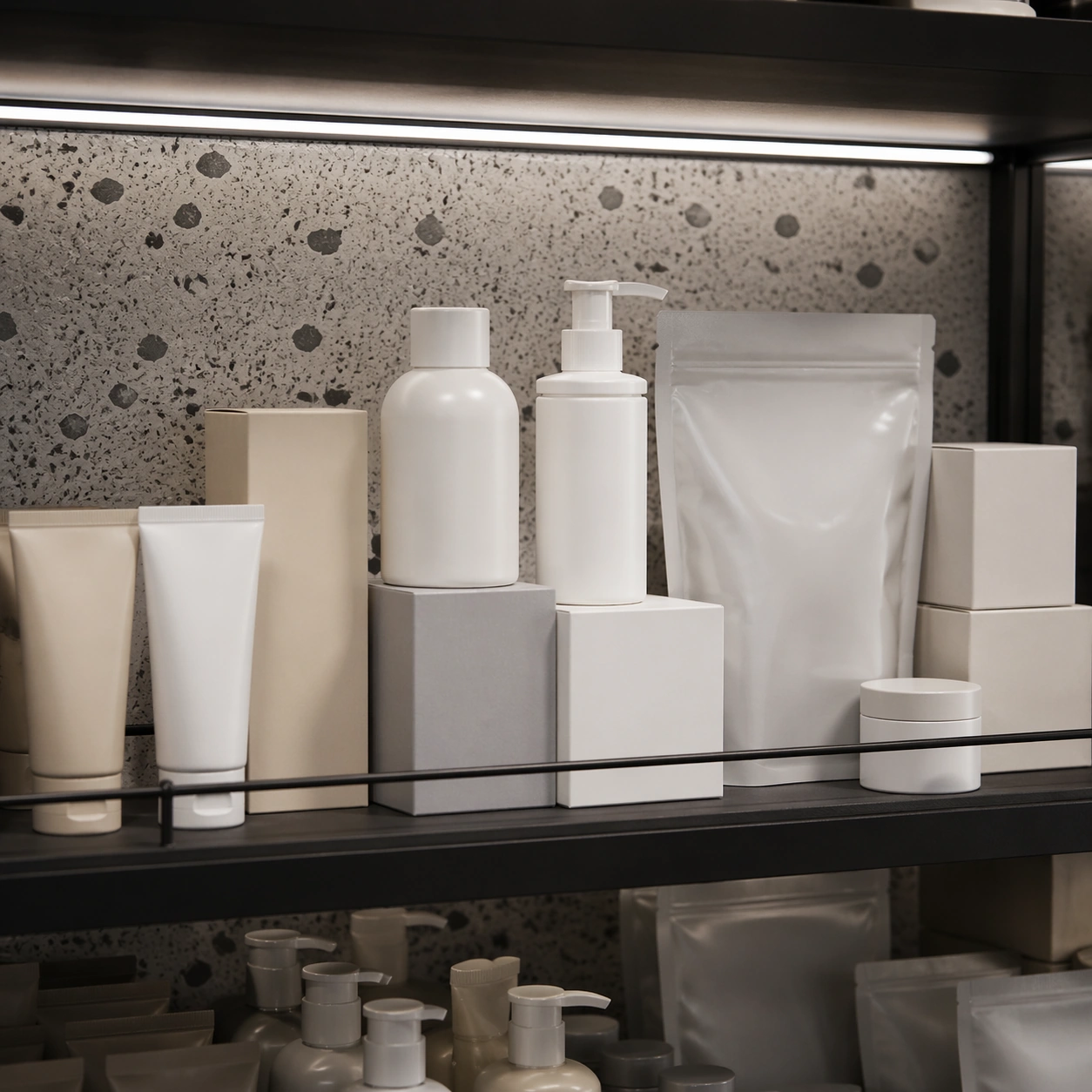
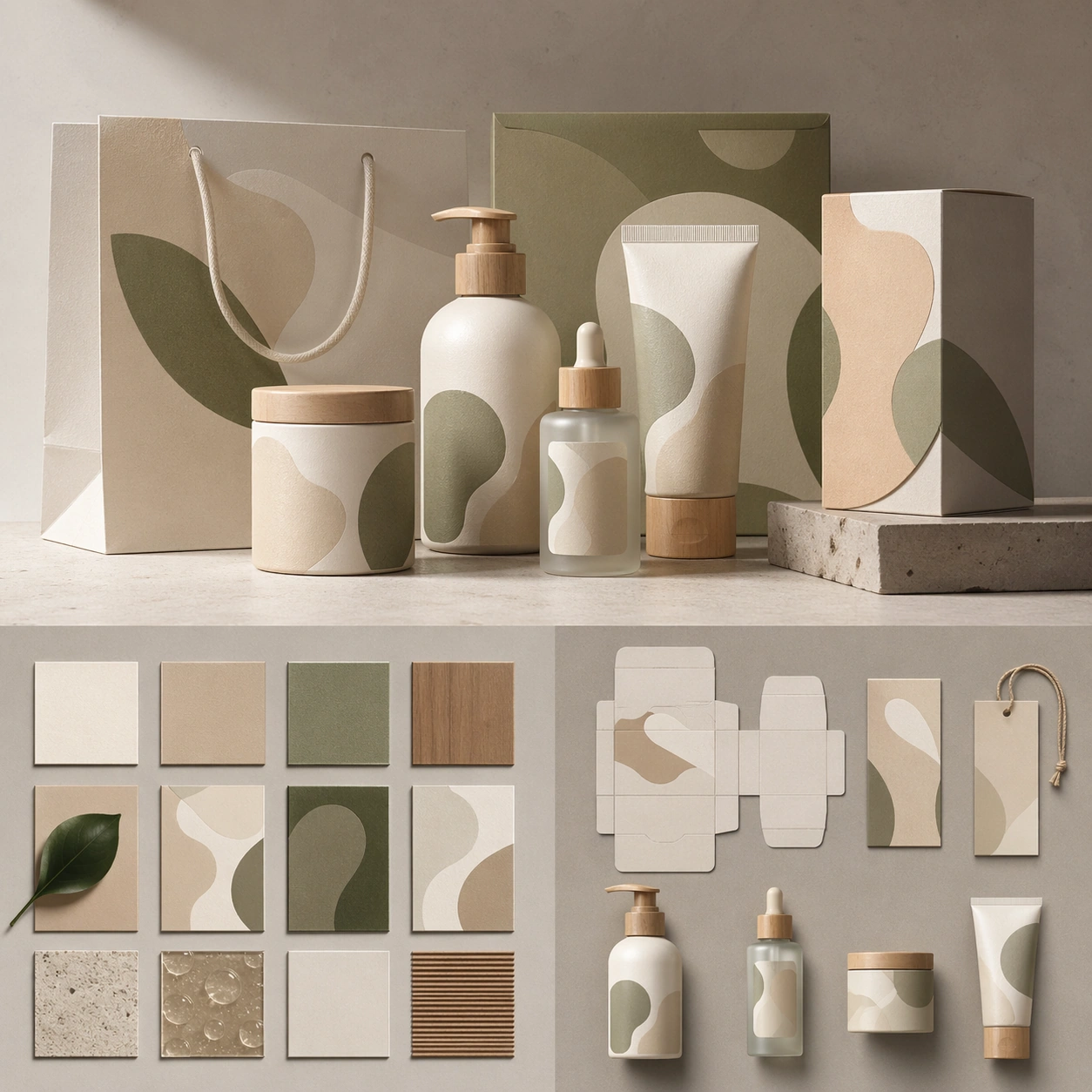
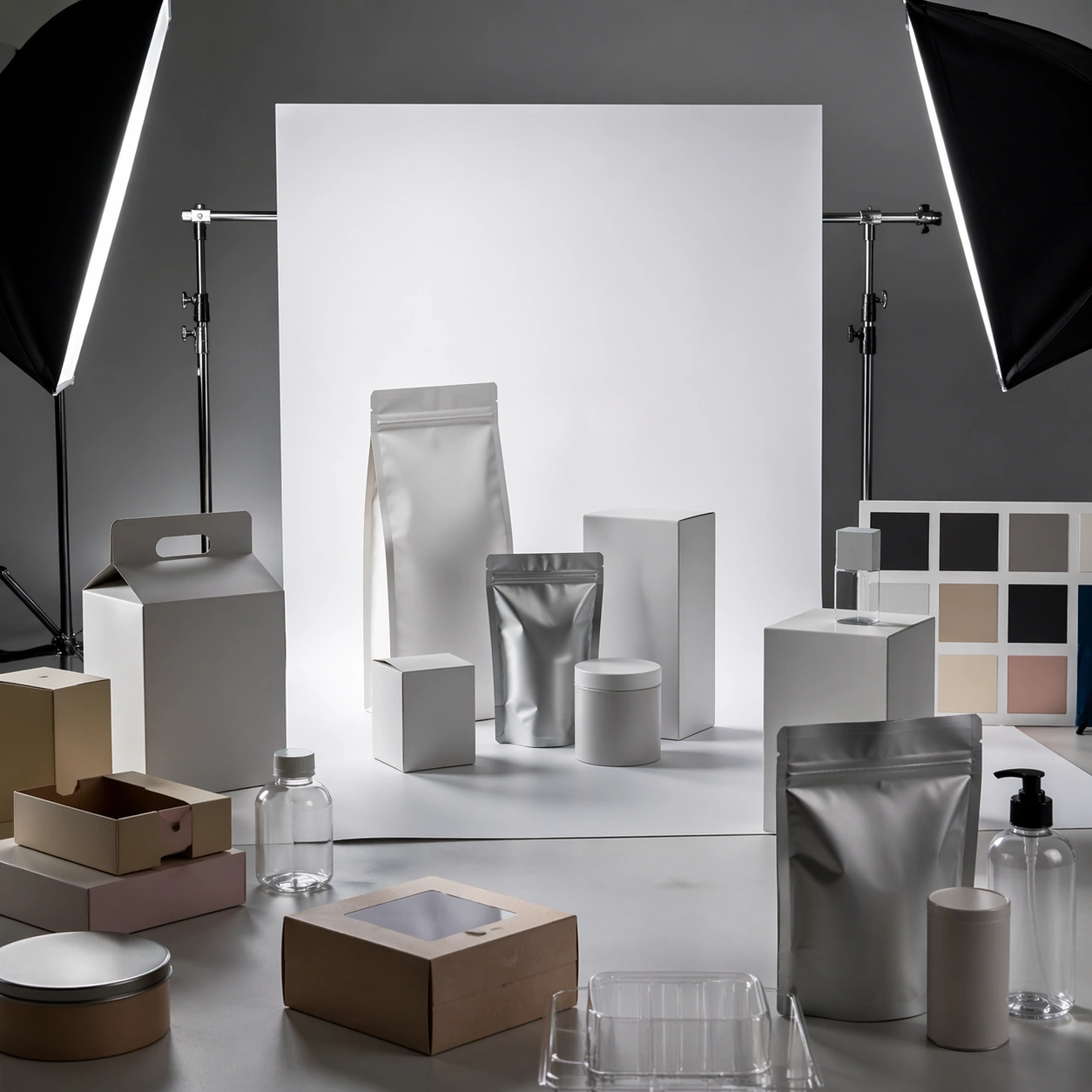
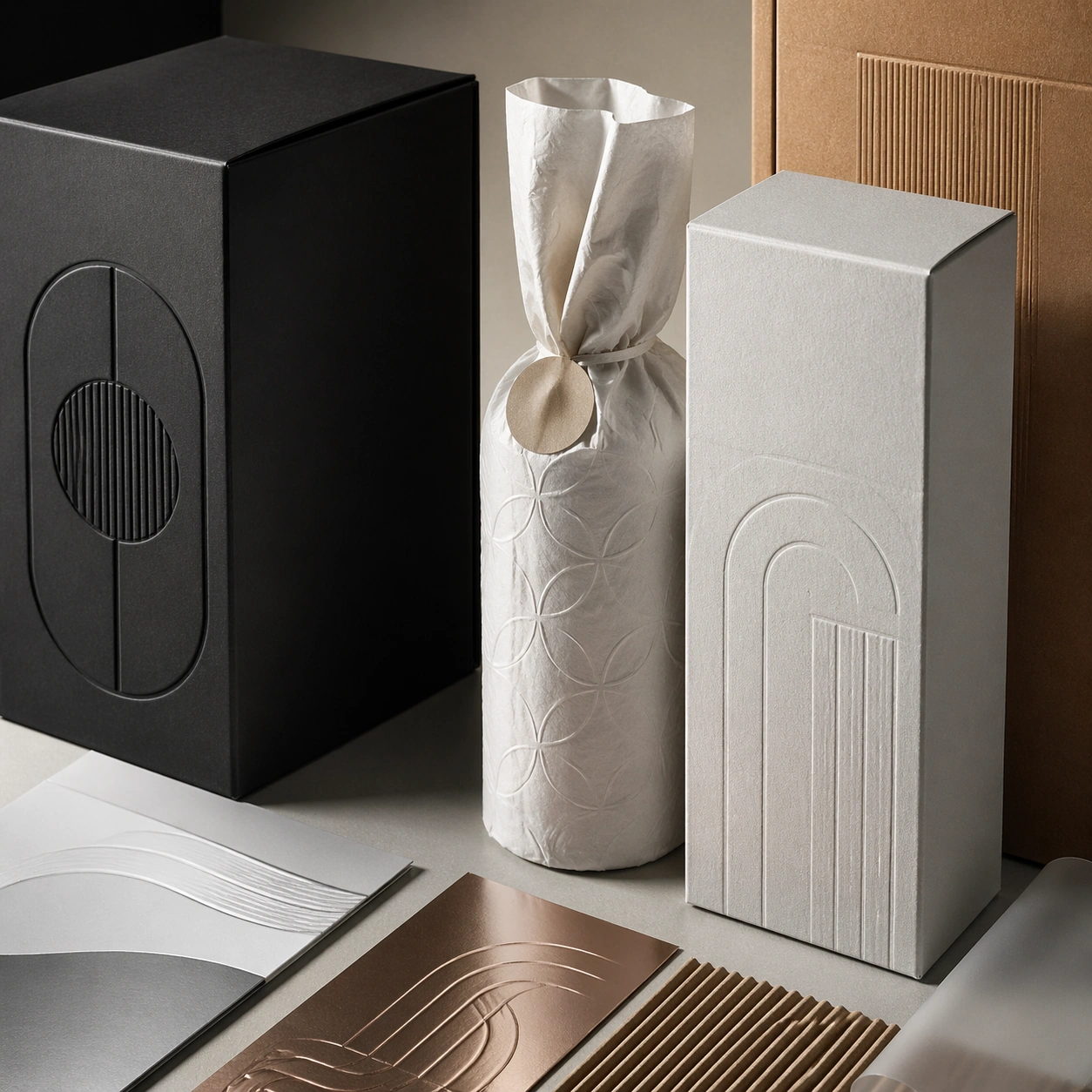
A square commercial presentation with realistic materials, clean staging, and believable product photography or retail lighting. Build the frame around tactile finish, emboss, print, foil, or substrate behavior. Keep the lighting, camera distance, and spatial organization tuned for a high-signal research image rather than a casual snapshot. The image belongs to the Product Packaging Studio Mockup theme and should feel immediately legible as a prompt atlas theme for product packaging studio mockup, testing photorealism, physics-materials, editing-workflow, commercial-mockup with gpt image 2..

Subject:
Center the study on tactile finish, emboss, print, foil, or substrate behavior. Translate the theme into a concrete visual statement instead of an abstract mood board: the viewer should understand what kind of image this is, what is being tested, and why the composition is difficult. Use the slug idea of product packaging studio mockup as a literal guide for subject matter, materials, and staging. If helpful, borrow the broad visual cues suggested by studio, but keep the result original and specific to this study.

Important details:
The mockup should feel saleable and design-ready: sharp edges, controlled reflections, credible paper or plastic behavior, and precise placement. Preserve a disciplined square composition, clear focal hierarchy, and enough secondary information to make the image feel complete rather than underspecified. The image should look polished, novel, and exhibition-ready, with topic-specific credibility coming from the way surfaces, structure, and visual language reinforce Product Packaging Studio Mockup. Avoid generic filler elements that do not serve the main concept.

Use case:
Product Packaging Studio Mockup single study 4/8, testing photorealism, physics-materials, editing-workflow, commercial-mockup through the material closeup variation.

Constraints:
No readable text, no watermark, no logos, preserve exact 1:1 aspect ratio, no real brand names, no cheap stock-photo styling, no broken perspective, no watermark, no accidental readable packaging copy, no cluttered retail shelf unless intended.
Verwendung
- Den vollständigen Original-Prompt einschließlich Parametern kopieren.
- Motiv, Text und Komposition an die eigenen Anforderungen anpassen.
- Ein kompatibles externes Werkzeug nutzen; Zugangsbedingungen und Ergebnis prüfen.
Vor dem Start
- Prüfen, ob ein Referenzbild nötig ist. Kompatibilität belegt nicht das tatsächlich verwendete Modell.
- Namen, Zahlen und Bildtexte prüfen; Modellversionen können andere Ergebnisse liefern.