
Originaldokument
GPT Image 2 · en
Scene:
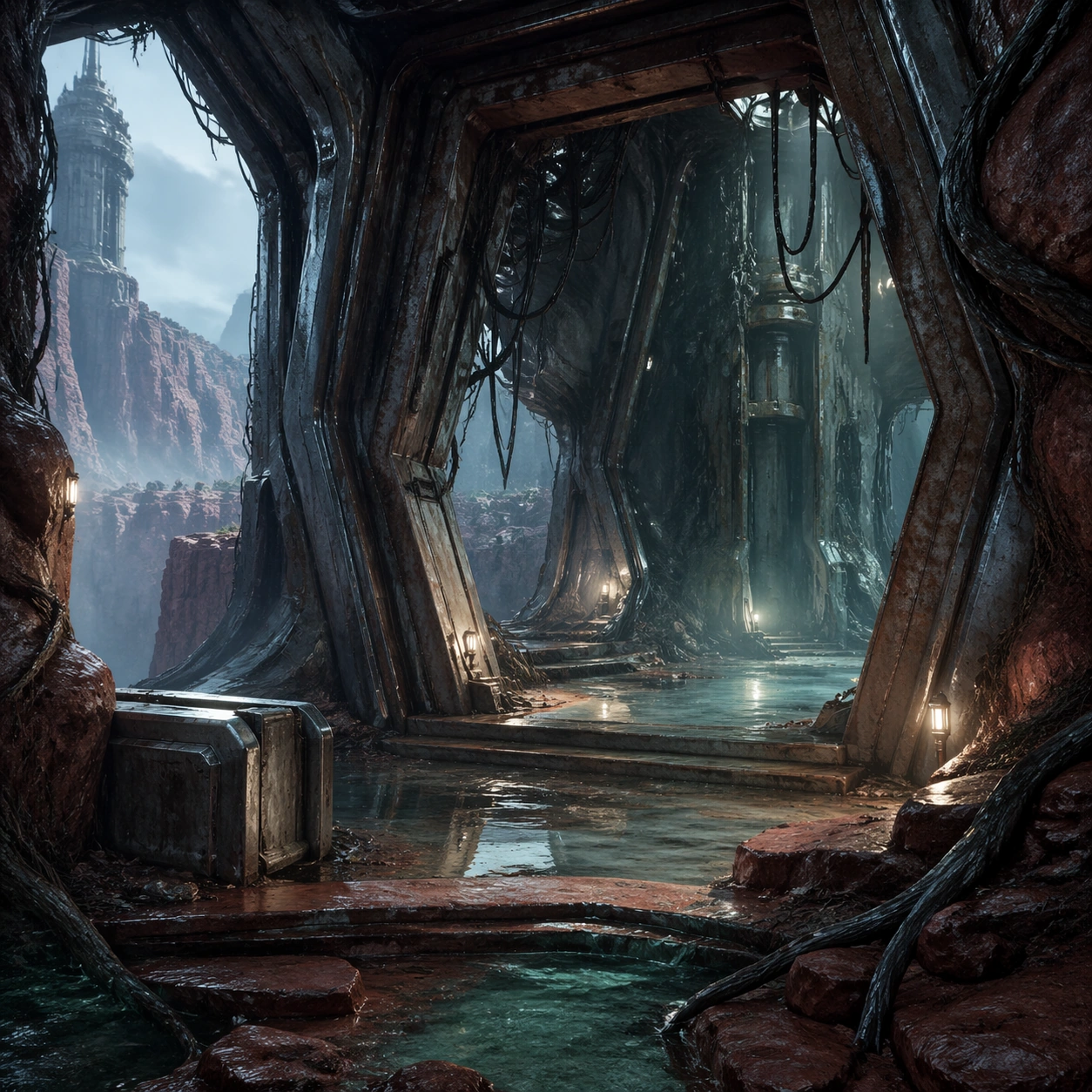
A square interior-threshold environment frame positioned at the entrance of the landmark tower, looking from a damp exterior platform into a half-open chamber of steel ribs, root intrusion, and misty reflected light. The shot balances interior architecture with glimpses back into the canyon beyond, keeping a sense of place continuity.

Subject:
The subject is the threshold where exterior biome and interior landmark meet: fractured metal ribs, wet stone steps, root growth through seams, hanging maintenance cables, shallow water, and a distant view back to the canyon. The space should feel like the first room a player reaches after crossing the biome rather than a disconnected concept painting.

Important details:
Maintain the same palette and material logic as the wider biome: rust-red stone, teal moisture, pale fog, cold steel, and selective warm utility lights. Composition should clearly show door scale, navigable steps, cover elements, and exploratory promise. The image needs to feel immediately usable as a story beat, chapter sub-header, or exploration promo asset.

Use case:
Biome Pack single study 6/9, extending the biome identity into a landmark interior threshold shot.

Constraints:
No readable text, no watermark, no logos, preserve exact 1:1 aspect ratio, no readable text, no characters, no combat, no magical portal cliché, no cluttered debris field, no non-square crop
Verwendung
- Den vollständigen Original-Prompt einschließlich Parametern kopieren.
- Motiv, Text und Komposition an die eigenen Anforderungen anpassen.
- Ein kompatibles externes Werkzeug nutzen; Zugangsbedingungen und Ergebnis prüfen.
Vor dem Start
- Prüfen, ob ein Referenzbild nötig ist. Kompatibilität belegt nicht das tatsächlich verwendete Modell.
- Namen, Zahlen und Bildtexte prüfen; Modellversionen können andere Ergebnisse liefern.