Originaldokument
GPT Image 2 · en
Scene:
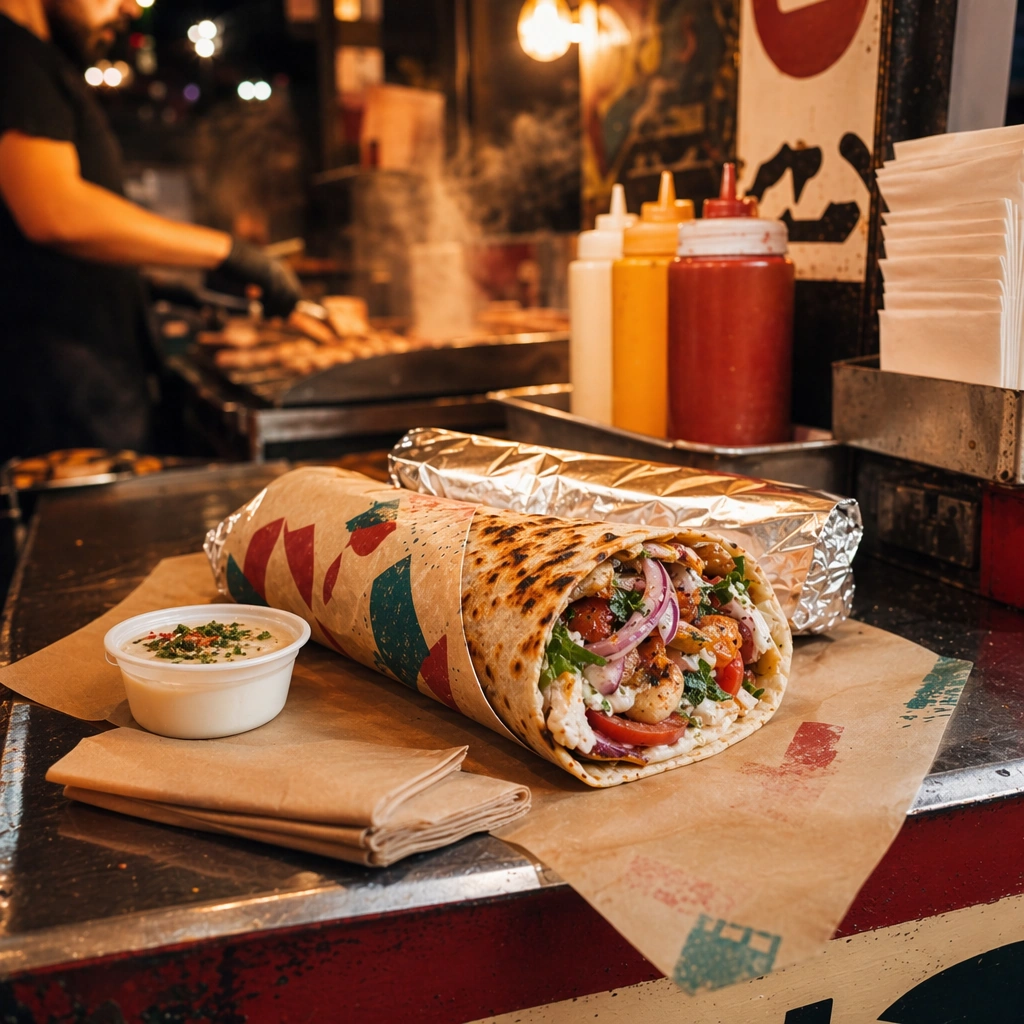
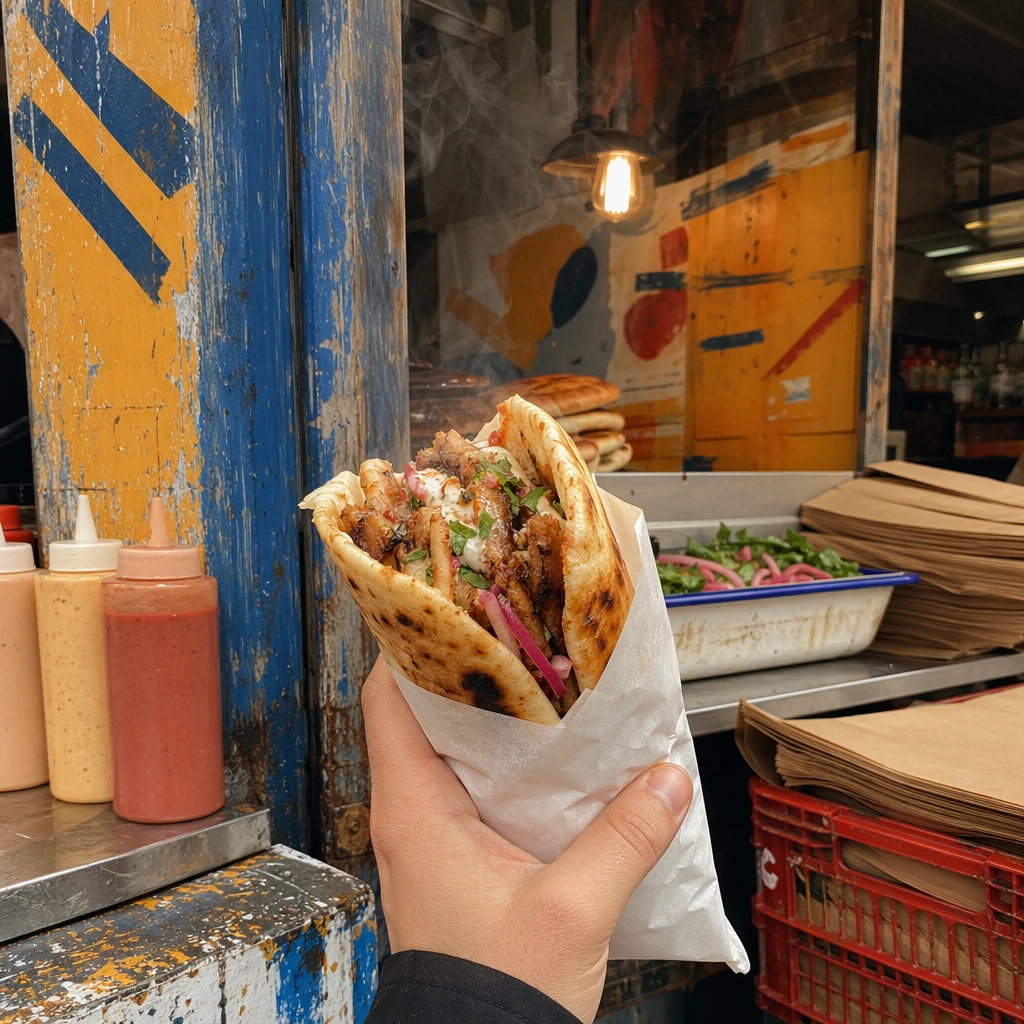
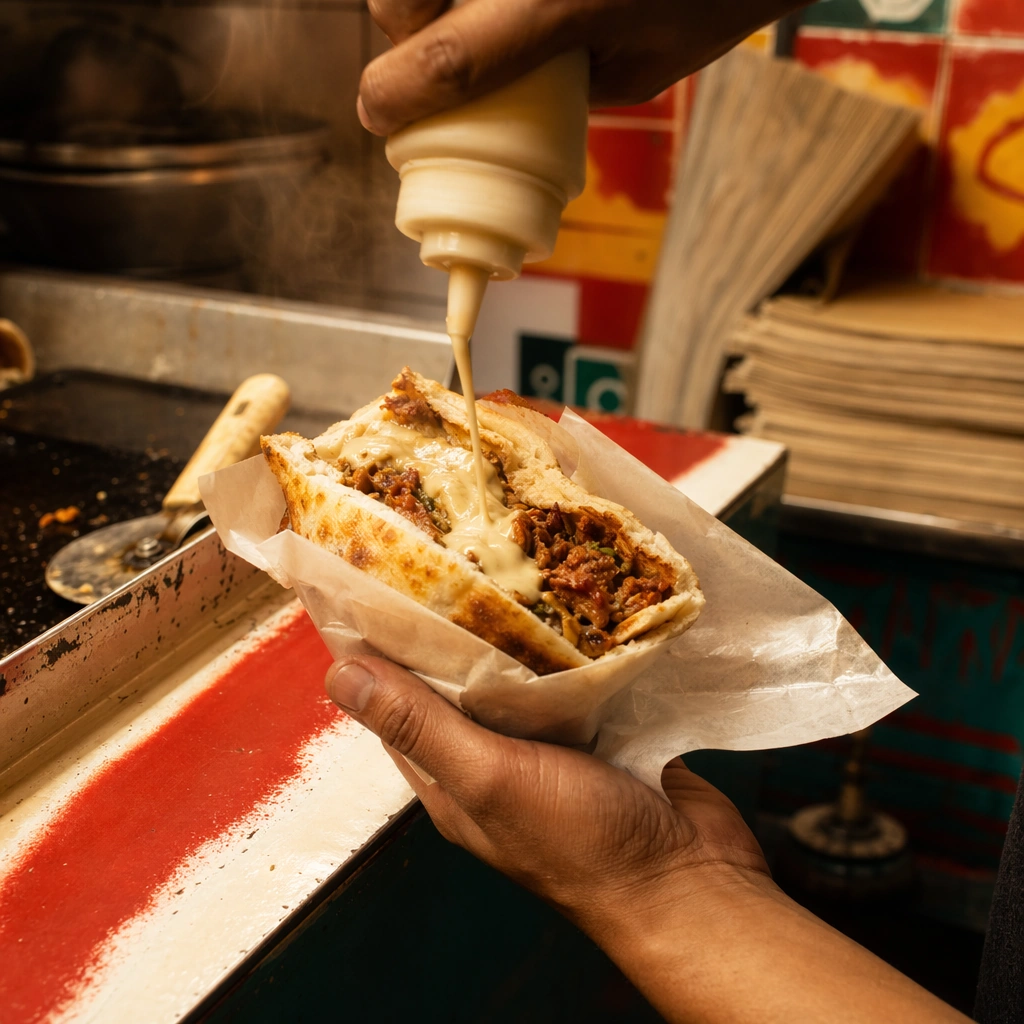
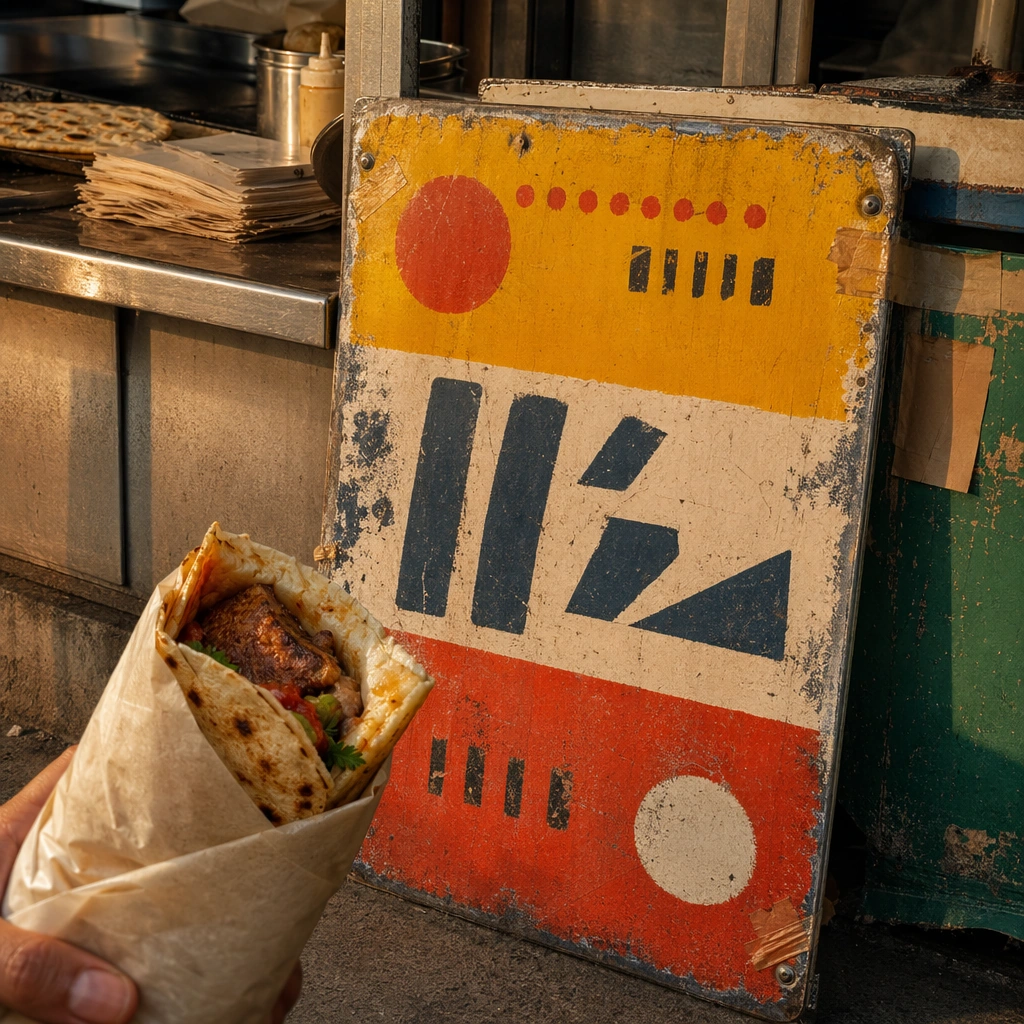
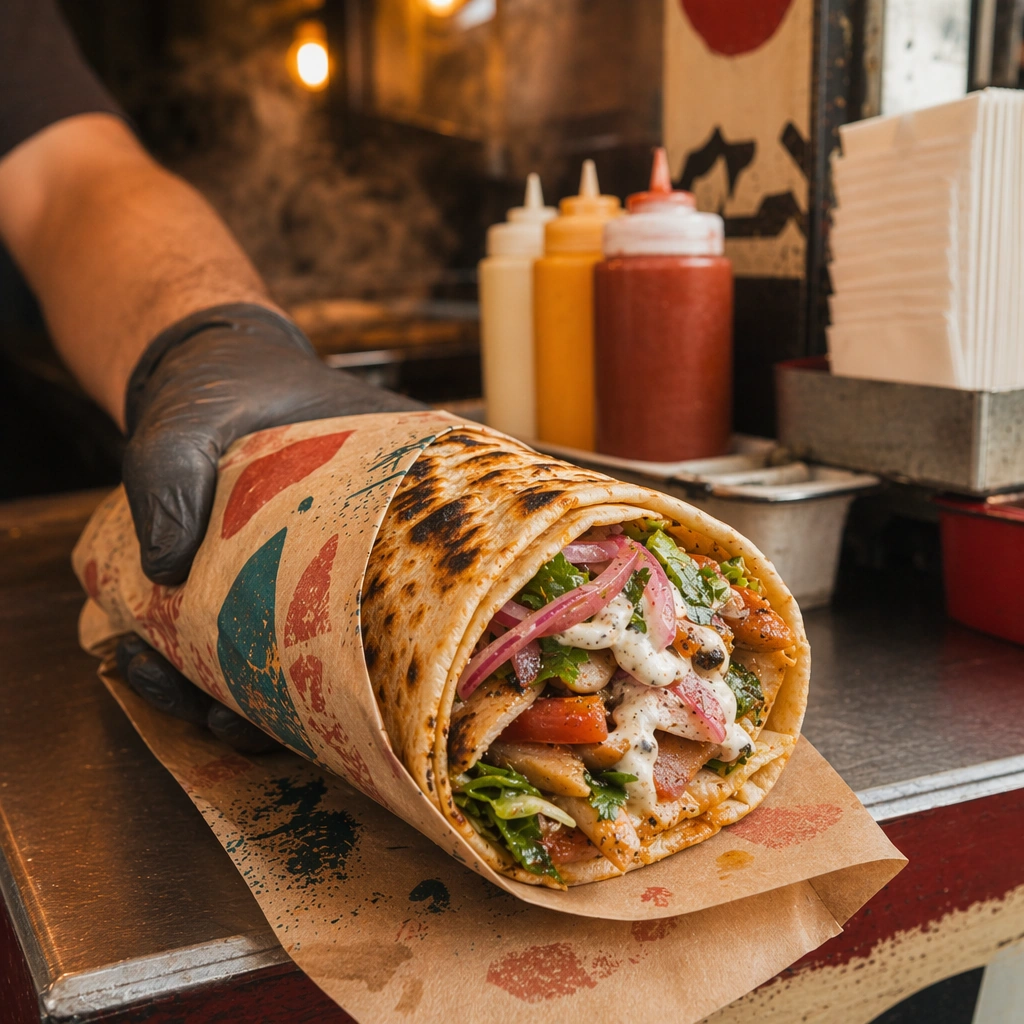
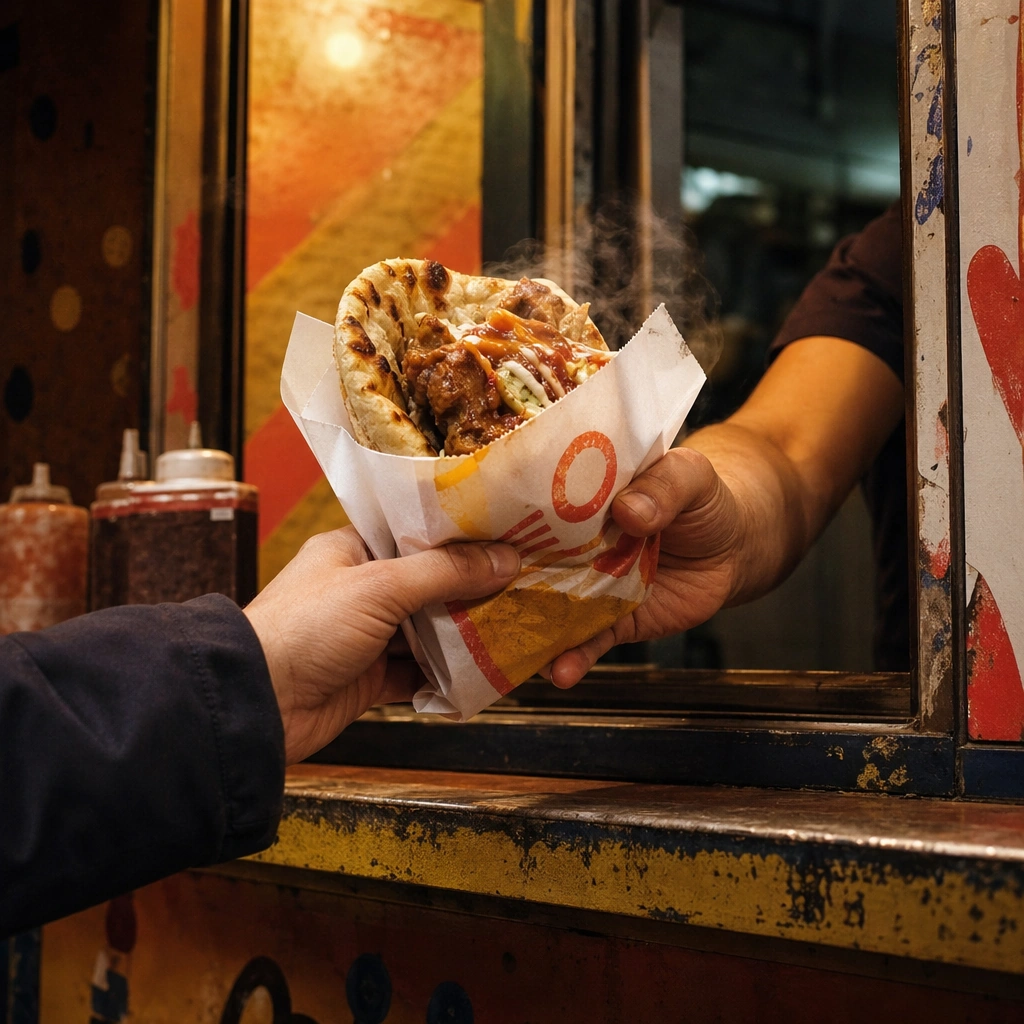
Compose a square street-food brand image that feels rooted in vernacular signage, fast service, handheld eating, and dense local texture without copying any specific real-world brand or famous location. The frame should feel energetic and commercial, with heat, packaging, and human-scale surfaces that suggest a busy street-food context. Frame a square crop at a service window with warm lights, partial hands, and a narrow counter zone that feels busy but controlled.

Subject:
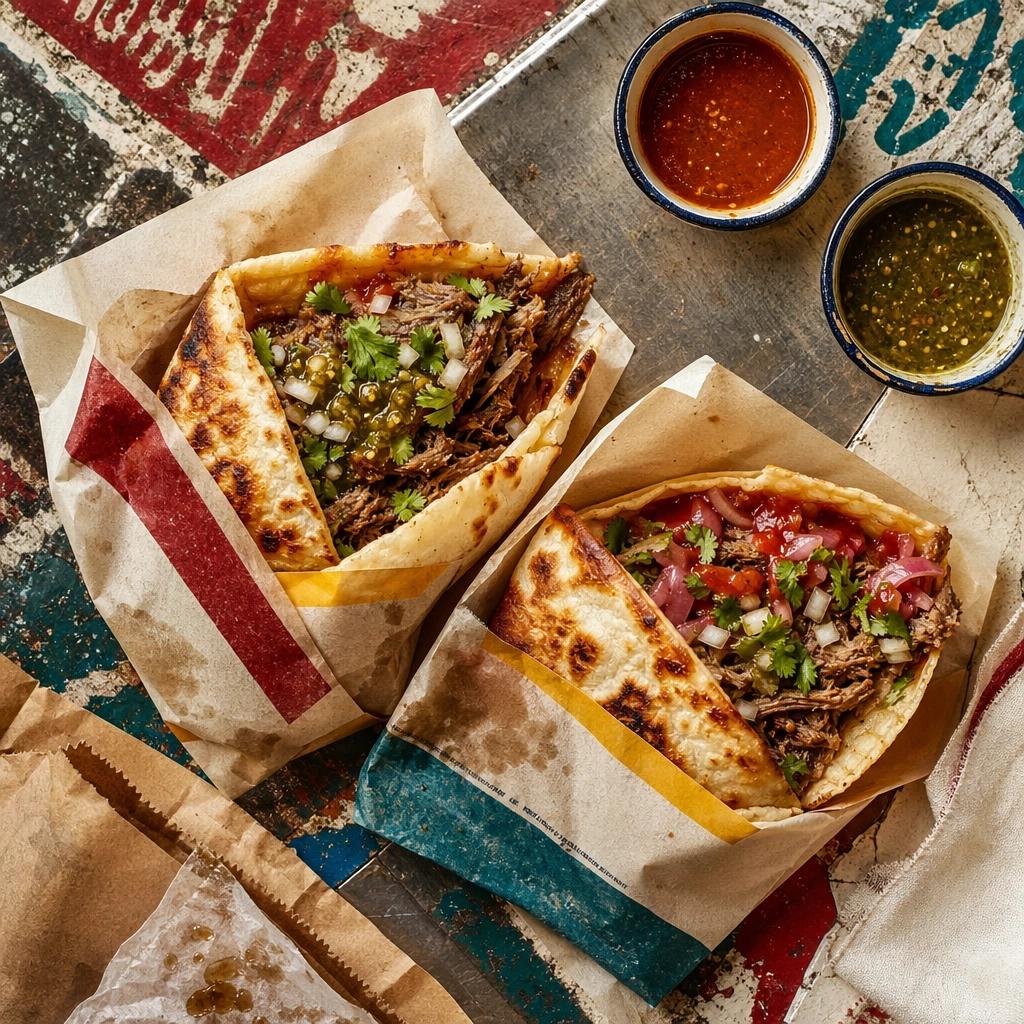
The food must look handheld, immediate, and physically satisfying, while the brand kit emerges through color, paper, enamel, painted surfaces, stall materials, and abstract signage forms rather than readable names. Keep the hero food, wrapper, and service gesture central so the image communicates quick turnover and human immediacy.

Important details:
This topic depends on cultural and retail credibility. Preserve believable stall materials, quick-service rhythms, food wrapping logic, and the layered density of a small-footprint brand environment. Use sign-painting, stencil-like marks, or abstract lettering forms only as non-legible texture; the identity should come from visual language, not copied brands or readable text. This image should feel fully self-contained while still belonging to the same broader topic and commercial world. The mood should feel crowded in implication, not in clutter. Counter wear, wrapper folds, and light reflections should do the storytelling.

Use case:
Street Food Kit single study 9/9, built for Prompt Atlas coverage of a food and beverage commercial visual system.

Constraints:
No readable text, no watermark, no logos, preserve exact 1:1 aspect ratio, no readable text, no logos, no famous landmarks, no franchise styling, no tourist-poster cliché, no fake AI neon overload, no generic festival booth, no readable queue numbers, no visible cash register screen, no identifiable faces.
Verwendung
- Den vollständigen Original-Prompt einschließlich Parametern kopieren.
- Motiv, Text und Komposition an die eigenen Anforderungen anpassen.
- Ein kompatibles externes Werkzeug nutzen; Zugangsbedingungen und Ergebnis prüfen.
Vor dem Start
- Prüfen, ob ein Referenzbild nötig ist. Kompatibilität belegt nicht das tatsächlich verwendete Modell.
- Namen, Zahlen und Bildtexte prüfen; Modellversionen können andere Ergebnisse liefern.