Originaldokument
GPT Image 2 · en
Scene:
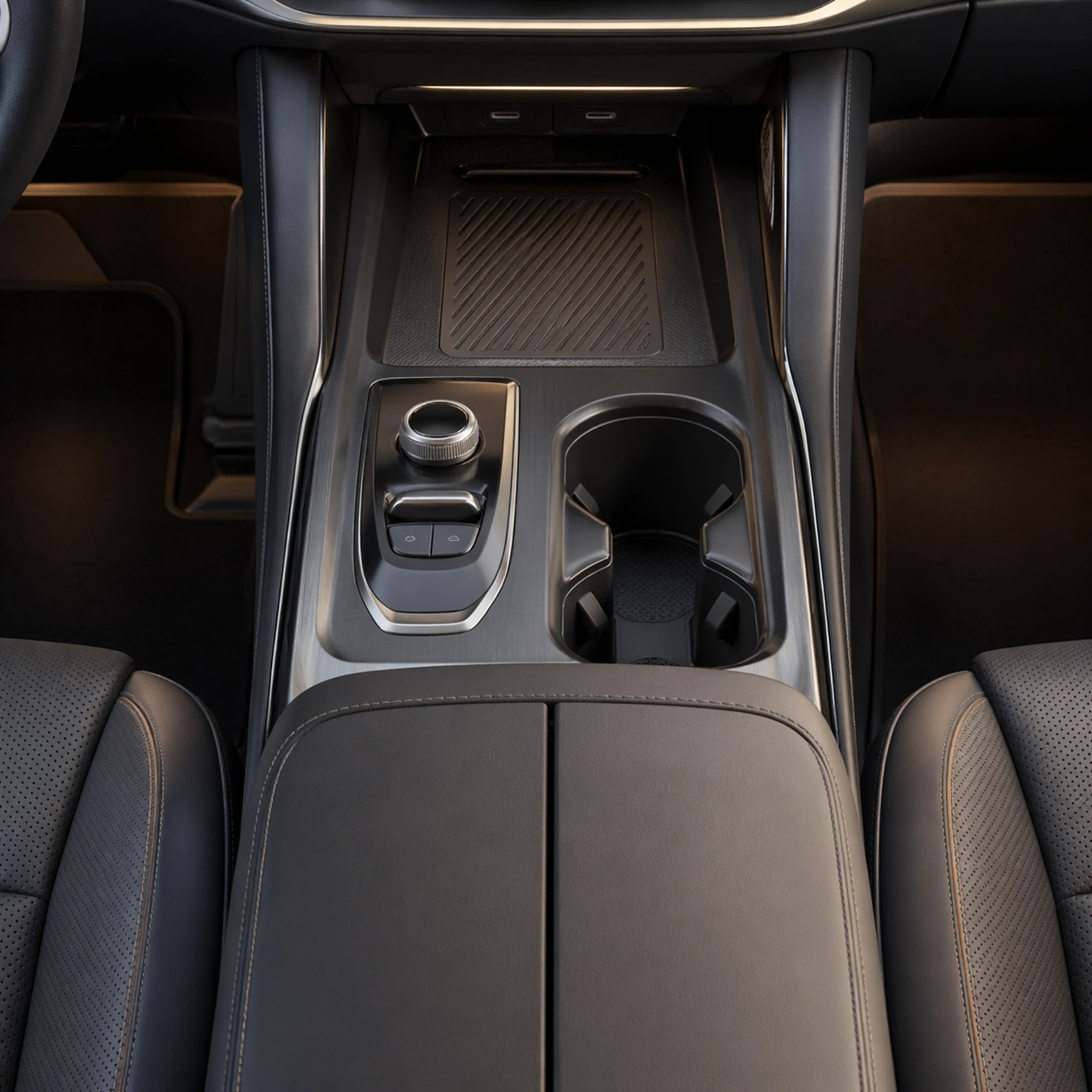
A square slightly top-down composition with soft studio lighting, crisp shadows, and carefully managed depth across the console plane. Compose the frame as a square key visual with disciplined camera placement, premium lighting control, and believable real-world scale. The tonal range should feel polished and intentional, with enough atmosphere to create depth without obscuring form. Keep contrast calibrated for launch, catalog, or research presentation use rather than casual snapshot aesthetics.

Subject:
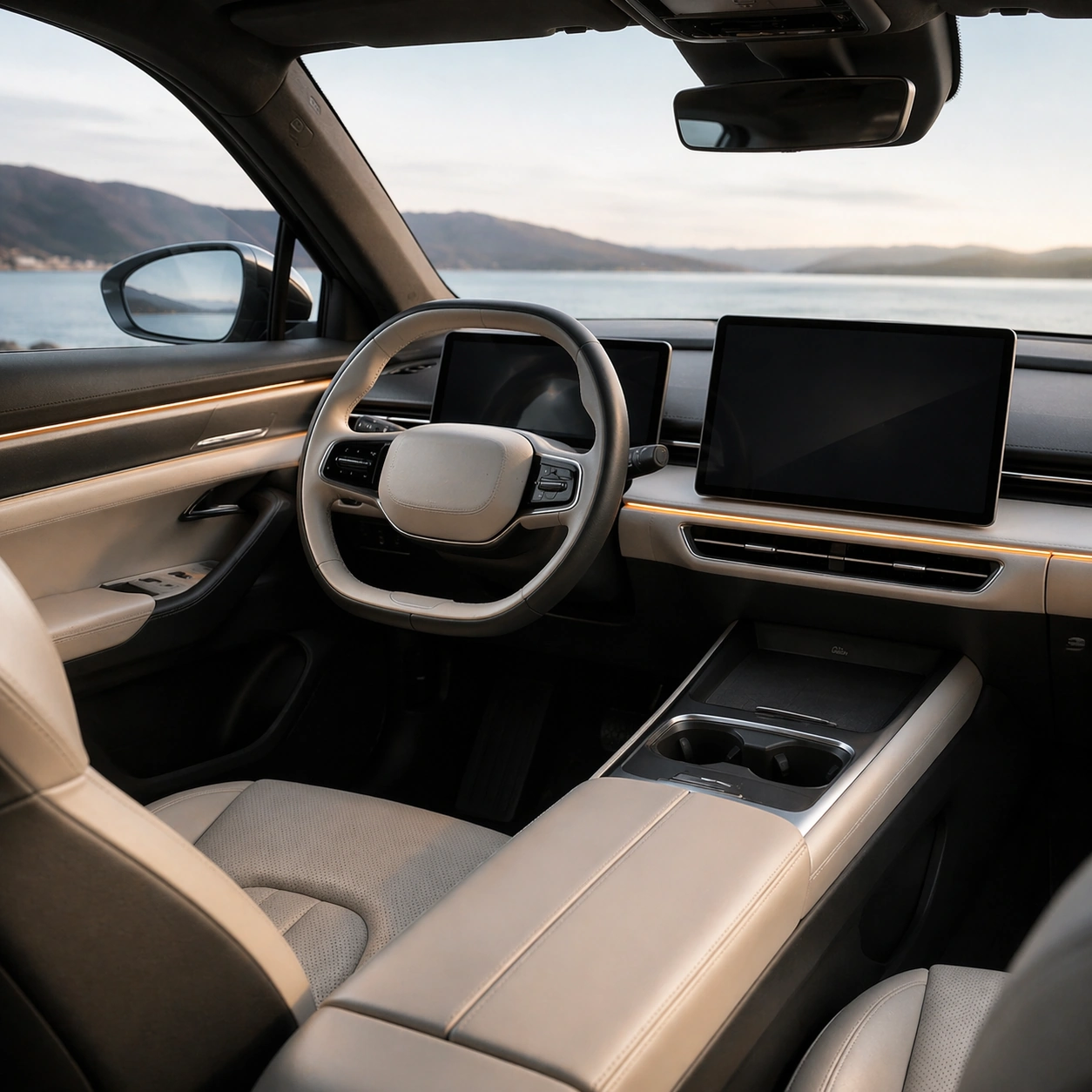
Center an original center console showing cupholders, storage lid, wireless charging tray, armrest, and compact drive controls. Make the subject feel original, production-aware, and clearly grounded in Automotive Interior Cockpit UI Hero. Treat this as an independent study that must feel complete and coherent without relying on any external reference image. The focal hierarchy should be immediate: primary form first, then material behavior, then supporting environmental cues that clarify use context and difficulty.

Important details:
The layout should feel production-ready, spatially clear, and elegantly resolved. Every element must serve ergonomic logic, not visual novelty for its own sake. The visual language should still feel native to Automotive Interior Cockpit UI Hero, using disciplined industrial or campaign composition instead of generic stock photography. Use believable materials, engineering logic, and professional composition discipline. Reflections, shadows, edge breaks, texture scale, interface density, and small physical joints must all support realism. Avoid filler props, vague mood-board clutter, or any element that weakens the sense of a purpose-built industrial or automotive image.

Use case:
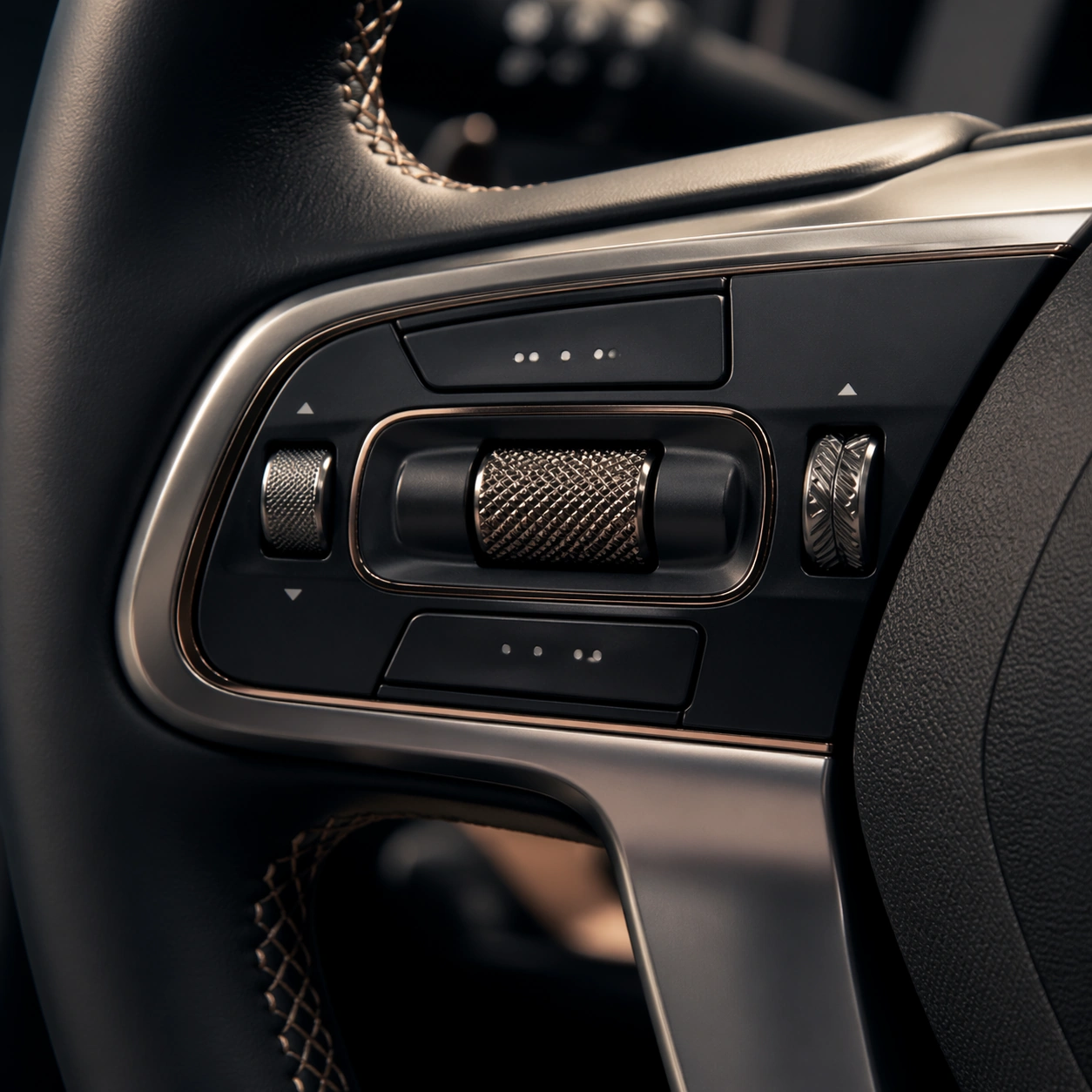
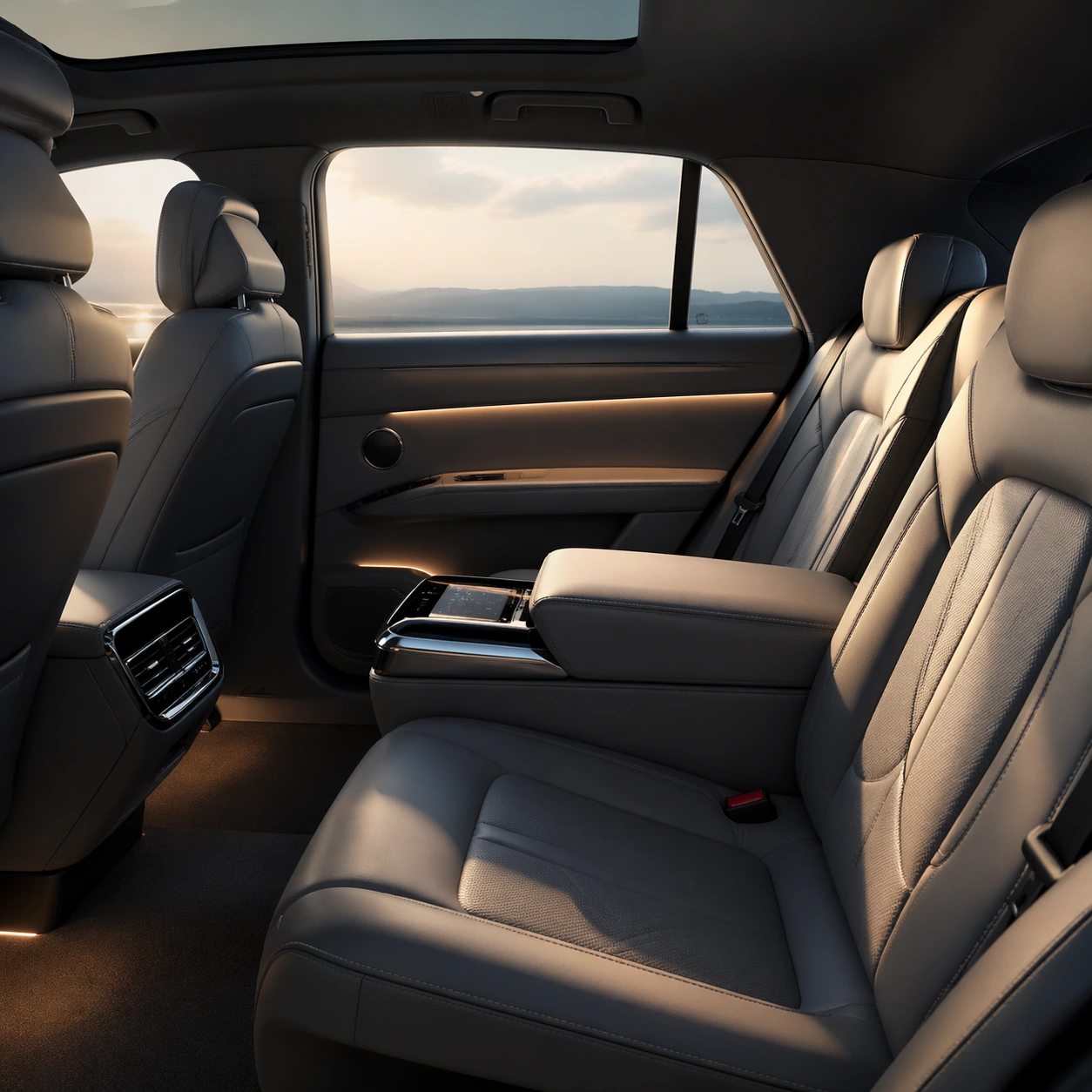
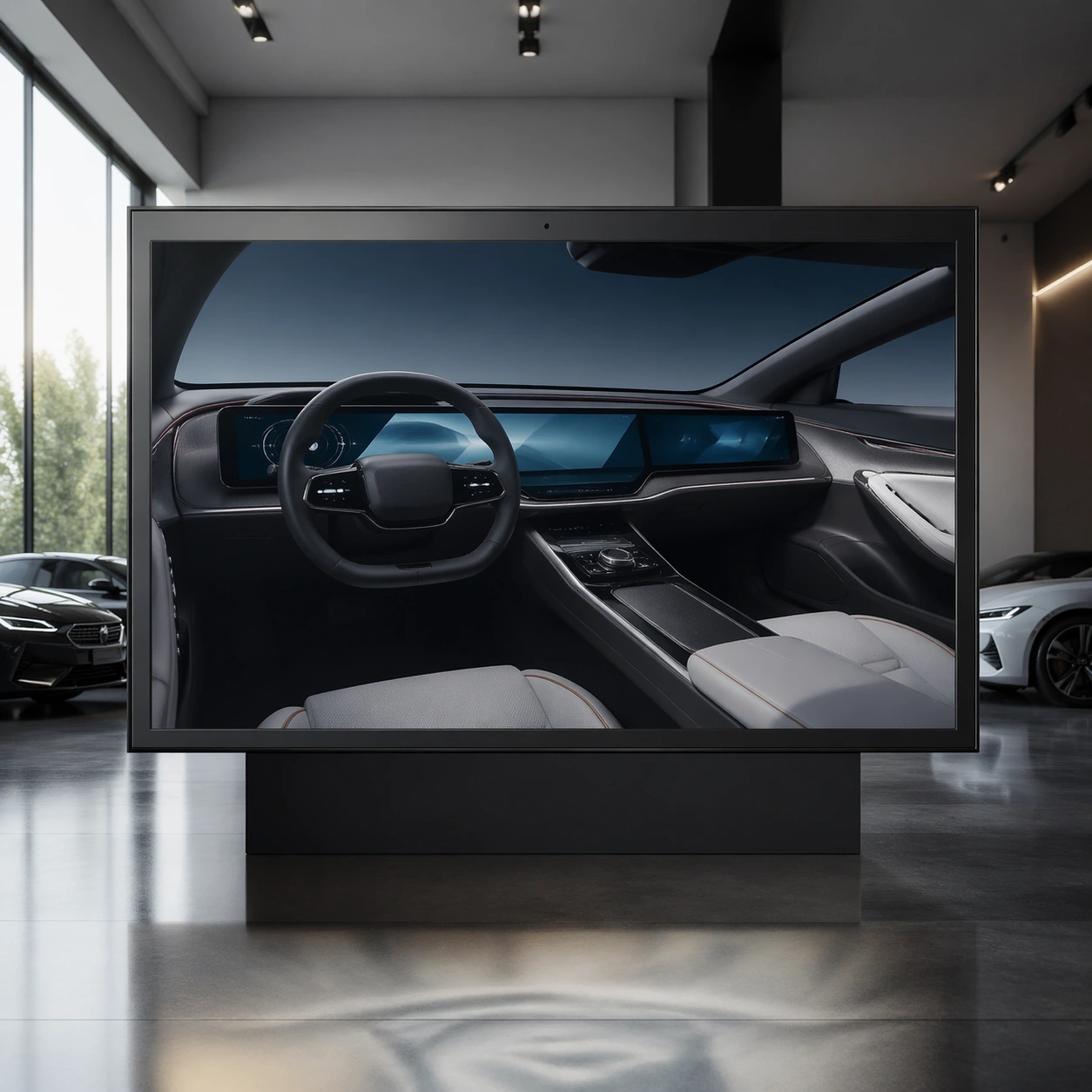
Cockpit UI single study 8/9 for Automotive Interior Cockpit UI Hero, built as image support-four.

Constraints:
No readable text, no watermark, no logos, preserve exact 1:1 aspect ratio, no readable text, no logos, no app-store iconography, no fantasy holograms, no navigation labels, no brand marks.
Verwendung
- Den vollständigen Original-Prompt einschließlich Parametern kopieren.
- Motiv, Text und Komposition an die eigenen Anforderungen anpassen.
- Ein kompatibles externes Werkzeug nutzen; Zugangsbedingungen und Ergebnis prüfen.
Vor dem Start
- Prüfen, ob ein Referenzbild nötig ist. Kompatibilität belegt nicht das tatsächlich verwendete Modell.
- Namen, Zahlen und Bildtexte prüfen; Modellversionen können andere Ergebnisse liefern.