Originaldokument
GPT Image 2 · en
Scene:
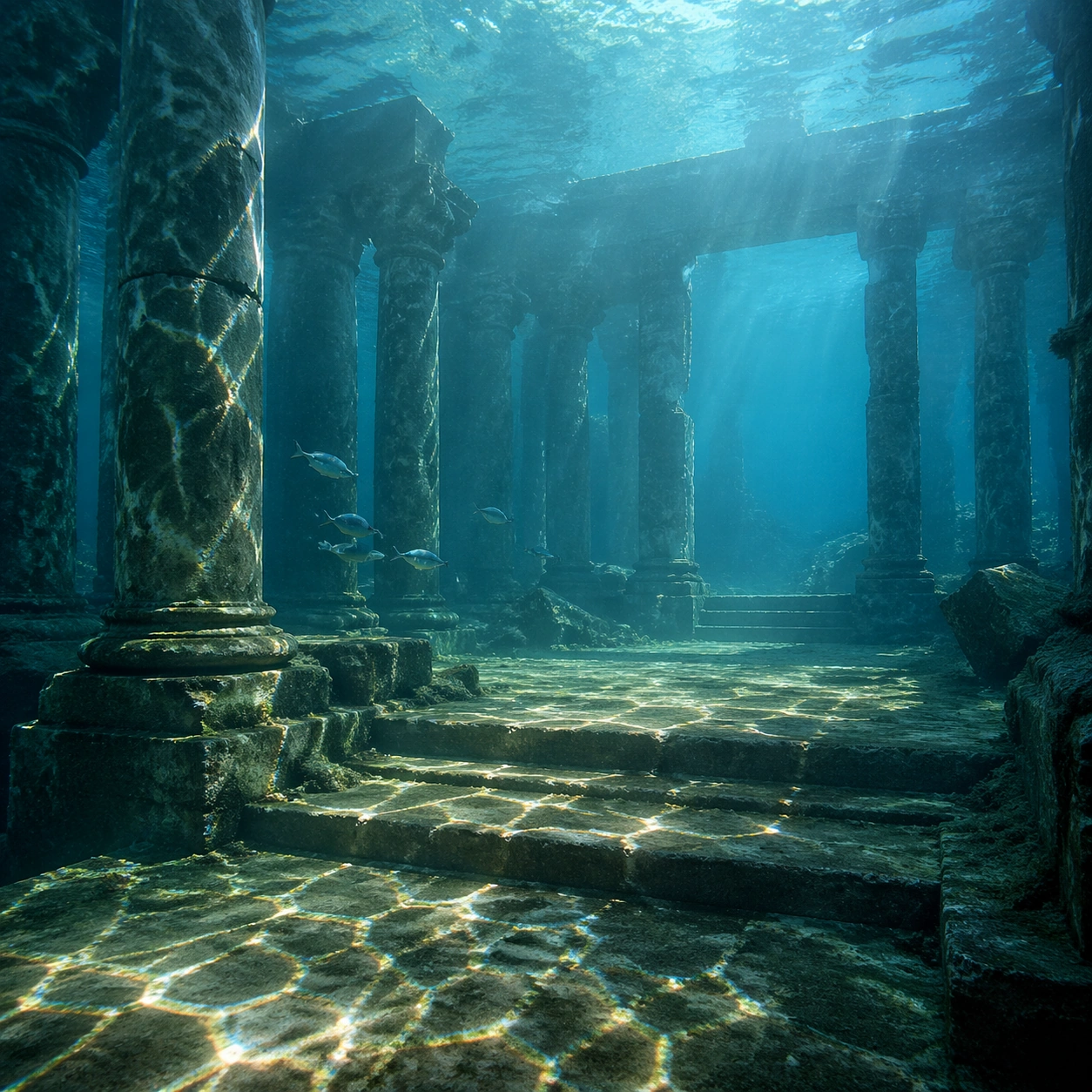
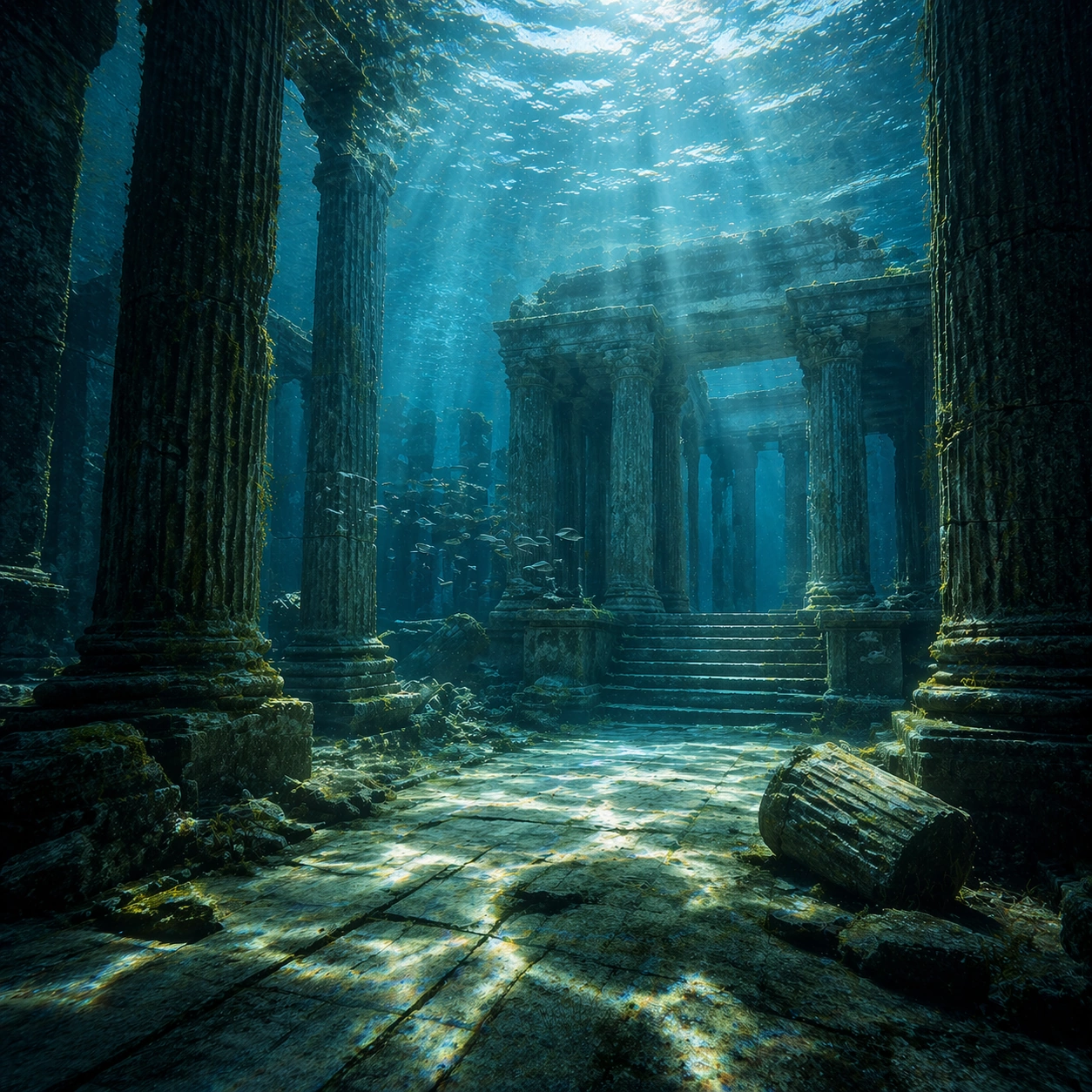
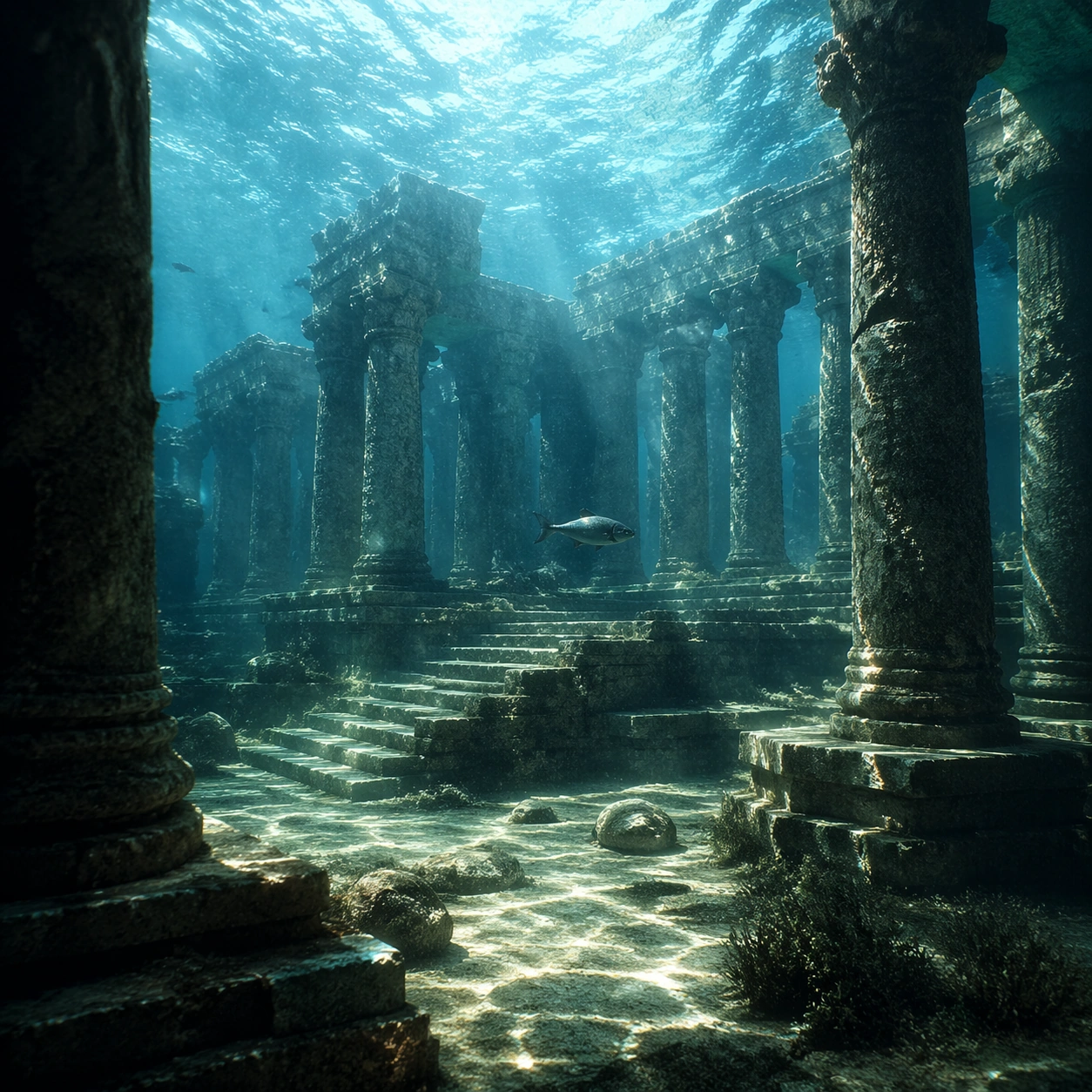
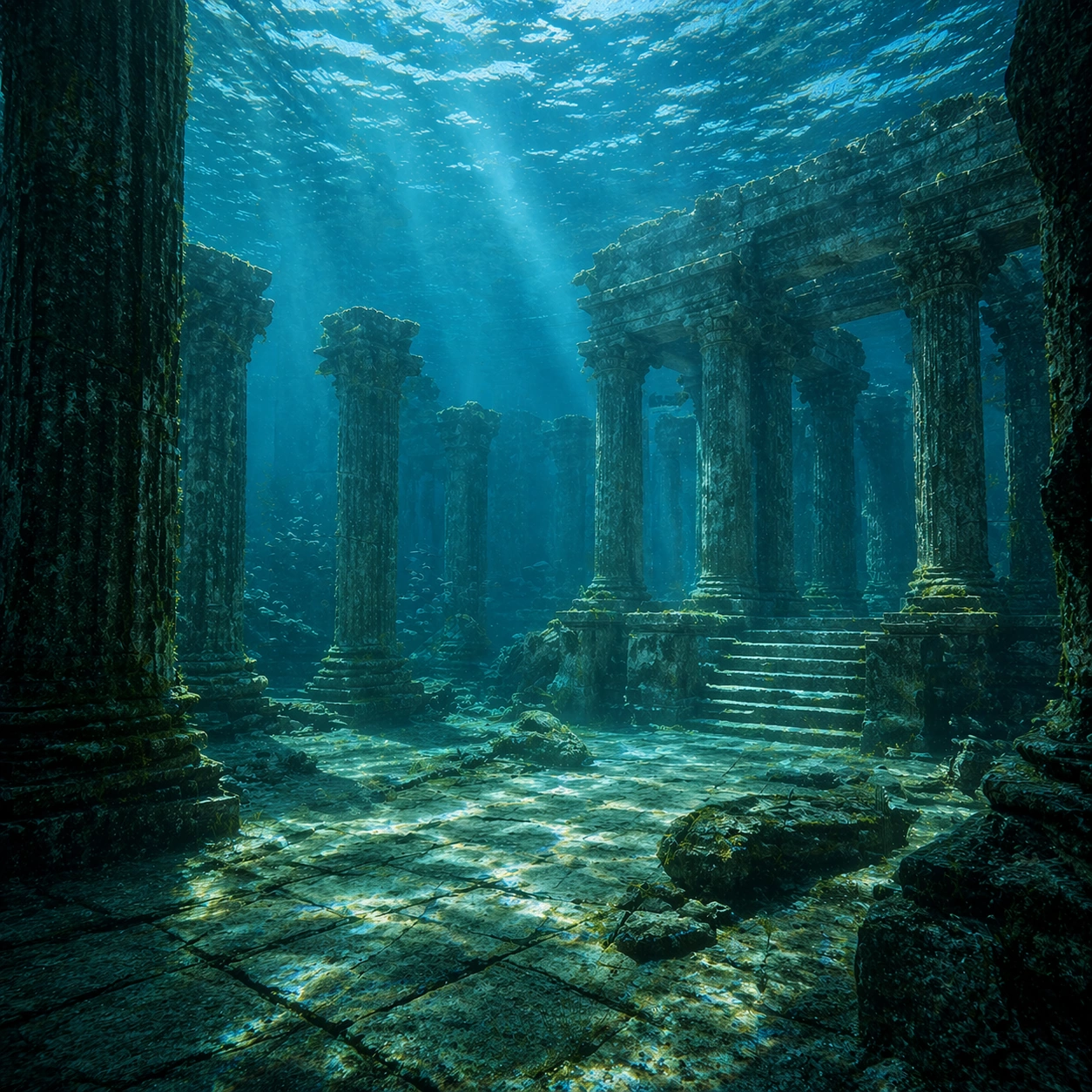
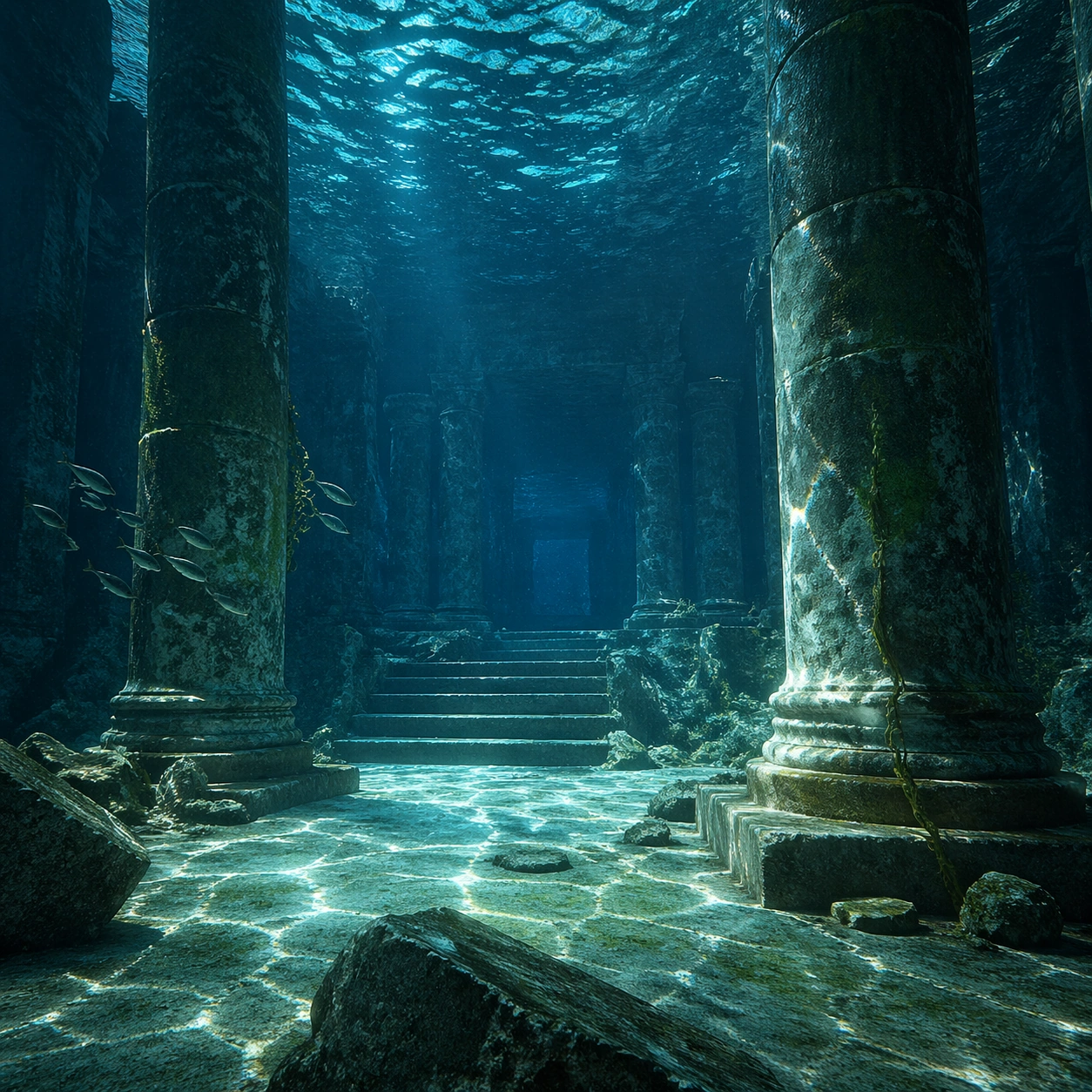
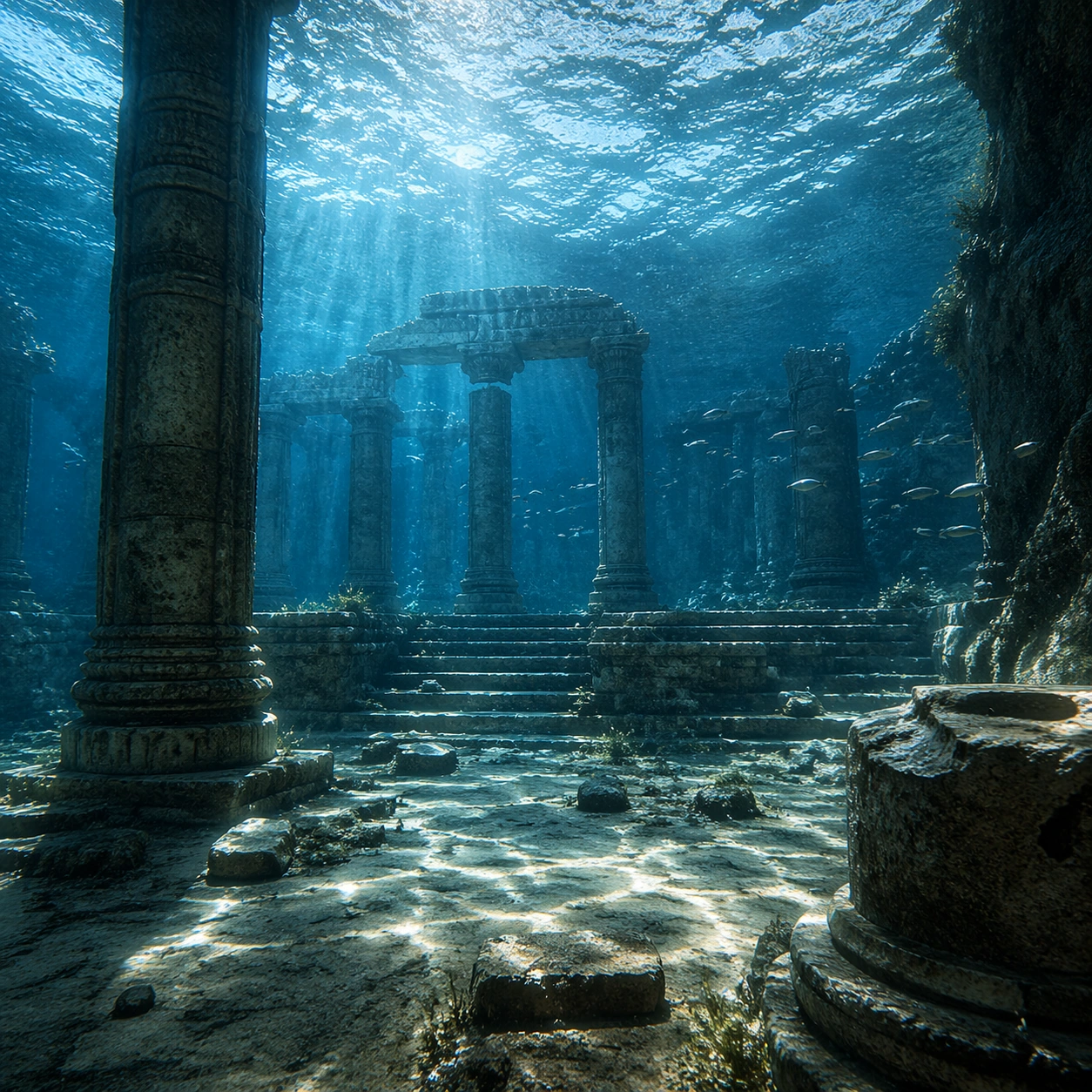
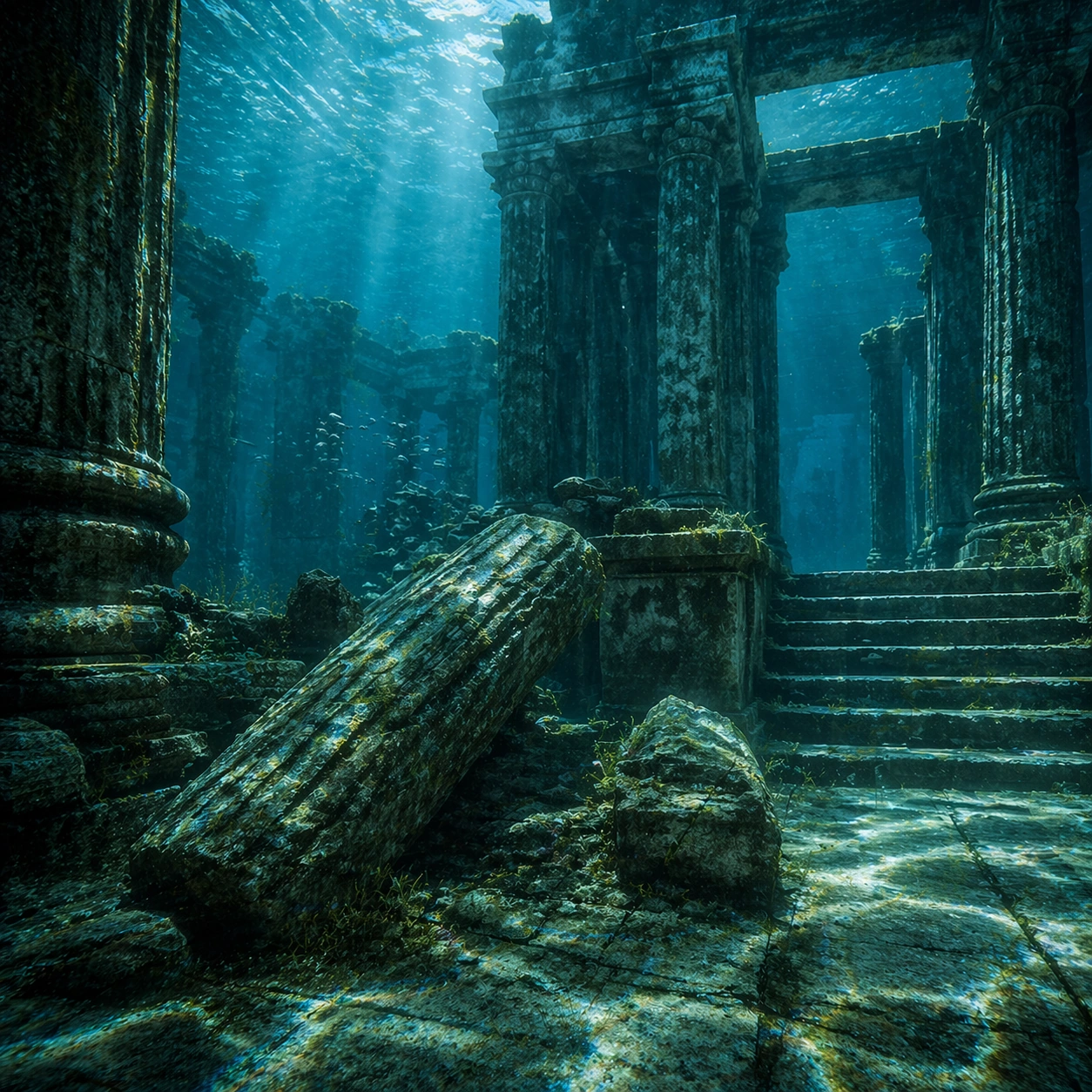
Create a square cinematic still for Underwater Caustics Temple. Use production-grade photoreal lighting, disciplined lens behavior, and a composition that feels like a finished key frame from an original film rather than a casual snapshot. A flooded ancient temple hall sits under clear seawater, where refracted sunlight ripples across columns, steps, and the stone floor in moving caustic bands, while the water body above remains bright and softly turbulent. Move the camera closer or lower so the viewer feels more embedded inside the atmosphere while the same light direction and environment remain intact.

Subject:
Build a coherent original scene whose emotional center comes from atmosphere, light physics, and spatial clarity. Avoid relying on celebrity likeness, franchise iconography, or stylized illustration shortcuts. Weathered pillars, broken carvings, drifting silt, threadlike algae, and a single calm fish or small school gliding through the chamber should provide scale and life without turning the frame into an aquarium fantasy. Preserve the same world logic from the reference and let one human-scale or material-scale element become more prominent without stealing focus from the atmosphere.

Important details:
Preserve a believable physical world with strong depth layering, careful color separation, and premium image discipline. Make the caustics physically convincing on hard stone surfaces, with believable attenuation, soft blue-green depth, particulate haze, and refraction logic that sells the image as a real submerged space rather than a digital backdrop. Keep the palette family, structural read, and light behavior from image 01 while increasing immediacy and tactile presence.

Use case:
Caustics Temple series study 2/9.

Constraints:
No readable text, no watermark, no logos, preserve exact 1:1 aspect ratio, no divers, no submarines, no treasure-chest cliches, no readable inscriptions, no cartoon coral overload.
Verwendung
- Den vollständigen Original-Prompt einschließlich Parametern kopieren.
- Motiv, Text und Komposition an die eigenen Anforderungen anpassen.
- Ein kompatibles externes Werkzeug nutzen; Zugangsbedingungen und Ergebnis prüfen.
Vor dem Start
- Prüfen, ob ein Referenzbild nötig ist. Kompatibilität belegt nicht das tatsächlich verwendete Modell.
- Namen, Zahlen und Bildtexte prüfen; Modellversionen können andere Ergebnisse liefern.