Originaldokument
GPT Image 2 · en
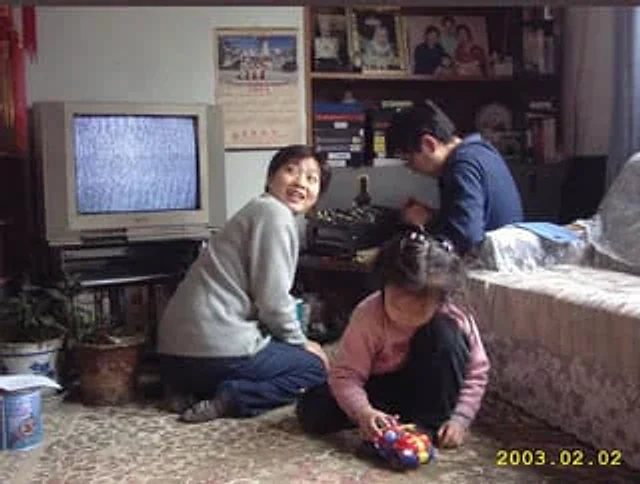
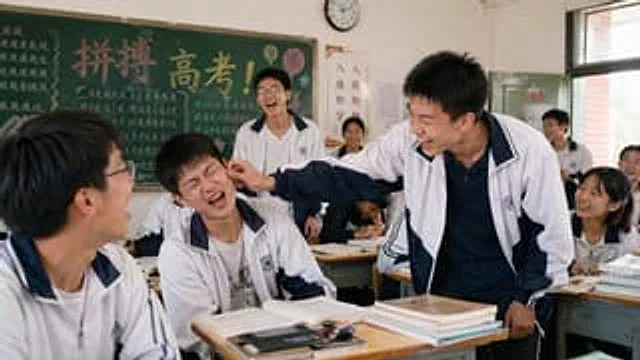
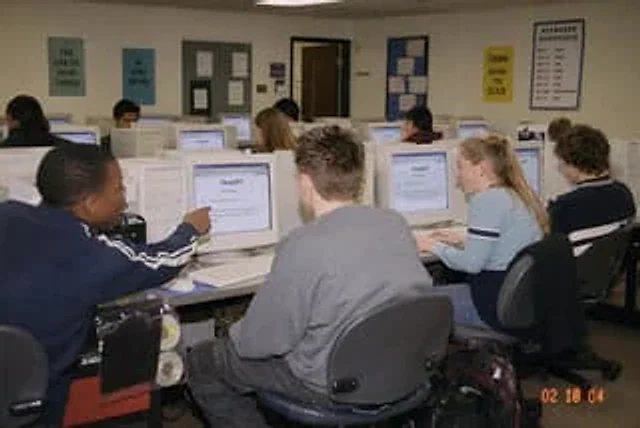
A documentary-style snapshot, the scene is{argument name="setting" default="High school computer lab classroom"} Inside, ten students sit in front of rows of bulky, off-white CRT desktop computers. The viewpoint is from the rear left of the classroom, with a slightly wide angle. The image should have the feel of a snapshot taken with a consumer-grade digital camera in the early 21st century, with direct flash effects, soft noise, and slightly warm indoor fluorescent lighting. A timestamp is visible in the lower right corner.{argument name="timestamp" default="02 18 04"} In the left foreground, a student wearing a navy blue track jacket with white stripes on the cuffs is pointing at a CRT monitor; in the center foreground, a student with short, spiky hair is sitting with his back to the camera, wearing an oversized gray hoodie; in the right foreground, a blonde student with a ponytail is typing on a keyboard, wearing a light blue long-sleeved shirt with dark horizontal stripes on the sleeves; on the far right, another student with dark curly hair is sitting at a workstation. Several other students are sitting in the middle and back rows, all facing the screen. The ChatGPT interface is clearly displayed on the monitor, with the visible title being {argument name="screen title" default="ChatGPT"} Below is a simple prompt text. The room has beige walls and a suspended ceiling. Several motivational posters hang on the walls: four clearly visible posters hang on the back wall, with content including {argument name="poster one" default="YOU CAN DO HARD THINGS"} The image should include the words "BE KIND ONLINE," "THINK BEFORE YOU CLICK," and a large poster titled "KEYBOARD SHORTCUTS" with a list below. It should also include the projects, the classroom door in the background, swivel chairs, a white keyboard and mouse, and a backpack on the floor next to a table in the foreground on the right. People's faces should be partially obscured or softly anonymized to maintain the feel of a real classroom photograph while focusing on the scene of students using ChatGPT in an old-fashioned computer lab.Verwendung
- Den vollständigen Original-Prompt einschließlich Parametern kopieren.
- Motiv, Text und Komposition an die eigenen Anforderungen anpassen.
- Ein kompatibles externes Werkzeug nutzen; Zugangsbedingungen und Ergebnis prüfen.
Vor dem Start
- Prüfen, ob ein Referenzbild nötig ist. Kompatibilität belegt nicht das tatsächlich verwendete Modell.
- Namen, Zahlen und Bildtexte prüfen; Modellversionen können andere Ergebnisse liefern.