Originaldokument
GPT Image 2 · en
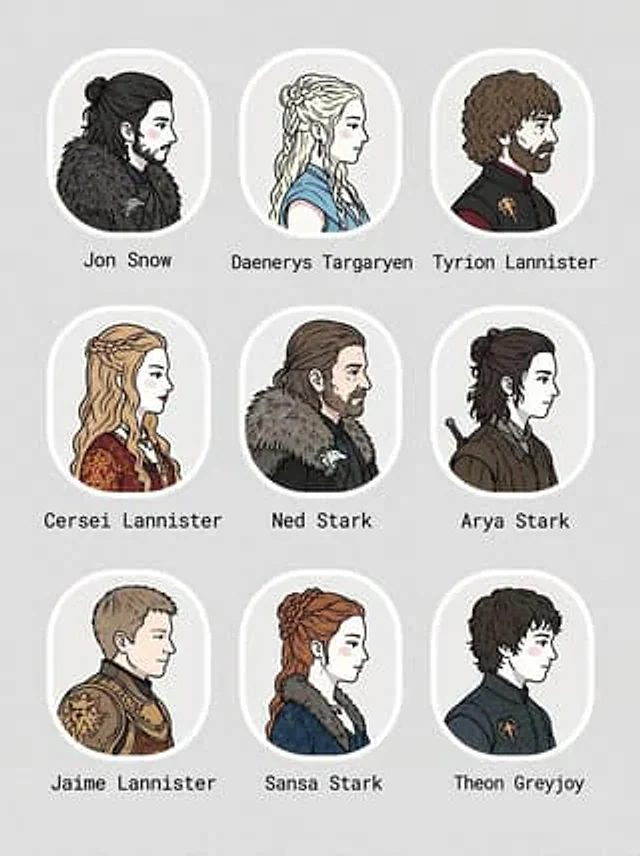
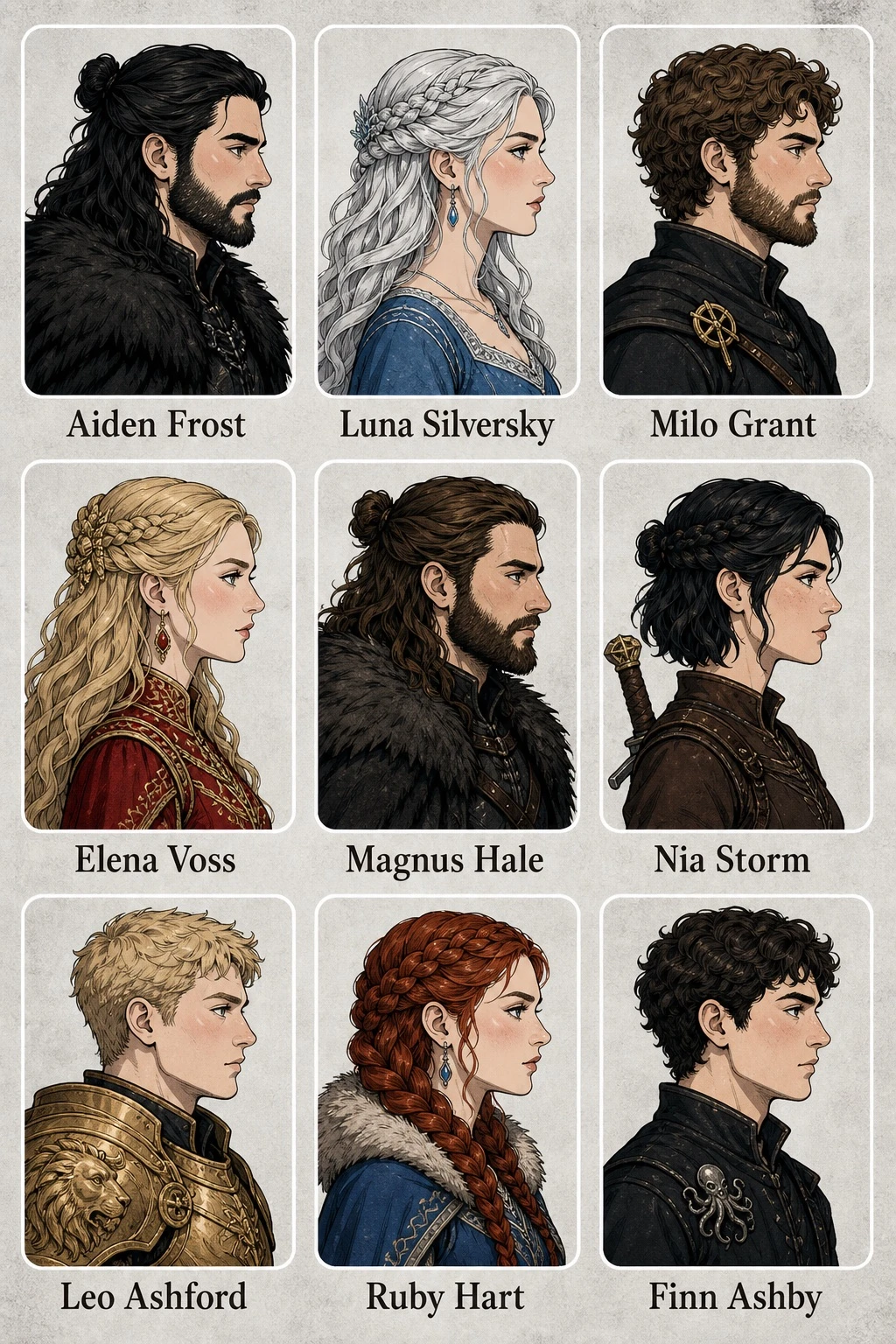
Create a character portrait grid image with the following specifications: type: character portrait grid; theme: [FRANCHISE_THEME]; style: 2D flat illustration, clean line art, comic style, portraits in profile view facing right, pale skin with blush; layout: 3x3 grid, light gray textured background, each portrait placed inside a white rounded-rectangle frame with a text label below it; total count: 9 portraits. Portrait details: 1) [CHARACTER_1_NAME] – black hair worn half-up, beard, dark fur cloak; 2) [CHARACTER_2_NAME] – silver braided hair, blue dress; 3) [CHARACTER_3_NAME] – curly brown hair, beard, dark tunic with a gold pin; 4) [CHARACTER_4_NAME] – blonde braided hair, ornate red and gold dress; 5) [CHARACTER_5_NAME] – brown hair half-up, beard, dark fur cloak; 6) [CHARACTER_6_NAME] – short dark hair half-up, brown tunic, visible sword hilt; 7) [CHARACTER_7_NAME] – short blonde hair, gold armor with a lion motif; 8) [CHARACTER_8_NAME] – red braided hair, blue dress with a fur collar; 9) [CHARACTER_9_NAME] – short dark curly hair, dark tunic with a kraken pin.Verwendung
- Den vollständigen Original-Prompt einschließlich Parametern kopieren.
- Motiv, Text und Komposition an die eigenen Anforderungen anpassen.
- Ein kompatibles externes Werkzeug nutzen; Zugangsbedingungen und Ergebnis prüfen.
Vor dem Start
- Prüfen, ob ein Referenzbild nötig ist. Kompatibilität belegt nicht das tatsächlich verwendete Modell.
- Namen, Zahlen und Bildtexte prüfen; Modellversionen können andere Ergebnisse liefern.