
Originaldokument
GPT Image 2 · en
Scene:
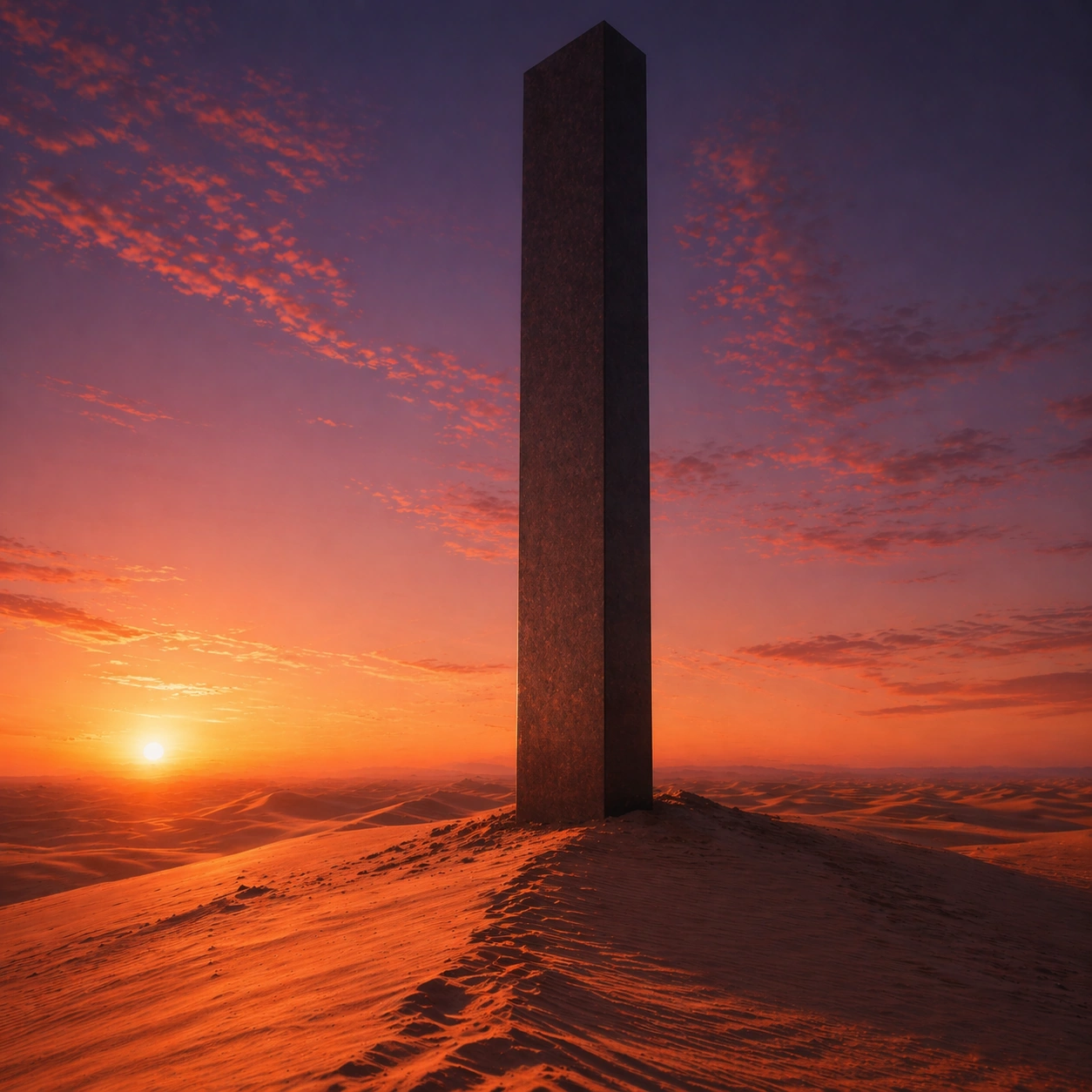
Create a square cinematic still for Desert Dusk Monolith. Use production-grade photoreal lighting, disciplined lens behavior, and a composition that feels like a finished key frame from an original film rather than a casual snapshot. A severe desert dune field stretches to the horizon at sunset, where the last light turns the crests copper and rose, the far sky cools toward violet, and one dark monolith stands with absolute stillness above the wind-shaped sand. Move the camera closer or lower so the viewer feels more embedded inside the atmosphere while the same light direction and environment remain intact.

Subject:
Build a coherent original scene whose emotional center comes from atmosphere, light physics, and spatial clarity. Avoid relying on celebrity likeness, franchise iconography, or stylized illustration shortcuts. The monolith, long shadow, dune ridges, and the empty horizon line should dominate, with no unnecessary props, because the image depends on scale tension between one silent object and an immense landscape. Preserve the same world logic from the reference and let one human-scale or material-scale element become more prominent without stealing focus from the atmosphere.

Important details:
Preserve a believable physical world with strong depth layering, careful color separation, and premium image discipline. Keep the geometry minimal but not sterile, using precise shadow direction, tactile sand micro-relief, clean sky gradient, and disciplined negative space so the frame feels monumental rather than decorative. Keep the palette family, structural read, and light behavior from image 01 while increasing immediacy and tactile presence.

Use case:
Desert Monolith series study 2/9.

Constraints:
No readable text, no watermark, no logos, preserve exact 1:1 aspect ratio, no ruins, no spaceships, no readable markings on the monolith, no crowds, no surreal floating objects.
Verwendung
- Den vollständigen Original-Prompt einschließlich Parametern kopieren.
- Motiv, Text und Komposition an die eigenen Anforderungen anpassen.
- Ein kompatibles externes Werkzeug nutzen; Zugangsbedingungen und Ergebnis prüfen.
Vor dem Start
- Prüfen, ob ein Referenzbild nötig ist. Kompatibilität belegt nicht das tatsächlich verwendete Modell.
- Namen, Zahlen und Bildtexte prüfen; Modellversionen können andere Ergebnisse liefern.