Originaldokument
GPT Image 2 · en
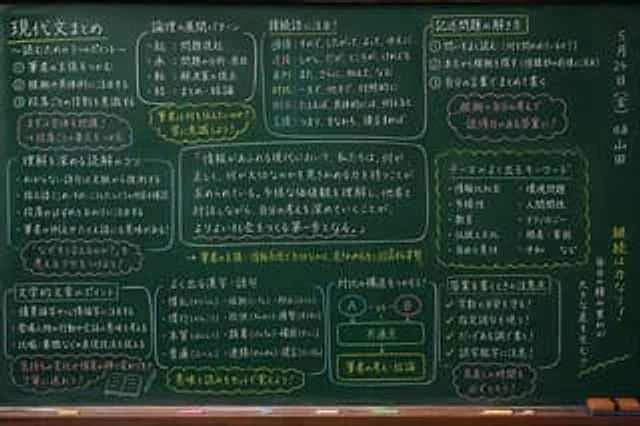
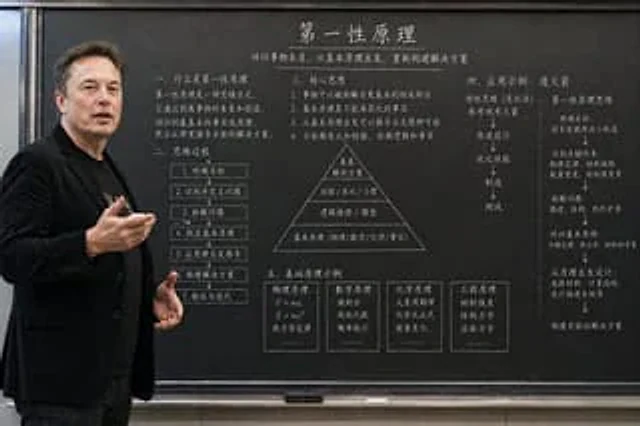
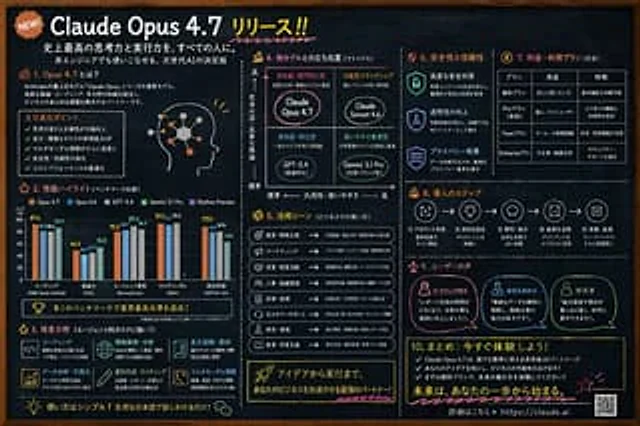
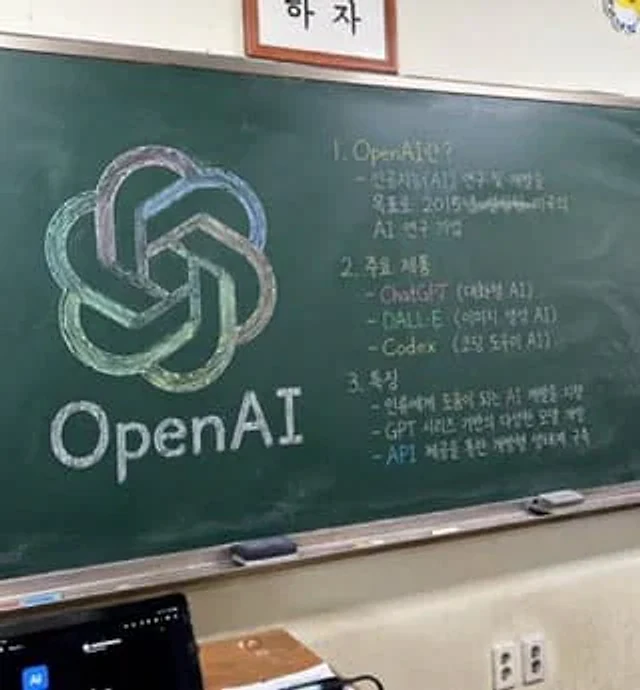
A photorealistic, slightly angled snapshot of a classroom greenboard. To the left of the blackboard is a meticulously drawn chalk sketch showcasing…{argument name="company name" default="OpenAI"} The logo uses a mix of soft colors such as green, blue, and purple, with the words "..." written in neat white chalk below.{argument name="logo text" default="OpenAI"} On the right side of the blackboard is a handwritten text organized into three numbered sections. The first section is titled "{argument name="section one title" default="1. OpenAI란?"} This is followed by a brief explanatory text. Part 2 is titled "{argument name="section two title" default="2. 주요 제품"} The document lists three key points, including ChatGPT, DALL-E, and Codex. Part 3 is titled "{argument name="section three title" default="3. 특징"} The text describes three key features: a blackboard with a silver metal frame, two rectangular erasers and scattered chalk on a chalk tray, a gray-white wall below a two-pronged power outlet, and a dark laptop screen in the lower left foreground. Above the blackboard, a framed logo is cropped at the bottom edge of the image.Verwendung
- Den vollständigen Original-Prompt einschließlich Parametern kopieren.
- Motiv, Text und Komposition an die eigenen Anforderungen anpassen.
- Ein kompatibles externes Werkzeug nutzen; Zugangsbedingungen und Ergebnis prüfen.
Vor dem Start
- Prüfen, ob ein Referenzbild nötig ist. Kompatibilität belegt nicht das tatsächlich verwendete Modell.
- Namen, Zahlen und Bildtexte prüfen; Modellversionen können andere Ergebnisse liefern.