Documento original
GPT Image 2 · en
Scene:
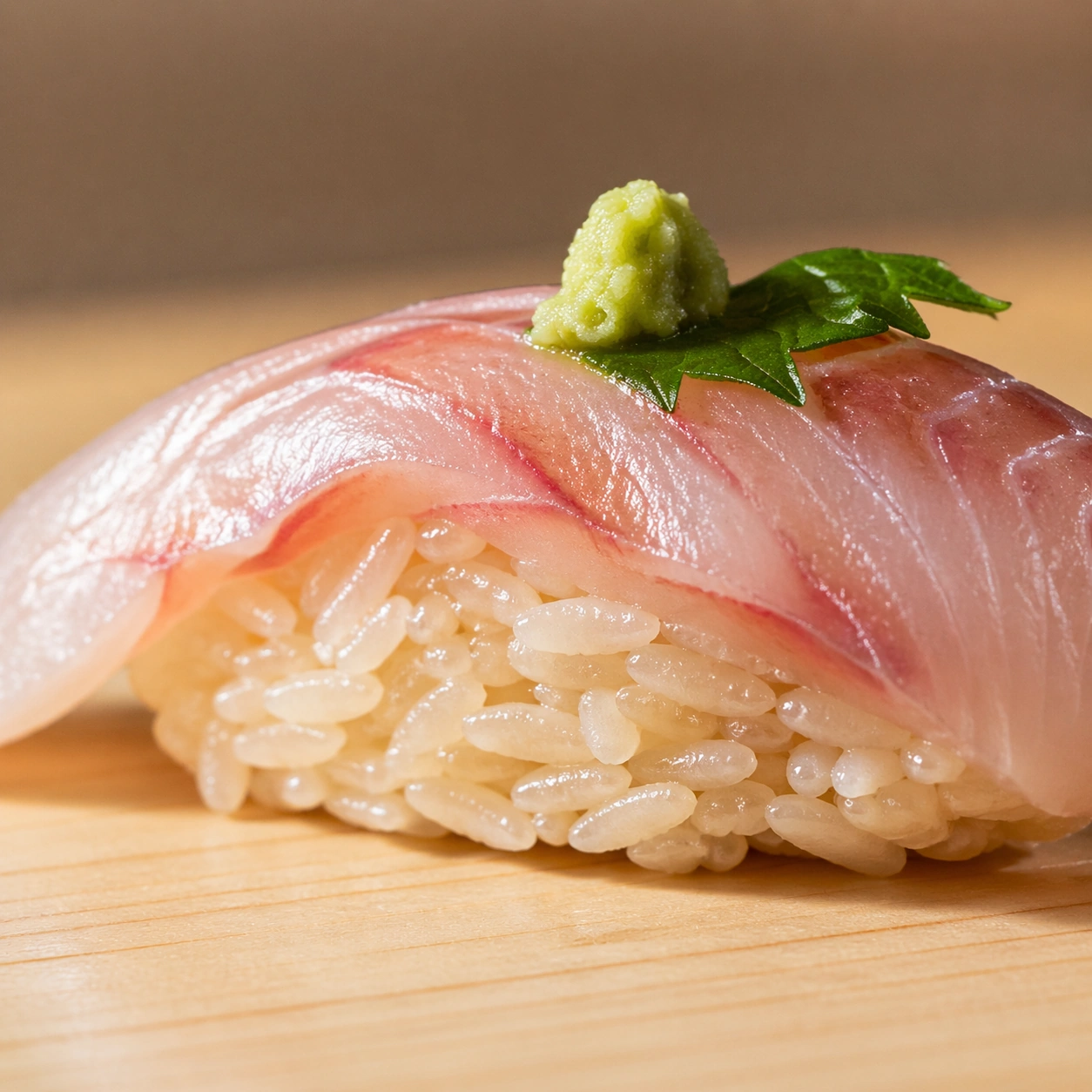
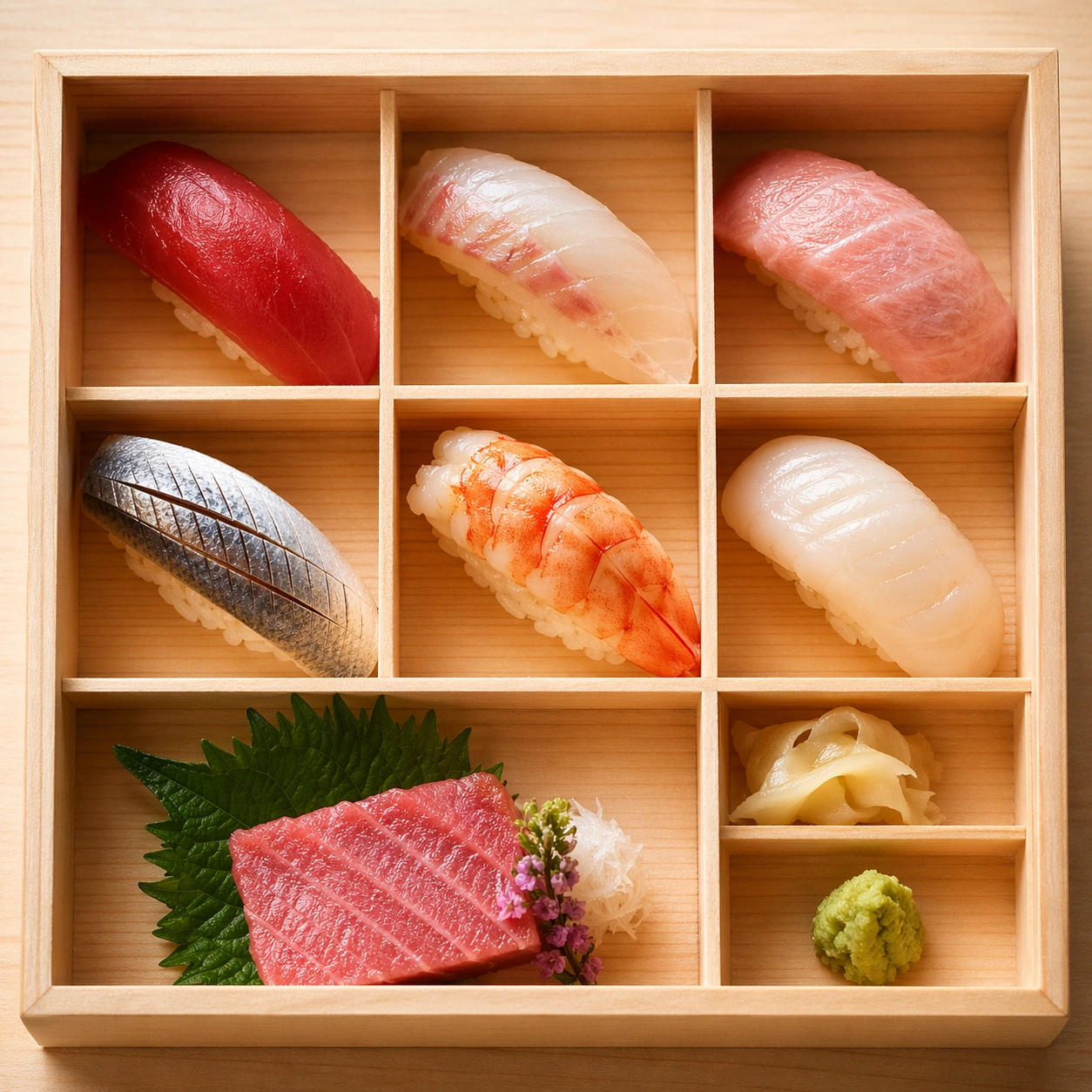
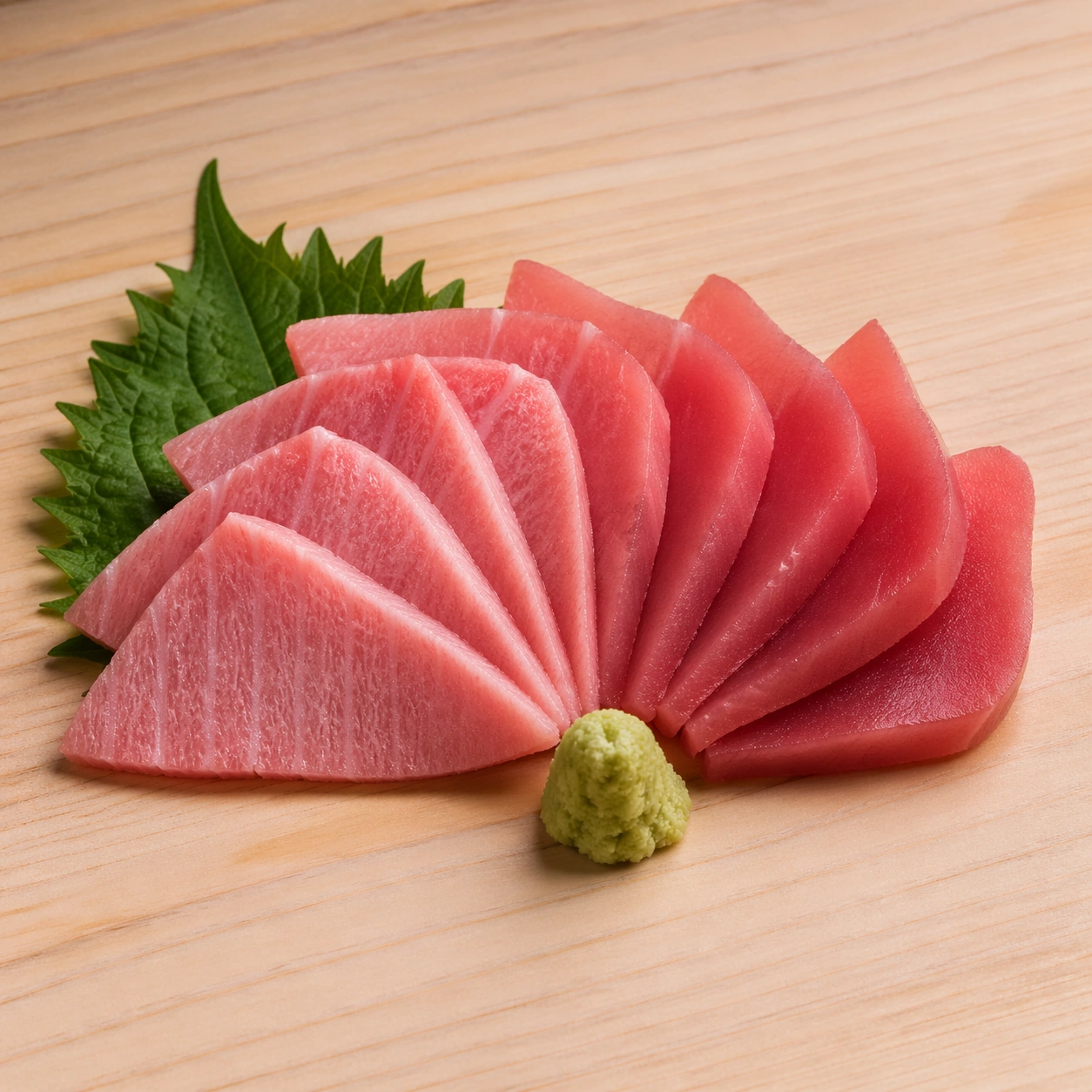
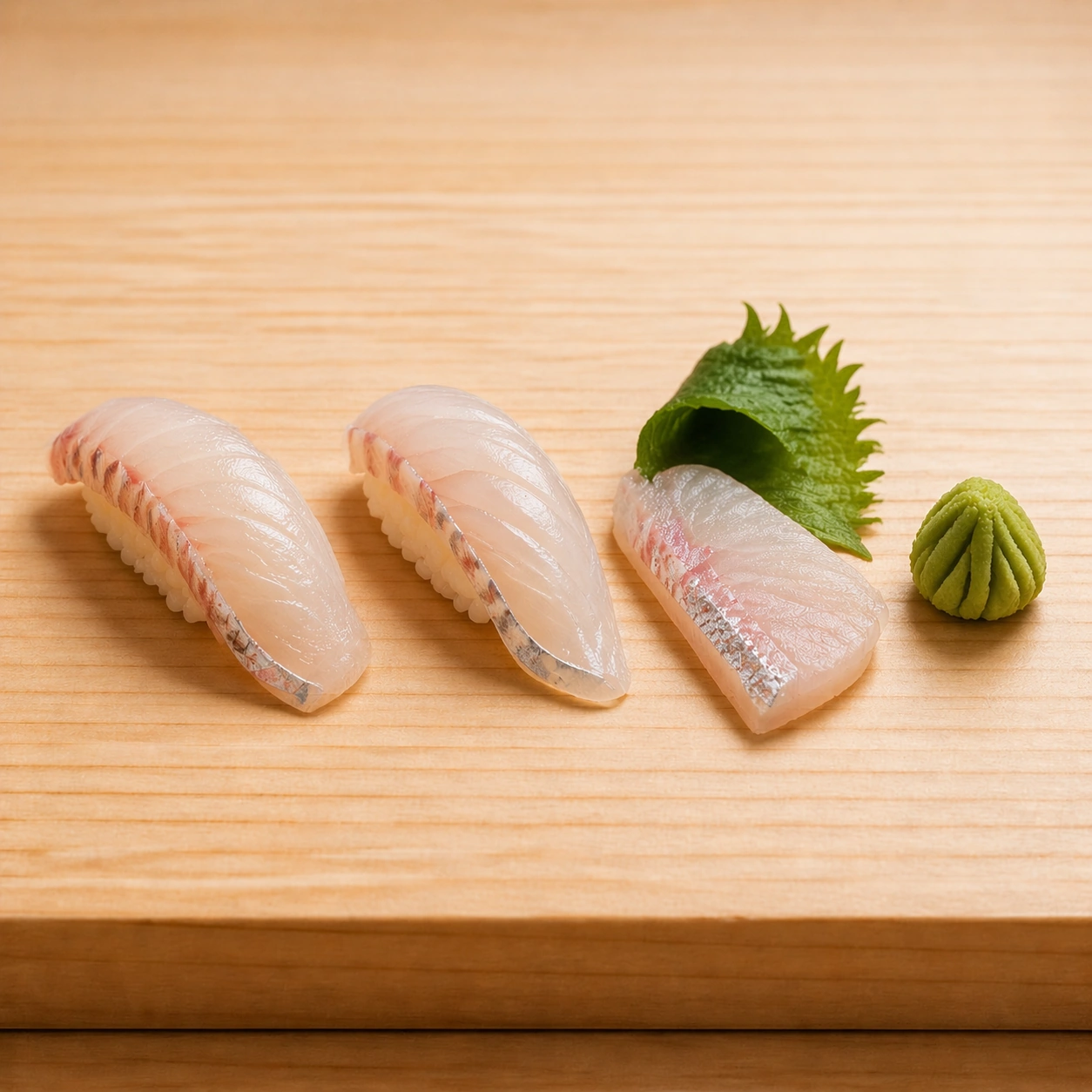
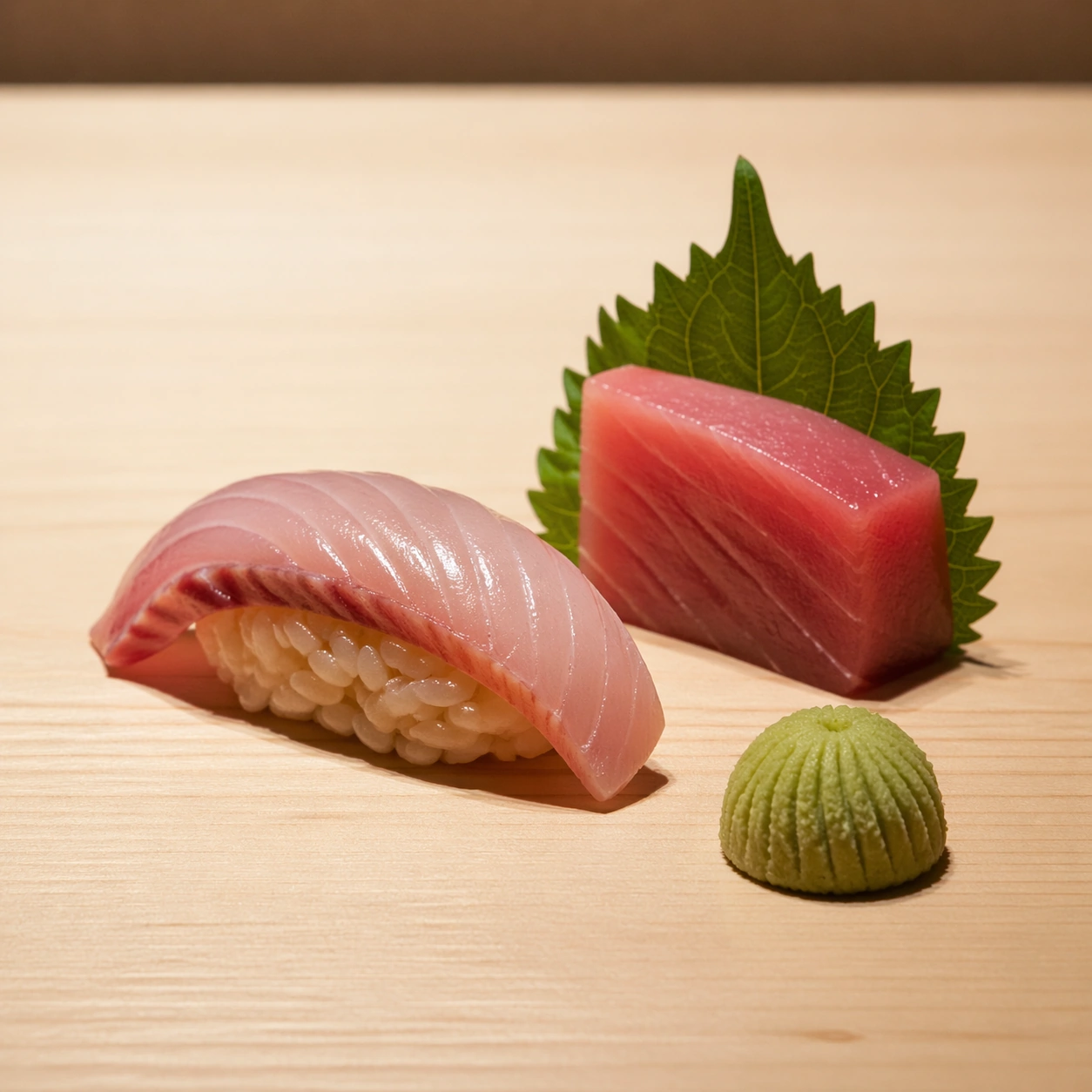
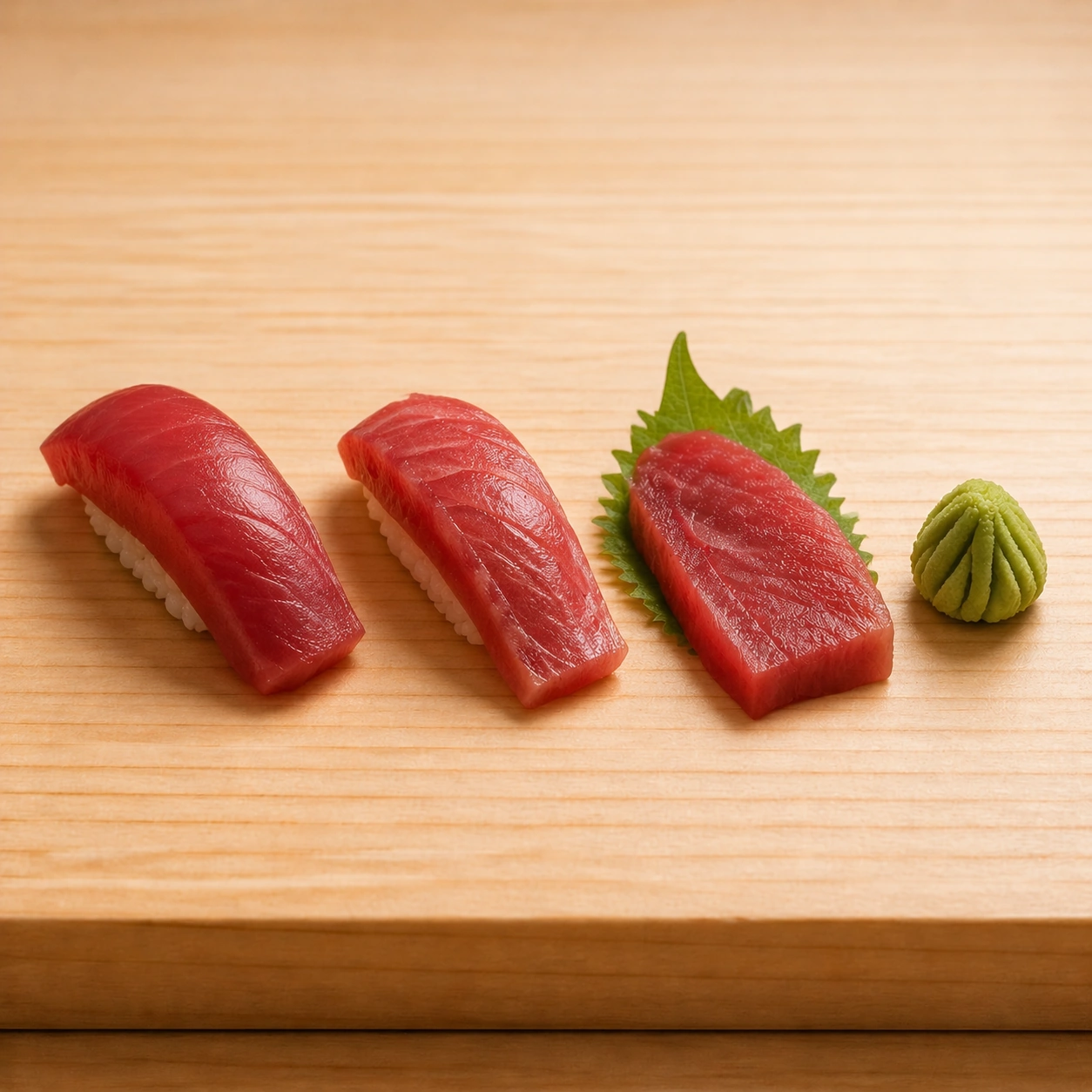
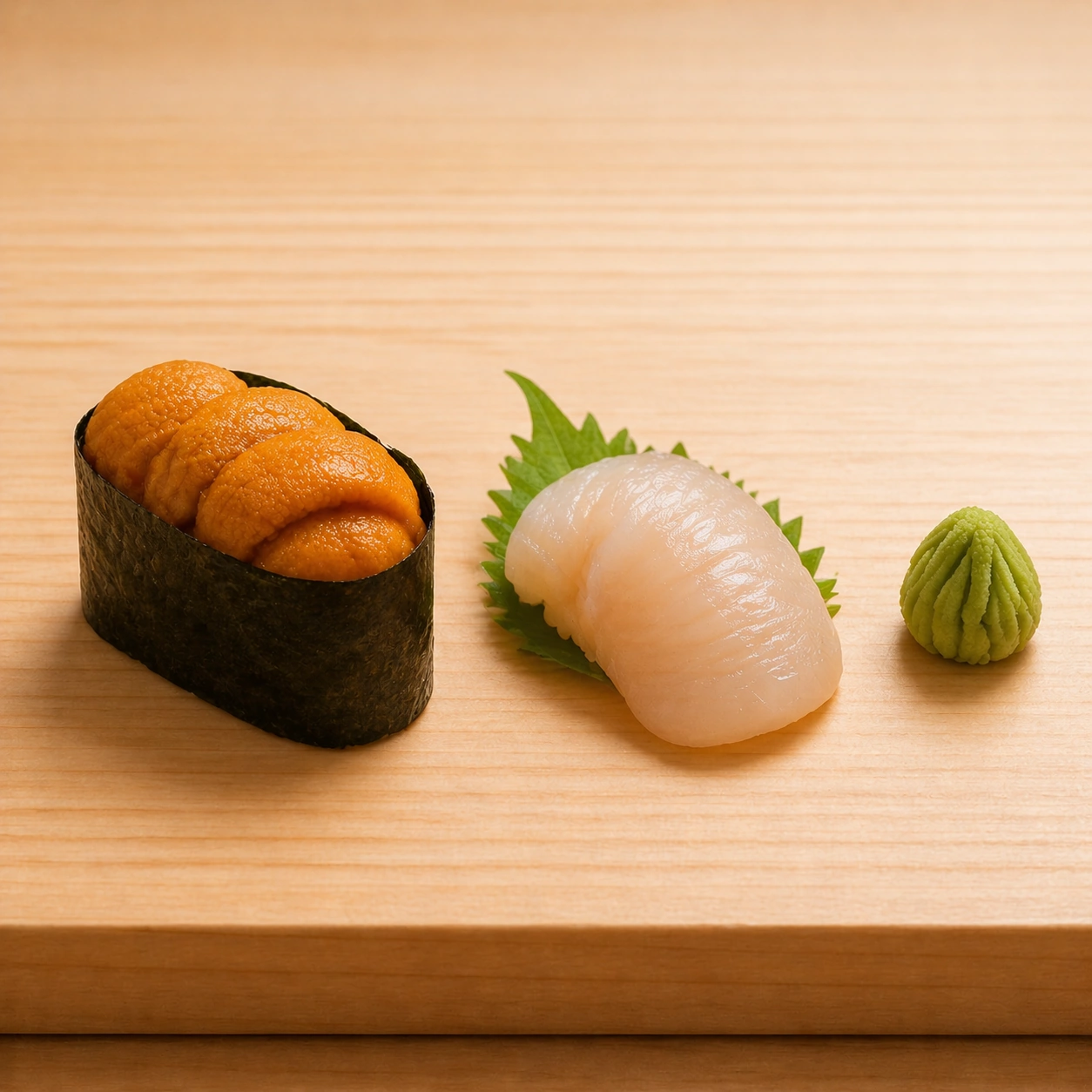
Create a square high-end sushi photograph on pale hinoki wood or a neutral omakase counter, lit with precise raking light that reveals grain in fish and separation in rice. The environment should feel silent, expensive, and almost clinical in its cleanliness. Space, alignment, and proportion matter as much as the ingredients themselves. Use the same counter framing, camera height, spacing rhythm, and raking light established by the reference image, allowing the darker nori and brighter roe tones to create the primary contrast. The wood surface should remain calm and pale.

Subject:
Show a compact uni gunkan alongside a matching sashimi or supplemental shellfish piece, with the sea urchin tongues appearing soft, glossy, and clearly segmented. The nori collar should look crisp and thin, and the rice beneath must remain structured. A tiny wasabi dome can complete the set.

Important details:
Every ingredient should reward macro inspection: fish grain direction, cut angle, moisture, knife marks, rice-grain separation, wasabi texture, shiso curl, and the grain of the wood beneath all need to remain distinct. The result should communicate mastery through restraint and surgical care rather than abundance. Preserve exact counter geometry, light direction, and spacing from the reference model while changing the material vocabulary toward soft roe, crisp nori, and marine gloss. The uni must avoid looking like generic orange puree and instead show delicate lobed texture.

Use case:
Sushi and sashimi precision series study 4/9, concluding the anchor lineup with uni and nori precision.

Constraints:
No readable text, no watermark, no logos, preserve exact 1:1 aspect ratio, no soy sauce pools, no decorative restaurant clutter, no readable menu cards, no plastic sushi display look, no overloaded garnish, no overloaded roe decorations, no sauce painting, no casual izakaya clutter.
Cómo usar
- Copia el prompt original completo, incluidos los parámetros.
- Adapta el tema, el texto y la composición a tus necesidades.
- Usa una herramienta externa compatible; comprueba el acceso y el resultado.
Antes de empezar
- Comprueba si necesita una imagen de referencia. La compatibilidad no demuestra qué modelo generó el ejemplo.
- Revisa nombres, cifras y textos; el resultado puede variar entre versiones del modelo.