Documento original
GPT Image 2 · en
Scene:
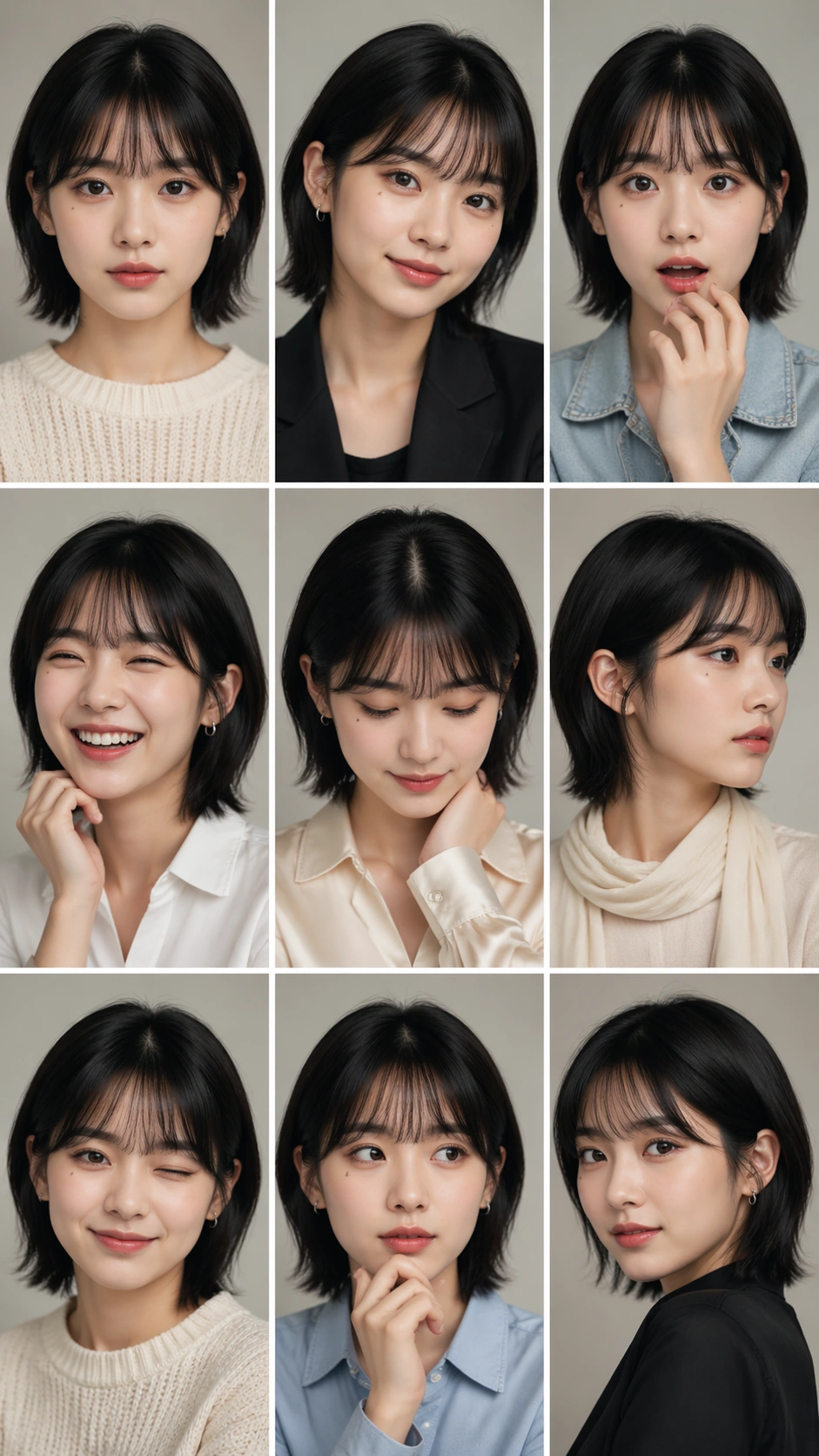
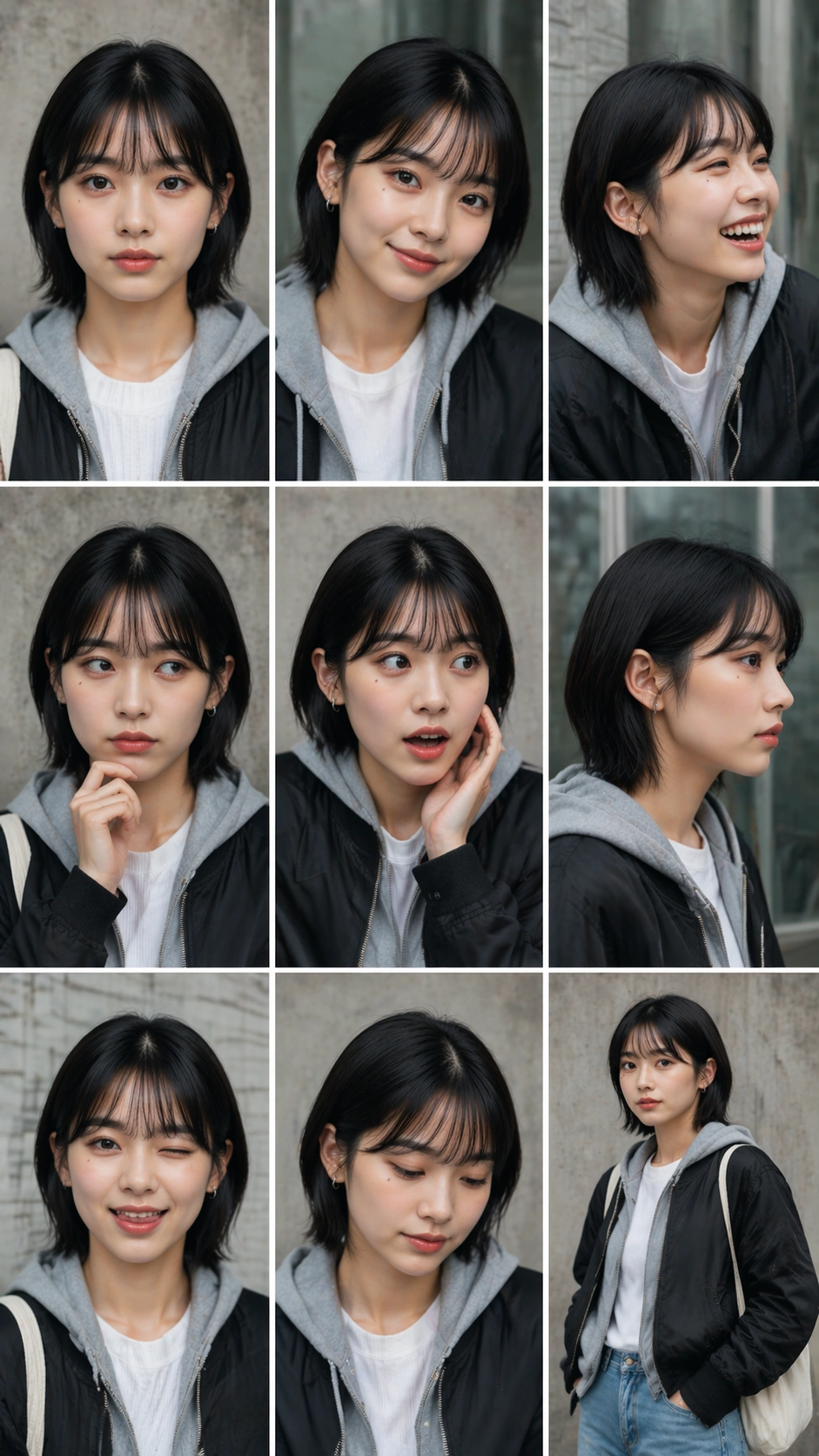
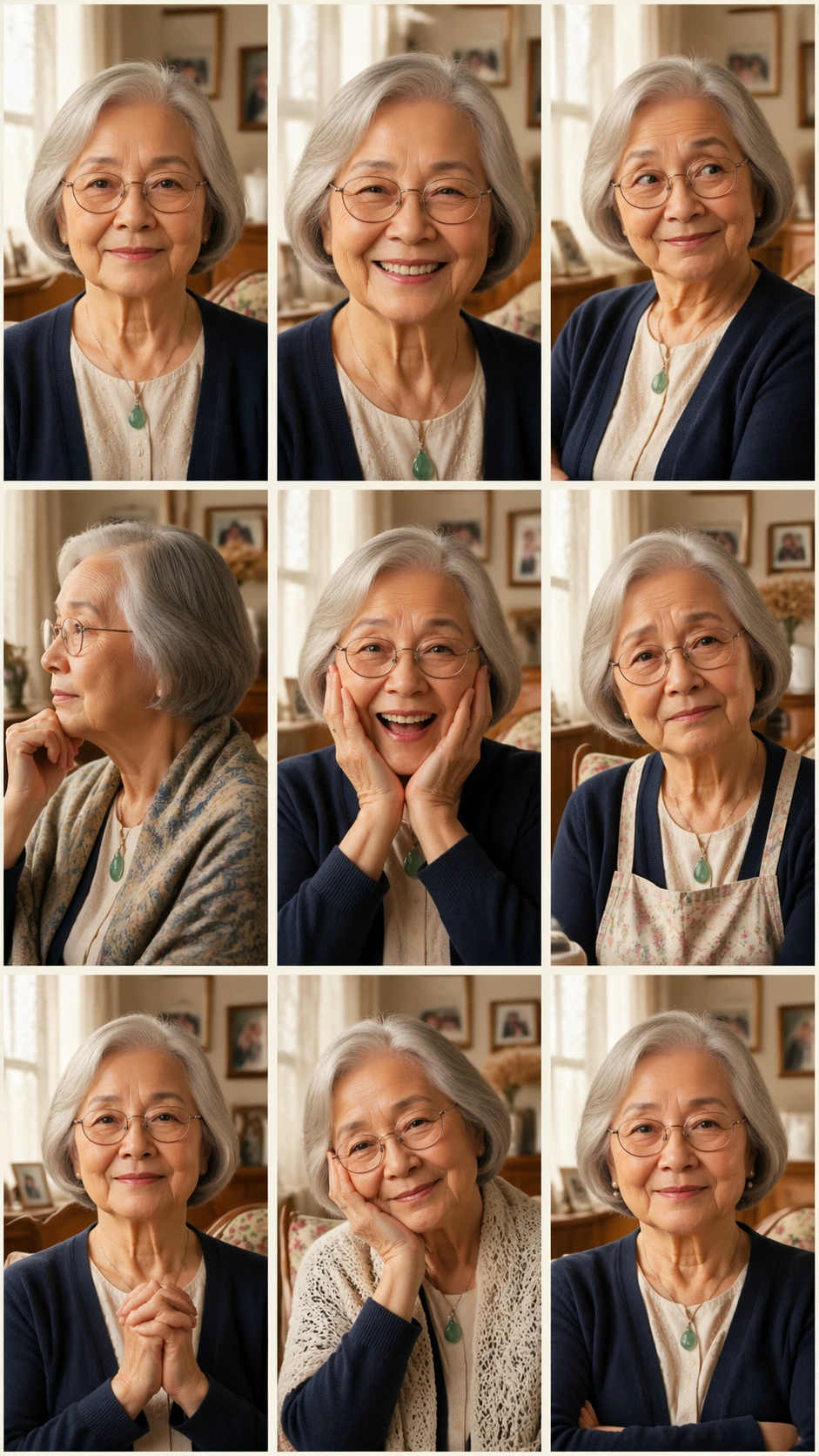
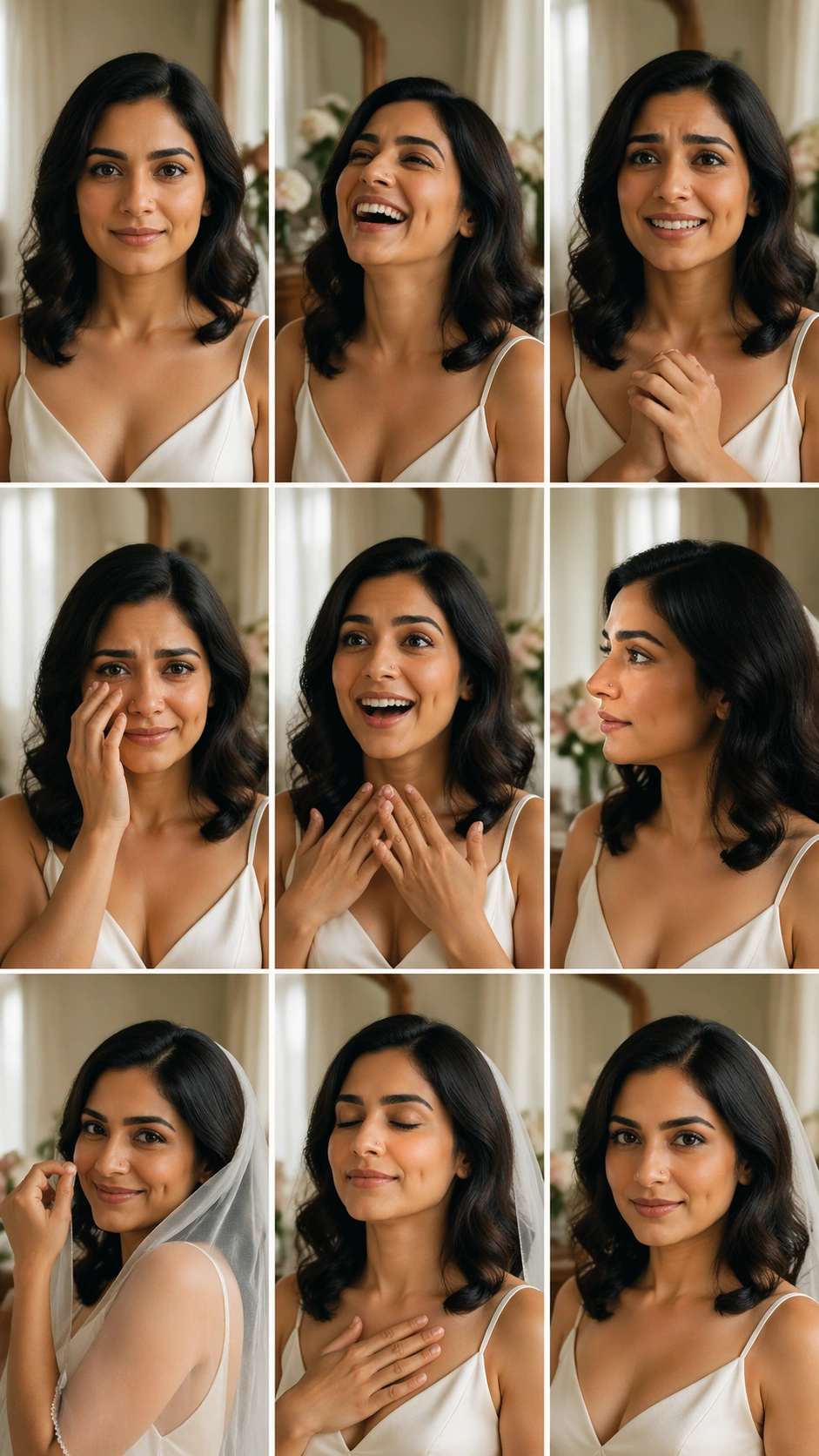
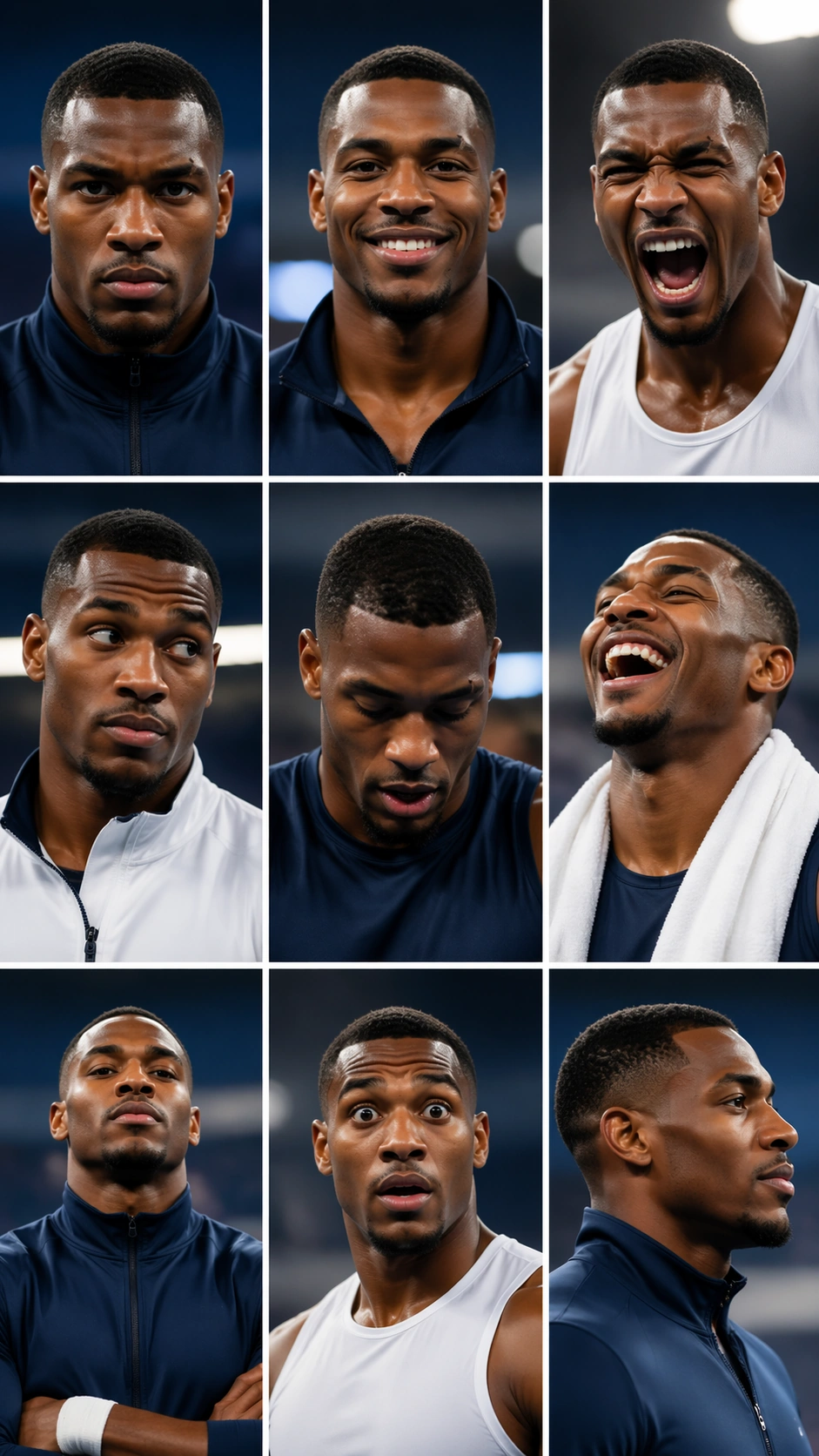
A vertical 9:16 sports media-day portrait sheet arranged as a precise 3 by 3 grid with nine equal cells, thin white gutters, and a clean arena back-wall environment. The background uses soft team-color lighting in navy, silver, and warm white, but contains no readable sponsor boards, team names, numbers, or logos. The sheet should feel like official pre-season media photography built for comparing one athlete's expressions.

Subject:
One professional athlete appears in all nine cells as the same person: athletic build, deep brown skin, close-cropped hair, strong jaw, small scar over the right eyebrow, and bright focused eyes. The outfit is a plain unbranded warm-up jacket or sleeveless training top in navy and white, varying only by zipped collar, towel, or wrist tape. The nine expressions and poses are game-face intensity, relaxed smile, roar of celebration, skeptical side look, focused downward breath, laughing with head tilted back, hands crossed with confidence, surprised raised brows, and calm profile.

Important details:
Identity consistency is essential: keep the scar, jawline, skin tone, haircut, and eye shape stable in every cell. Do not invent different teammates or change the athlete's sport-specific body language into unrelated costumes. The grid should remain perfectly aligned, with equal cells and consistent crop scale. Lighting can add energy, but the face must stay readable and photoreal. The absence of logos should not make the media-day setting vague; use posture, lighting, and athletic styling.

Use case:
Nine-Expression Portrait Grid single study 7/8, testing athlete media-day expression consistency in a structured 3x3 sheet.

Constraints:
No readable text, no watermark, no logos, preserve exact 9:16 vertical aspect ratio, no brand marks, no jersey numbers, no extra athletes, no changed scar placement, no broken gutters, no distorted hands.
Cómo usar
- Copia el prompt original completo, incluidos los parámetros.
- Adapta el tema, el texto y la composición a tus necesidades.
- Usa una herramienta externa compatible; comprueba el acceso y el resultado.
Antes de empezar
- Comprueba si necesita una imagen de referencia. La compatibilidad no demuestra qué modelo generó el ejemplo.
- Revisa nombres, cifras y textos; el resultado puede variar entre versiones del modelo.