Documento original
GPT Image 2 · en
Scene:
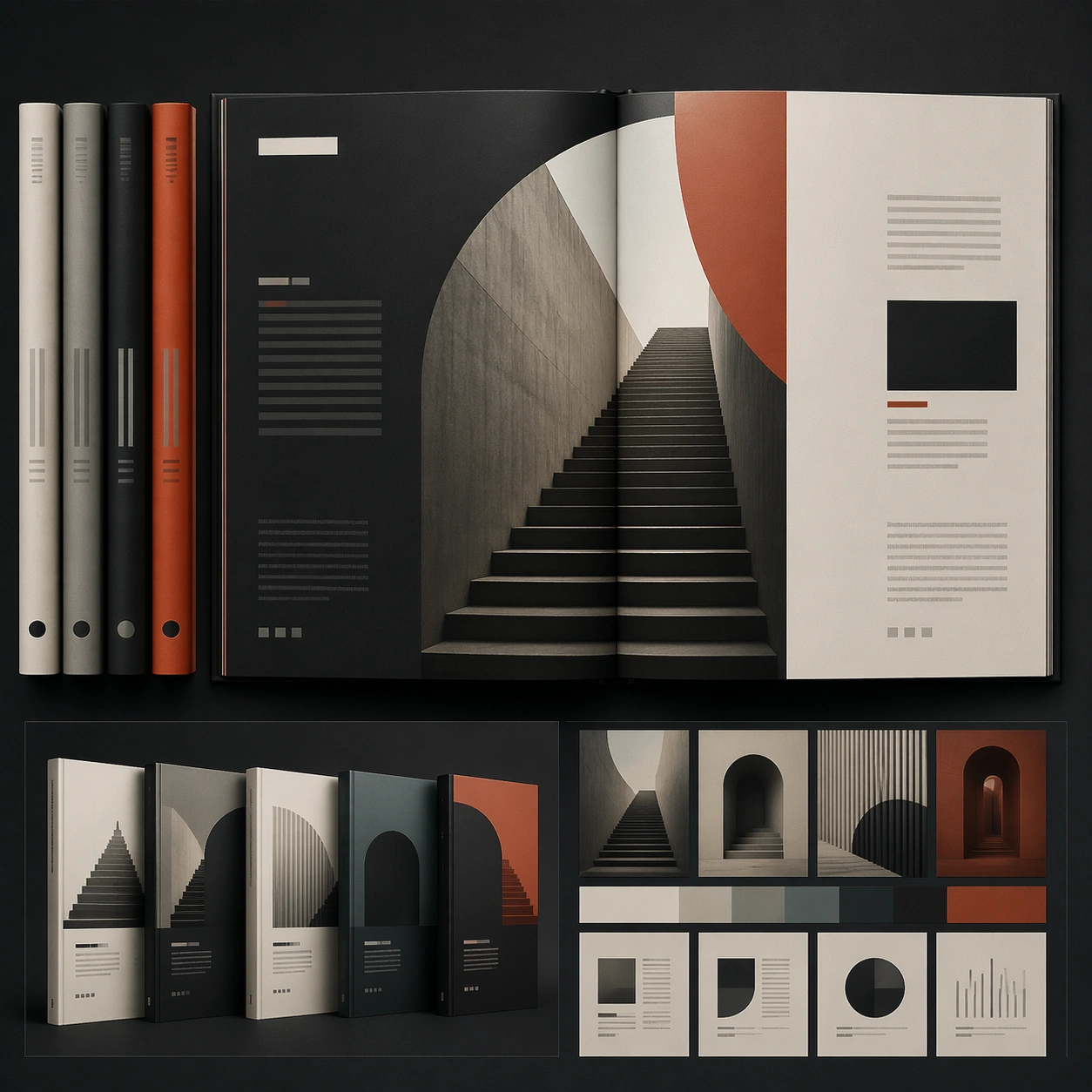
A square editorial or interface layout study with exact margins, confident grid structure, and premium print or screen presentation. Build the frame around a primary spread or headline surface with immediate hierarchy. Keep the lighting, camera distance, and spatial organization tuned for a high-signal research image rather than a casual snapshot. The image belongs to the Book Series Design theme and should feel immediately legible as a prompt atlas theme for book series design, testing text-rendering, structured-layout, style-transfer, commercial-mockup with gpt image 2..

Subject:
Center the study on a primary spread or headline surface with immediate hierarchy. Translate the theme into a concrete visual statement instead of an abstract mood board: the viewer should understand what kind of image this is, what is being tested, and why the composition is difficult. Use the slug idea of book series design as a literal guide for subject matter, materials, and staging.

Important details:
Typography fields must stay unreadable, but hierarchy, rhythm, and page architecture should feel convincing enough for design review. Preserve a disciplined square composition, clear focal hierarchy, and enough secondary information to make the image feel complete rather than underspecified. The image should look polished, novel, and exhibition-ready, with topic-specific credibility coming from the way surfaces, structure, and visual language reinforce Book Series Design. Avoid generic filler elements that do not serve the main concept.

Use case:
Book Series Design single study 1/8, testing text-rendering, structured-layout, style-transfer, commercial-mockup through the hero spread variation.

Constraints:
No readable text, no watermark, no logos, preserve exact 1:1 aspect ratio, no readable text, no logo lockups from real brands, no broken grid, no arbitrary poster clutter, no malformed columns, no accidental lorem ipsum.
Cómo usar
- Copia el prompt original completo, incluidos los parámetros.
- Adapta el tema, el texto y la composición a tus necesidades.
- Usa una herramienta externa compatible; comprueba el acceso y el resultado.
Antes de empezar
- Comprueba si necesita una imagen de referencia. La compatibilidad no demuestra qué modelo generó el ejemplo.
- Revisa nombres, cifras y textos; el resultado puede variar entre versiones del modelo.