
Documento original
GPT Image 2 · en
Scene:
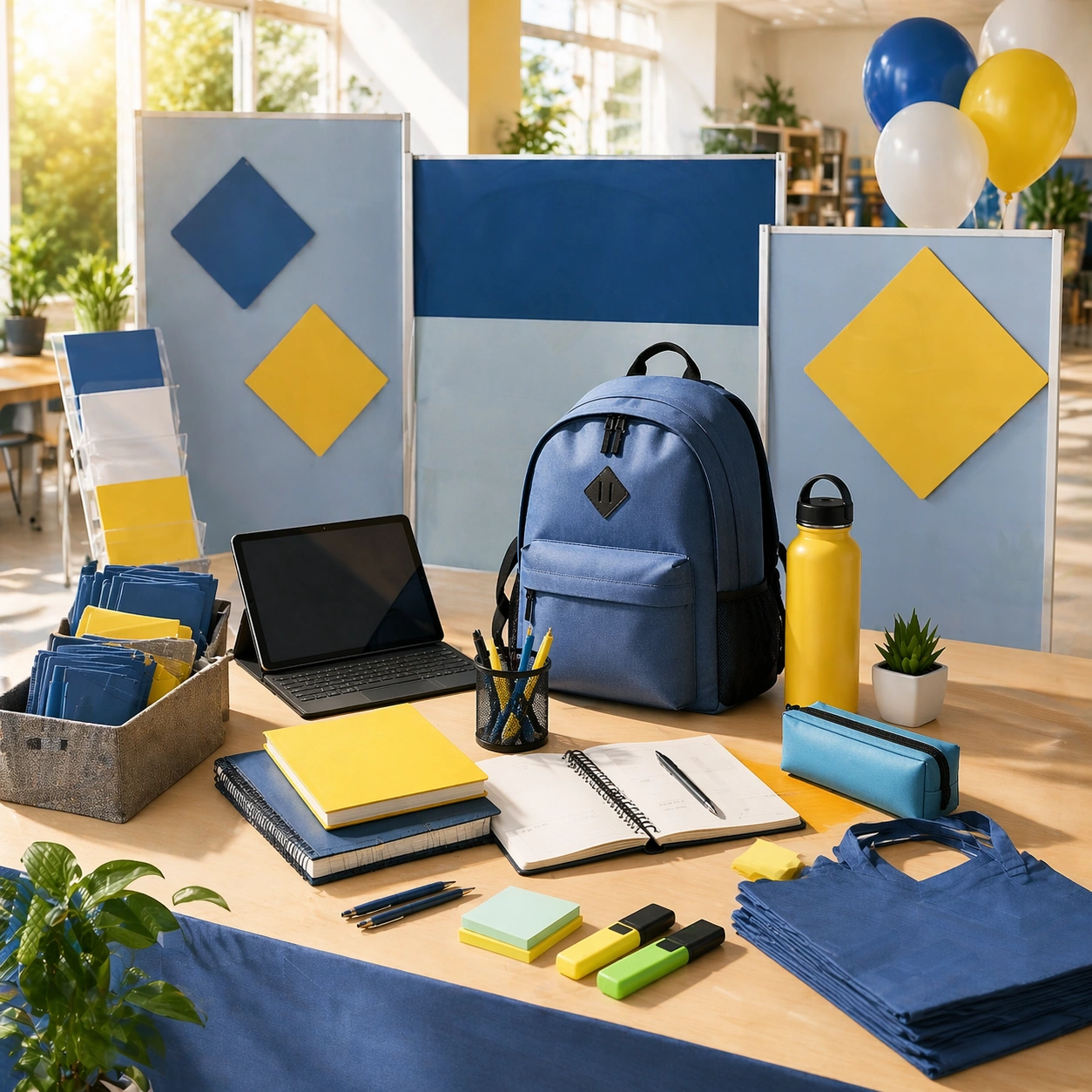
Create a square dependent campaign image in the same bright school-reset environment, preserving the exact morning light, clean materials, and optimistic academic polish from the reference image, but widen the composition toward an enrollment-fair or orientation-display setting. The scene should remain visually continuous with the anchor while leaning more toward institutional promotion and wayfinding atmosphere.

Subject:
Feature a booth or display-like setup with boards that contain no readable text, organized stationery, welcome-pack objects, device support, and directional elements arranged into a premium enrollment presentation. Preserve exact campaign identity from the reference model while changing the use case toward student recruitment and orientation. The result should feel clean, inviting, and operationally useful.

Important details:
Keep the same visual grammar: bright clarity, youthfully optimistic energy, disciplined structure, and tactile credibility. The orientation-display cue should come from layout and object grouping rather than actual signage. Make it suitable for schools, education brands, or family-focused campaign surfaces during back-to-school season.

Use case:
Back to School series study 4/9.

Constraints:
No readable text, no watermark, no logos, preserve exact 1:1 aspect ratio, preserve exact campaign identity from the reference image, no readable signage, no school logos, no mascot banners, no crowded fair chaos, no graduation caps, no chalkboard text, no corporate tradeshow mood.
Cómo usar
- Copia el prompt original completo, incluidos los parámetros.
- Adapta el tema, el texto y la composición a tus necesidades.
- Usa una herramienta externa compatible; comprueba el acceso y el resultado.
Antes de empezar
- Comprueba si necesita una imagen de referencia. La compatibilidad no demuestra qué modelo generó el ejemplo.
- Revisa nombres, cifras y textos; el resultado puede variar entre versiones del modelo.