Documento original
GPT Image 2 · zh
{
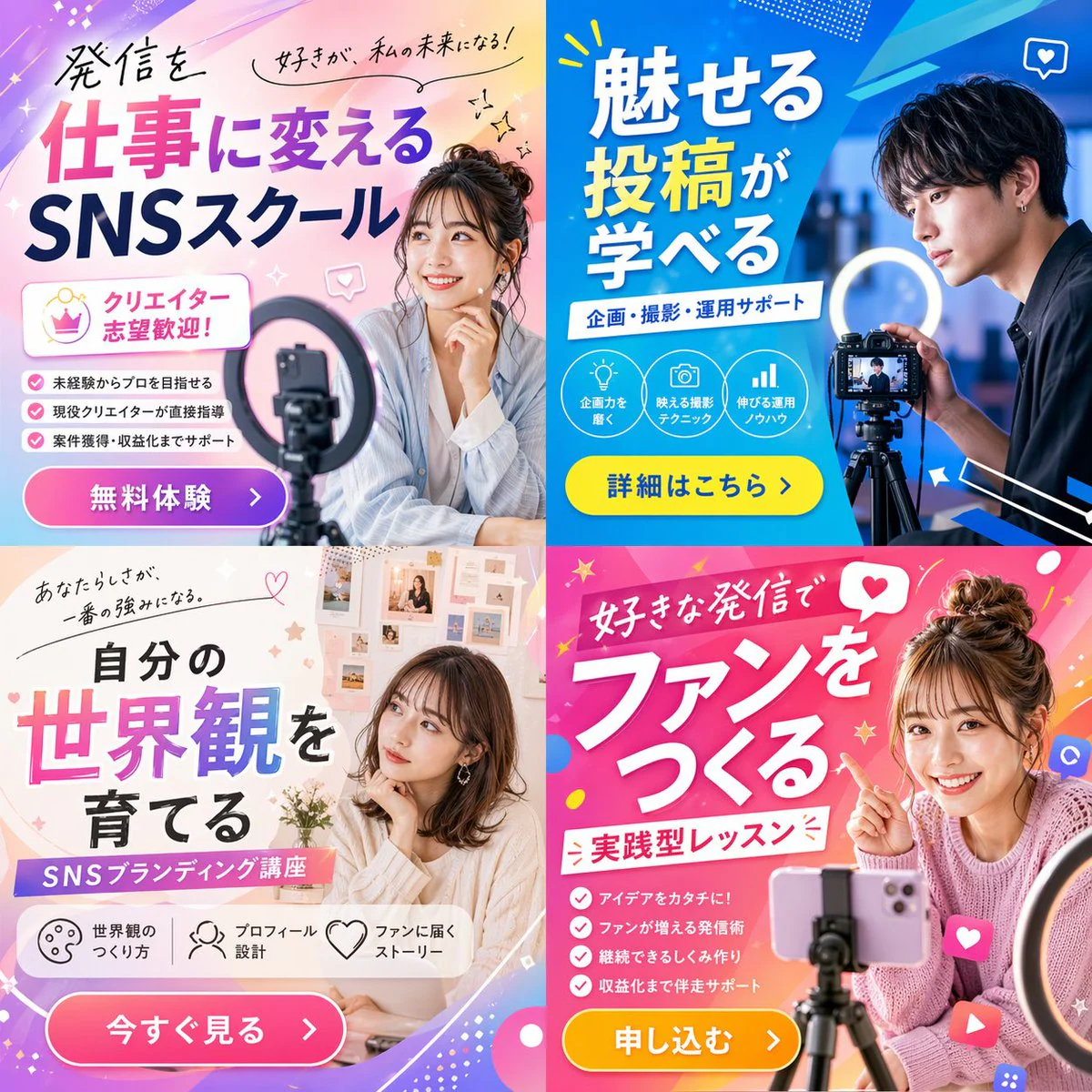
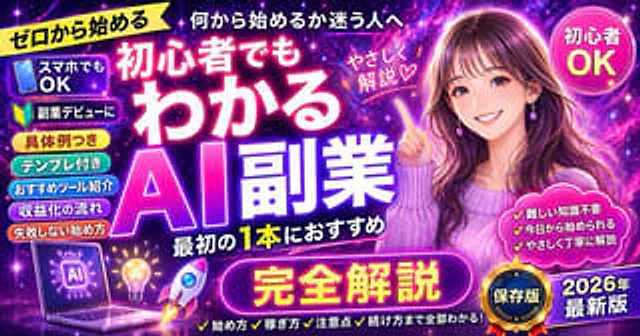
  "type": "promotional banner thumbnail",
  "style": "vibrant neon, cosmic galaxy background, anime illustration style, high-density Japanese typography, glowing text effects",
  "character": {
    "description": "smiling young woman pointing upwards with right index finger",
    "appearance": "long {argument name=\"character hair color\" default=\"brown\"} hair, purple drop earrings, textured purple sweater",
    "position": "right side"
  },
  "layout": {
    "background": "purple, pink, and blue starry space nebula",
    "center_typography": {
      "top_small_text": "何から始めるか迷う人へ",
      "main_title": "{argument name=\"main title\" default=\"初心者でもわかる AI副業\"}",
      "subtitle": "最初の1本におすすめ",
      "floating_text_near_character": "やさしく解説♡"
    },
    "top_left": {
      "yellow_ribbon": "{argument name=\"top left ribbon text\" default=\"ゼロから始める\"}"
    },
    "top_right": {
      "pink_circle_badge": "初心者 OK"
    },
    "left_column": {
      "count": 7,
      "description": "stack of pill-shaped badges",
      "labels": [
        "スマホでもOK (with phone icon)",
        "副業デビューに (with beginner mark icon)",
        "具体例つき",
        "テンプレ付き",
        "おすすめツール紹介",
        "収益化の流れ",
        "失敗しない始め方"
      ]
    },
    "bottom_left_graphics": {
      "count": 3,
      "items": [
        "laptop displaying an AI circuit brain graphic",
        "glowing lightbulb",
        "rocket ship taking off"
      ]
    },
    "bottom_center": {
      "large_purple_button": "{argument name=\"bottom center button text\" default=\"完全解説\"}",
      "checklist_text_below": "✓始め方 ✓稼ぎ方 ✓注意点 ✓続け方まで全部わかる!"
    },
    "bottom_right": {
      "pink_cloud_shape": {
        "count": 3,
        "bullet_points": [
          "✓難しい知識不要",
          "✓今日から始められる",
          "✓やさしく丁寧に解説"
        ]
      },
      "gold_medal_seal": "保存版",
      "purple_badge": "{argument name=\"year badge text\" default=\"2026年 最新版\"}"
    }
  }
}
Cómo usar
- Copia el prompt original completo, incluidos los parámetros.
- Adapta el tema, el texto y la composición a tus necesidades.
- Usa una herramienta externa compatible; comprueba el acceso y el resultado.
Antes de empezar
- Comprueba si necesita una imagen de referencia. La compatibilidad no demuestra qué modelo generó el ejemplo.
- Revisa nombres, cifras y textos; el resultado puede variar entre versiones del modelo.