Documento original
Nano Banana · en
{
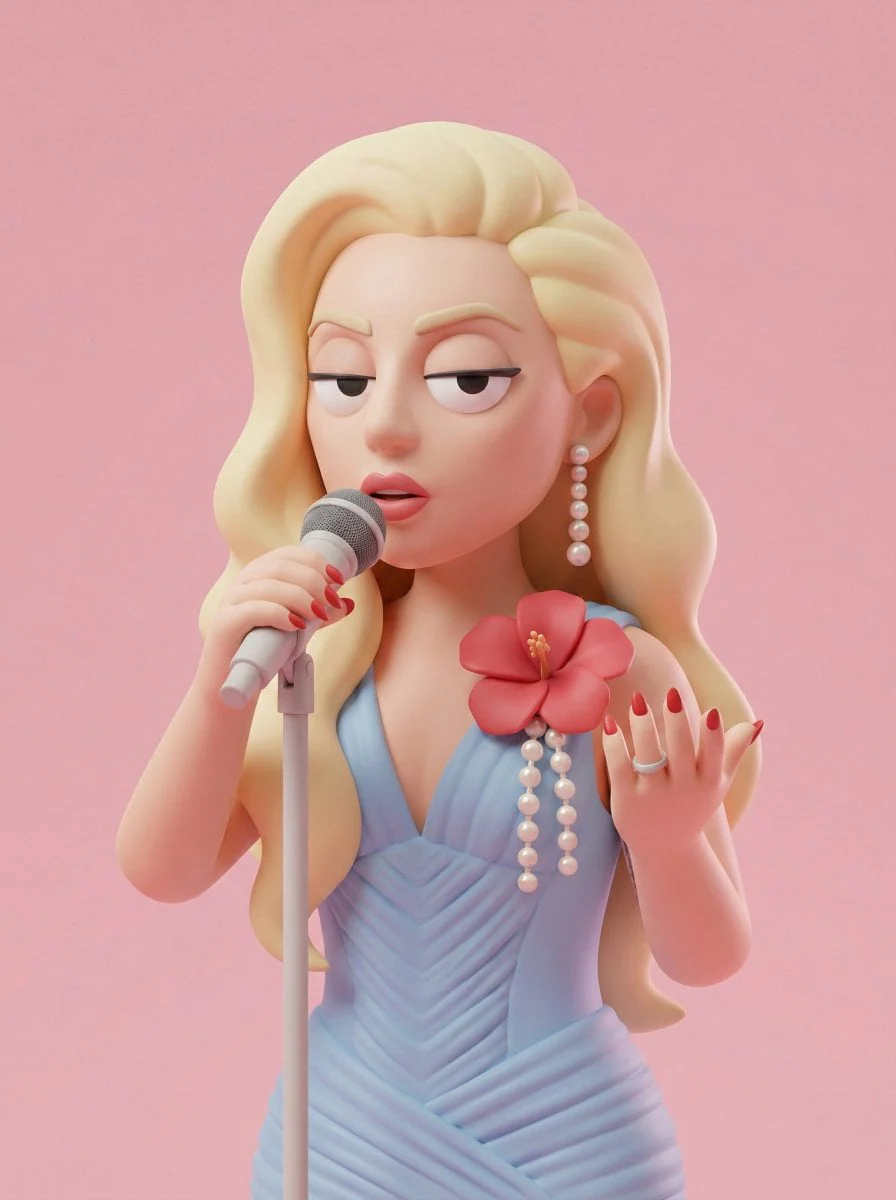
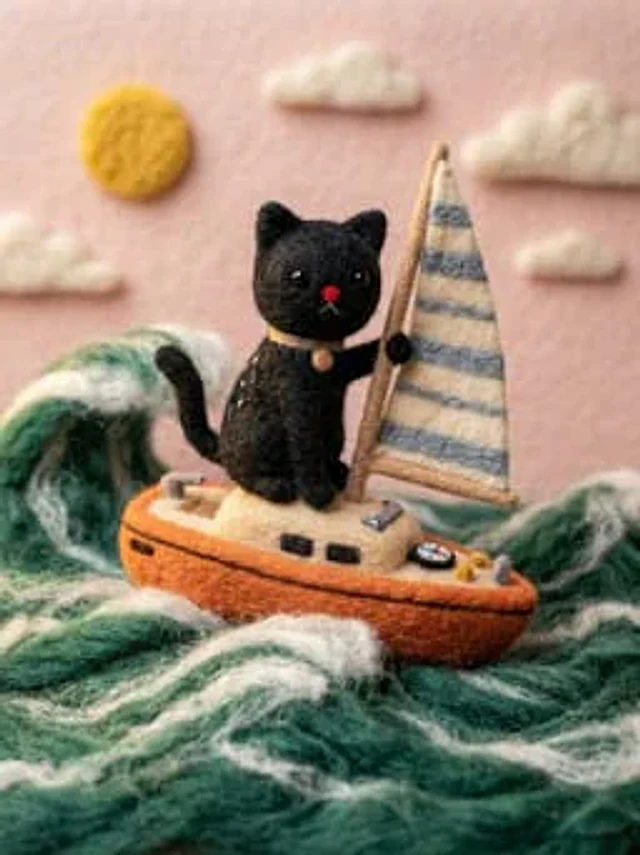
  "target_style": "Handcrafted needle-felted wool miniature",
  "texture_properties": {
    "material": "organic roving wool, fuzzy fibers, soft tactile felt",
    "details": "visible needle-punch textures, soft fuzzy surface, handcrafted seams",
    "eyes": "small black bead eyes or simple felted circles"
  },
  "adaptation_rules": {
    "proportions": "stylized, slightly oversized head, simplified limbs, cute aesthetic",
    "color_palette": "retain original colors from source image but soften with wool texture",
    "clothing": "simplified felt versions of the original outfits, tiny fabric buttons, stitched details",
    "accessories": "replicate key items from source as miniature felted props"
  },
  "environment": {
    "camera": "macro photography, close-up shot",
    "lighting": "soft studio lighting, warm highlights, gentle shadows",
    "background": "clean, out-of-focus bokeh background, neutral craft studio setting",
    "depth_of_field": "shallow depth of field (f/2.8)"
  },
  "rendering_engine_hints": "high fidelity, 8k, photorealistic wool texture, Pixar-like character charm"
}
Cómo usar
- Copia el prompt original completo, incluidos los parámetros.
- Adapta el tema, el texto y la composición a tus necesidades.
- Usa una herramienta externa compatible; comprueba el acceso y el resultado.
Antes de empezar
- Comprueba si necesita una imagen de referencia. La compatibilidad no demuestra qué modelo generó el ejemplo.
- Revisa nombres, cifras y textos; el resultado puede variar entre versiones del modelo.