Documento original
GPT Image 2 · en
Scene:
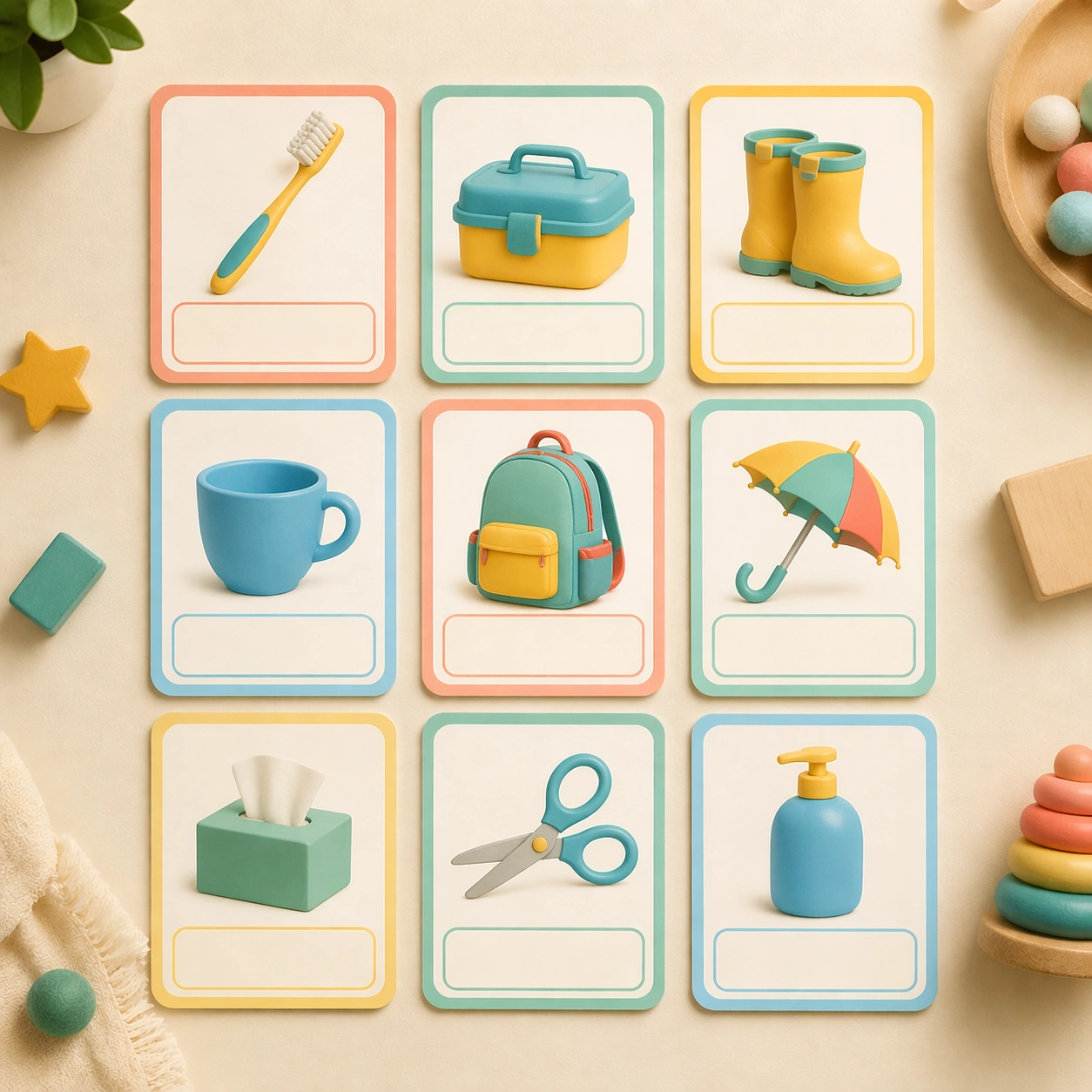
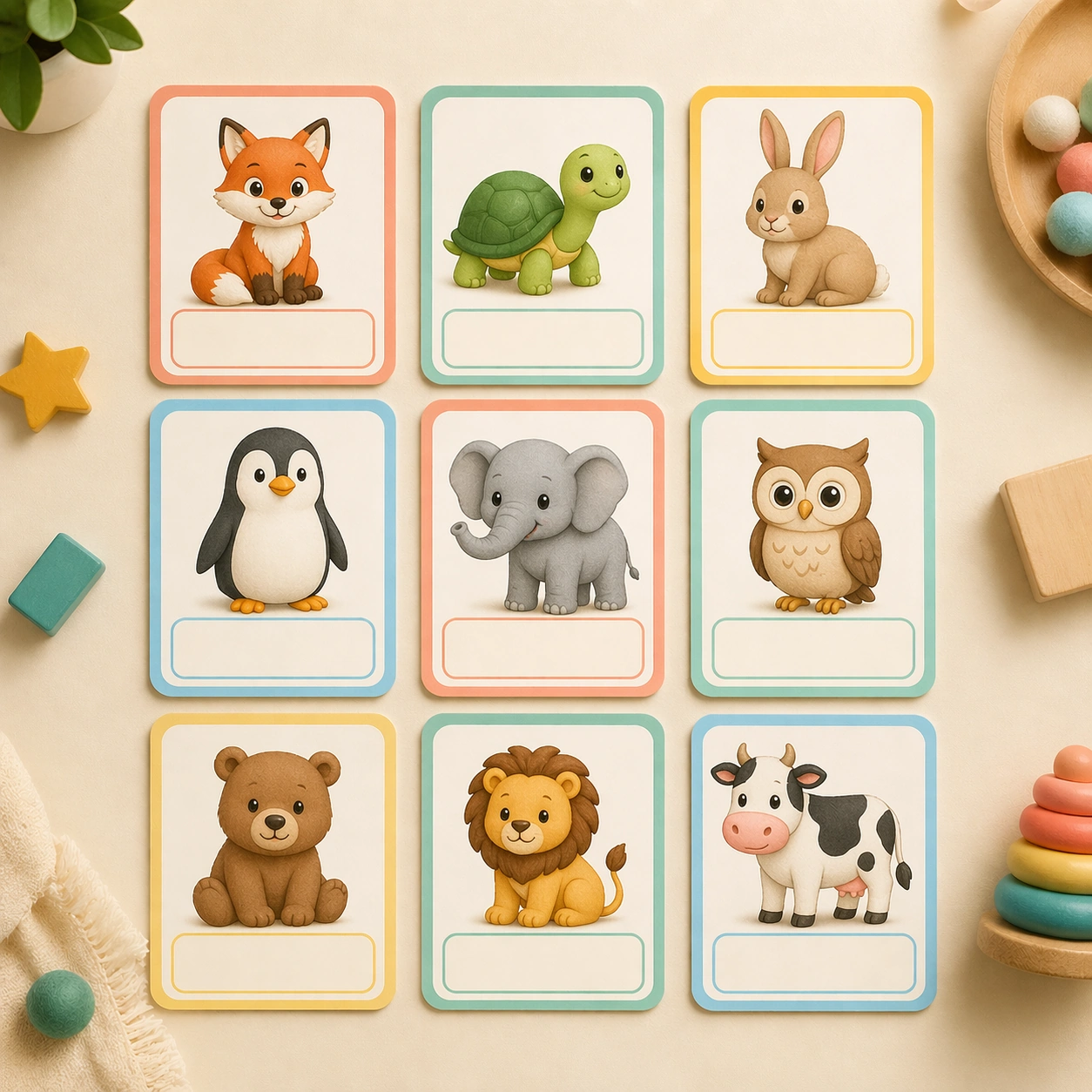
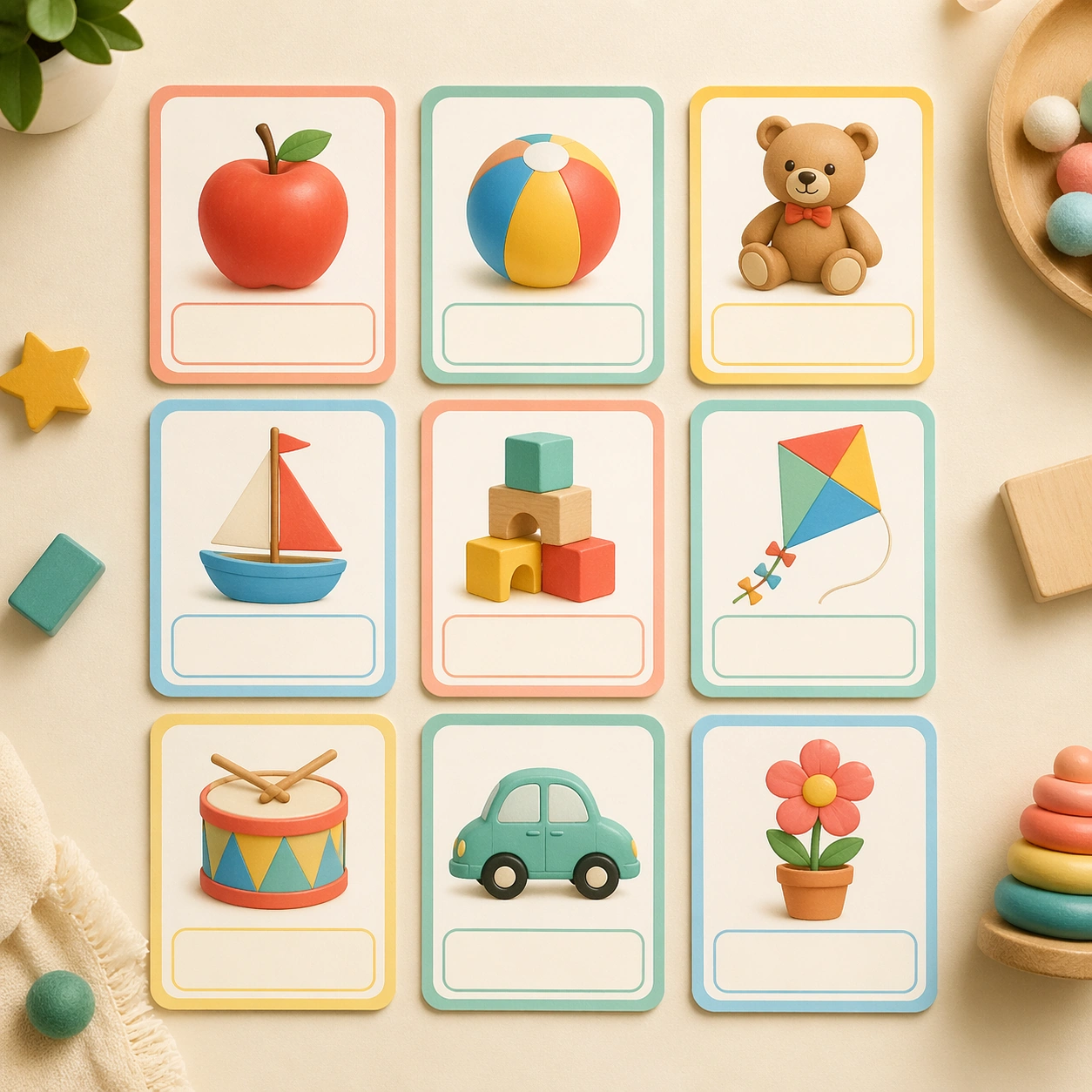
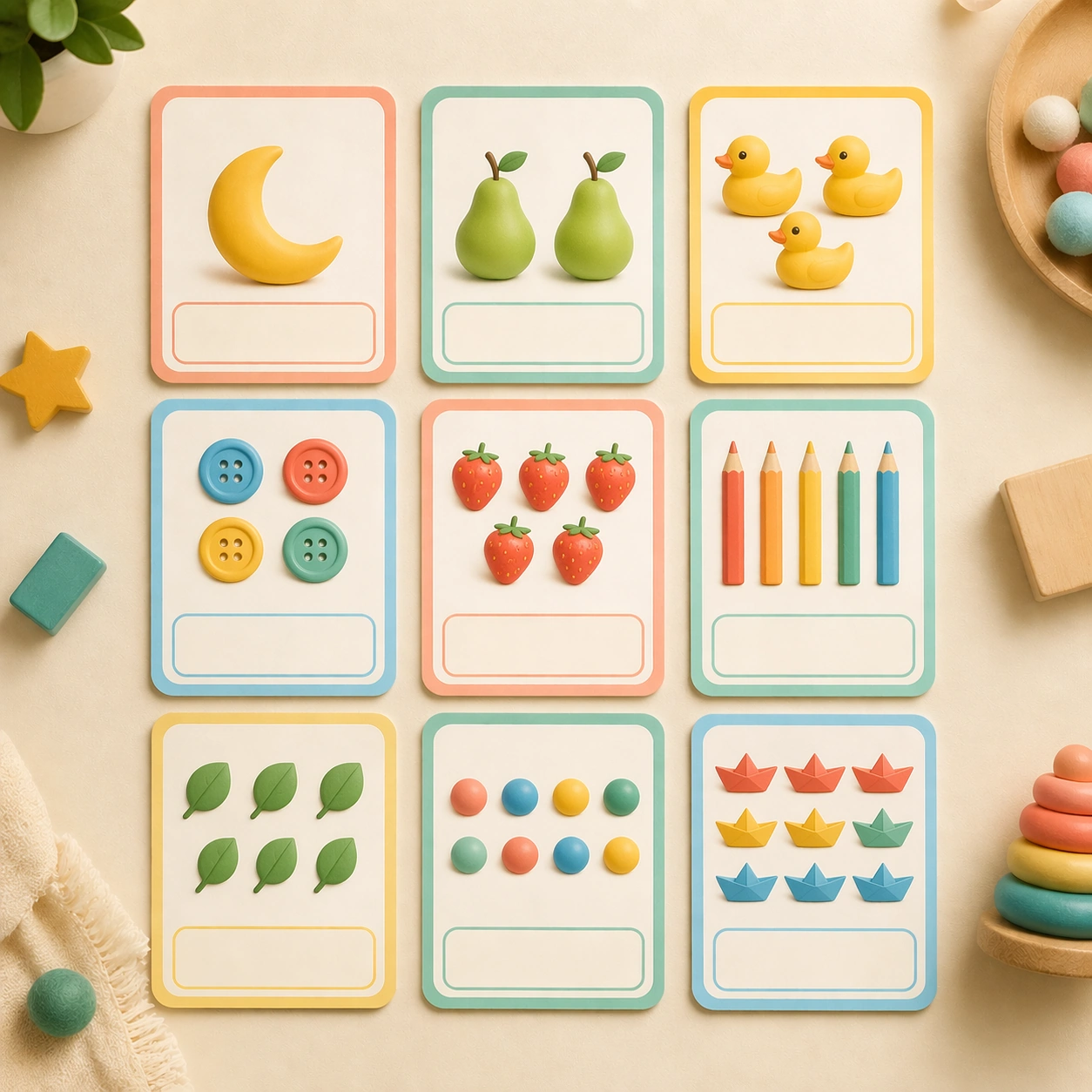
Present the same square overhead studio board, maintaining the identical card grid, light direction, and tactile print finish established by the reference image. The composition should feel like the second SKU in the same preschool product line, precise enough for catalog approval and consistent enough to be mistaken for the same shoot. Keep the square frame balanced, calm, and production-ready so the asset can serve gallery review, research comparison, and real educational delivery at the same time.

Subject:
Replace the alphabet-like assortment with counting cards that show grouped objects such as one moon, two pears, three ducks, four buttons, and five paper boats. Each card should pair the object cluster with a strong empty number zone, making quantity the star without requiring any actual characters. The subject matter should feel intentionally selected for a coherent curriculum family rather than like a random decorative assortment.

Important details:
The set must still read as the same brand system: matching border thickness, rounded geometry, illustration density, blank caption placement, and palette anchors. Variation should come from quantity grouping, object rhythm, and a slightly more playful arrangement inside each card while the overall board remains locked. Preserve the same rounded card frame, corner radius, soft shadow depth, illustration scale, and empty caption panel rhythm from the reference board. Use variation only in the teaching content, supporting props, and scene-specific mood while preserving the core visual system exactly.

Use case:
Early Learning Flashcard Family series study 2/4, number counting board.

Constraints:
No readable text, no watermark, no logos, preserve exact 1:1 aspect ratio, no real letters, no readable numerals, no handwriting, no crowded toy-store clutter, no adult hands, no broken card edges.
Cómo usar
- Copia el prompt original completo, incluidos los parámetros.
- Adapta el tema, el texto y la composición a tus necesidades.
- Usa una herramienta externa compatible; comprueba el acceso y el resultado.
Antes de empezar
- Comprueba si necesita una imagen de referencia. La compatibilidad no demuestra qué modelo generó el ejemplo.
- Revisa nombres, cifras y textos; el resultado puede variar entre versiones del modelo.