
Documento original
GPT Image 2 · zh
{
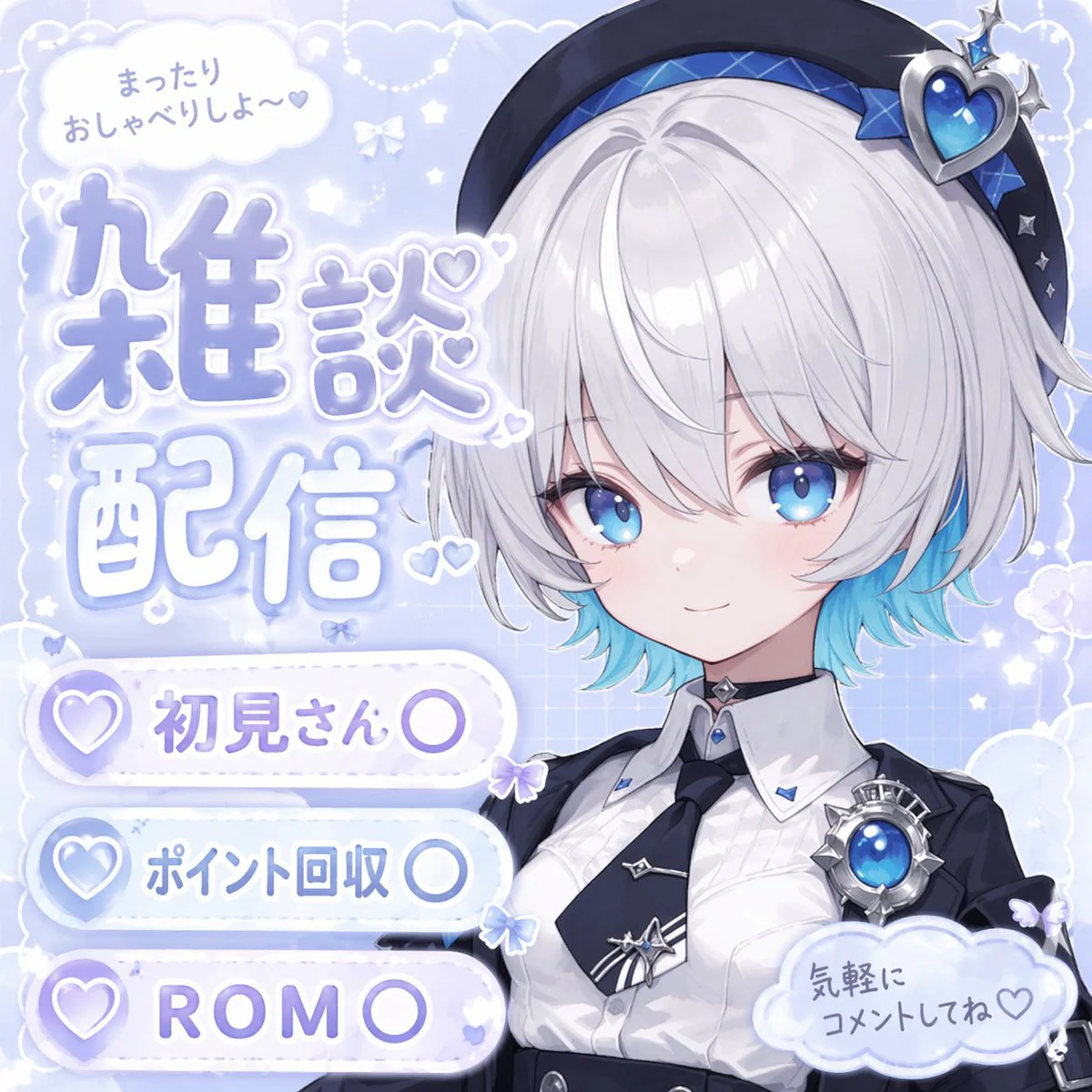
  "type": "anime-style livestream thumbnail",
  "character": {
    "hair": "{argument name=\"hair color\" default=\"short silver hair with cyan underlights\"}",
    "eyes": "large bright blue",
    "outfit": "white collared shirt, black tie with silver accents, black jacket, black beret with a large blue heart jewel, blue jewel brooch, black choker",
    "pose": "smiling gently, looking at viewer, positioned on the right side"
  },
  "background": "pastel blue with white clouds, sparkles, stars, small bows, and a subtle grid pattern",
  "typography_and_ui": {
    "top_left_speech_bubble": "まったりおしゃべりしよ〜♡",
    "main_title": {
      "text": "{argument name=\"main title\" default=\"雑談配信\"}",
      "style": "large, soft blue gradient, white outline, decorated with small hearts, positioned on the middle-left"
    },
    "bottom_left_badges": {
      "count": 3,
      "style": "white pill-shaped buttons with a purple heart icon on the left",
      "labels": [
        "{argument name=\"badge 1 text\" default=\"初見さん〇\"}",
        "{argument name=\"badge 2 text\" default=\"ポイント回収〇\"}",
        "{argument name=\"badge 3 text\" default=\"ROM〇\"}"
      ]
    },
    "bottom_right_cloud_bubble": "気軽にコメントしてね♡"
  }
}
Cómo usar
- Copia el prompt original completo, incluidos los parámetros.
- Adapta el tema, el texto y la composición a tus necesidades.
- Usa una herramienta externa compatible; comprueba el acceso y el resultado.
Antes de empezar
- Comprueba si necesita una imagen de referencia. La compatibilidad no demuestra qué modelo generó el ejemplo.
- Revisa nombres, cifras y textos; el resultado puede variar entre versiones del modelo.