Documento original
GPT Image 2 · en
Scene:
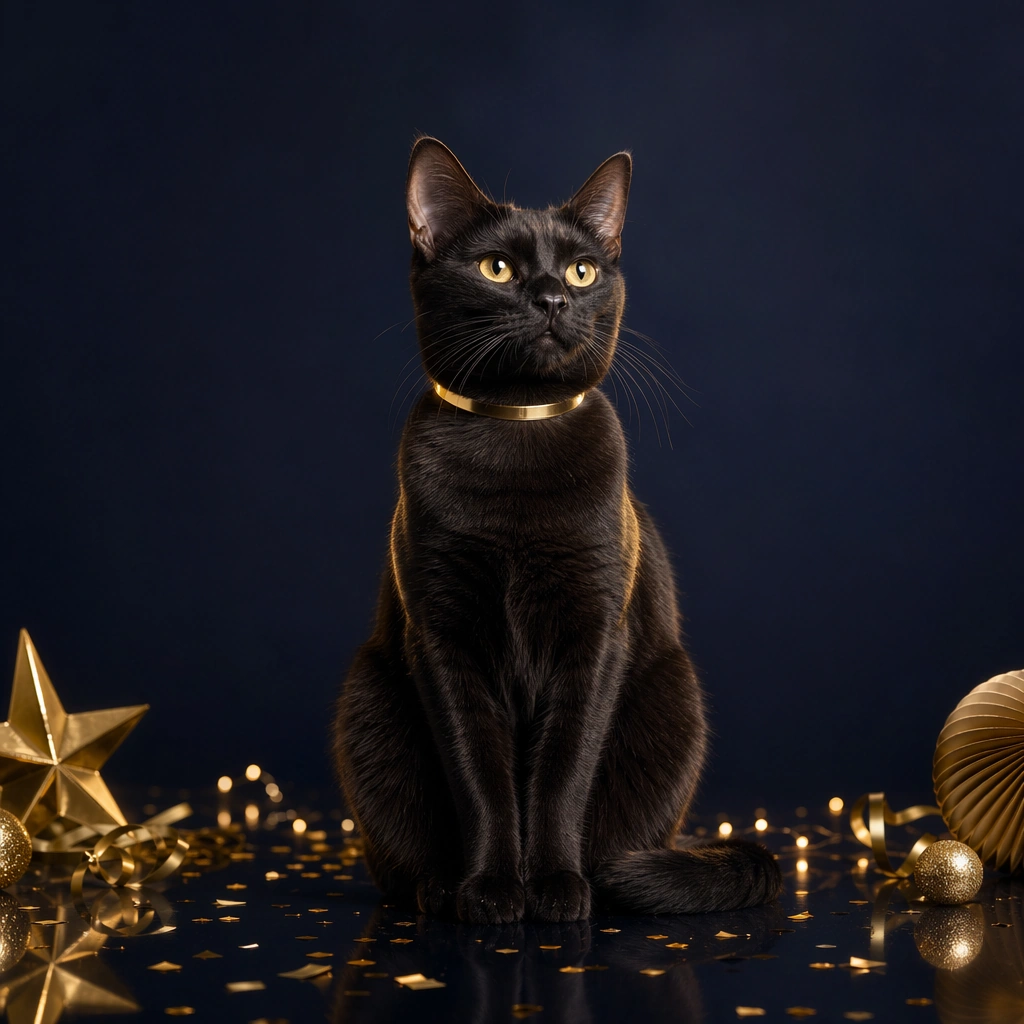
A square pet holiday promo tile designed for brand campaigns, combining believable costume styling with feed friendly layout control and polished product marketing energy. The framing should feel commercial and celebratory rather than amateur party photography. Use clean seasonal props, soft placeholder graphic zones, and strong central subject clarity so the image can function across ads, organic social, and shop features. Use dark navy studio mood with gold confetti hints, glossy reflections, and a crisp centered composition that feels ad ready.

Subject:
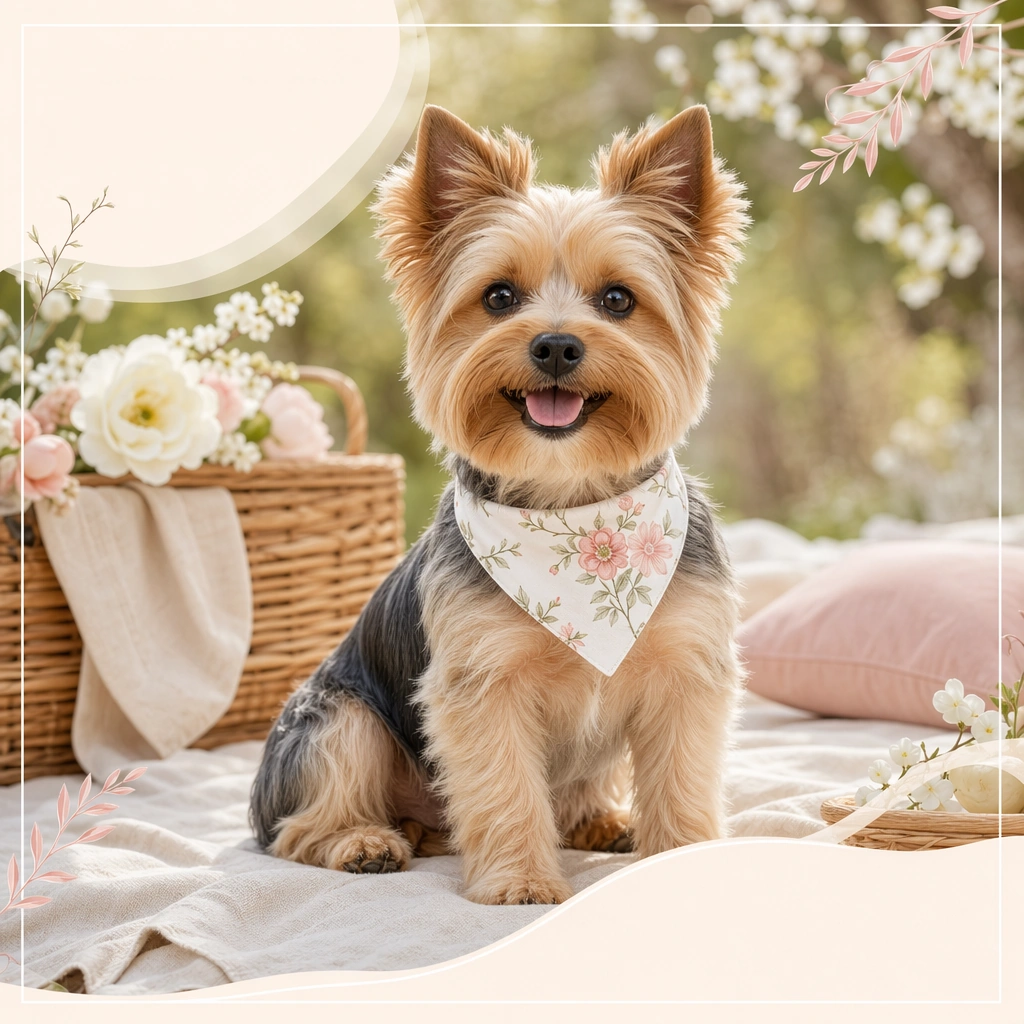
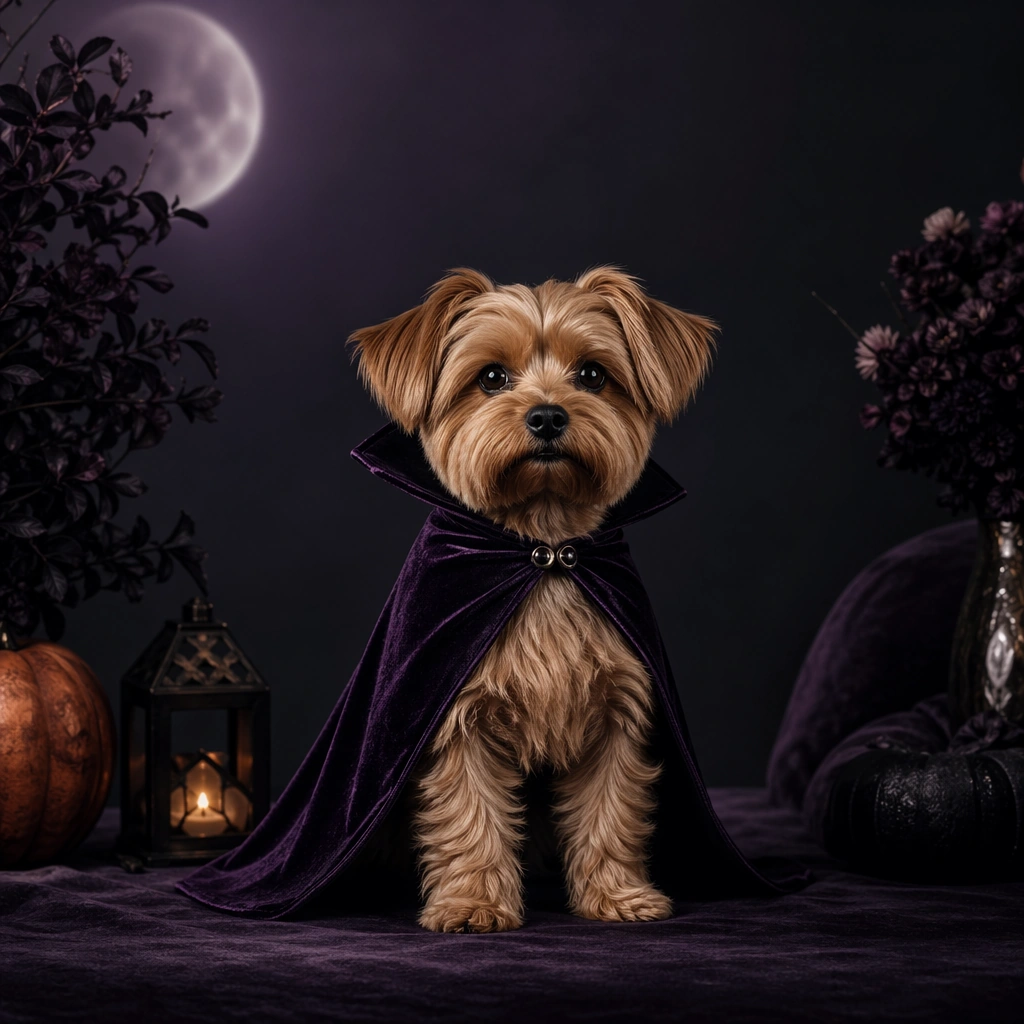
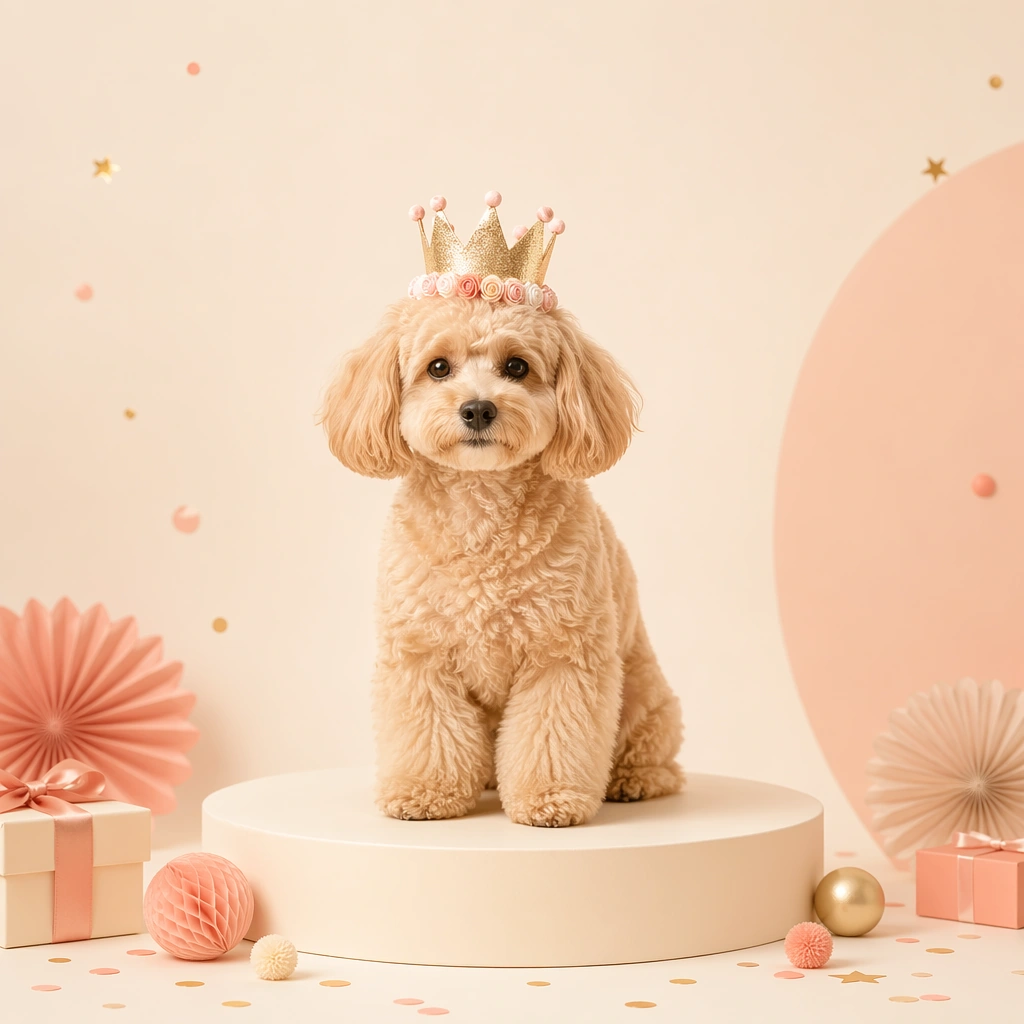
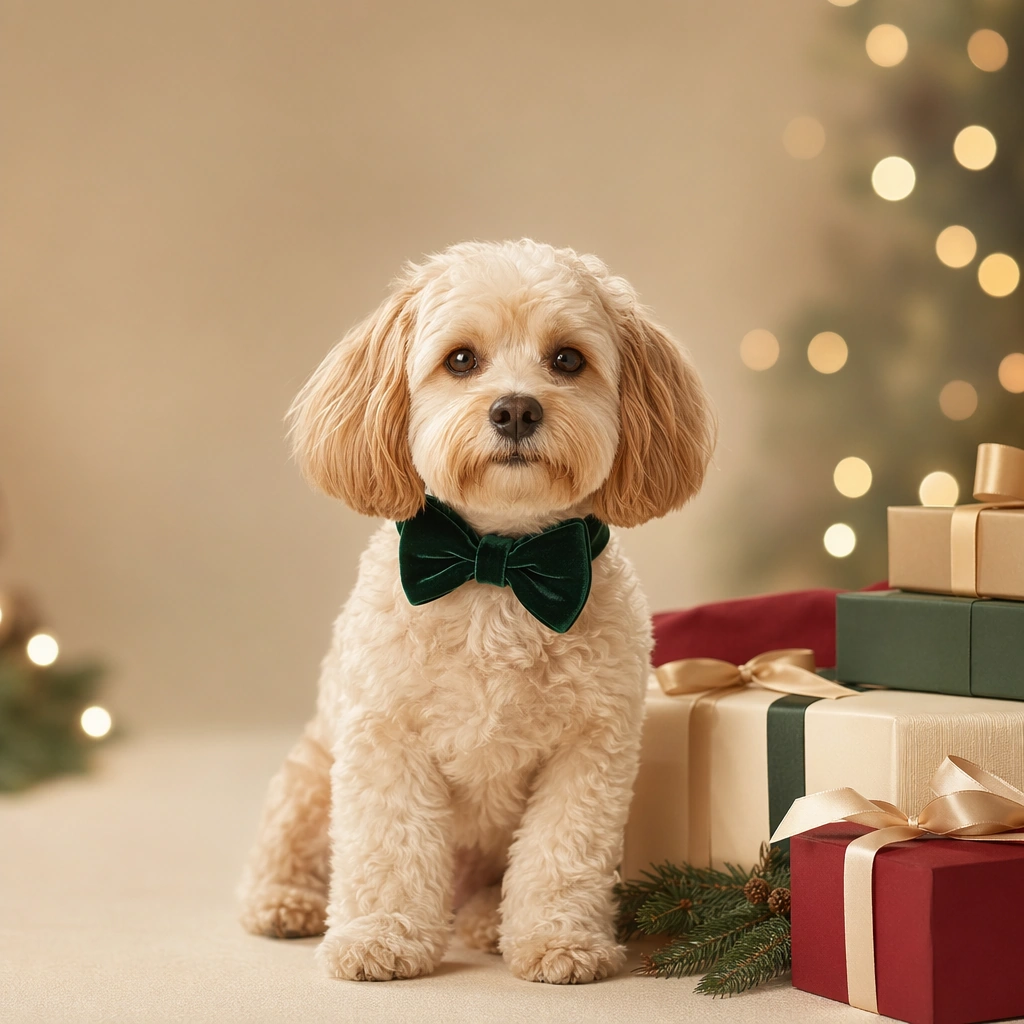
Center one pet in a holiday outfit or themed accessory that looks comfortable, well fitted, and genuinely photographable. The animal must remain the hero, not the prop pile. Expression, posture, and styling should communicate the seasonal mood while preserving real anatomy, fur detail, and a sense of animal comfort. Avoid parody or heavy anthropomorphic comedy. Feature a black or gray coated pet wearing a sleek metallic collar or ribbon detail, posed with elevated gaze and tidy posture.

Important details:
Treat each image like a campaign key tile with a disciplined palette, controlled set dressing, and enough compositional breathing room for future text overlays outside the image generation. Holiday atmosphere can come from color, lighting, and a few strong props. Keep the tone premium, charming, and retailer ready. The result should feel useful for product pages, promo banners, and carousel campaigns. The image should feel upscale and festive, suitable for year end gifting, campaign countdowns, and celebratory social drops.

Use case:
Pet Holiday Costume Promo Set single study 8/9, new year party collar tile for a commercially reusable prompt atlas example.

Constraints:
No readable text, no watermark, no logos, preserve exact 1:1 aspect ratio, no readable sale text, no oversized mascots, no heavy human costume parody, no chaotic party clutter, no unsafe accessories, no generic stock holiday card vibe, no champagne gag, no human hands cheering, no disco overload.
Cómo usar
- Copia el prompt original completo, incluidos los parámetros.
- Adapta el tema, el texto y la composición a tus necesidades.
- Usa una herramienta externa compatible; comprueba el acceso y el resultado.
Antes de empezar
- Comprueba si necesita una imagen de referencia. La compatibilidad no demuestra qué modelo generó el ejemplo.
- Revisa nombres, cifras y textos; el resultado puede variar entre versiones del modelo.