
Documento original
GPT Image 2 · en
Scene:
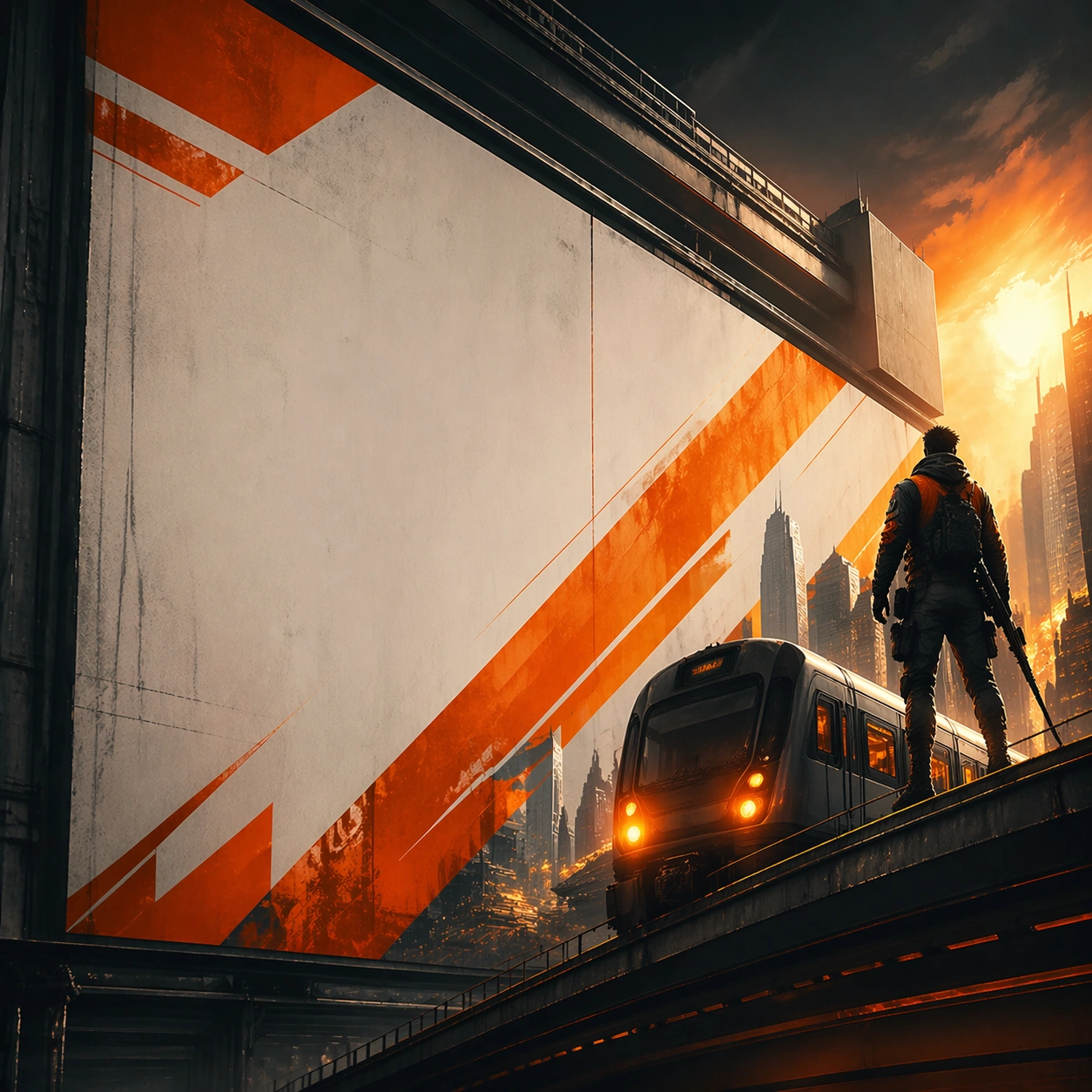
A square derived vertical-logic crop that preserves the same hierarchy in a taller-feeling arrangement. Frame the composition like a premium game-production deliverable rather than generic concept art, with disciplined square balance, controlled highlight placement, and enough negative space to keep the focal structure easy to parse. Use lighting, value grouping, and depth layers to make the scene feel intentional, collectible, and immediately useful for internal review or outward-facing promotion.

Subject:
Show the same campaign repackaged for a more elongated promotional surface. Build the image around one dominant primary read, then support it with clearly organized secondary shapes, props, interface shells, or environment structures that reinforce gameplay context and commercial usefulness. Every object should look original, fully resolved, and designed to survive cropping for store, profile, patch, or gallery surfaces.

Important details:
The relationship to the anchor should remain direct. Build every image like a campaign-ready poster system with a memorable central thesis, strong negative space for hypothetical typography, and high-value commercial finish. Hook, logo zone, and core image must survive scale changes. The variation may change framing, intensity, or layout emphasis, but it must still feel like a direct continuation of the same design system.

Use case:
Billboard Transit Takeover Pack series study 5/9.

Constraints:
No readable text, no watermark, no logos, preserve exact 1:1 aspect ratio, no readable titles, no movie/IP mimicry, no unrelated secondary concepts, no flat stock-poster composition, no brand logos.
Cómo usar
- Copia el prompt original completo, incluidos los parámetros.
- Adapta el tema, el texto y la composición a tus necesidades.
- Usa una herramienta externa compatible; comprueba el acceso y el resultado.
Antes de empezar
- Comprueba si necesita una imagen de referencia. La compatibilidad no demuestra qué modelo generó el ejemplo.
- Revisa nombres, cifras y textos; el resultado puede variar entre versiones del modelo.