Documento original
GPT Image 2 · en
{
  "resolution": "8K",
  "style": "hyper-realistic commercial product photography",
  "composition": {
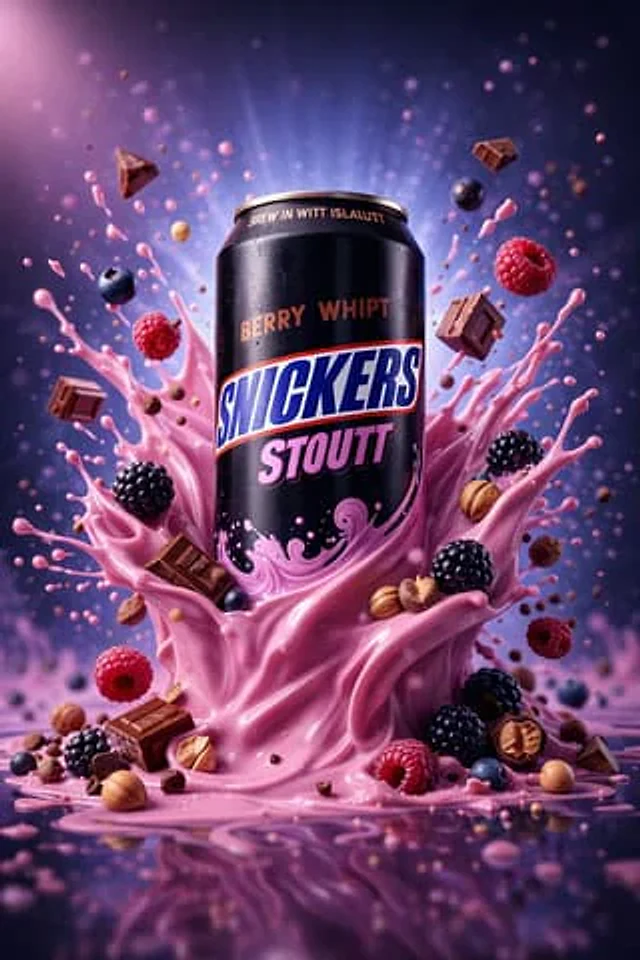
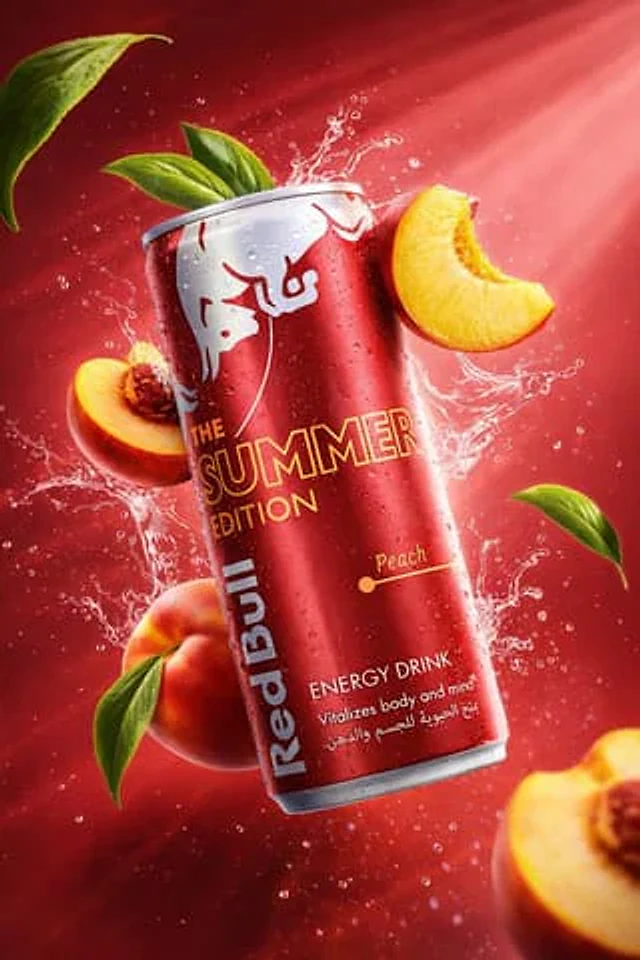
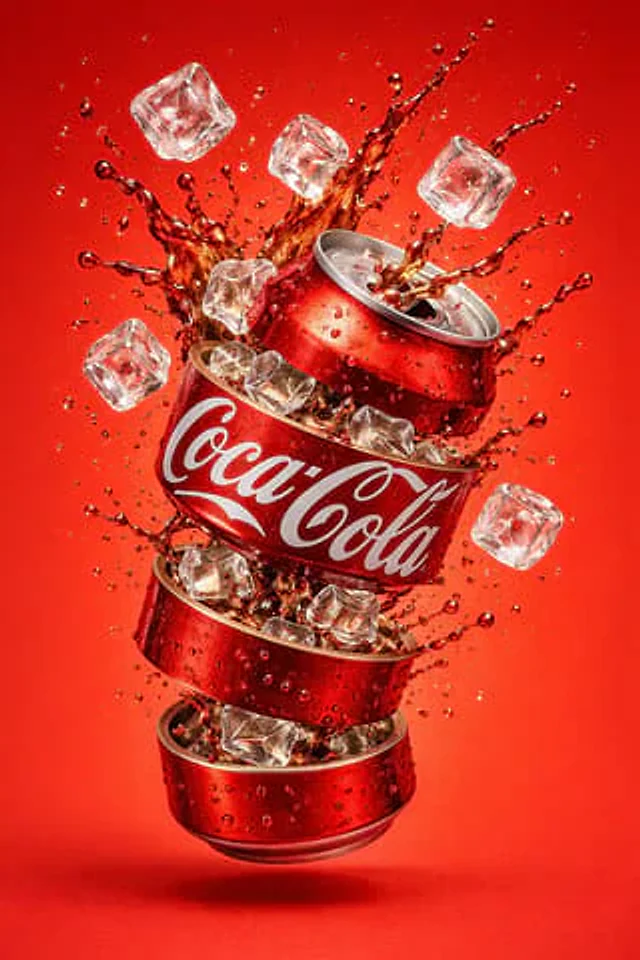
    "subject": "carbonated beverage can",
    "position": "center frame, floating mid-air",
    "orientation": "slightly tilted vertical",
    "framing": "tight hero shot"
  },
  "can_details": {
    "material": "metallic aluminum",
    "top_bottom": "silver with visible pull tab",
    "surface": "glossy with condensation droplets",
    "label": {
      "text": "{{BRAND_NAME}}",
      "font": "bold uppercase sans-serif",
      "color": "white",
      "background_band": "deep blue",
      "placement": "wrapped around center of can"
    }
  },
  "liquid_effects": {
    "color": "bright green",
    "type": "carbonated liquid splash",
    "motion": "frozen mid-explosion",
    "details": [
      "semi-transparent fluid",
      "fine droplets suspended in air",
      "dynamic curved splash arcs",
      "visible carbonation bubbles"
    ]
  },
  "fruit_elements": {
    "type": "sliced fruit",
    "motion": "floating around the can",
    "texture": "fresh, juicy, glossy"
  },
  "lighting": {
    "type": "studio lighting",
    "highlights": "strong reflections",
    "shadows": "soft"
  },
  "background": {
    "color": "smooth gradient matching liquid tone",
    "environment": "clean studio backdrop"
  },
  "render_quality": {
    "sharpness": "ultra-sharp",
    "contrast": "high",
    "realism": "photorealistic"
  }
}
Cómo usar
- Copia el prompt original completo, incluidos los parámetros.
- Adapta el tema, el texto y la composición a tus necesidades.
- Usa una herramienta externa compatible; comprueba el acceso y el resultado.
Antes de empezar
- Comprueba si necesita una imagen de referencia. La compatibilidad no demuestra qué modelo generó el ejemplo.
- Revisa nombres, cifras y textos; el resultado puede variar entre versiones del modelo.