
Document original
GPT Image 2 · en
Scene:
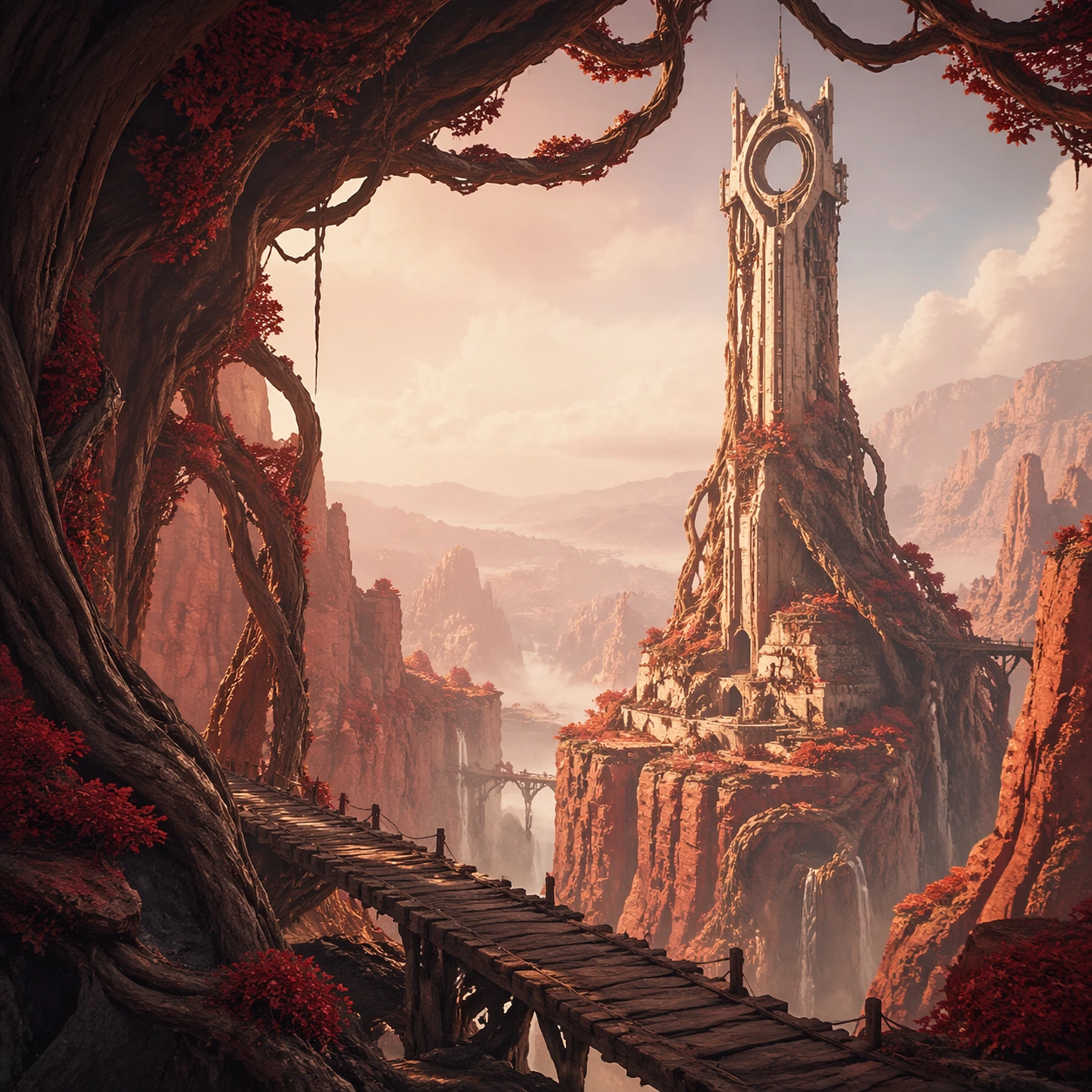
A square website-hero style crop for the fictional biome, designed as a clean promotional environment image with bold foreground framing, a strong midground landmark, and enough open space to imply possible UI placement without actually rendering text. Lighting is elegant, atmospheric, and slightly more graphic than the gameplay-focused studies.

Subject:
The subject remains the same canyon biome and landmark tower, but the composition is optimized for a branded page hero: strong diagonal bridge line in the foreground, tower framed by roots in the midground, and a soft atmospheric depth stack behind it. The environment should feel explorable, memorable, and commercially polished.

Important details:
Focus on conversion-friendly clarity: one iconic landmark, one clear path cue, one memorable color relationship, and one set of surface materials that instantly identifies the region. Keep the art premium and collectible, suitable for a chapter landing page, event backdrop, or region overview panel without relying on readable text or logos.

Use case:
Biome Pack single study 9/9, adapting the biome into a polished chapter-page hero crop.

Constraints:
No readable text, no watermark, no logos, preserve exact 1:1 aspect ratio, no readable text, no characters, no oversized UI panels, no logo shapes, no random fantasy castles, no distorted horizon
Mode d’emploi
- Copiez le prompt original complet, paramètres compris.
- Adaptez le sujet, le texte et la composition à vos besoins.
- Utilisez un outil externe compatible ; vérifiez l’accès et le résultat.
Avant de commencer
- Vérifiez si une image de référence est nécessaire. La compatibilité ne prouve pas le modèle utilisé pour cet exemple.
- Vérifiez noms, chiffres et textes ; les versions du modèle peuvent produire des résultats différents.