Document original
GPT Image 2 · en
Scene:
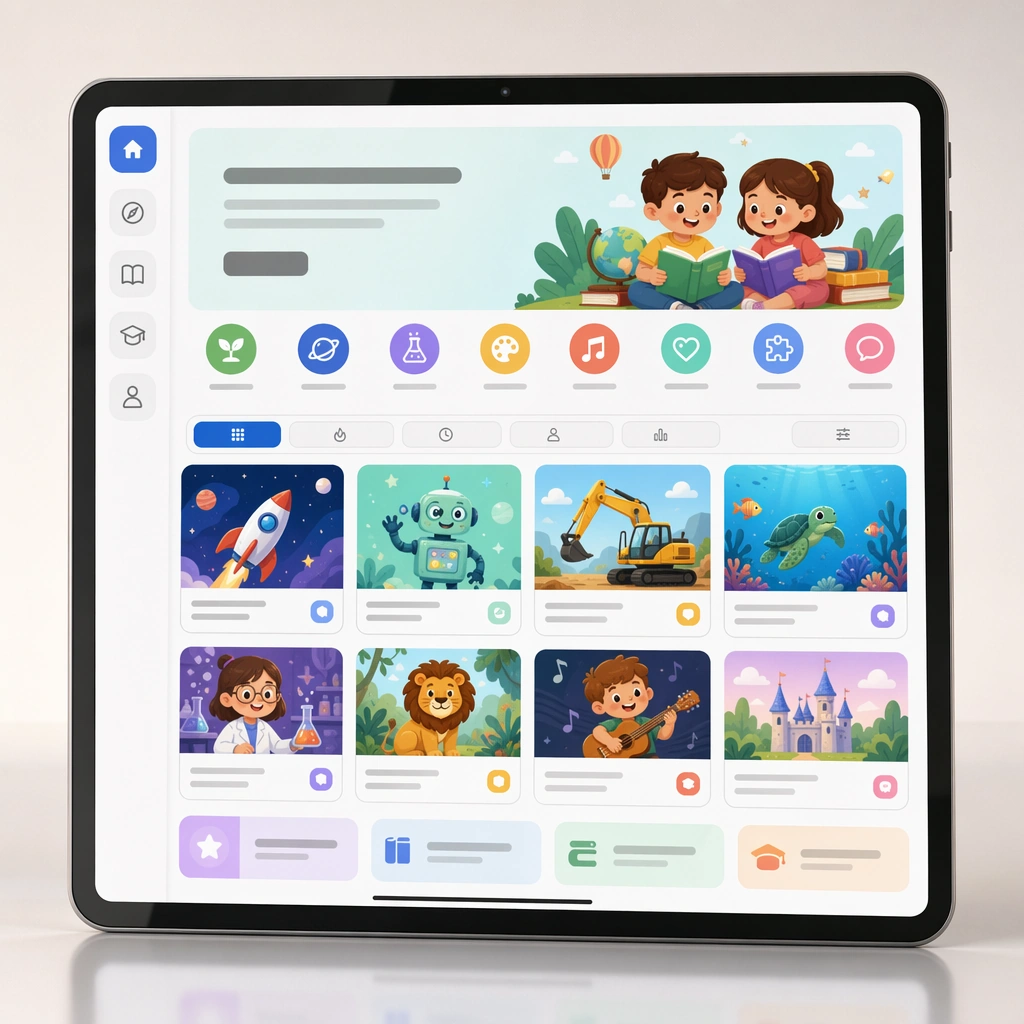
Render a square digital-product mockup showing a course homepage on a tablet or desktop crop with a clean backdrop and polished reflections. The layout should feel like a real education-platform storefront, organized and inviting for parents. Keep the square frame balanced, calm, and production-ready so the asset can serve gallery review, research comparison, and real educational delivery at the same time.

Subject:
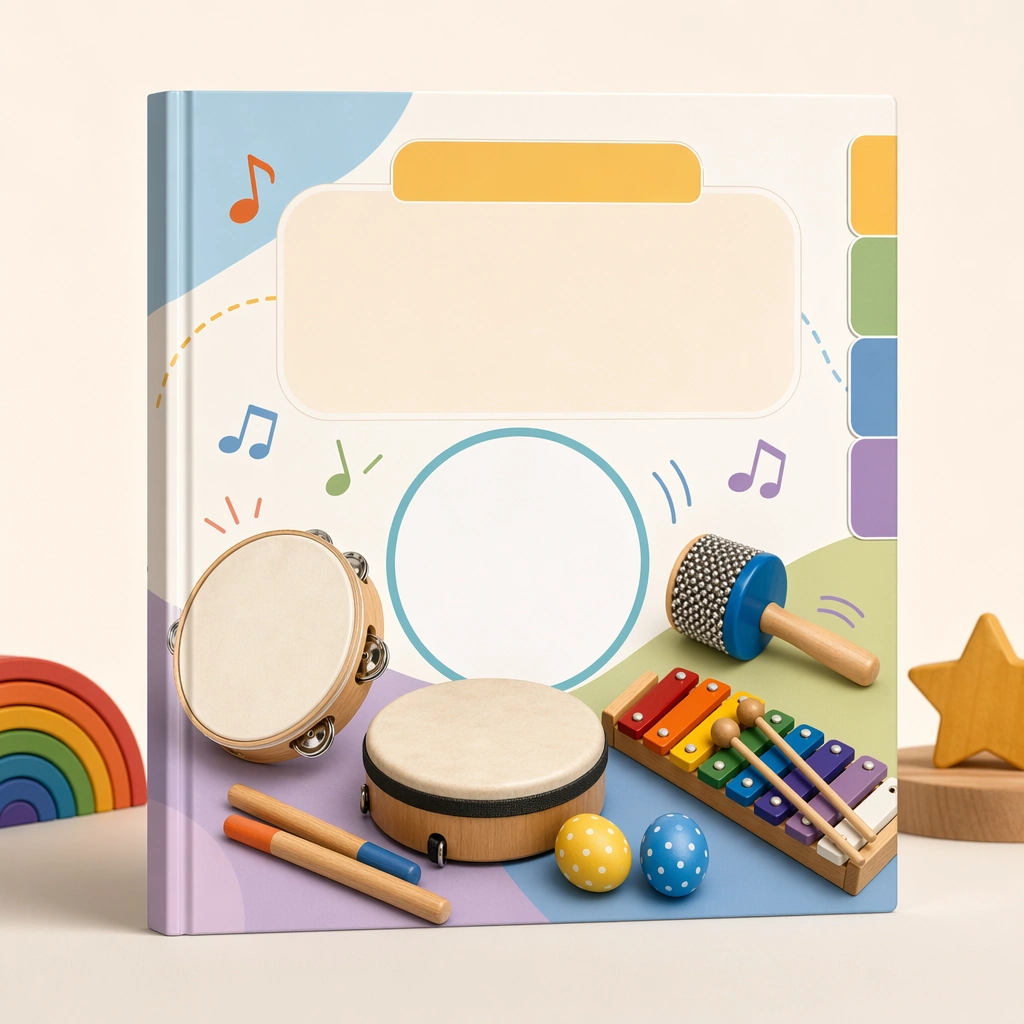
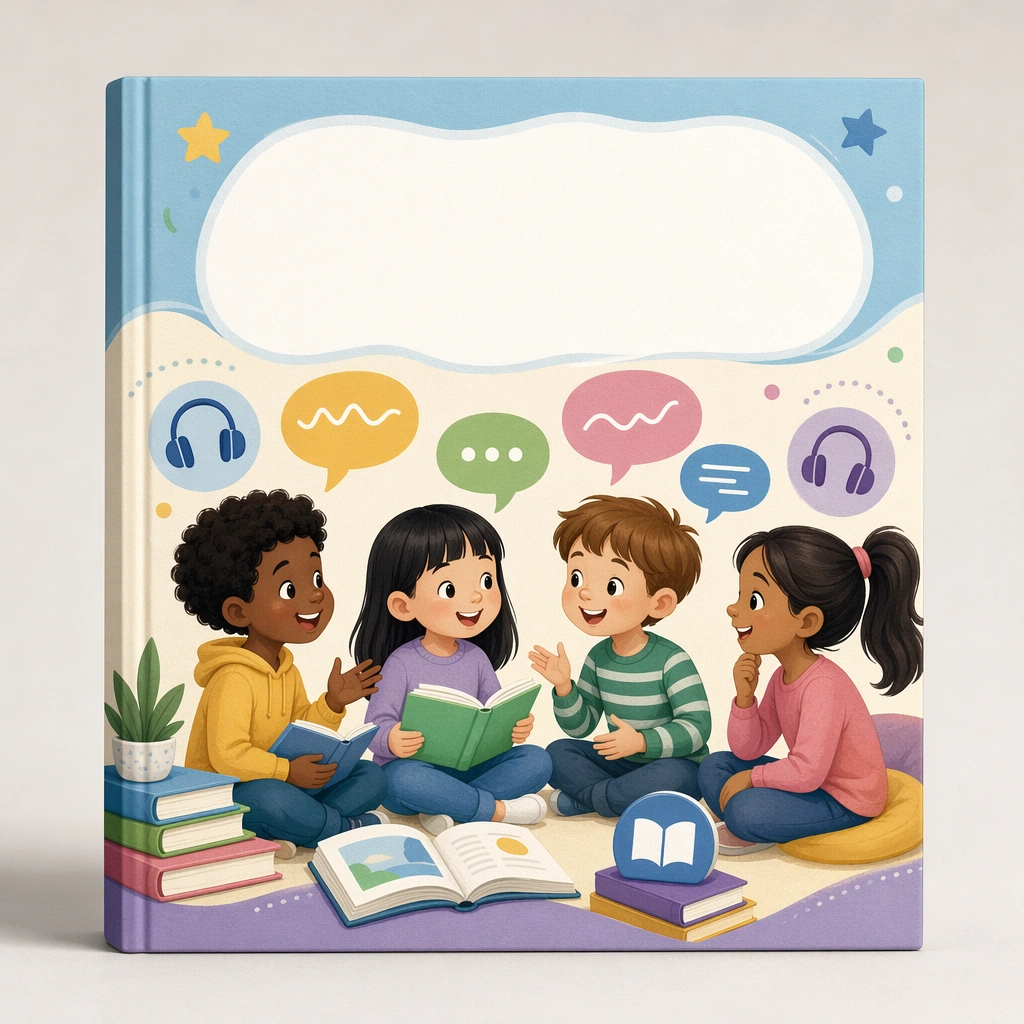
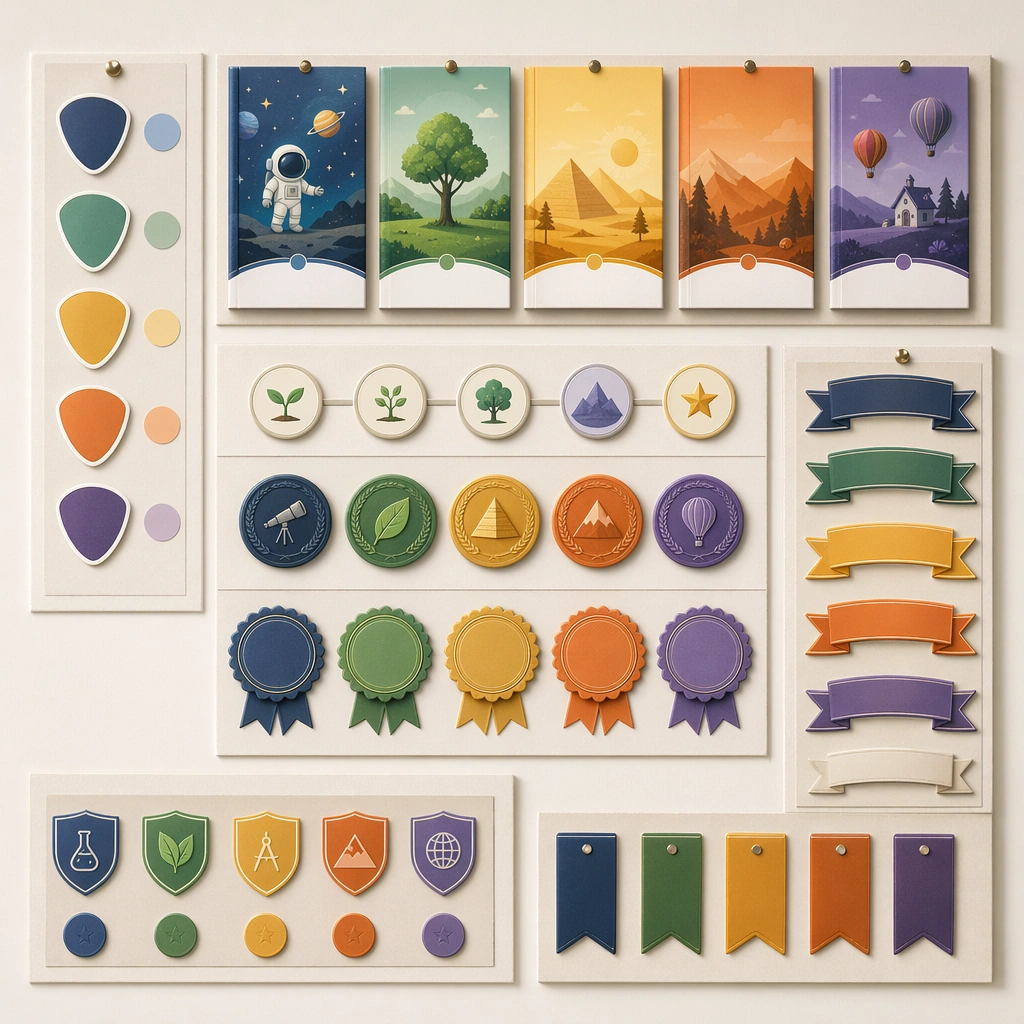
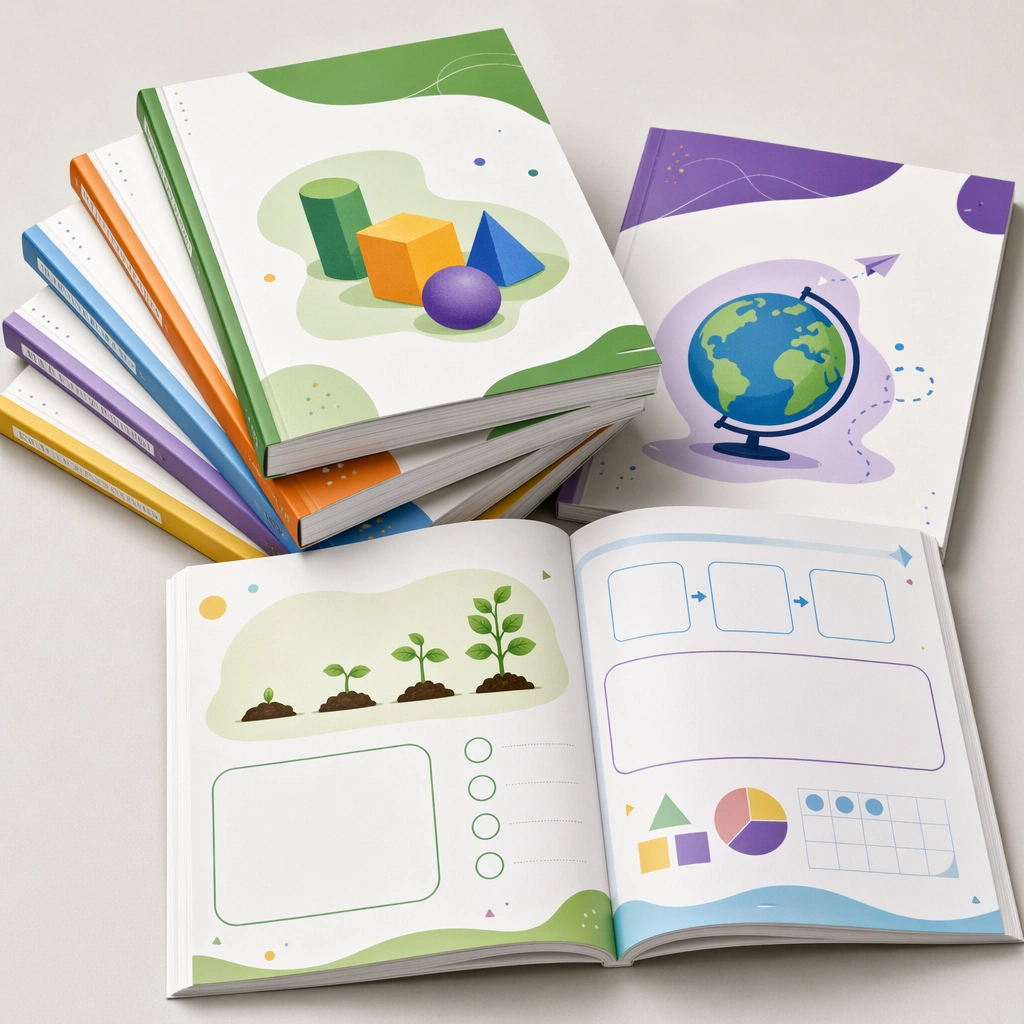
Display multiple course covers in a structured shelf, with filter chips, category icons, and preview cards that remain blank where text would go. The browsing experience should feel curated and easy to understand without any readable labels. The subject arrangement should feel complete and self-contained, able to stand alone as a real supporting deliverable inside the same education business line.

Important details:
Favor clear information architecture and strong card hierarchy. The scene should prove that the course-cover system works not only as individual covers but also as a scalable browsing environment. Keep the visual hierarchy modular, commercially believable, and clearly tied to a real educational use case rather than a generic mood board.

Use case:
Kids Course Cover and Module Family single study 4/5, homepage course shelf.

Constraints:
No readable text, no watermark, no logos, preserve exact 1:1 aspect ratio, no readable course names, no logos, no fake ratings, no crowded marketplace clutter, no generic stock templates, no IP likeness.
Mode d’emploi
- Copiez le prompt original complet, paramètres compris.
- Adaptez le sujet, le texte et la composition à vos besoins.
- Utilisez un outil externe compatible ; vérifiez l’accès et le résultat.
Avant de commencer
- Vérifiez si une image de référence est nécessaire. La compatibilité ne prouve pas le modèle utilisé pour cet exemple.
- Vérifiez noms, chiffres et textes ; les versions du modèle peuvent produire des résultats différents.