
Document original
GPT Image 2 · en
Scene:
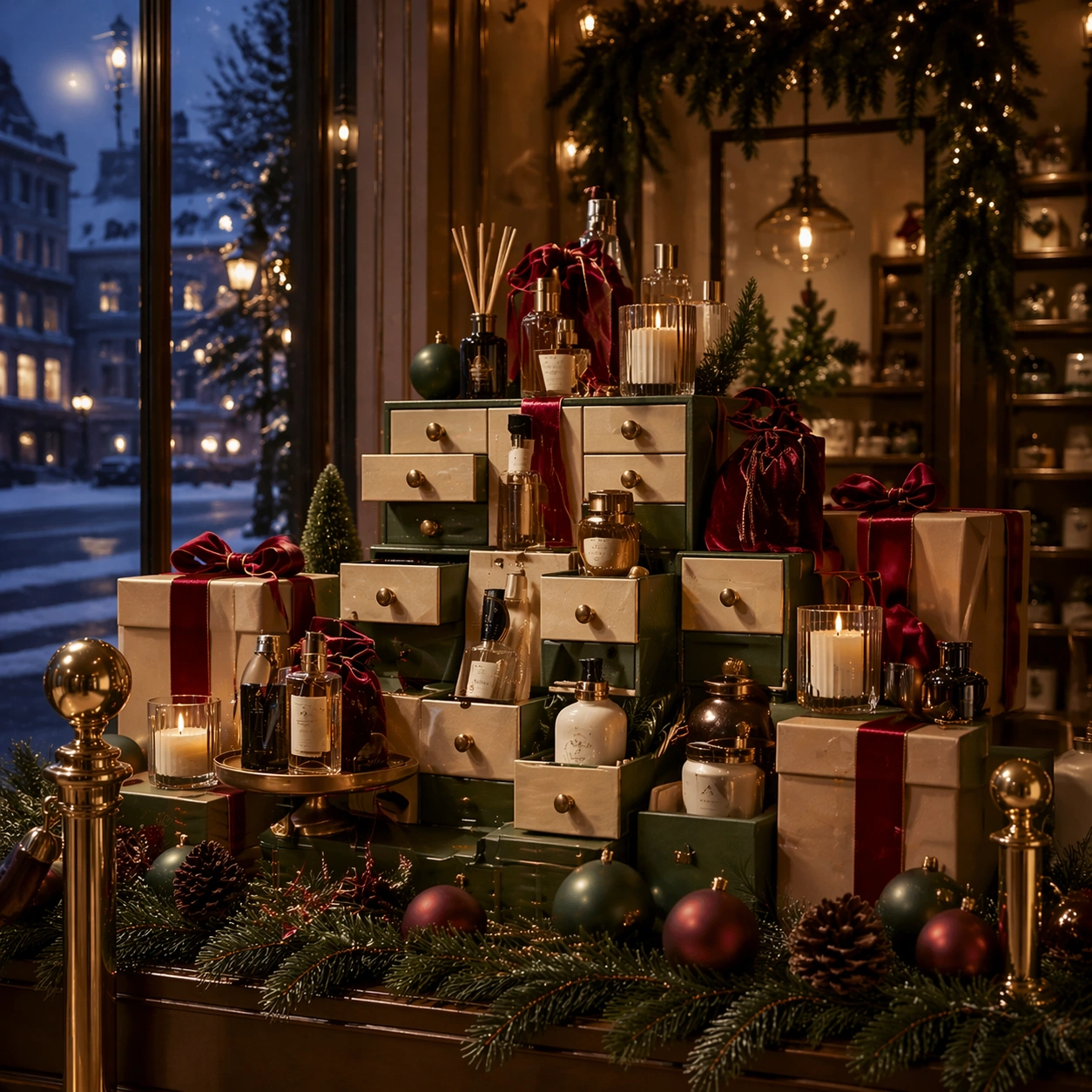
Create a square dependent Christmas beauty campaign scene in the same window-display environment, with the same eye-level perspective, amber lighting, and evergreen framing, but make the composition cleaner and more shelf-architected. Let reflective lacquer, cream paper, and brass details remain consistent with the reference while the scene shifts toward a prestige beauty gifting surface with tidy compartments and rhythmic repetition.

Subject:
Show an advent-style beauty gift presentation with small boxes, perfume-like silhouettes, candle vessels, satin pouches, and ribbon-wrapped bundles arranged in a premium stepped structure. Preserve the exact material language, color family, and ornament grammar from the reference image while changing the product category emphasis. The arrangement should feel refined, gift-forward, and immediately useful for holiday merchandising across display tables, social crops, and hero tiles.

Important details:
Hold the same campaign identity exactly: warm gold lighting, spruce accents, cream wrapping stock, elegant ribbon proportion, and calm premium composition. Introduce category specificity through form factor, not through branding or readable labels. Maintain believable packaging seams, soft reflections, and a luxurious but not overcrowded holiday rhythm. The viewer should understand that this is the same brand world translated into a beauty gifting expression.

Use case:
Christmas Retail series study 3/9.

Constraints:
No readable text, no watermark, no logos, preserve exact 1:1 aspect ratio, preserve exact campaign identity from the reference image, no readable beauty labels, no lipstick smears, no glossy magazine clutter, no unrelated fashion model, no logo embossing, no cheap glitter noise.
Mode d’emploi
- Copiez le prompt original complet, paramètres compris.
- Adaptez le sujet, le texte et la composition à vos besoins.
- Utilisez un outil externe compatible ; vérifiez l’accès et le résultat.
Avant de commencer
- Vérifiez si une image de référence est nécessaire. La compatibilité ne prouve pas le modèle utilisé pour cet exemple.
- Vérifiez noms, chiffres et textes ; les versions du modèle peuvent produire des résultats différents.