Document original
GPT Image 2 · en
Scene:
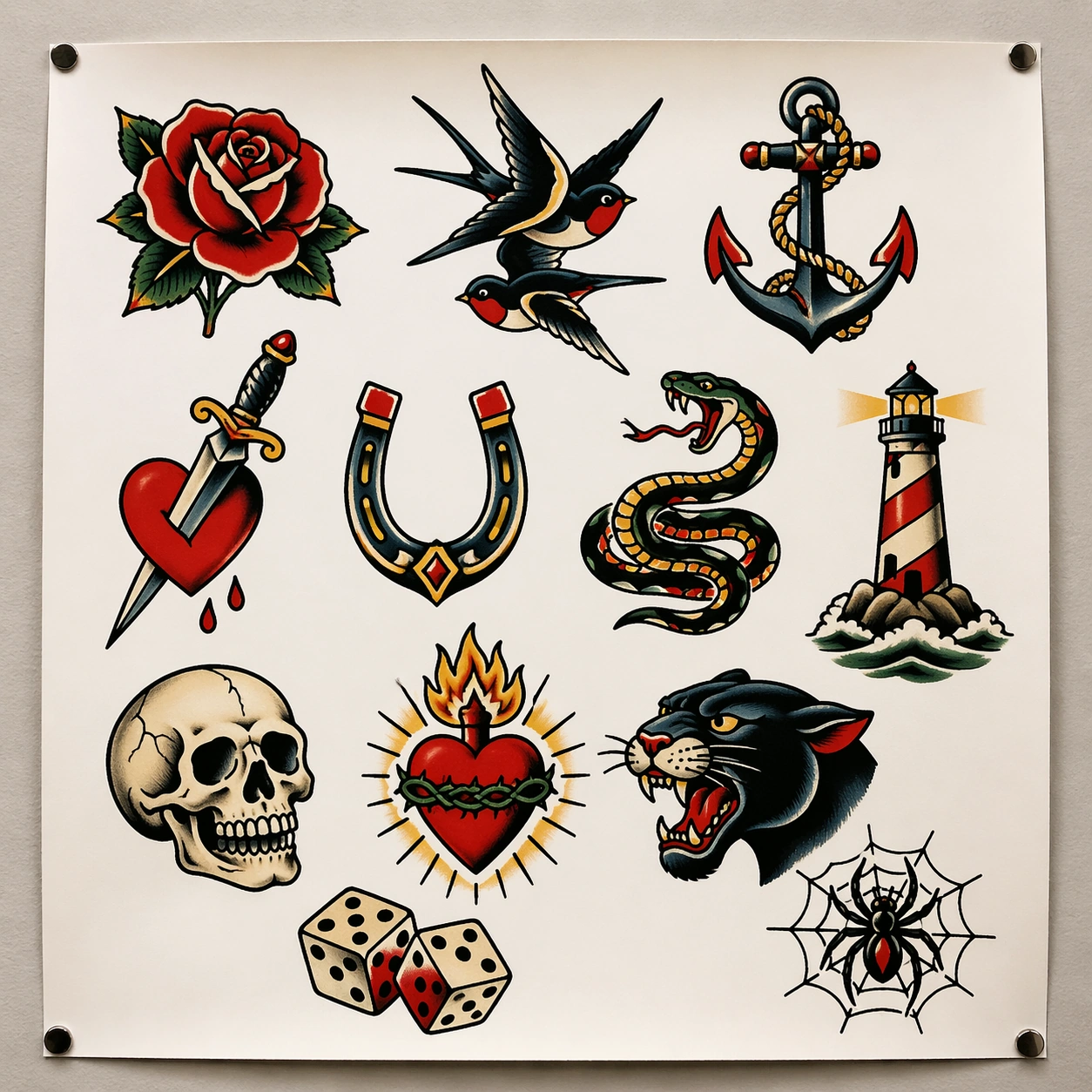
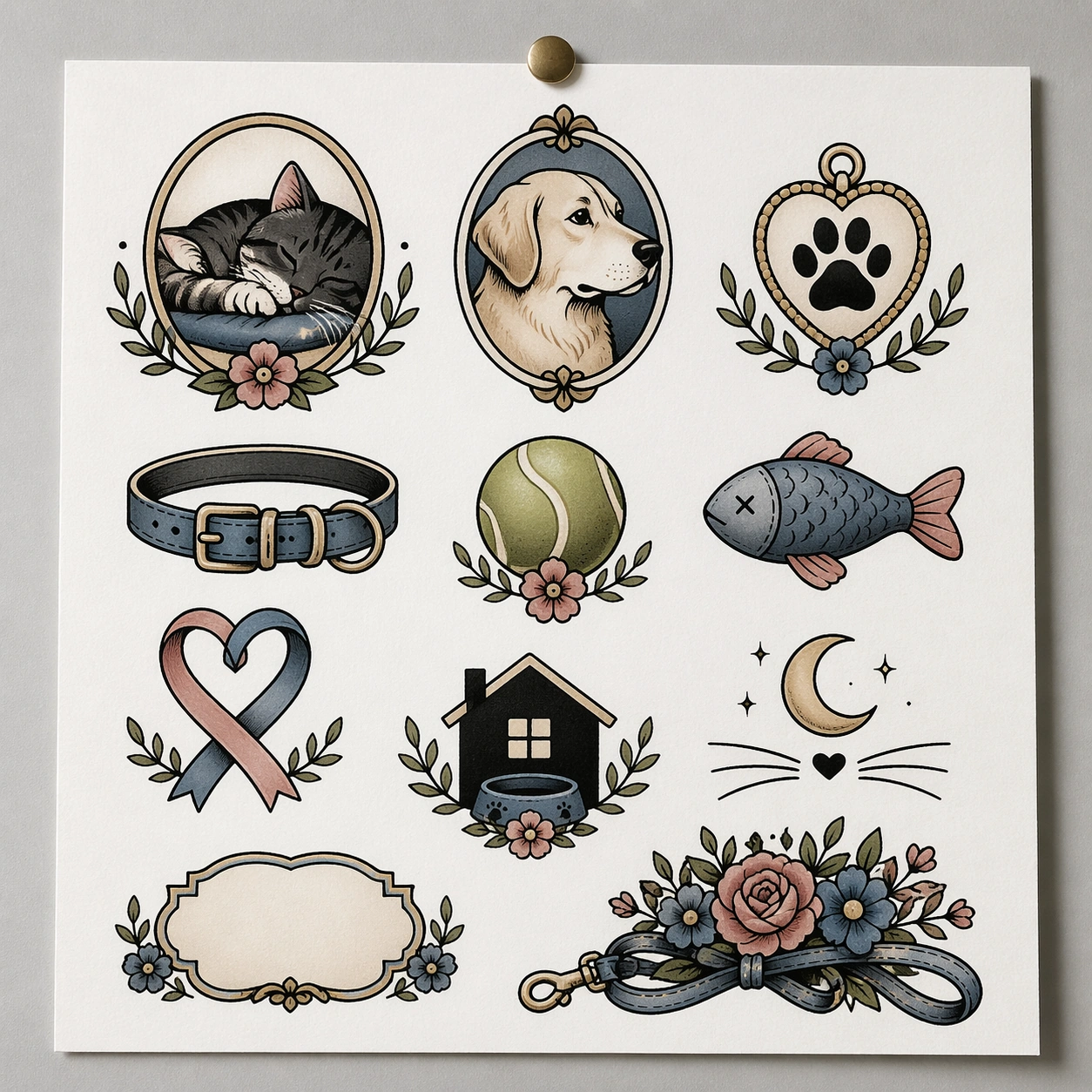
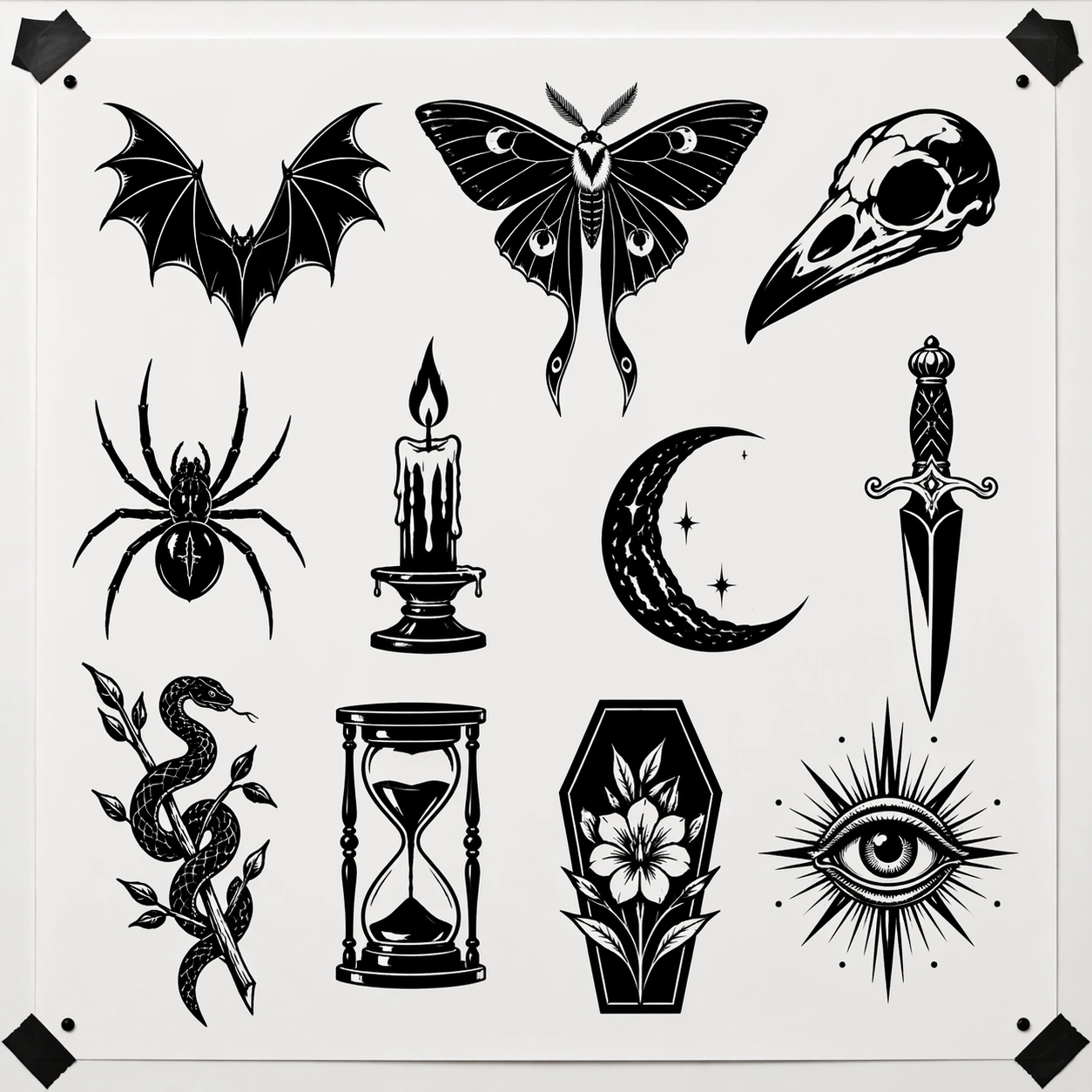
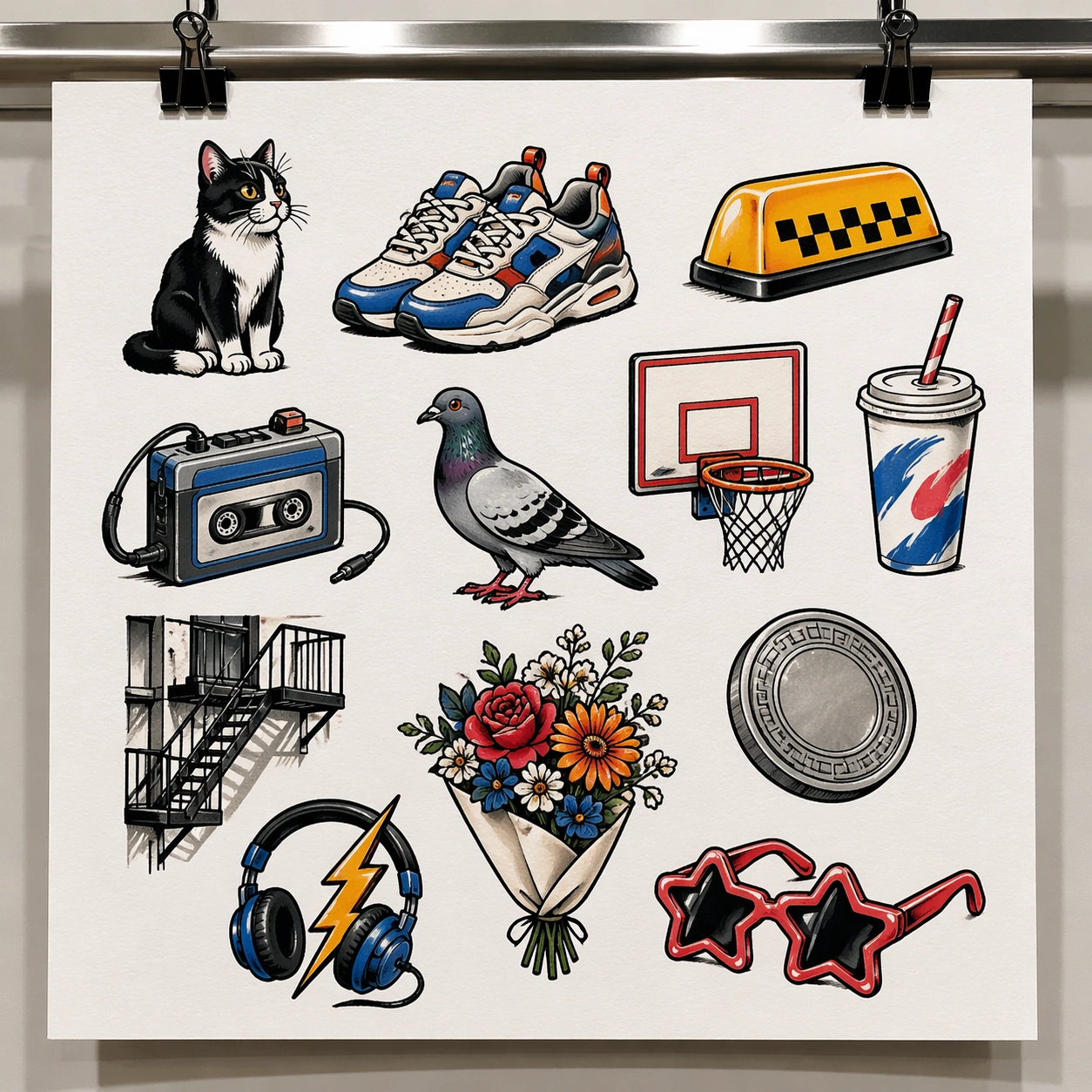
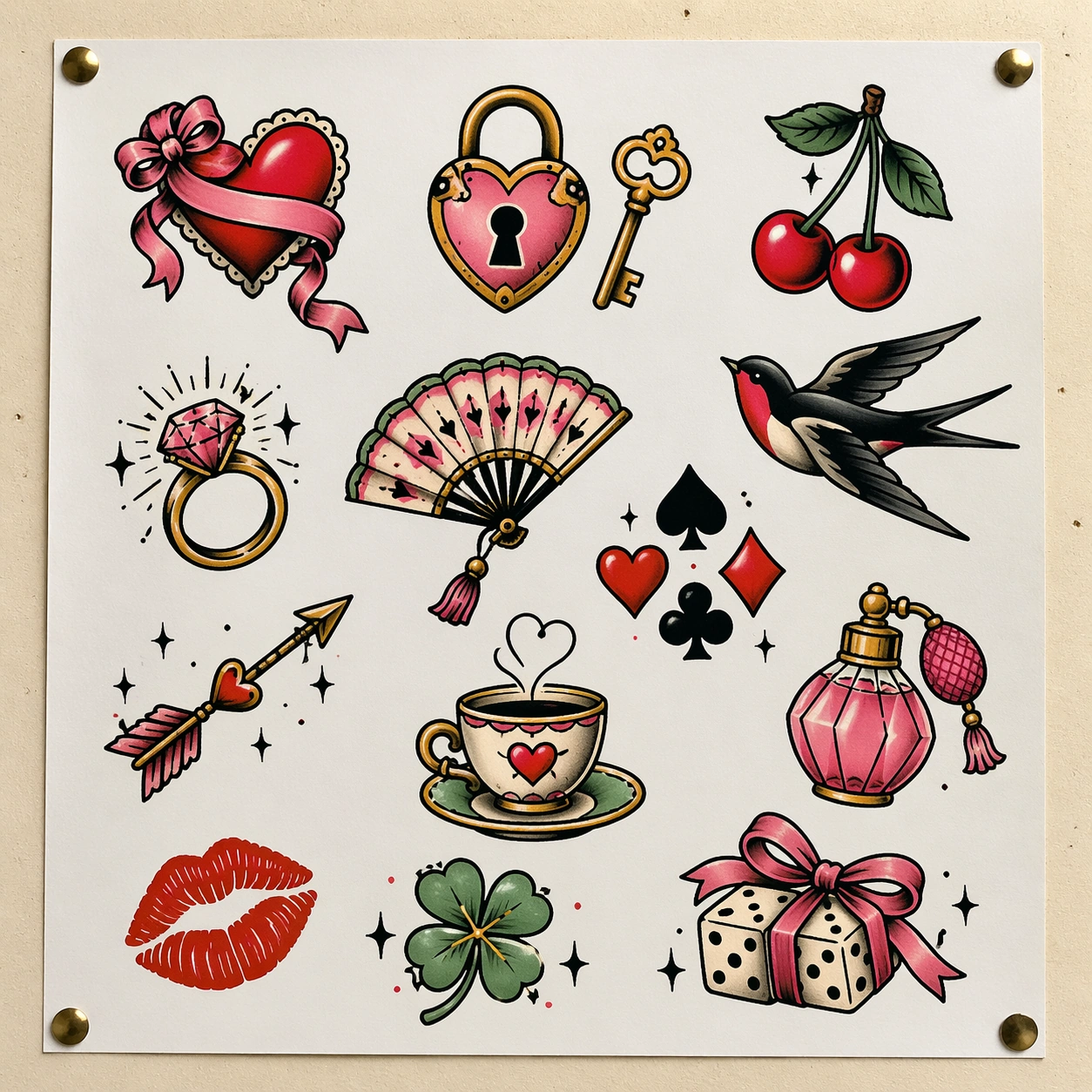
A square front-facing flash sheet mounted on a pale cream pinboard in a boutique tattoo studio, lit softly so the white paper remains bright while the colored inks stay saturated and tactile. The board fills the frame with a little breathing room around the edges, and the sheet looks freshly printed, flat, and ready for walk-in clients to browse.

Subject:
Build a lively flash sheet of around thirteen lucky and romantic icons: ribboned heart, lock and key, pair of cherries, swallow, starburst ring, hand fan, playing card suit cluster, tiny cupid arrow, teacup with steam heart, perfume bottle, lipstick kiss icon, lucky clover, and dice wrapped in ribbon. The motifs should feel modern, playful, and commercial while still grounded in tattoo flash conventions such as bold outer line, clean fill shapes, selective highlights, and independent composition. The arrangement should feel curated rather than mechanically gridded, with motifs balancing each other across the page.

Important details:
This sheet succeeds when the imagery is sweet without becoming kawaii sticker clutter. Preserve tattoo practicality: decisive outlines, limited color families, and enough white negative space around every piece. Use cherry red, bubblegum pink, cream, black, mint, and gold accents, but keep the paper itself dominant. The overall impression should be a tattoo shop flash board for charming small pieces, not a stationery product mockup.

Use case:
Tattoo Flash Sheet single study 4/8, testing a playful romantic flash set that still reads as professional tattoo inventory.

Constraints:
No readable text, no watermark, no logos, preserve exact 1:1 aspect ratio, no glitter explosion background, no sticker drop shadows, no human hands, no fashion magazine cover styling, no overlapping motifs, no plastic toy rendering.
Mode d’emploi
- Copiez le prompt original complet, paramètres compris.
- Adaptez le sujet, le texte et la composition à vos besoins.
- Utilisez un outil externe compatible ; vérifiez l’accès et le résultat.
Avant de commencer
- Vérifiez si une image de référence est nécessaire. La compatibilité ne prouve pas le modèle utilisé pour cet exemple.
- Vérifiez noms, chiffres et textes ; les versions du modèle peuvent produire des résultats différents.