
Document original
GPT Image 2 · en
Scene:
Create a square pastry documentation image on a seamless pale gray or warm ivory studio background with soft catalog lighting and almost no cast-shadow drama. The camera should feel orthographic or gently frontal so cross-sections remain easy to compare. Everything must read like a pastry atlas: clean, measured, and highly legible, with crumbs controlled and edges crisp. Use a square frontal pastry plate setup on a pale gray seamless background with soft light that reveals glossy fruit and the tart shell interior equally well. The environment must remain neutral and controlled.

Subject:
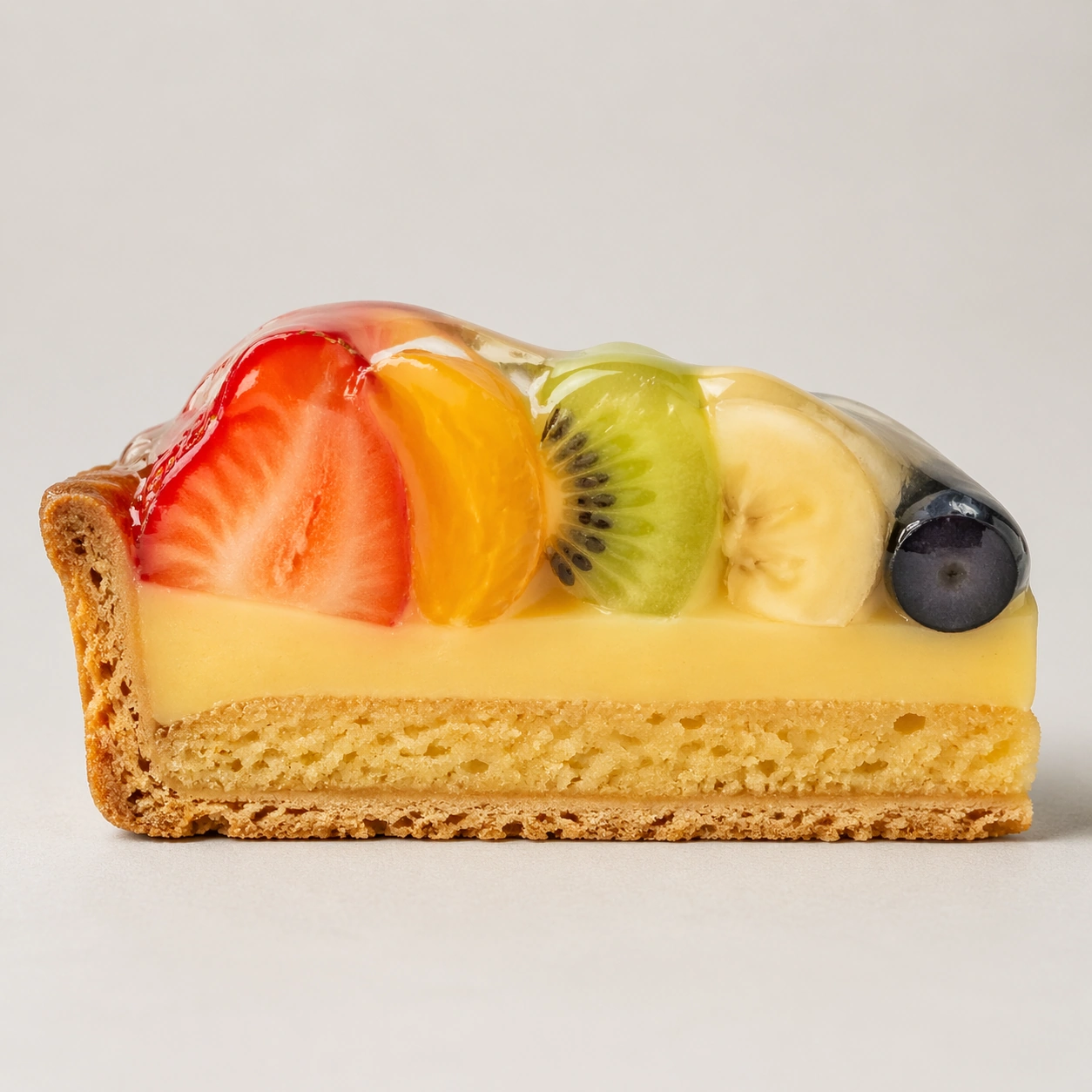
Present one fruit tart wedge cut cleanly to reveal the short crust shell, almond cream layer, pastry cream, and stacked fruit slices glazed on top. The cut face should show how the fruit mass sits over the cream without collapsing into mush. The tart must feel elegant, clean, and structurally sound.

Important details:
Treat every cut face as the hero: laminated layers, cream density, air pockets, fruit cavities, glaze thickness, and crumb structure all need to be countable and believable. The studio language should stay consistent and understated so structural detail does the work. No element should feel collapsed, smeared, or over-stylized. Prioritize distinct textures between crisp shell, dense baked layer, smooth cream, and moist glazed fruit. The fruit should look fresh and believable, but the cross-section logic remains the real hero.

Use case:
Pastry cross-section atlas single study 8/9, documenting the internal logic of a glazed fruit tart.

Constraints:
No readable text, no watermark, no logos, preserve exact 1:1 aspect ratio, no bakery counter background, no casual napkins, no readable labels, no powdered sugar mess, no rustic knife marks, no messy juice leakage, no decorative mint bouquet, no uneven cut face.
Mode d’emploi
- Copiez le prompt original complet, paramètres compris.
- Adaptez le sujet, le texte et la composition à vos besoins.
- Utilisez un outil externe compatible ; vérifiez l’accès et le résultat.
Avant de commencer
- Vérifiez si une image de référence est nécessaire. La compatibilité ne prouve pas le modèle utilisé pour cet exemple.
- Vérifiez noms, chiffres et textes ; les versions du modèle peuvent produire des résultats différents.