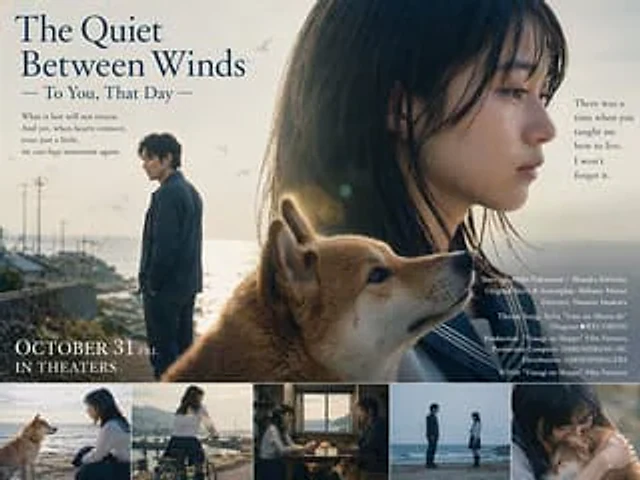
Language Translation and Layout Modification

Language Translation and Layout Modification

Document original

GPT Image 2 · en

Change to English version. Keep the images as is and translate the Japanese text into English. Title={argument name="title" default="The tranquility of the wind—To you on that day"}

Mode d’emploi

  1. Copiez le prompt original complet, paramètres compris.
  2. Adaptez le sujet, le texte et la composition à vos besoins.
  3. Utilisez un outil externe compatible ; vérifiez l’accès et le résultat.

Avant de commencer

  • Vérifiez si une image de référence est nécessaire. La compatibilité ne prouve pas le modèle utilisé pour cet exemple.
  • Vérifiez noms, chiffres et textes ; les versions du modèle peuvent produire des résultats différents.
Exemples similaires

3D Portrait with Chibi Characters and Doodles
GPT Image 2en

Create a cute 3D portrait in a {argument name="style" default="Cute Stylized 3D Semi-Realistic style"}. Rely completely on the attached reference image for the facial features, clothing, and identity. Do not change anything in the face, hair, or outfit. Main character: Standing f

Character color and style adjustment
GPT Image 2en

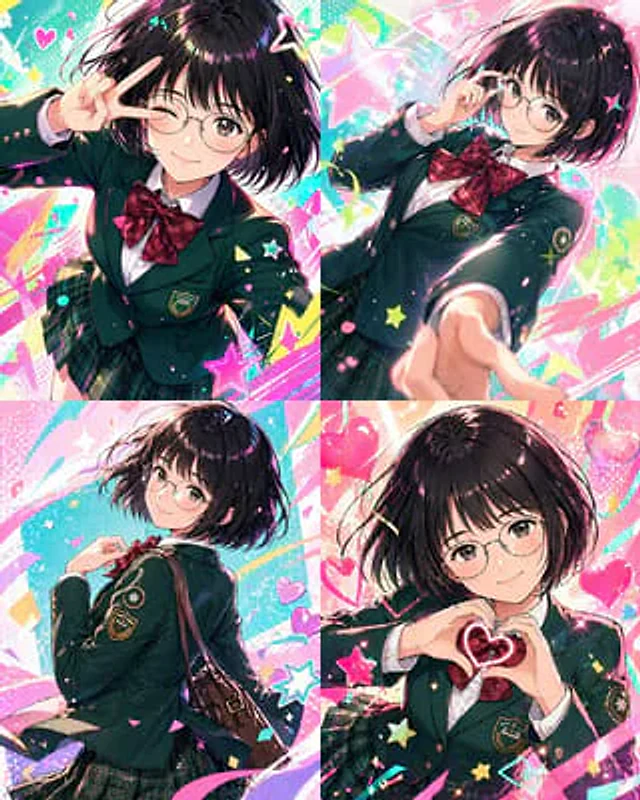
Please adjust it to be more modern.{argument name="style" default="Vtuber-style"} The style incorporates vibrant colors and a fun, trendy feel. Please arrange all of them in order.{argument name="count" default="4 images"} Make the composition bolder.

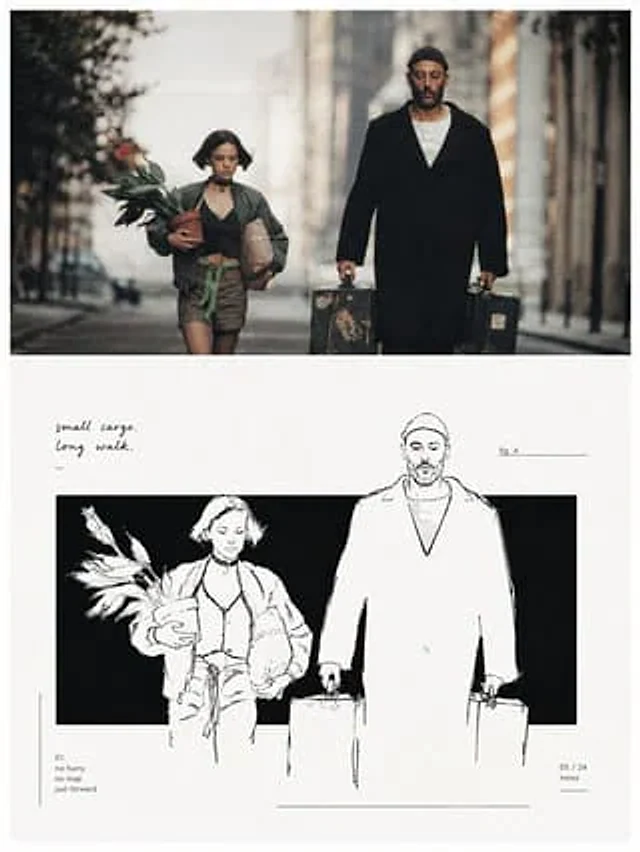
Minimalist Black and White Outbound Illustration
GPT Image 2zh

请将我上传的每一张照片分别制作成一张独立的高级设计海报,不多图拼接,每张照片单独输出。整体采用{argument name="构图比例" default="3:4竖版构图"},上下两个区域高度严格1:1,各占画面50%。 上半部分保留原始照片,保持主体结构、真实质感、自然光影和原有色彩氛围,仅进行轻微高级摄影调色,使其具有艺术杂志、独立出版物与展览摄影质感。为适配画幅,可自然扩展环境背景,但不得拉伸、扭曲或改变主体。 下半部分提取照片中最具识别性的主体、轮廓、姿态与叙事关系,重构为极简黑白手绘编辑插画。以一个横向或纵向的纯黑矩形色域作为主要视觉场,让

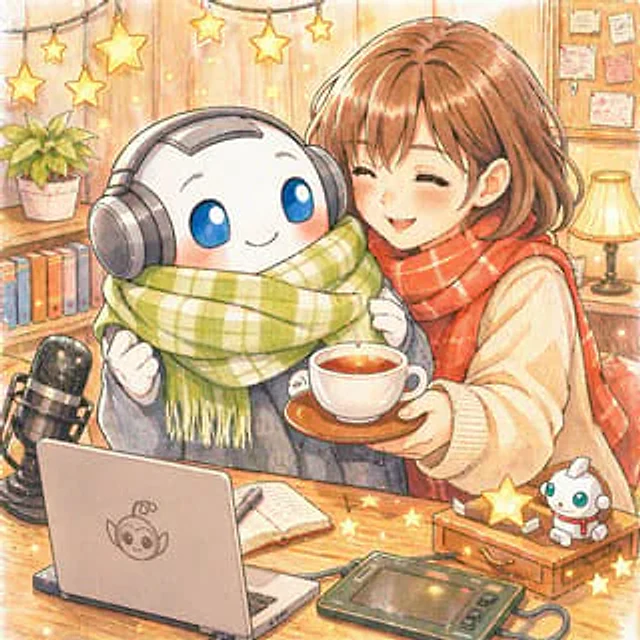
Local Edit: Rotate Laptop and Add Logo
GPT Image 2en

Make some minor edits using the provided reference image: Rotate the laptop in the lower left corner so that the back of its screen faces the viewer instead of the keyboard, and add a cute robot mascot logo to the center of the back. Keep the rest of the illustration unchanged, i