Document original
GPT Image 2 · en
Scene:
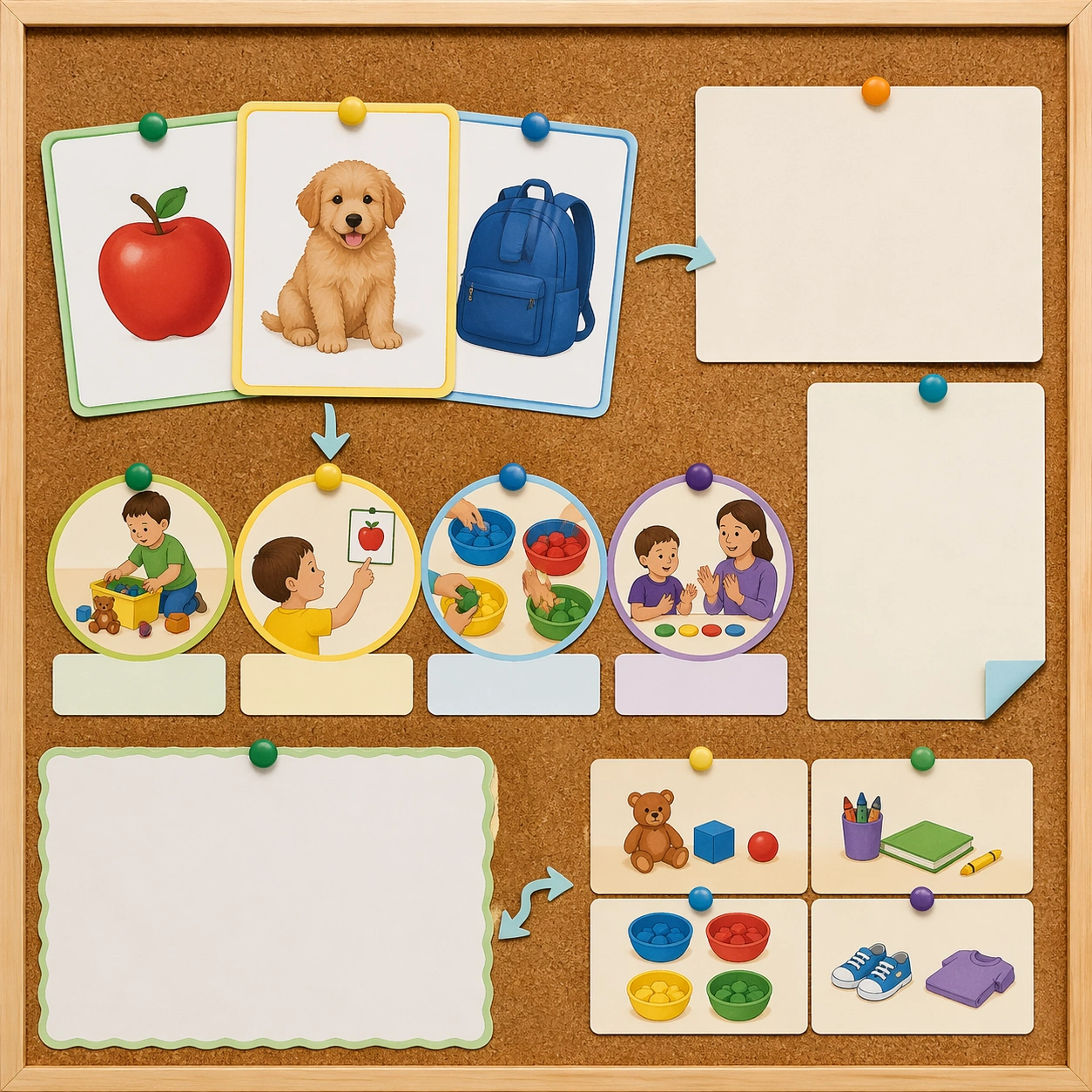
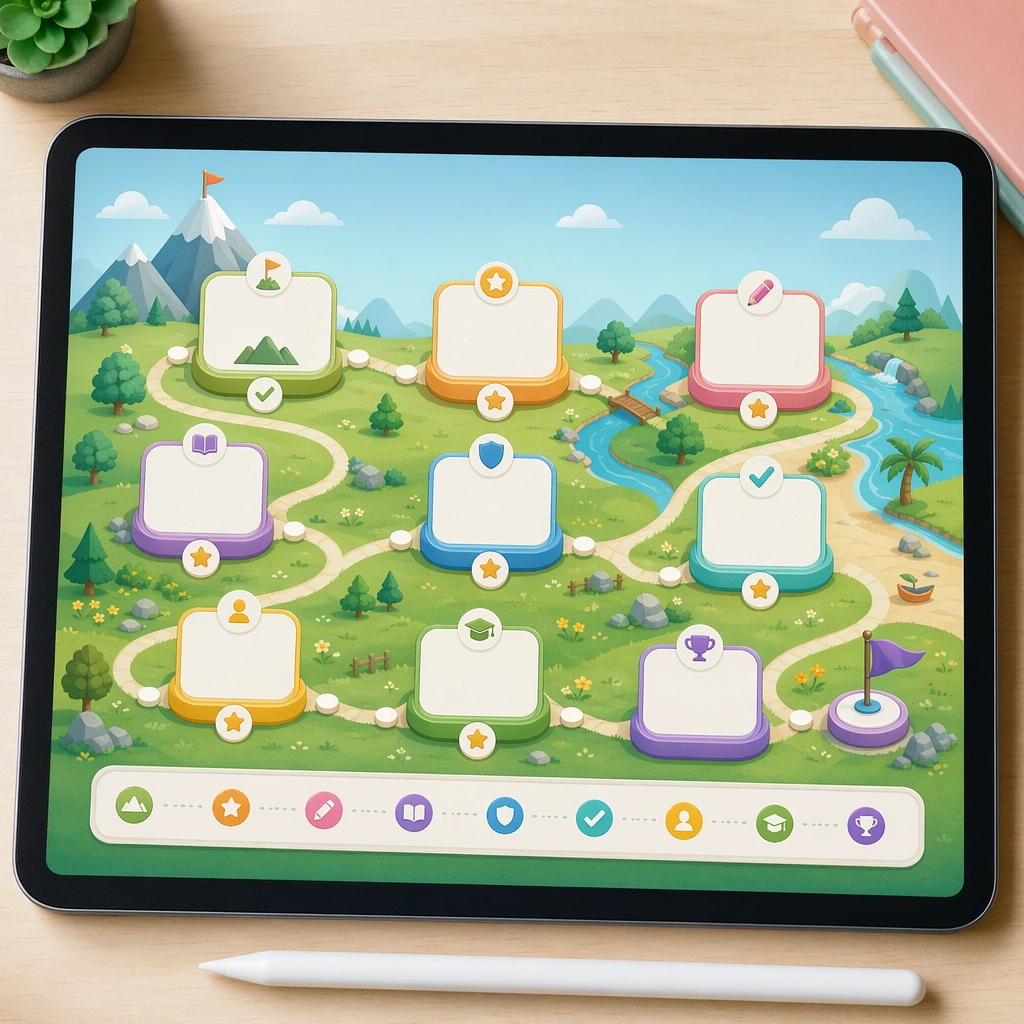
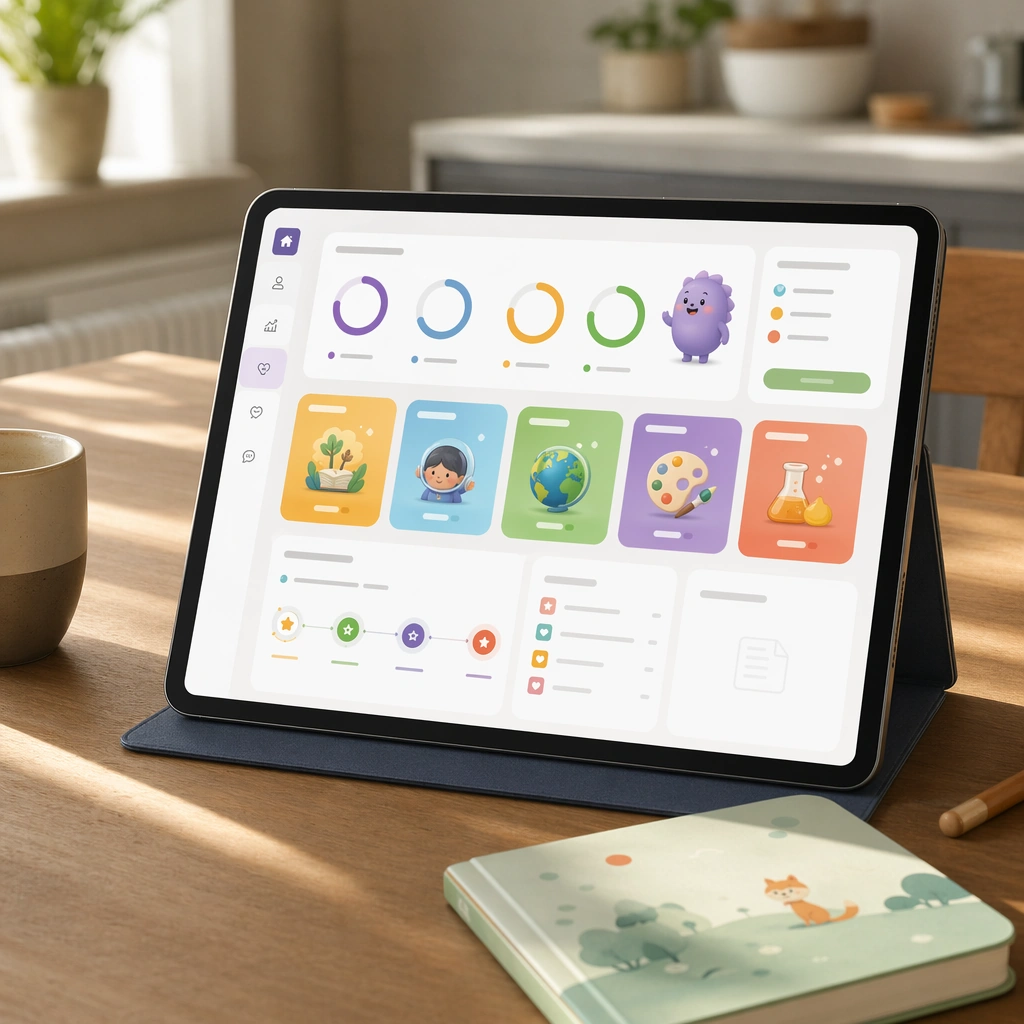
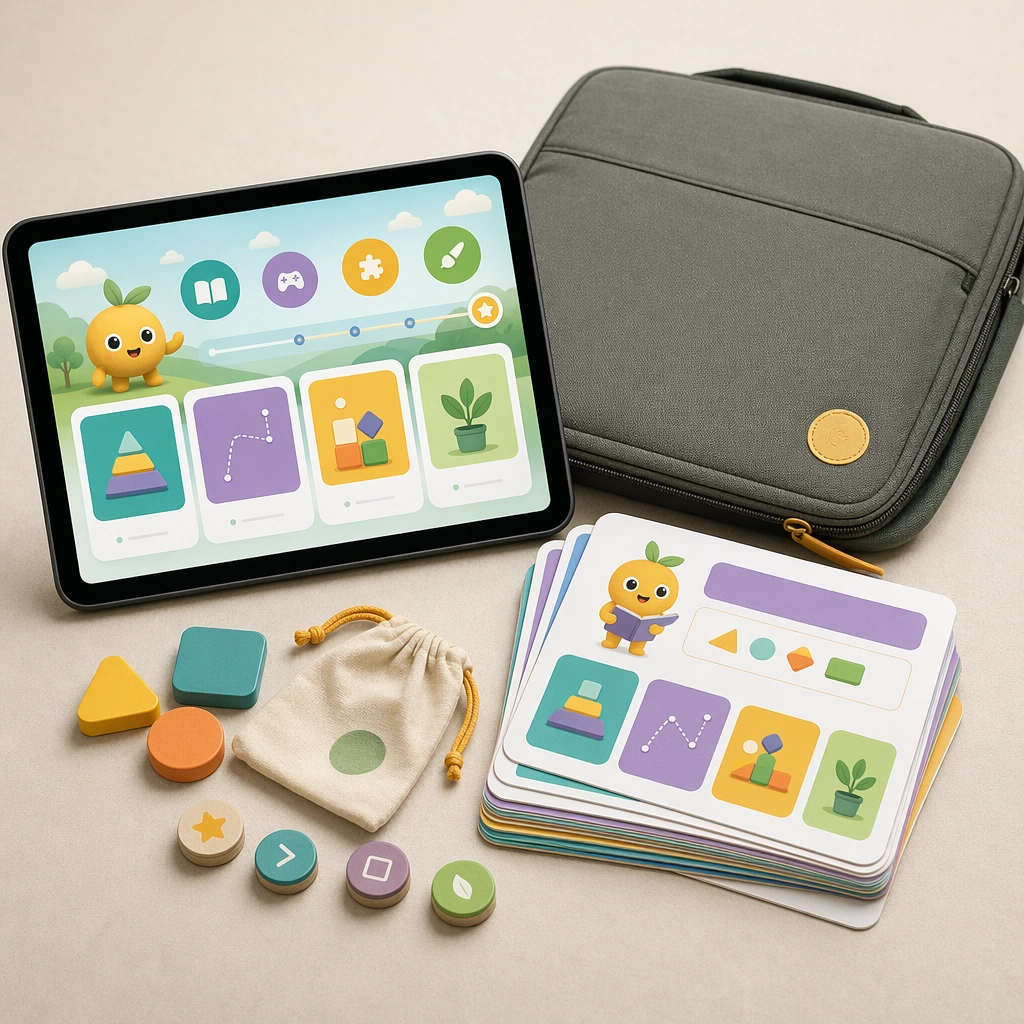
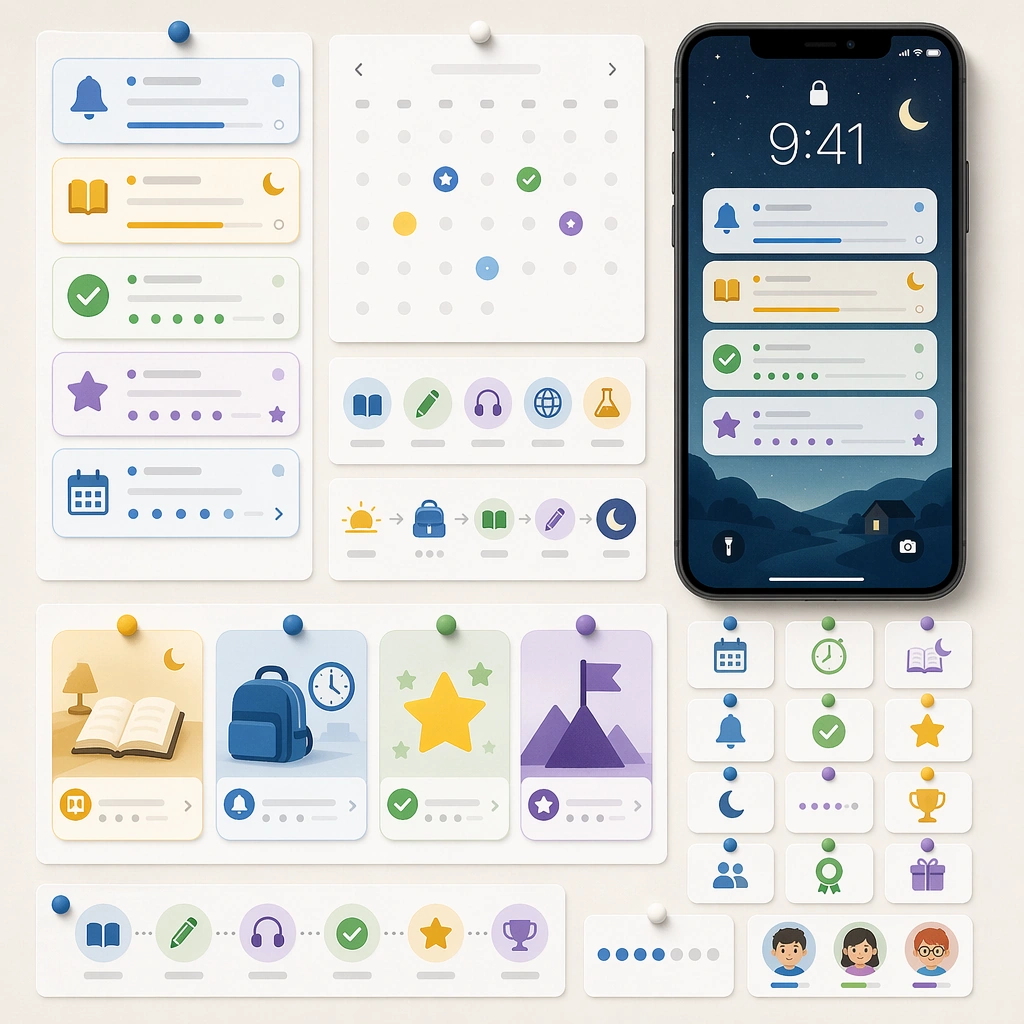
Create a square editorial board with mobile notification cards, calendar badges, routine icons, and a device lock-screen mockup pinned on a clean backdrop. The image should feel like a system design presentation for habit-forming educational touchpoints. Keep the square frame balanced, calm, and production-ready so the asset can serve gallery review, research comparison, and real educational delivery at the same time.

Subject:
Use simple cue cards for lesson reminders, bedtime reading prompts, reward moments, and streak encouragement, all expressed through pictograms, timing icons, and empty text bars. The pieces should feel modular enough to be reused across messaging and product surfaces. The subject arrangement should feel complete and self-contained, able to stand alone as a real supporting deliverable inside the same education business line.

Important details:
Keep the board crisp and production-aware rather than decorative. This asset should prove the app brand can extend into lifecycle communication while staying visually coherent and family-safe. Keep the visual hierarchy modular, commercially believable, and clearly tied to a real educational use case rather than a generic mood board.

Use case:
Learning App Onboarding and Lesson UI single study 4/5, reminder notification board.

Constraints:
No readable text, no watermark, no logos, preserve exact 1:1 aspect ratio, no readable UI copy, no logos, no generic game loot clutter, no brand watermarks, no impossible screen perspective, no app-store badges.
Mode d’emploi
- Copiez le prompt original complet, paramètres compris.
- Adaptez le sujet, le texte et la composition à vos besoins.
- Utilisez un outil externe compatible ; vérifiez l’accès et le résultat.
Avant de commencer
- Vérifiez si une image de référence est nécessaire. La compatibilité ne prouve pas le modèle utilisé pour cet exemple.
- Vérifiez noms, chiffres et textes ; les versions du modèle peuvent produire des résultats différents.