Document original
GPT Image 2 · en
Scene:
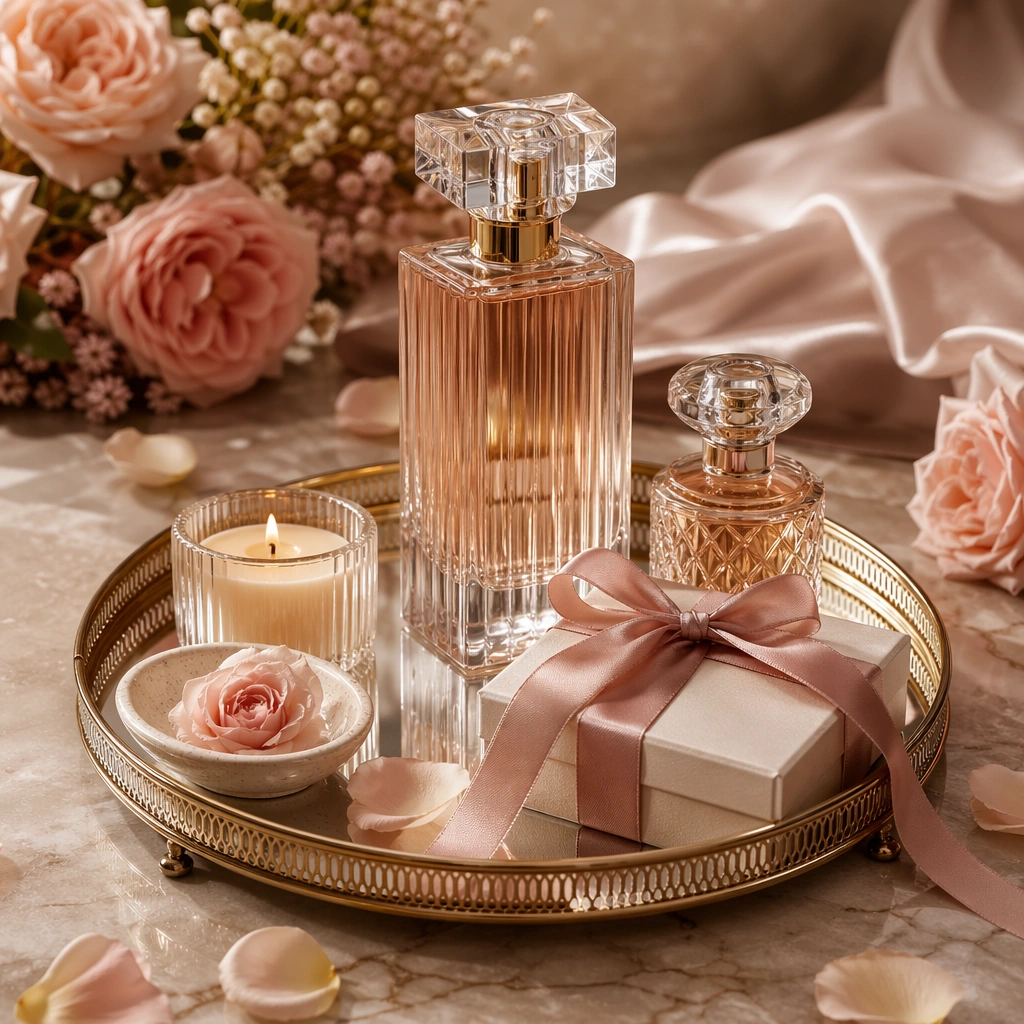
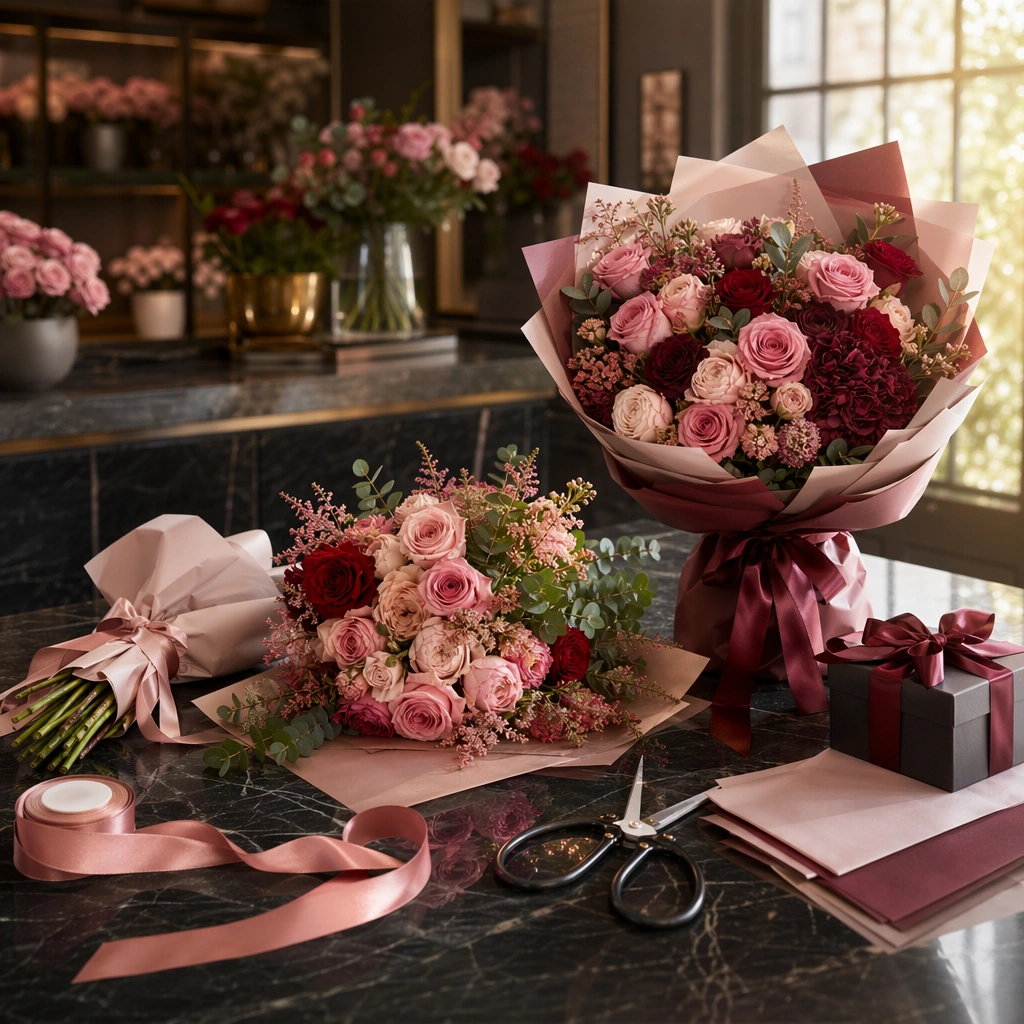
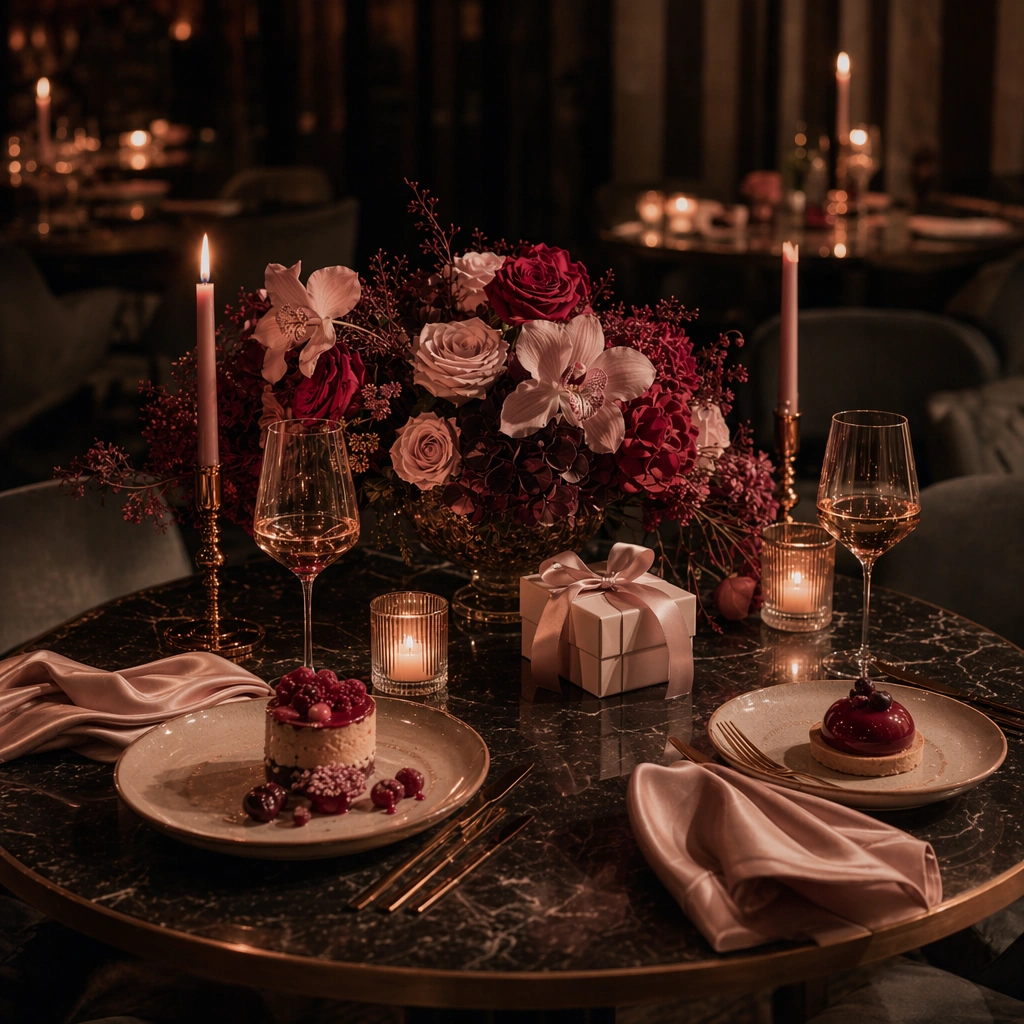
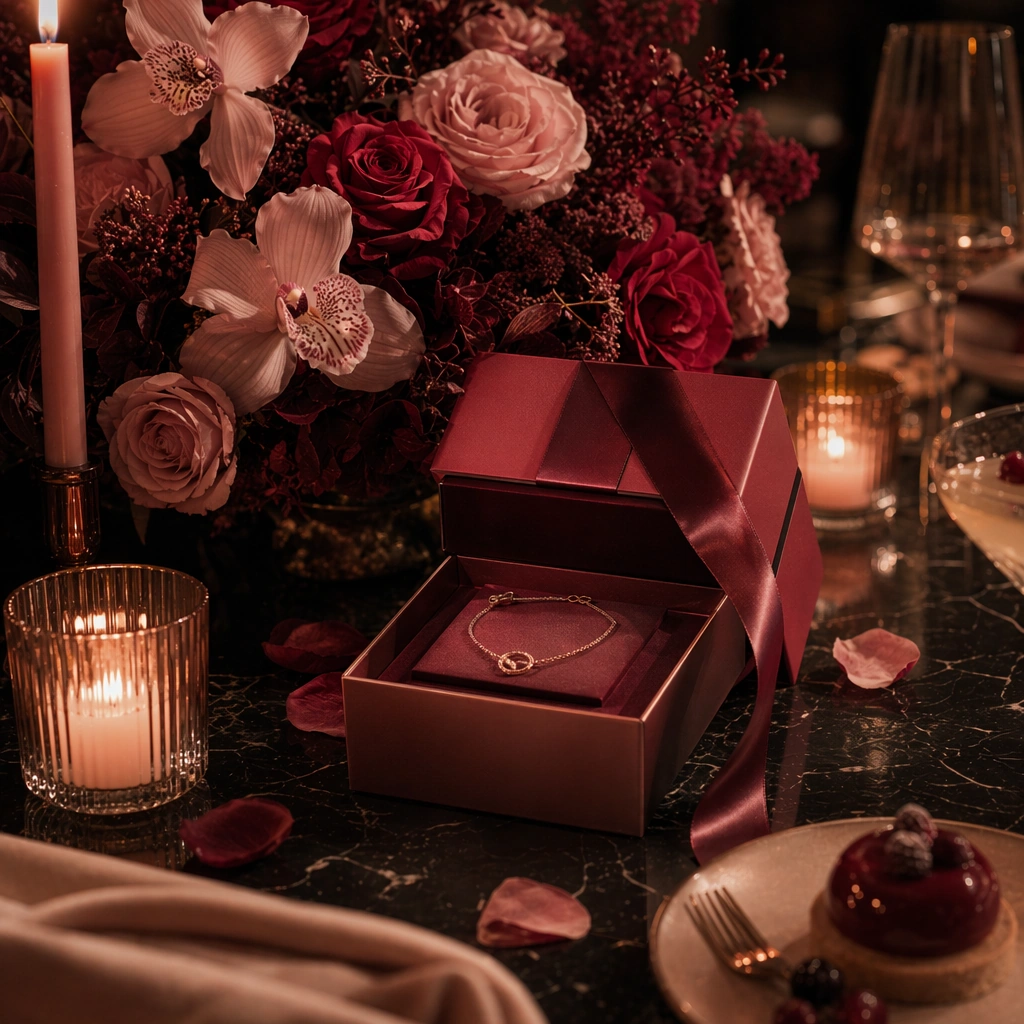
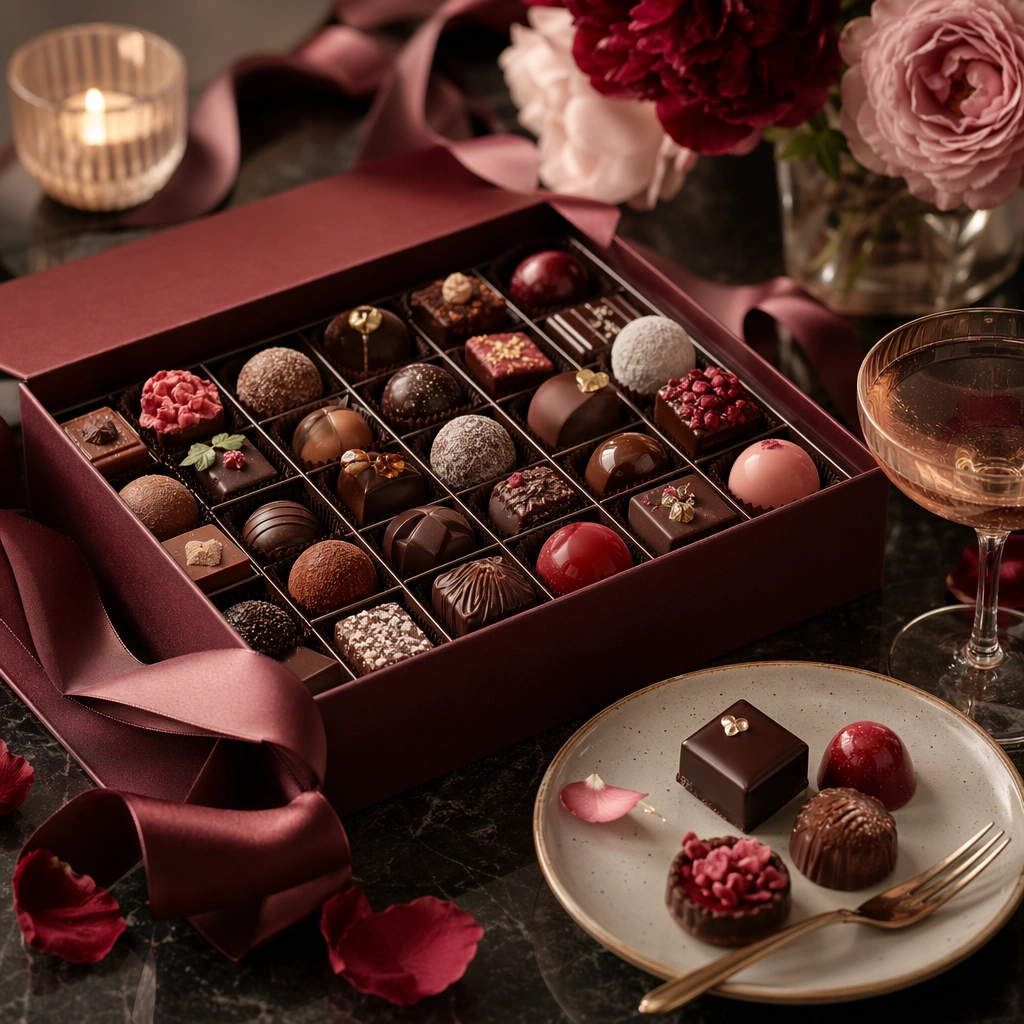
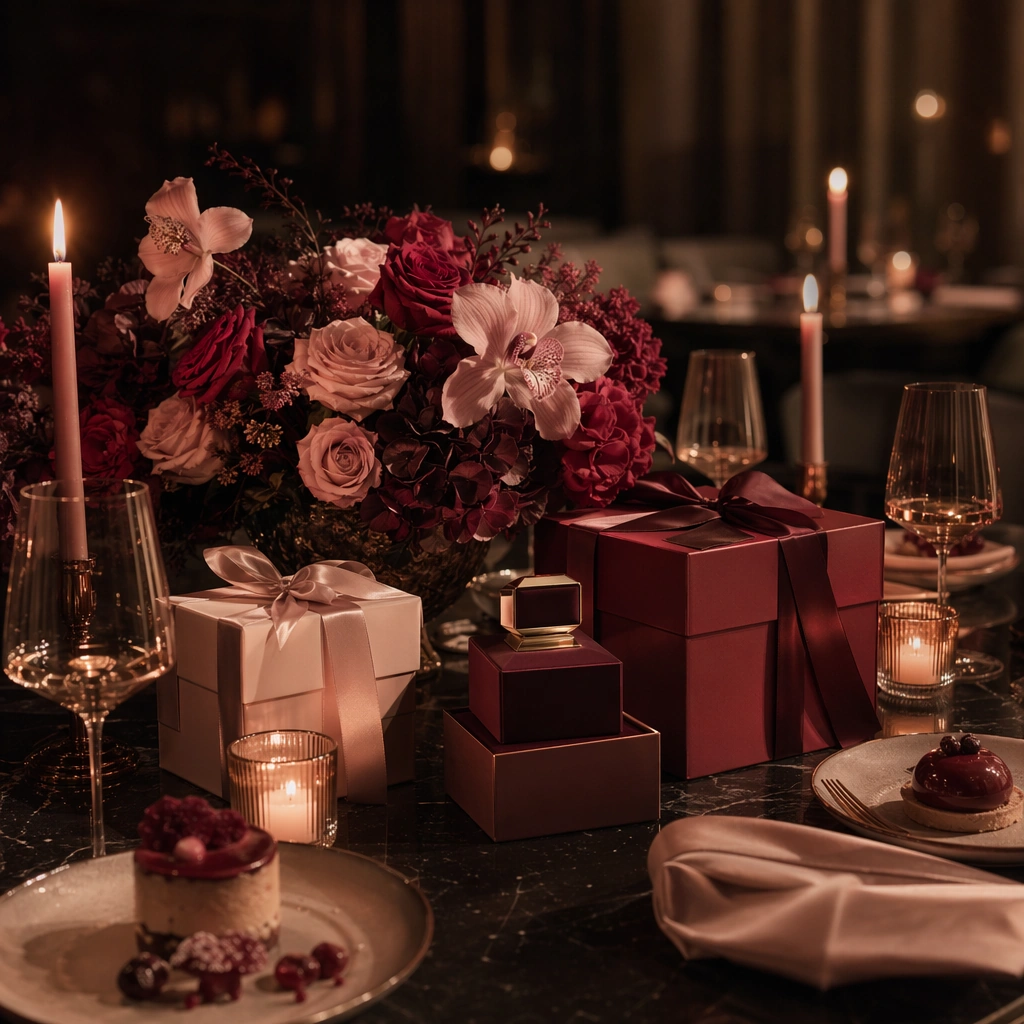
Create a square premium Valentines campaign image set in a dim, elegant dining environment with soft blush highlights, deep wine red accents, candle glow, and controlled shadow. The frame should feel sensual but restrained, with polished table surfaces and enough spatial depth that the image reads as a real hospitality or gifting campaign hero rather than a generic romance wallpaper. Keep the light flattering, cinematic, and commercially usable.

Subject:
Center a curated table arrangement combining florals, wrapped gifts, glassware, satin ribbon, candles, dessert textures, and one carefully presented premium product form such as a jewelry box or fragrance-like silhouette. The objects should imply celebration, gifting, and evening intimacy without becoming cluttered or theatrical. Build the scene so gifting and dining coexist as one coherent commercial language.

Important details:
Lock the romance grammar here: muted blush, burgundy, warm candle amber, soft ivory, satin sheen, petal density, and a poised balance between intimacy and polish. Keep the composition sophisticated enough for premium retail, restaurants, and experiential brands. Every surface should feel tactically styled, from linen folds to glass reflections, with no cheap heart clichés or oversaturated pink overload. This is the anchor for the full Valentines system.

Use case:
Valentines series study 1/9.

Constraints:
No readable text, no watermark, no logos, preserve exact 1:1 aspect ratio, no readable menus, no obvious heart balloons, no cartoon cupid imagery, no celebrity romance styling, no brand marks, no crowded banquet, no novelty props, no harsh nightclub lighting.
Mode d’emploi
- Copiez le prompt original complet, paramètres compris.
- Adaptez le sujet, le texte et la composition à vos besoins.
- Utilisez un outil externe compatible ; vérifiez l’accès et le résultat.
Avant de commencer
- Vérifiez si une image de référence est nécessaire. La compatibilité ne prouve pas le modèle utilisé pour cet exemple.
- Vérifiez noms, chiffres et textes ; les versions du modèle peuvent produire des résultats différents.