Document original
GPT Image 2 · en
Scene:
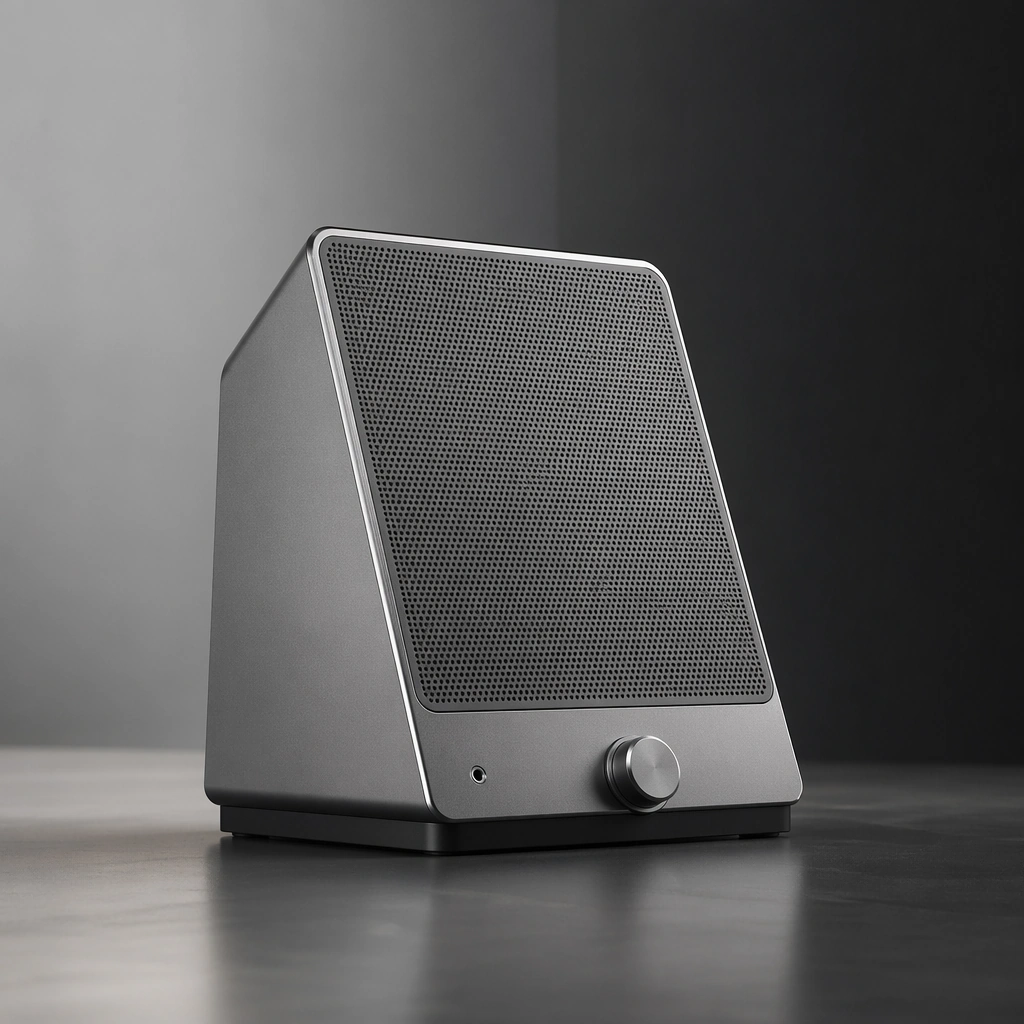
A square product-table scene with soft side light, deep tactile contrast, and tightly controlled negative space. Compose the frame as a square key visual with disciplined camera placement, premium lighting control, and believable real-world scale. The tonal range should feel polished and intentional, with enough atmosphere to create depth without obscuring form. Keep contrast calibrated for launch, catalog, or research presentation use rather than casual snapshot aesthetics.

Subject:
Center an original desktop speaker object with perforated grille, anodized shell, rubber base, and discreet interface elements. Make the subject feel original, production-aware, and clearly grounded in Tool and Device Hero Render System. Treat this as an independent study that must feel complete and coherent without relying on any external reference image. The focal hierarchy should be immediate: primary form first, then material behavior, then supporting environmental cues that clarify use context and difficulty.

Important details:
Make the object feel premium, quiet, and precisely manufactured. The image should read as industrial product communication, not home decor styling. The visual language should still feel native to Tool and Device Hero Render System, using disciplined industrial or campaign composition instead of generic stock photography. Use believable materials, engineering logic, and professional composition discipline. Reflections, shadows, edge breaks, texture scale, interface density, and small physical joints must all support realism. Avoid filler props, vague mood-board clutter, or any element that weakens the sense of a purpose-built industrial or automotive image.

Use case:
Tool Renders single study 6/9 for Tool and Device Hero Render System, built as image support-two.

Constraints:
No readable text, no watermark, no logos, preserve exact 1:1 aspect ratio, no logos, no readable labels, no workshop clutter, no toy aesthetics, no fake interface text, no cartoon gloss.
Mode d’emploi
- Copiez le prompt original complet, paramètres compris.
- Adaptez le sujet, le texte et la composition à vos besoins.
- Utilisez un outil externe compatible ; vérifiez l’accès et le résultat.
Avant de commencer
- Vérifiez si une image de référence est nécessaire. La compatibilité ne prouve pas le modèle utilisé pour cet exemple.
- Vérifiez noms, chiffres et textes ; les versions du modèle peuvent produire des résultats différents.