
Document original
GPT Image 2 · en
Scene:
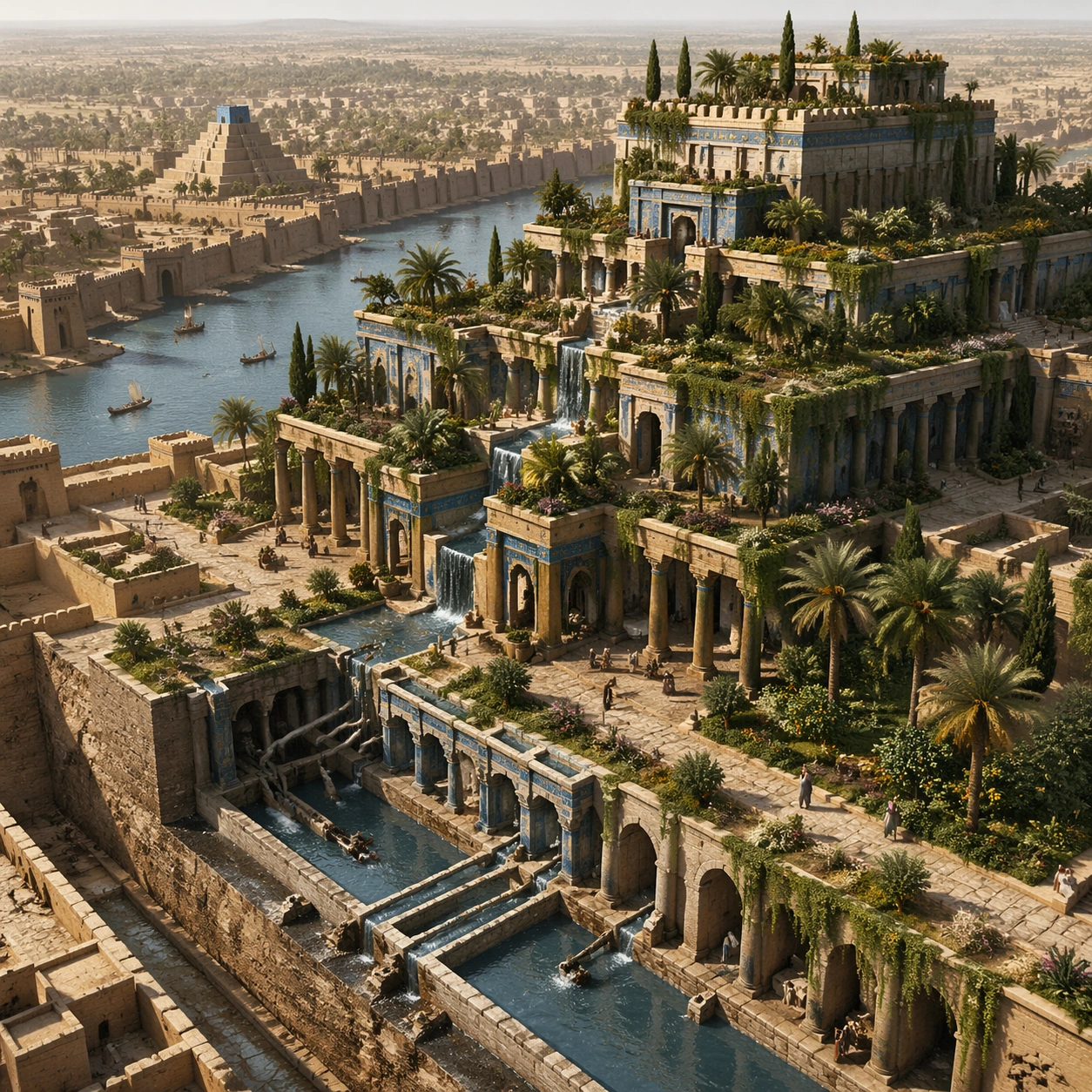
A square survey-oriented image that explains spatial logic with the clarity of an expert field overview while still reading as a finished artwork. Use a stable elevated vantage, clean depth layering, and enough visible terrain or architecture to make relationships legible without turning the frame into a literal map. The scene should feel analytical and cinematic at the same time.

Subject:
Show an elevated survey perspective that explains terrace stacking, water movement, planted zones, and the garden relation to surrounding Babylonian urban fabric. Organize the composition so paths, terraces, walls, courtyards, chambers, canals, root systems, or quarry clusters can be read as a coherent system. The image should reveal how the civilization used land, water, elevation, enclosure, or monumentality. Keep all architecture, materials, and environmental details consistent with the correct place and period.

Important details:
Keep the reconstruction architecturally disciplined, with Near Eastern massing, stepped terrace engineering, visible hydraulic logic, and planted abundance that feels maintained by ancient infrastructure rather than magical floating greenery. This image should reward close looking by showing infrastructural logic: how stone courses align, how water moves, how rooms connect, how carved masses sit inside geology, or how vegetation interacts with built form. Avoid explicit annotation. Let composition, light, and scale cues do the explanatory work. Keep any measuring elements generic and unreadable, and make the image feel like serious research made visually elegant.

Use case:
Babylon Hanging Gardens single study 8/9.

Constraints:
No readable text, no watermark, no logos, preserve exact 1:1 aspect ratio, no fantasy dragons, no neon glow, no steel frameworks, no modern city skyline, no infographic arrows, no split-screen layout, no impossible aerial geometry, no unrelated settlements.
Mode d’emploi
- Copiez le prompt original complet, paramètres compris.
- Adaptez le sujet, le texte et la composition à vos besoins.
- Utilisez un outil externe compatible ; vérifiez l’accès et le résultat.
Avant de commencer
- Vérifiez si une image de référence est nécessaire. La compatibilité ne prouve pas le modèle utilisé pour cet exemple.
- Vérifiez noms, chiffres et textes ; les versions du modèle peuvent produire des résultats différents.