Document original
GPT Image 2 · en
{
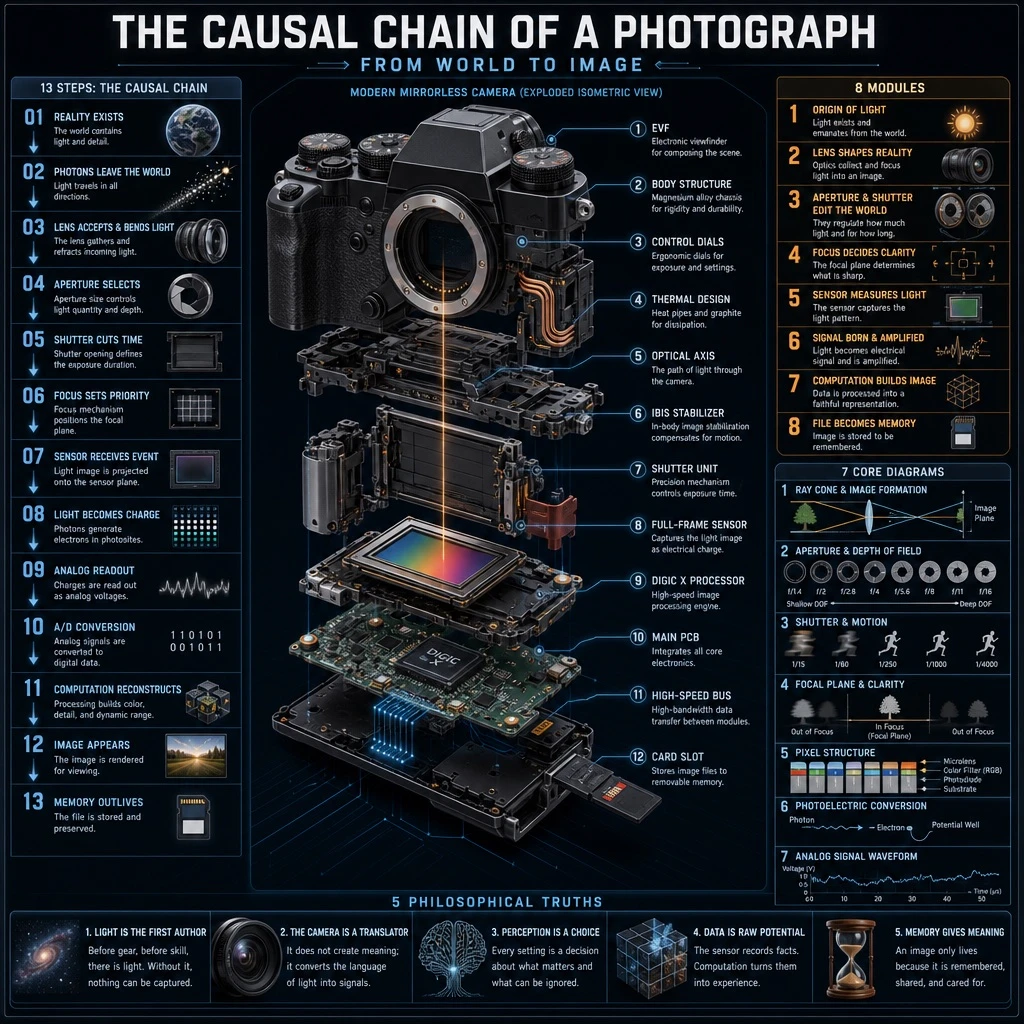
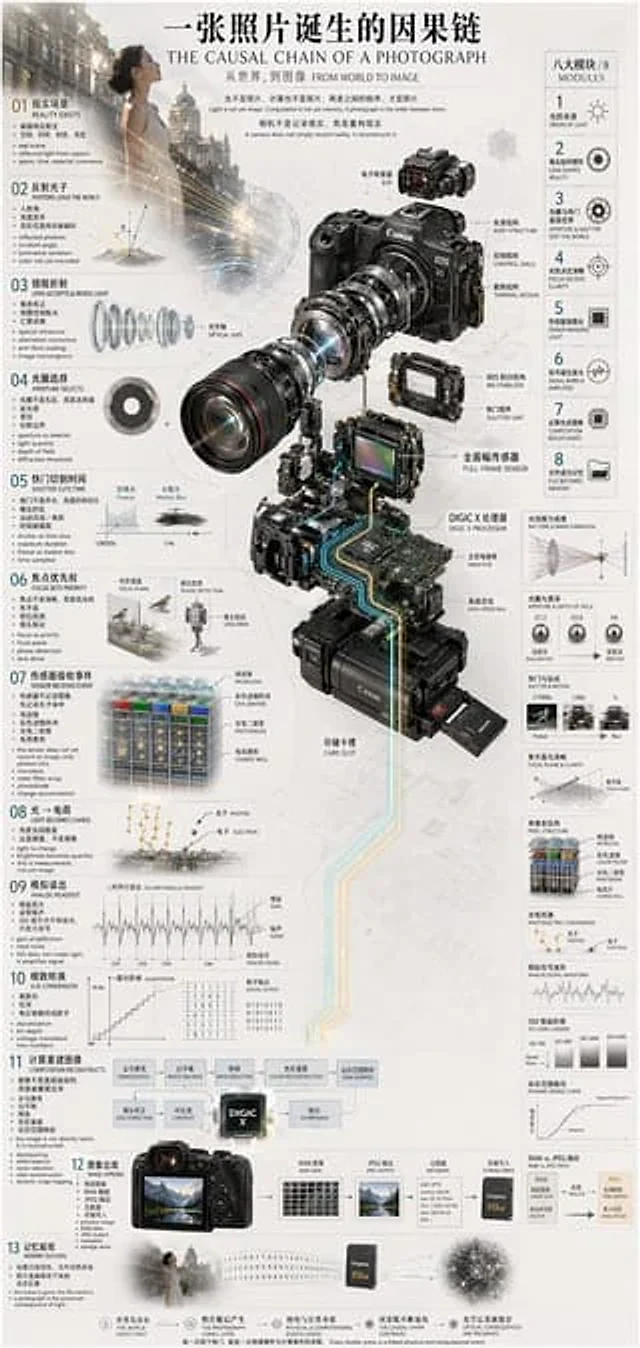
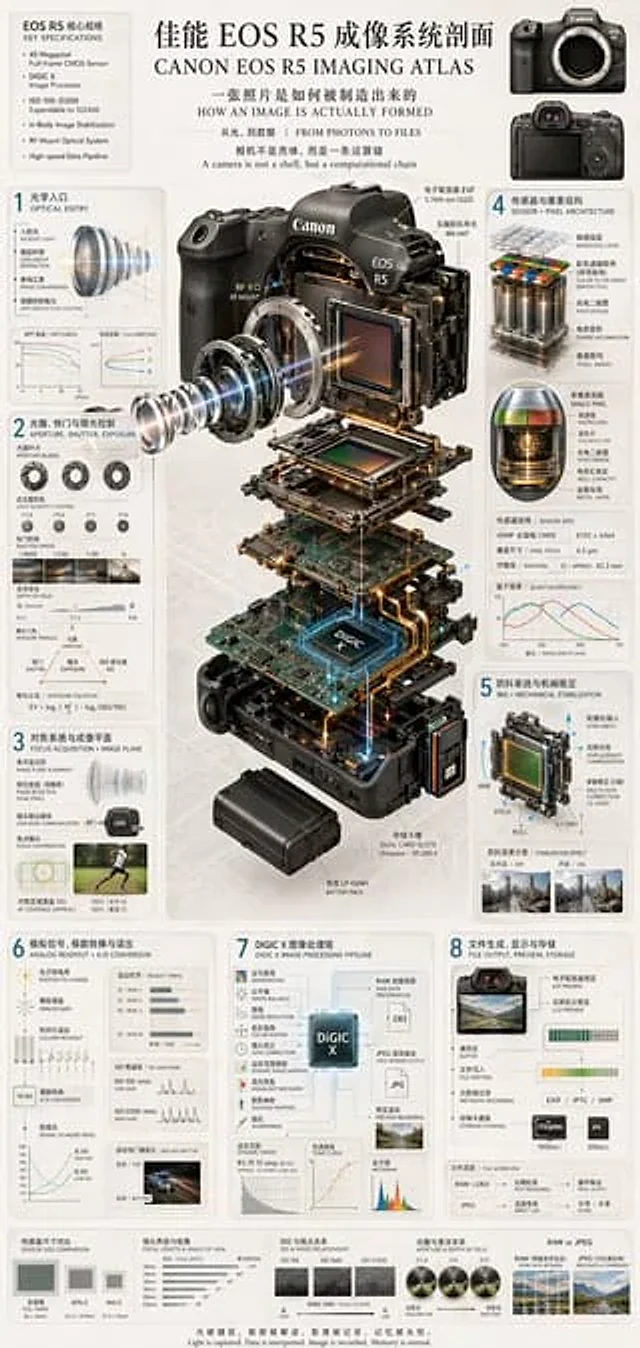
  "type": "Technical Infographics and Exploded Views",
  "header": {
    "title": "{argument name=\"main title\" default=\"Canon EOS R5 Imaging Atlas\"}",
    "subtitles": [
      "How is an image actually formed?",
      "From Light to Data | FROM PHOTONS TO FILES",
      "A camera is not a shell, but a computational chain."
    ],
    "top_left_box": {
      "title": "EOS R5 Key Specifications",
      "bullet_points_count": 6
    },
    "top_right_images": {
      "count": 2,
      "description": "Front and rear views of the camera body"
    }
  },
  "centerpiece": {
    "description": "Highly detailed{argument name=\"camera model\" default=\"Canon EOS R5\"} 3D exploded view from the camera, showing vertically separated internal components.",
    "components_visible": [
      "Lens mount",
      "Lens element with blue light emission",
      "Image sensor",
      "With light{argument name=\"processor name\" default=\"DIGIC X\"} motherboard of the chip",
      "battery pack",
      "Dual card slots",
      "Electronic viewfinder (EVF)"
    ]
  },
  "layout": {
    "numbered_sections": [
      {
        "number": 1,
        "title": "Optical Entry",
        "elements": [
          "Lens cross-section with light",
          "2 line charts"
        ]
      },
      {
        "number": 2,
        "title": "Aperture, Shutter, and Exposure Control",
        "elements": [
          "3 images of aperture blades",
          "4 sample photos of shutter speeds",
          "Depth of field diagram",
          "Exposure triangle diagram"
        ]
      },
      {
        "number": 3,
        "title": "Focusing system and imaging plane",
        "elements": [
          "Lens alignment diagram",
          "runner's autofocus coverage photo"
        ]
      },
      {
        "number": 4,
        "title": "Sensor and Pixel Architecture",
        "elements": [
          "3D pixel array diagram",
          "Single pixel cross-sectional image",
          "Sensor Specifications",
          "Quantum efficiency diagram"
        ]
      },
      {
        "number": 5,
        "title": "Image stabilization system and mechanical stabilization (IBIS + MECHANICAL STABILIZATION)",
        "elements": [
          "Diagram of sensor displacement mechanism with yaw/pitch/roll axes",
          "Two photos comparing the image stabilization effect."
        ]
      },
      {
        "number": 6,
        "title": "Analog Signal, Analog-to-Digital Conversion and Readout",
        "elements": [
          "Signal Flow Diagram",
          "3 readout timing diagrams",
          "Signal-to-noise ratio diagram",
          "Example photos of the jelly effect in cars"
        ]
      },
      {
        "number": 7,
        "title": "DIGIC X Image Processing Pipeline",
        "elements": [
          "Processing flowchart with central chip as the core",
          "Dynamic range diagram",
          "Tone curve",
          "Histogram"
        ]
      },
      {
        "number": 8,
        "title": "File creation, display, and storage: FILE OUTPUT, PREVIEW, STORAGE",
        "elements": [
          "File output flowchart",
          "2 memory card icons",
          "Document Workflow Diagram"
        ]
      }
    ],
    "bottom_comparisons": {
      "count": 5,
      "labels": [
        "Sensor Size Comparison",
        "Lens focal length and angle of view",
        "ISO and Noise Relationship",
        "Aperture and Depth of Field",
        "RAW vs JPEG"
      ]
    },
    "footer": "{argument name=\"footer quote\" default=\"Light is captured, data is interpreted, images are recorded, and memories are made eternal.\"}"
  },
  "style": "Simple, technically advanced, highly detailed, photorealistic components, blueprint-style annotations, light gray background, and precise typography."
}
Mode d’emploi
- Copiez le prompt original complet, paramètres compris.
- Adaptez le sujet, le texte et la composition à vos besoins.
- Utilisez un outil externe compatible ; vérifiez l’accès et le résultat.
Avant de commencer
- Vérifiez si une image de référence est nécessaire. La compatibilité ne prouve pas le modèle utilisé pour cet exemple.
- Vérifiez noms, chiffres et textes ; les versions du modèle peuvent produire des résultats différents.