Document original
GPT Image 2 · en
Scene:
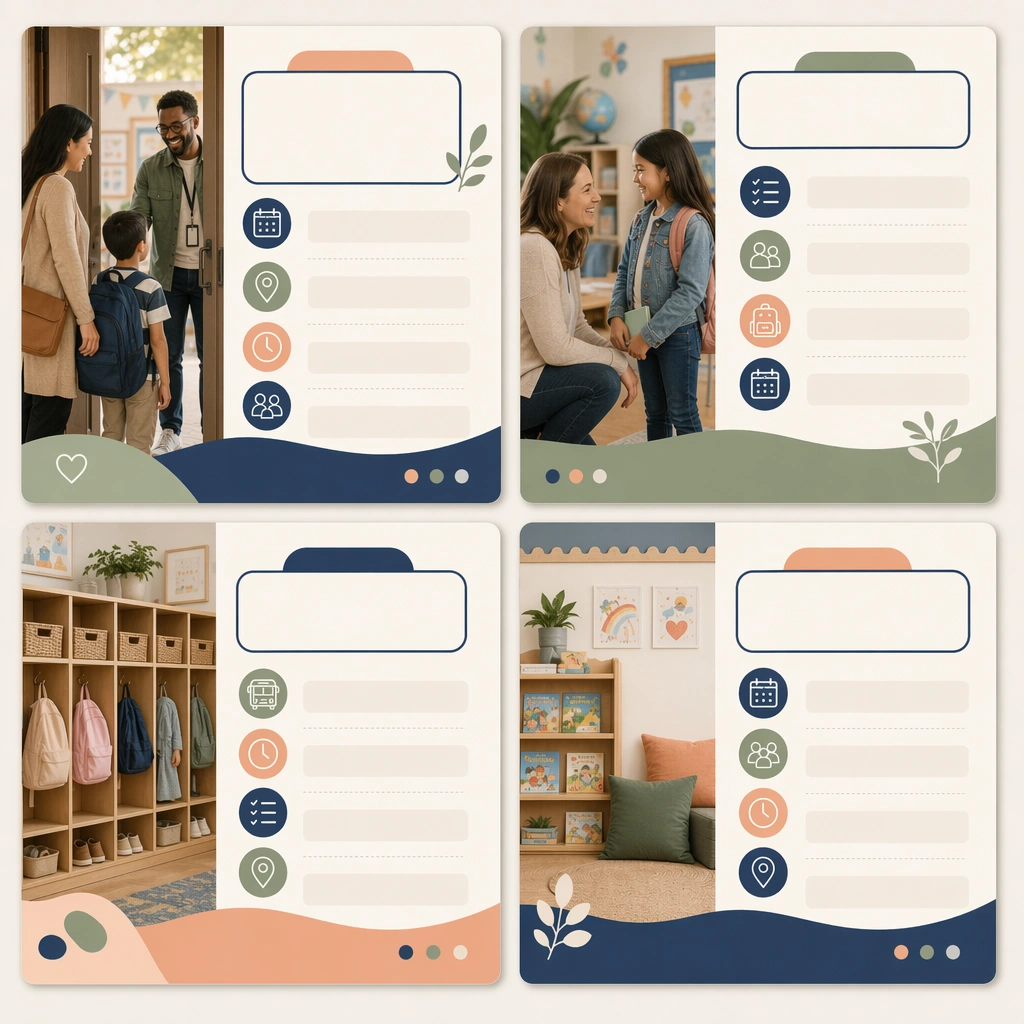
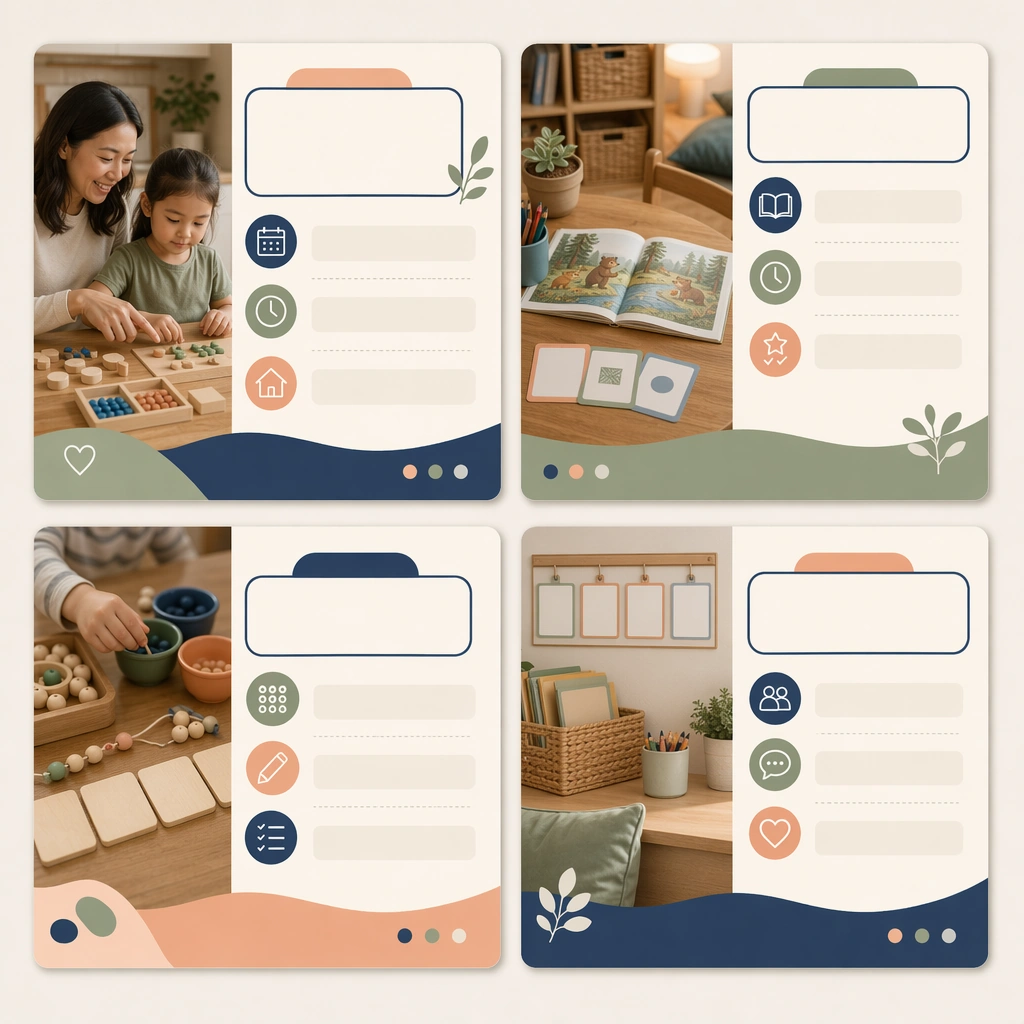
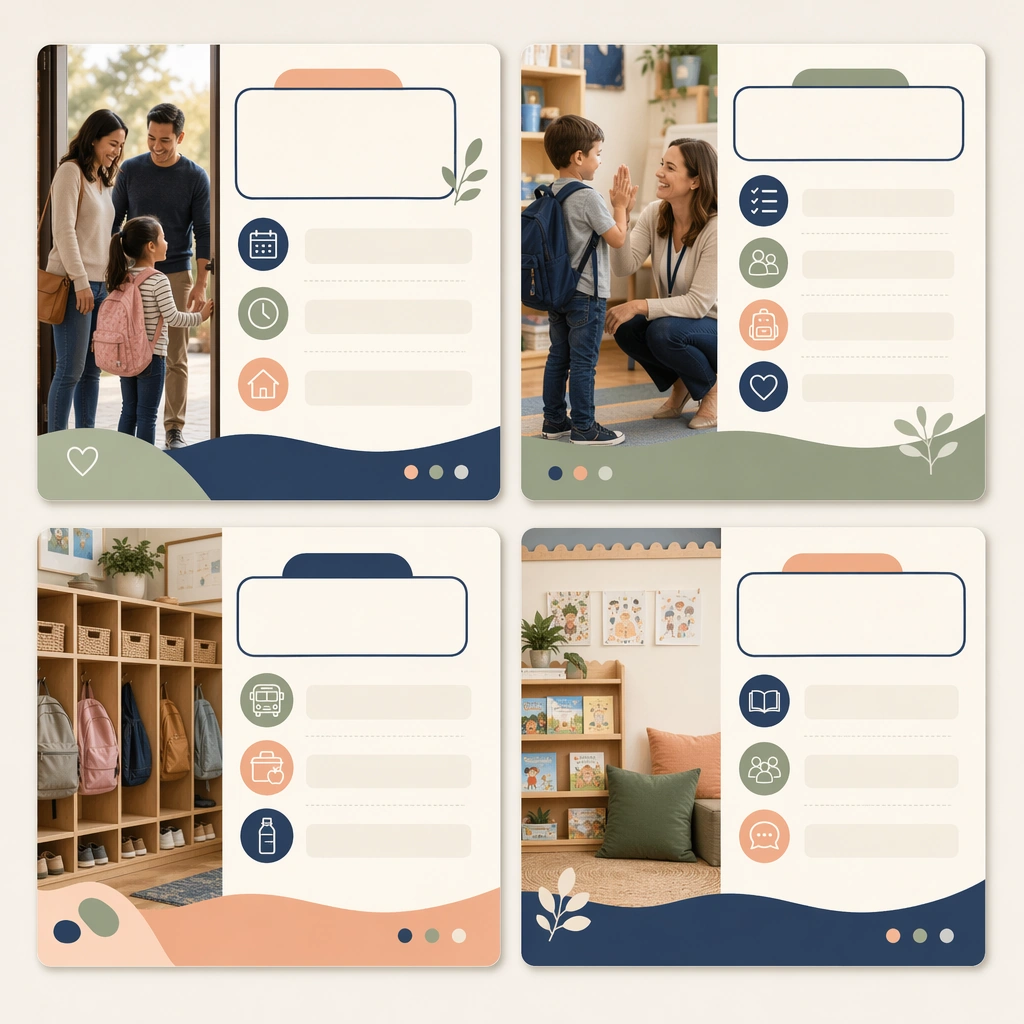
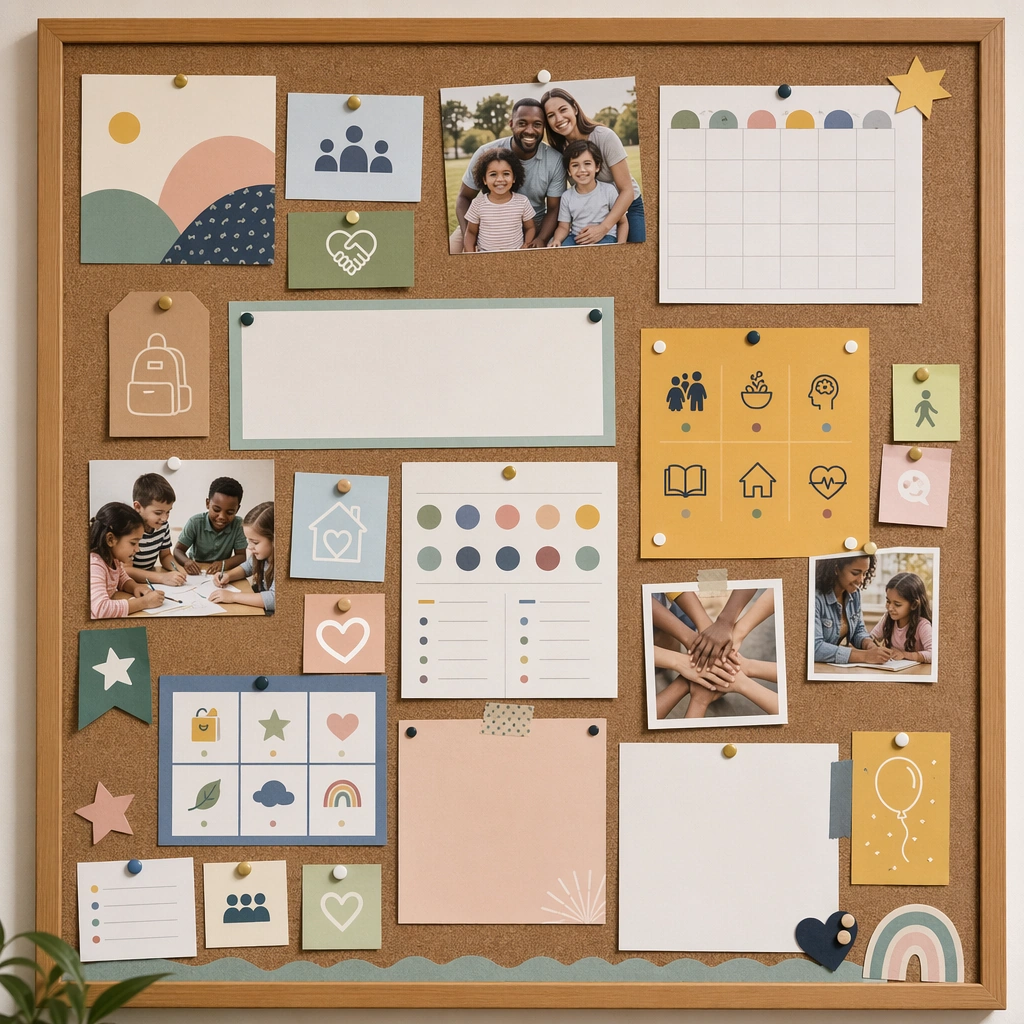
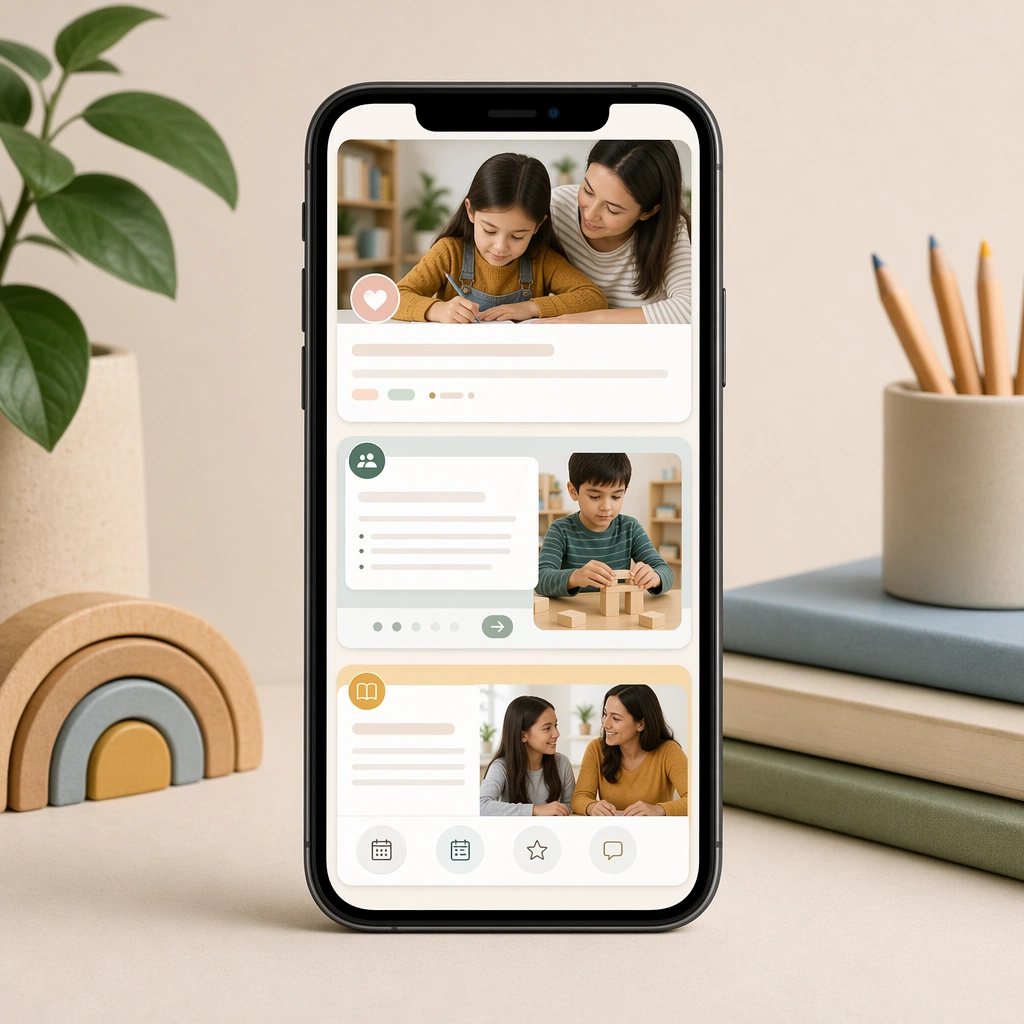
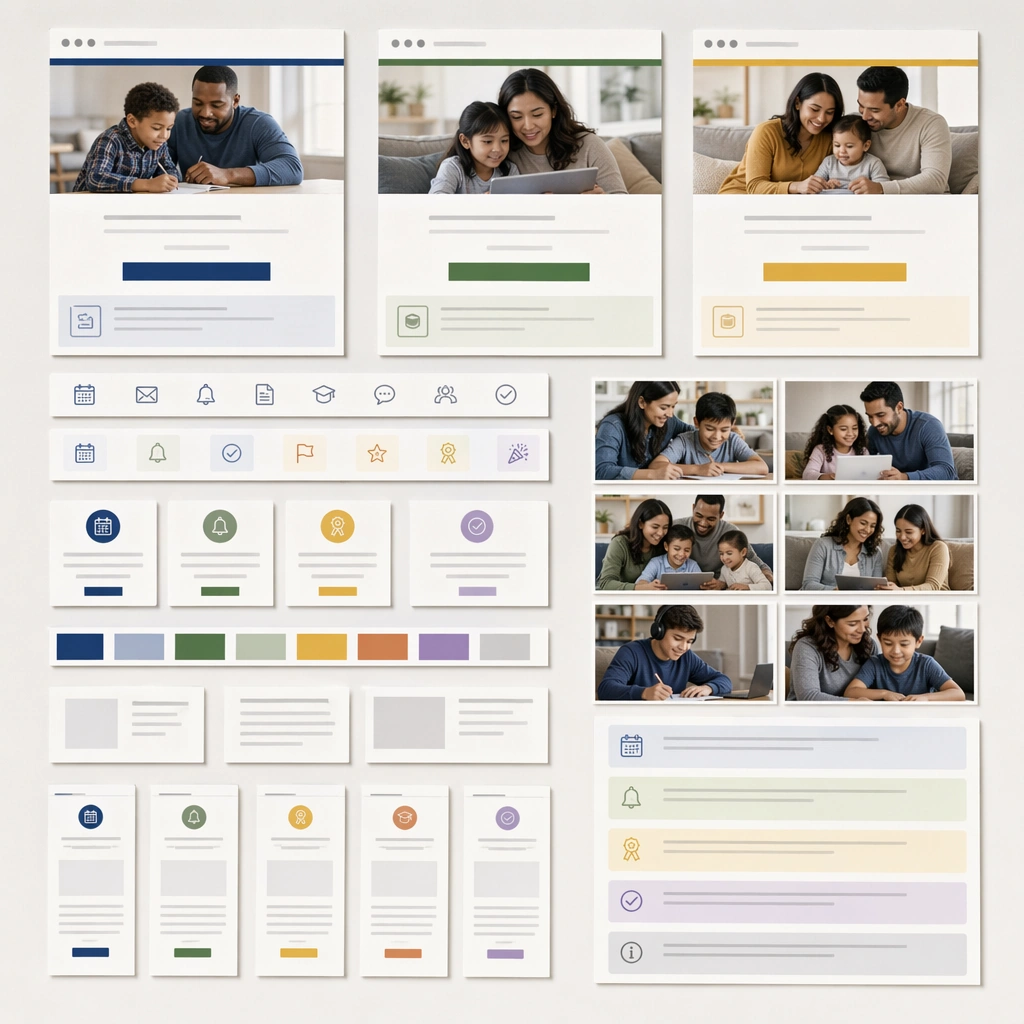
Keep the same square carousel-card presentation, straight-on viewpoint, and polished social-media mockup style from the reference image. The set should look like another post from the same school communications calendar, maintaining visual trust and brand continuity. Keep the square frame balanced, calm, and production-ready so the asset can serve gallery review, research comparison, and real educational delivery at the same time.

Subject:
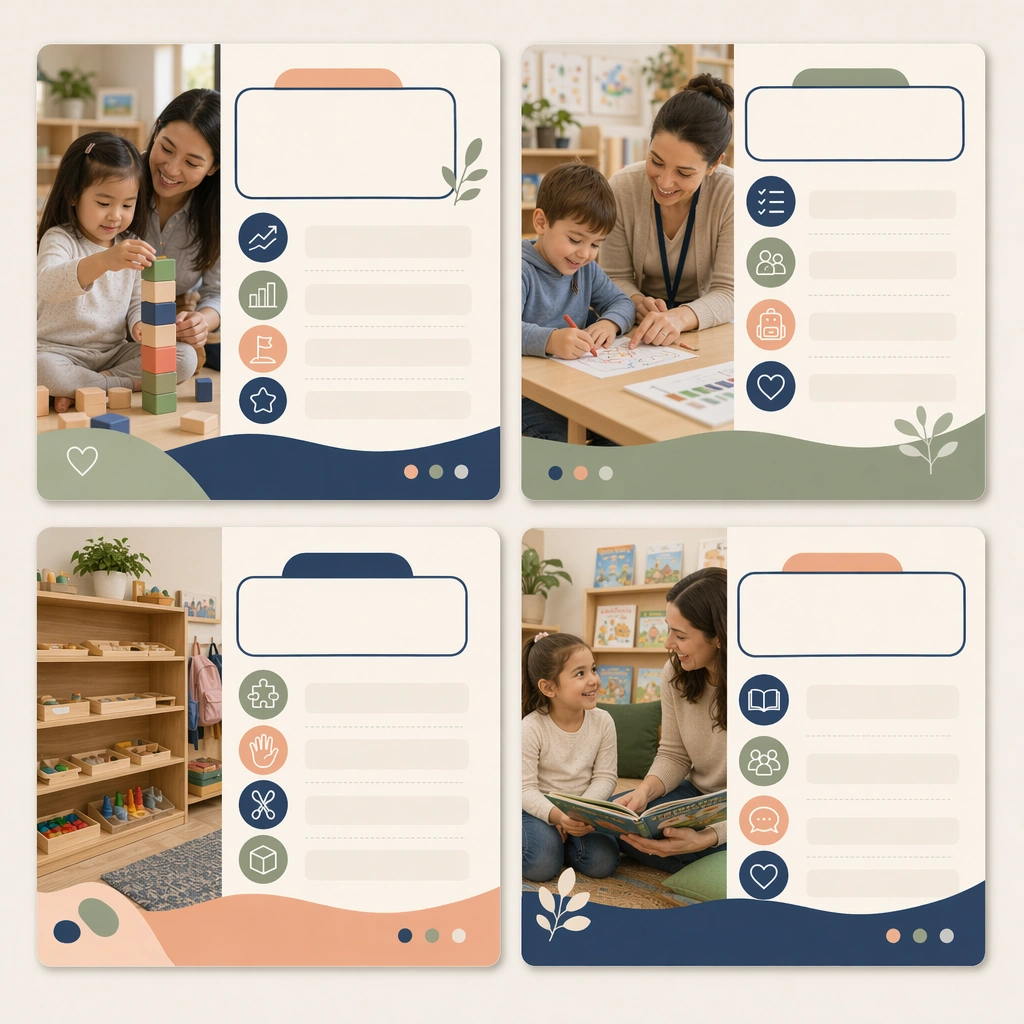
Use progress icons, child activity photos, calm data-like shapes, and blank insight panels to suggest developmental milestones or learning moments without displaying any readable copy. The cards should balance warmth with professional clarity. The subject matter should feel intentionally selected for a coherent curriculum family rather than like a random decorative assortment.

Important details:
Preserve the reference system precisely: same card structure, palette, image crop logic, and icon weight. Variation should come from the message topic and supporting imagery, not from a new visual language. Preserve the same square carousel-card frame, photo crop style, icon rhythm, blank headline areas, and family-trust color system from the reference card set. Use variation only in the teaching content, supporting props, and scene-specific mood while preserving the core visual system exactly.

Use case:
Parent Communication Education Carousel series study 2/4, milestone update carousel.

Constraints:
No readable text, no watermark, no logos, preserve exact 1:1 aspect ratio, no readable social captions, no logos, no app-interface clutter, no influencer styling, no chaotic sticker overload, no celebrity likeness.
Mode d’emploi
- Copiez le prompt original complet, paramètres compris.
- Adaptez le sujet, le texte et la composition à vos besoins.
- Utilisez un outil externe compatible ; vérifiez l’accès et le résultat.
Avant de commencer
- Vérifiez si une image de référence est nécessaire. La compatibilité ne prouve pas le modèle utilisé pour cet exemple.
- Vérifiez noms, chiffres et textes ; les versions du modèle peuvent produire des résultats différents.