Document original
GPT Image 2 · en
Scene:
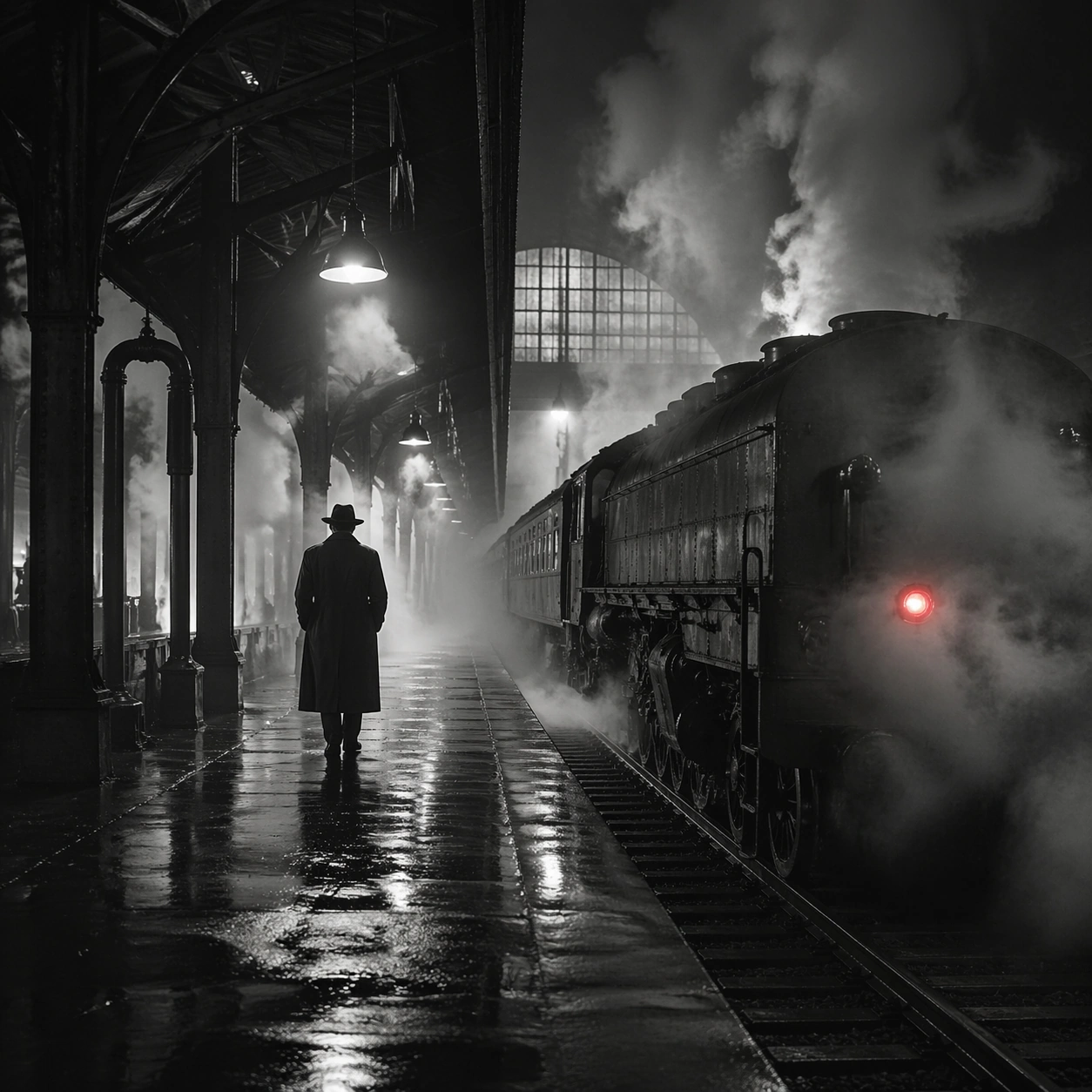
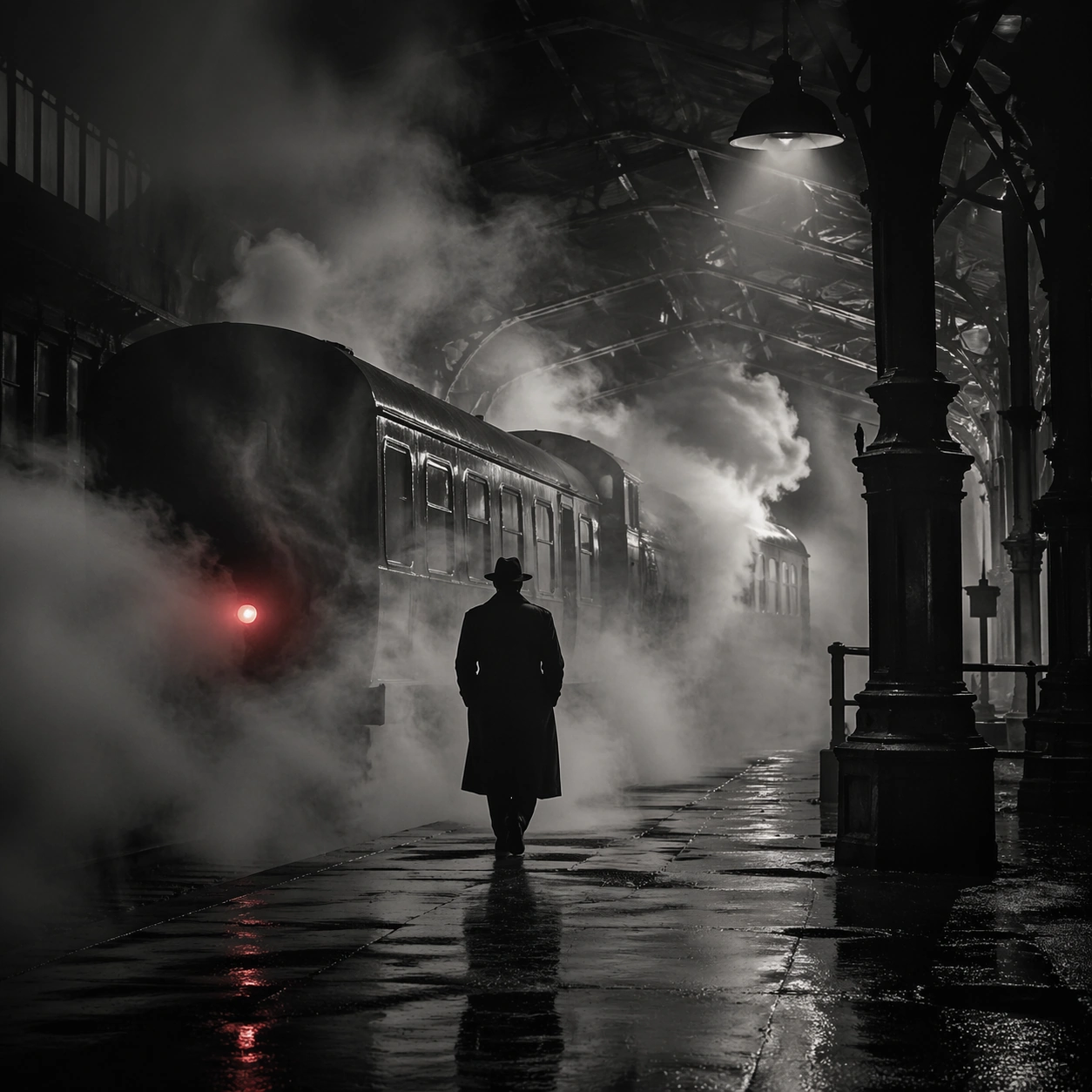
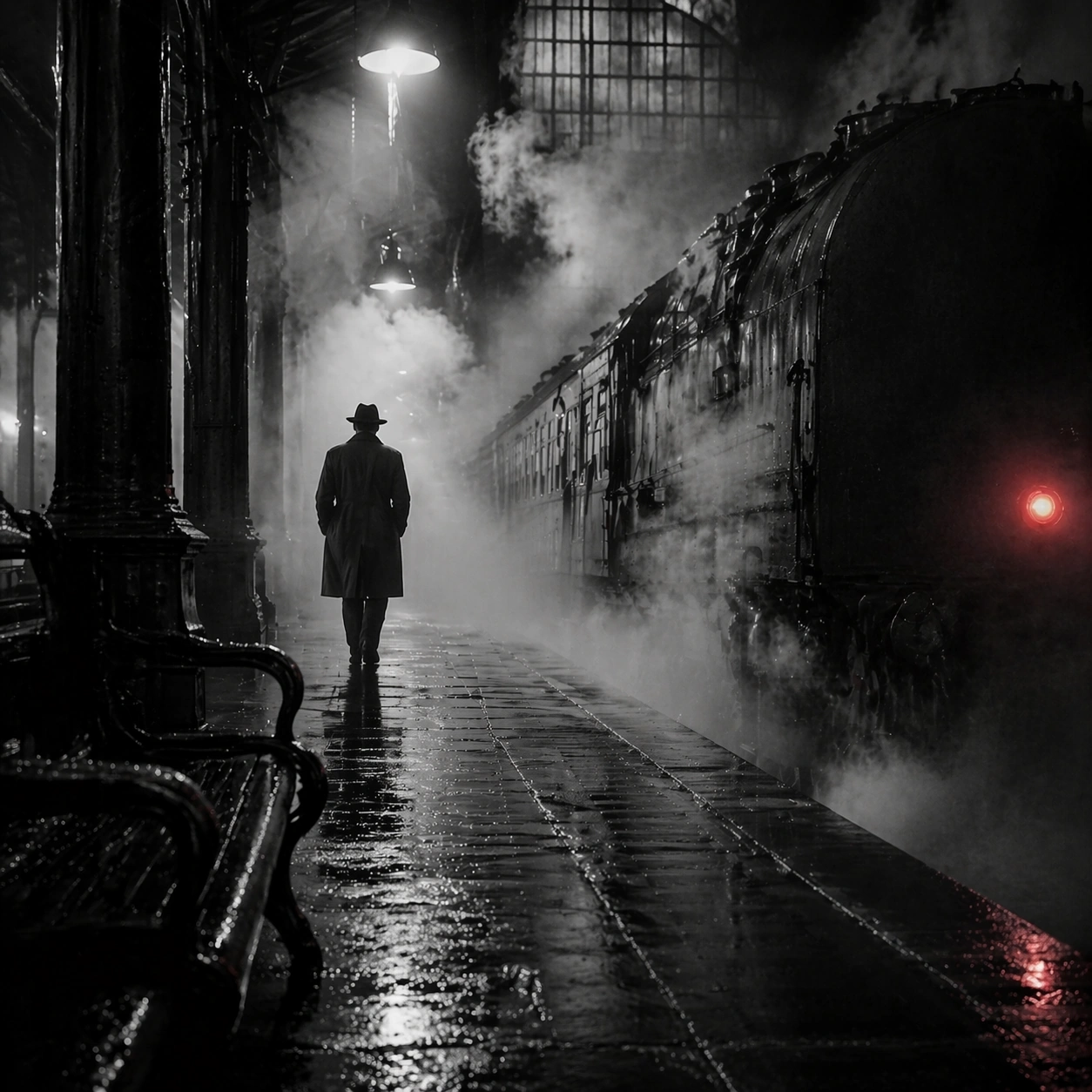
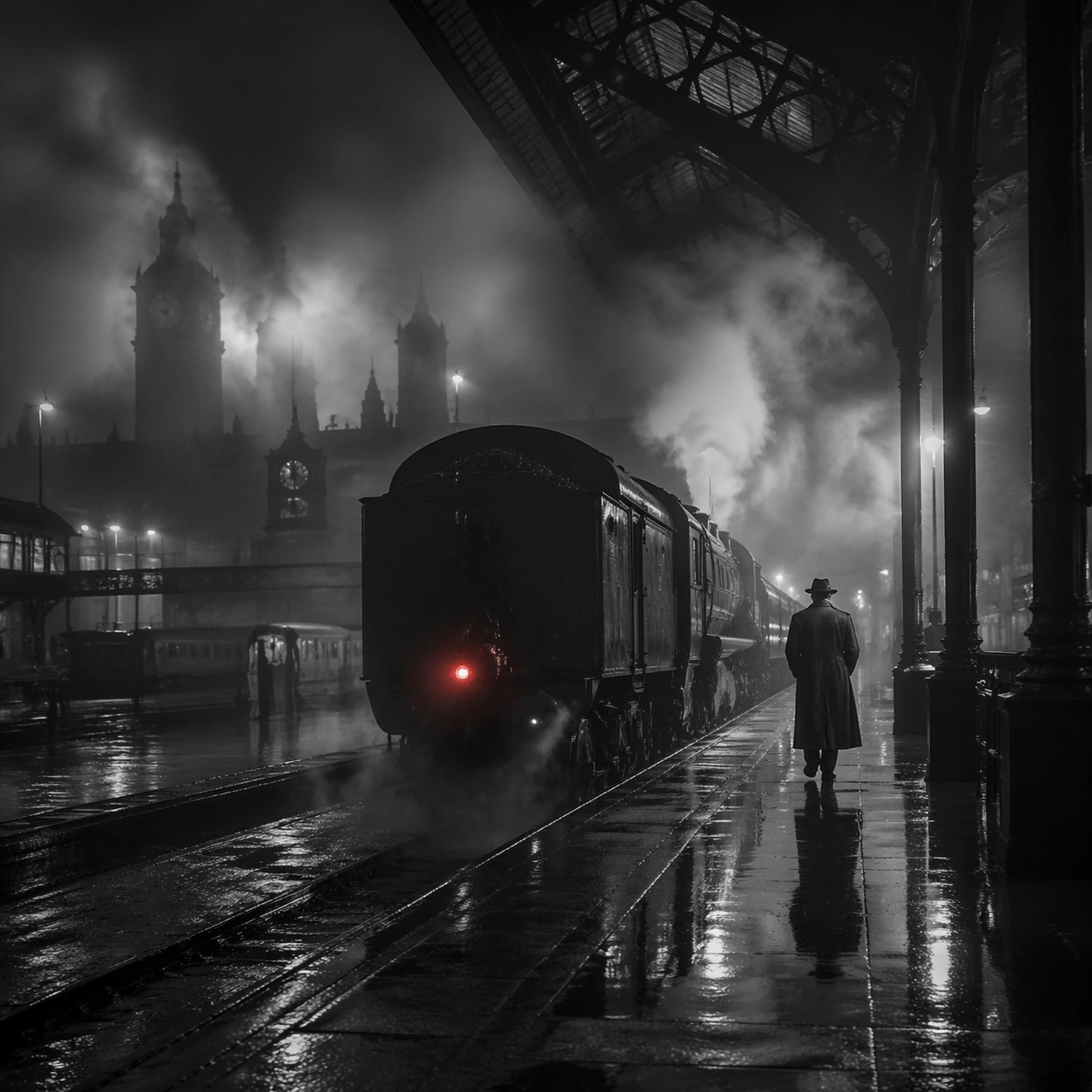
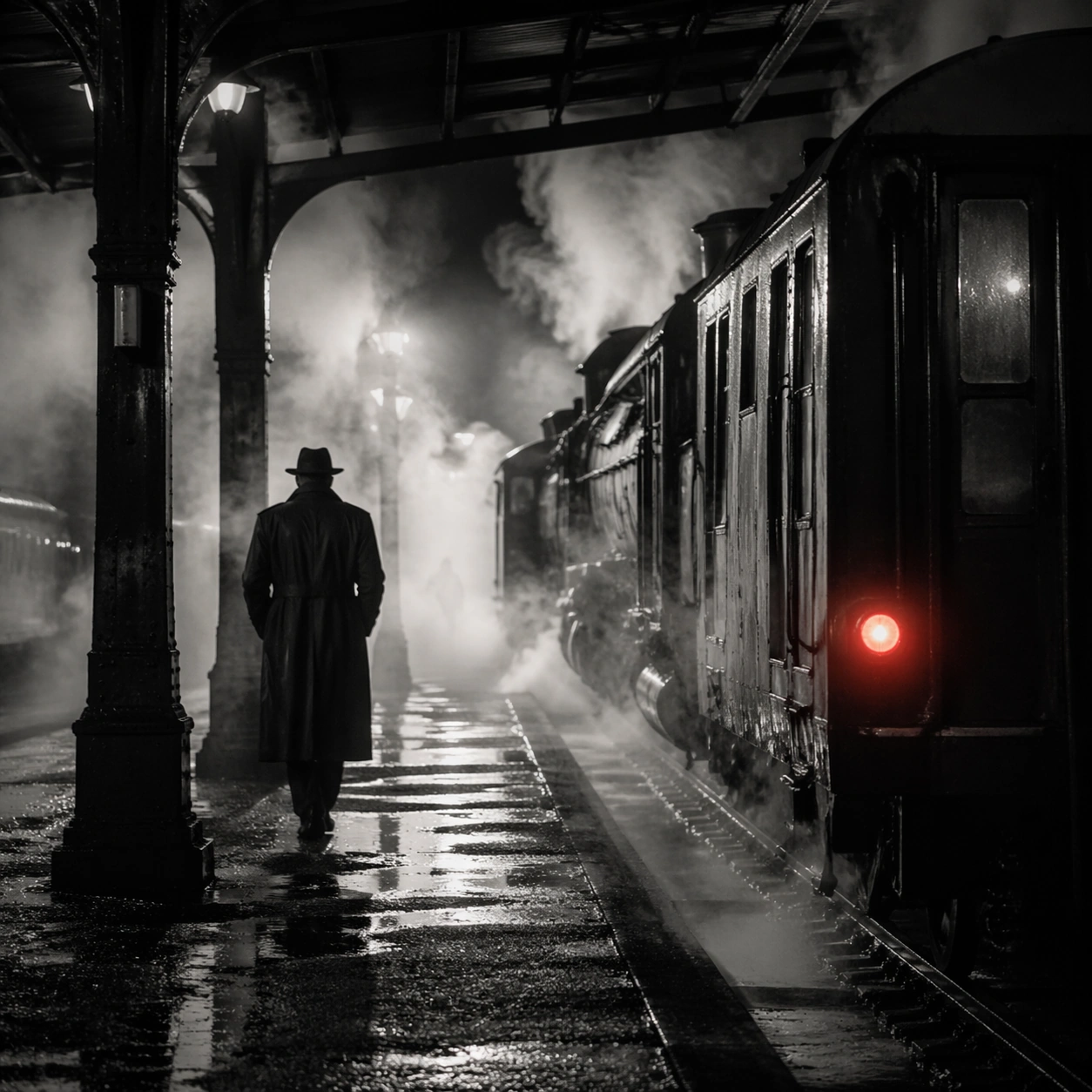
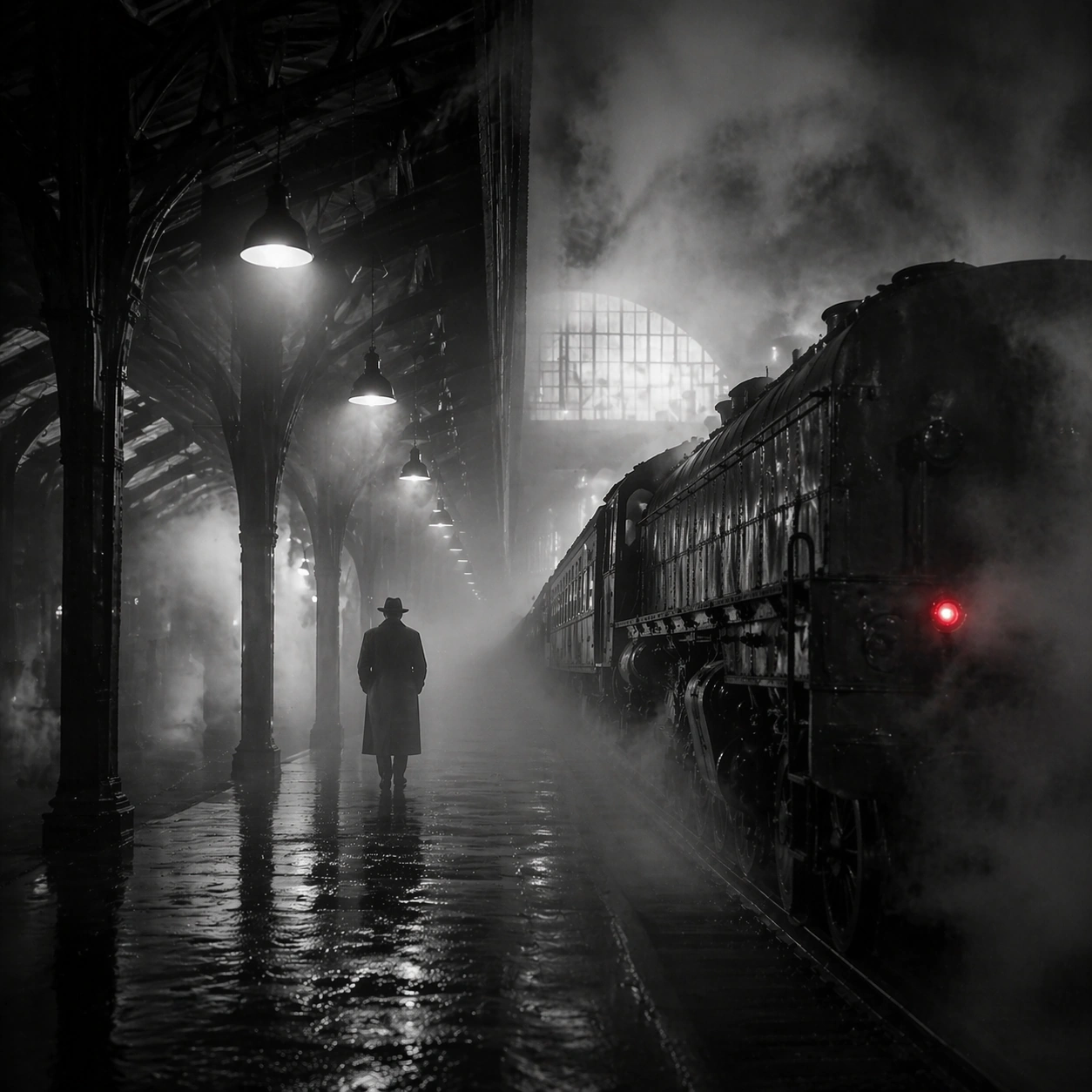
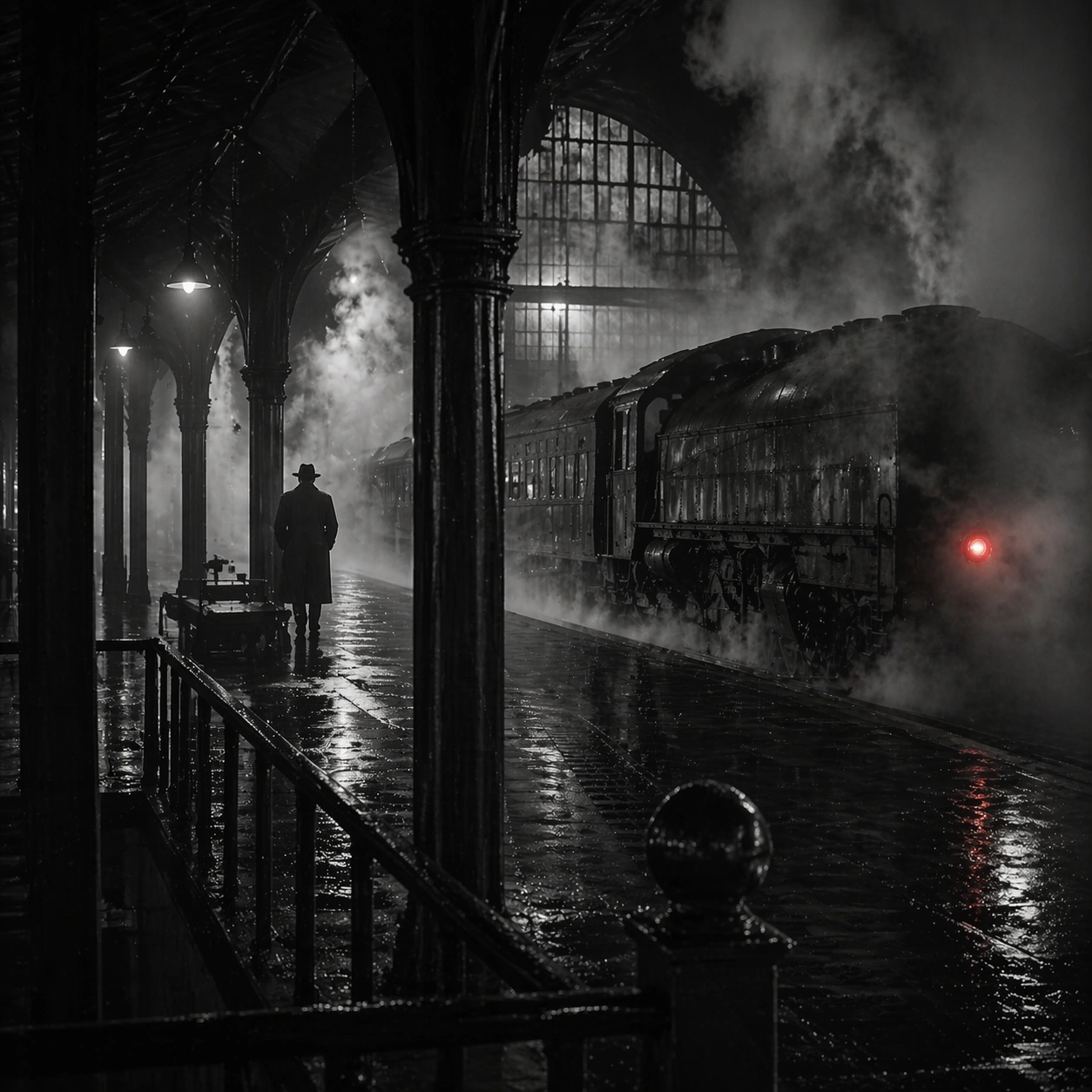
Create a square cinematic still for Steam Engine Station Noir. Use production-grade photoreal lighting, disciplined lens behavior, and a composition that feels like a finished key frame from an original film rather than a casual snapshot. A mid-century rail platform is buried in rolling steam and hard-edged station light, with mostly monochrome tonality, wet pavement, iron structure, and one restrained red tail lamp or signal glowing through the vapor. Shift to an oblique or lateral point of view that reveals different depth layers while staying inside the same place and the same atmospheric event.

Subject:
Build a coherent original scene whose emotional center comes from atmosphere, light physics, and spatial clarity. Avoid relying on celebrity likeness, franchise iconography, or stylized illustration shortcuts. A lone figure in a trench coat, the locomotive mass, steel beams, and layered steam curtains should build the scene, but the person remains anonymous and secondary to the environment and the light-cutting fog. Hold the reference structure, but use the new angle to show secondary planes, foreground interruption, or a changed distance relationship.

Important details:
Preserve a believable physical world with strong depth layering, careful color separation, and premium image discipline. Prioritize steam density layering, wet-surface sheen, noir contrast, and restrained color use, so the image feels like a lost still from a serious black-and-white crime film rather than a cosplay set. The success condition is continuity with the reference plus a richer sense of depth, not a new location or a new lighting system.

Use case:
Steam Station series study 3/9.

Constraints:
No readable text, no watermark, no logos, preserve exact 1:1 aspect ratio, no readable station boards, no crowded commuters, no exaggerated detective props, no pristine modern train design, no bright advertising.
Mode d’emploi
- Copiez le prompt original complet, paramètres compris.
- Adaptez le sujet, le texte et la composition à vos besoins.
- Utilisez un outil externe compatible ; vérifiez l’accès et le résultat.
Avant de commencer
- Vérifiez si une image de référence est nécessaire. La compatibilité ne prouve pas le modèle utilisé pour cet exemple.
- Vérifiez noms, chiffres et textes ; les versions du modèle peuvent produire des résultats différents.