Document original
GPT Image 2 · en
Scene:
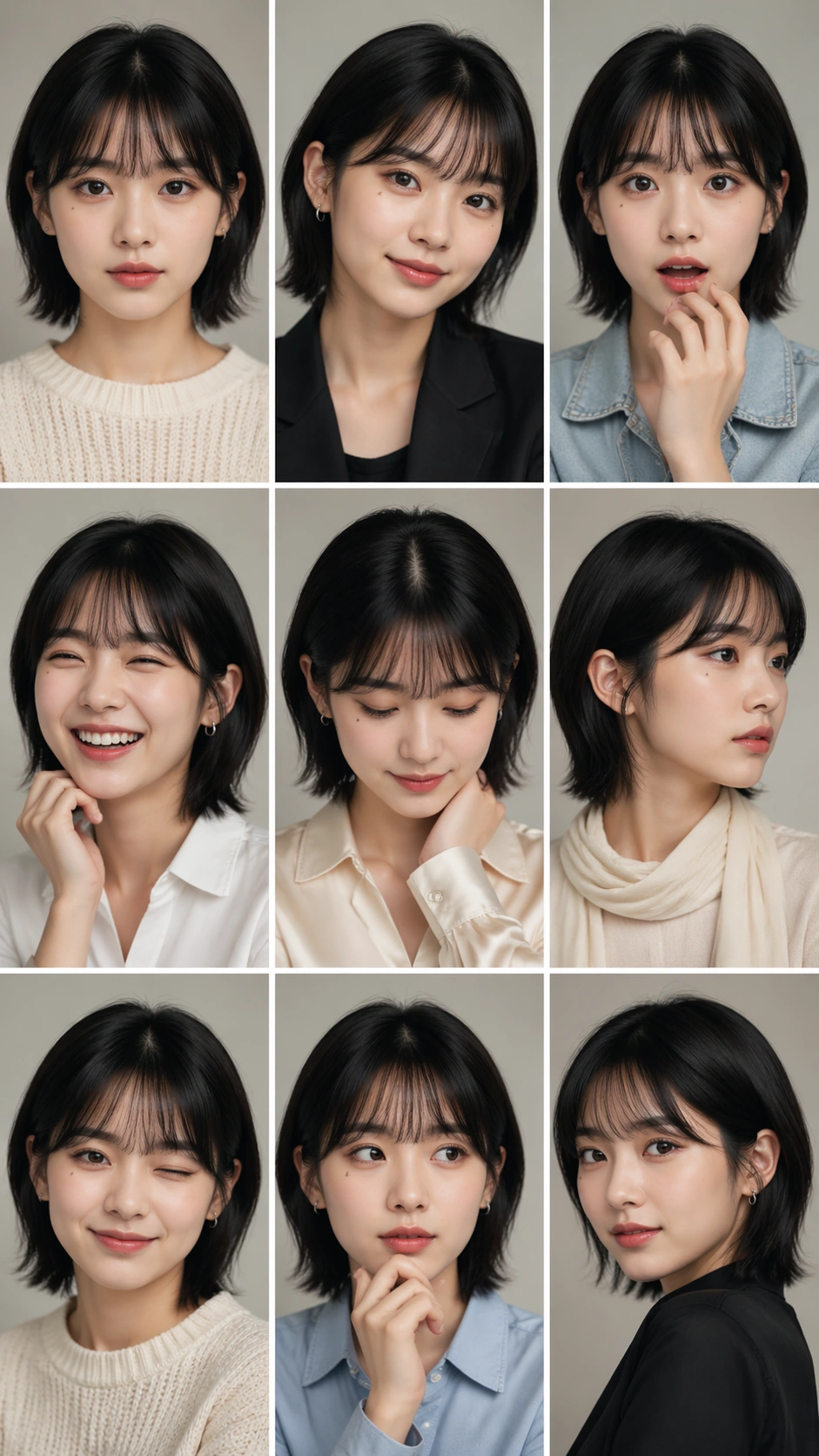
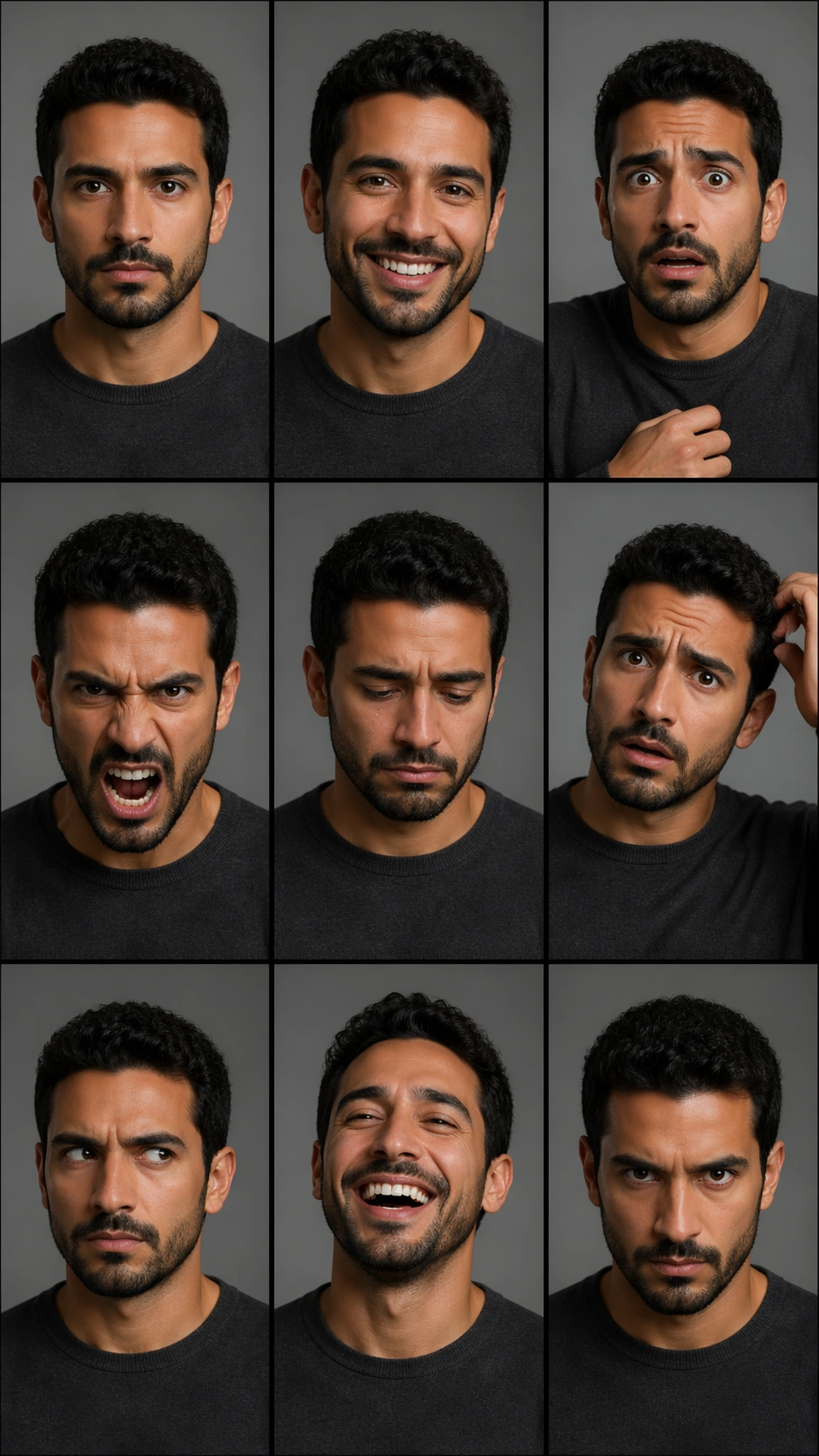
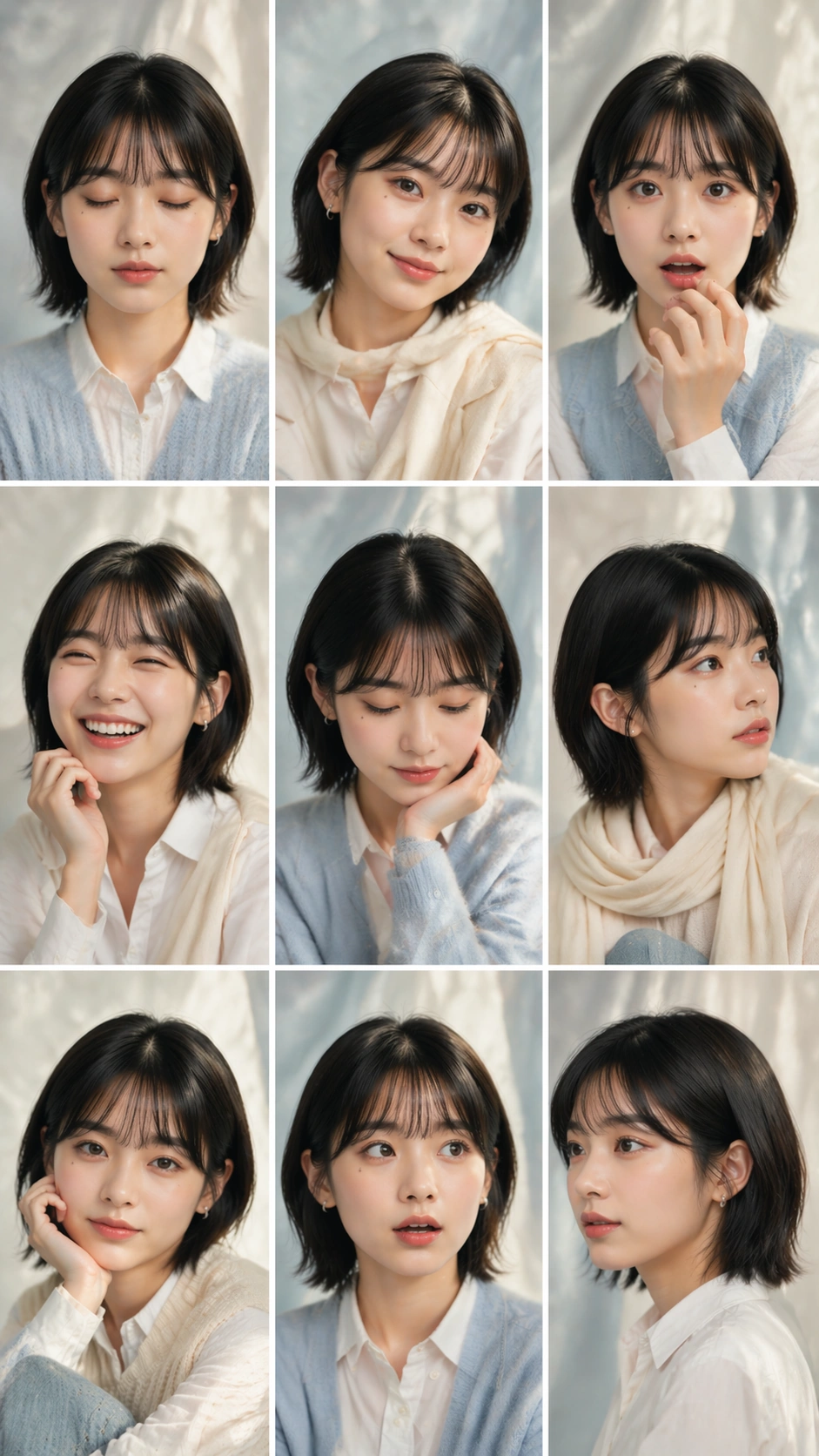
A vertical 9:16 soft album portrait sheet with the same exact 3 by 3 grid geometry as the reference: nine equal cells, thin white gutters, clean edges, no labels, and a quiet editorial rhythm. The background becomes pale cream and powder blue fabric, with diffused window light, gentle film grain, and a calm photobook mood. Every cell should feel like part of one album package rather than nine unrelated snapshots.

Subject:
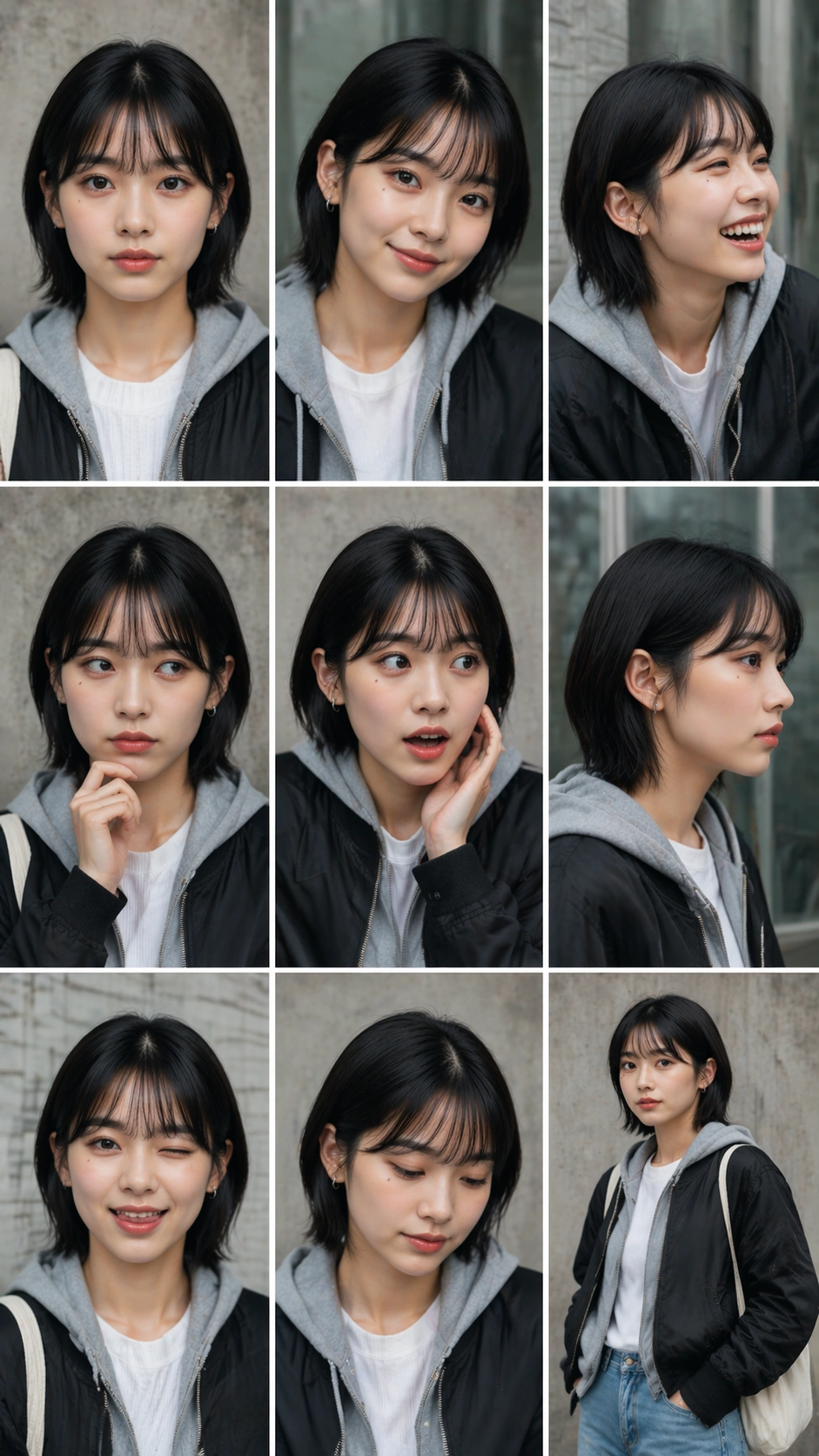
Use the reference image as the primary guide for the same young performer's face, chin-length black hair, soft fringe, dark almond eyes, beauty mark below the left eye, lip shape, and facial proportions. The styling changes to a gentle album concept: white cotton shirt, light blue cardigan, cream scarf, pearl-like stud earring, pale denim, soft knit vest, and simple natural makeup. The nine expressions are sleepy calm, shy smile, wide laughter, quiet sadness, curious raised eyebrow, warm direct gaze, cheek-in-hand thoughtfulness, surprised open eyes, and serene profile.

Important details:
Identity consistency is the main challenge. The viewer must believe every panel shows the same person even as expression, head angle, crop, hand placement, and outfit layers shift. Keep the grid mathematically clean, with all gutters straight and all cells equally sized. Maintain consistent skin tone, eye shape, hair length, and beauty mark placement. Avoid magazine text, sticker decorations, duplicate faces outside the grid, or heavy retouching that erases the subject's stable features.

Use case:
Nine-Expression Portrait Grid series study 3/8, testing reference-based identity consistency in a soft album concept.

Constraints:
No readable text, no watermark, no logos, preserve exact 9:16 vertical aspect ratio, no brand marks, no changed face identity, no extra subjects, no broken cell sizes, no mismatched beauty mark, no distorted hands.
Mode d’emploi
- Copiez le prompt original complet, paramètres compris.
- Adaptez le sujet, le texte et la composition à vos besoins.
- Utilisez un outil externe compatible ; vérifiez l’accès et le résultat.
Avant de commencer
- Vérifiez si une image de référence est nécessaire. La compatibilité ne prouve pas le modèle utilisé pour cet exemple.
- Vérifiez noms, chiffres et textes ; les versions du modèle peuvent produire des résultats différents.